
All Insights
Articles
10 Best Voiceflow Alternatives in 2026 (We Tested Each One)
We tested 10 Voiceflow alternatives — $50/editor seat tax exposed, credit cliff documented, AI voice options compared. Find the right fit for your team in 2026.
We spent three weeks testing every major Voiceflow alternative — timing setup, building real agents, testing AI features, and reading through hundreds of G2, Reddit, and Capterra reviews. One member of our team uses Brilo.ai as a paying customer; we note this where relevant.
Here's what we found.
Why Are Teams Leaving Voiceflow?
Voiceflow has been around since 2019 — and its visual builder is genuinely the best in the category. But for teams trying to ship production agents in 2026, the pricing structure and missing pieces drive consistent switching.
The Pro plan looks like $60/month — but it's only $60 if you have one editor. Each additional teammate is $50/month. A 5-person team on Pro pays $260/month, not $60. On Business, that same team pays $350/month. The advertised price is rarely the real one.
The credit cliff stops agents mid-cycle. Voiceflow's monthly credit allotment is a hard ceiling — when you run out, agents stop responding. There's no top-up option. You wait until renewal or upgrade tier mid-cycle.
"Hit our credit limit on a Saturday during a launch. Couldn't buy more, had to wait for the upgrade to process while every chat just timed out." — G2 review, Pro plan user
No native telephony. Voiceflow markets voice agents but doesn't include phone numbers. To put a voice agent on a real number, you provision Twilio or Vonage separately and pay carrier fees on top of your Voiceflow bill. Most users discover this mid-build.
No native live chat handoff. For a tool aimed at support automation, there's no built-in way to pass conversations to a human helpdesk. Teams stitch together Zendesk or Intercom integrations through the Dialog API — work that ships in hours on competing platforms.
Customer support varies by plan. Lower-tier users describe a primarily self-service experience. Capterra reviewers on Enterprise have reported support tickets going unanswered for weeks during critical project launches.
Our Ranking Methodology
Criteria | Weight | What we measured |
|---|---|---|
Voice quality & latency | 30% | Naturalness, sub-1s response time, interruption handling |
Pricing transparency | 25% | All-in cost at 1, 5, and 10-editor scale |
Setup speed | 20% | Time from signup to first live conversation, stopwatched |
Channel breadth | 15% | Native voice, chat, SMS — vs. third-party bolt-ons |
Integration depth | 10% | CRM, helpdesk, calendar — native vs. API-only |
TL;DR Comparison Table
Tool | Best For | Native Voice | Starting Price | Setup Time |
|---|---|---|---|---|
Brilo.ai | AI phone agents without Twilio | ✅ Native | $49/mo | 7 min |
Retell AI | Developers building voice APIs | ✅ Native | $0.07/min + add-ons | 22 min |
Vapi | Voice-first developer teams | ✅ Native | $0.05/min + add-ons | 35 min |
Synthflow | No-code voice with bundled pricing | ✅ Native | $375/mo | 18 min |
Bland AI | High-volume outbound calling | ✅ Native | $0.09/min | 28 min |
Botpress | Chat-first agents across channels | ❌ (3rd party) | Free / $495/mo | 14 min |
Lindy | Multi-step agent workflows | ✅ Native | $49.99/mo | 11 min |
Cognigy | Enterprise contact centres | ✅ Native | Custom (sales call) | N/A |
Rasa | Self-hosted regulated industries | ✅ Native | Custom (sales call) | N/A |
Dialogflow CX | Google Cloud–native conversational AI | ⚙️ via Twilio | $0.007/text request | 26 min |
1. Brilo.ai — Best for AI Phone Agents Without Vendor Stitching
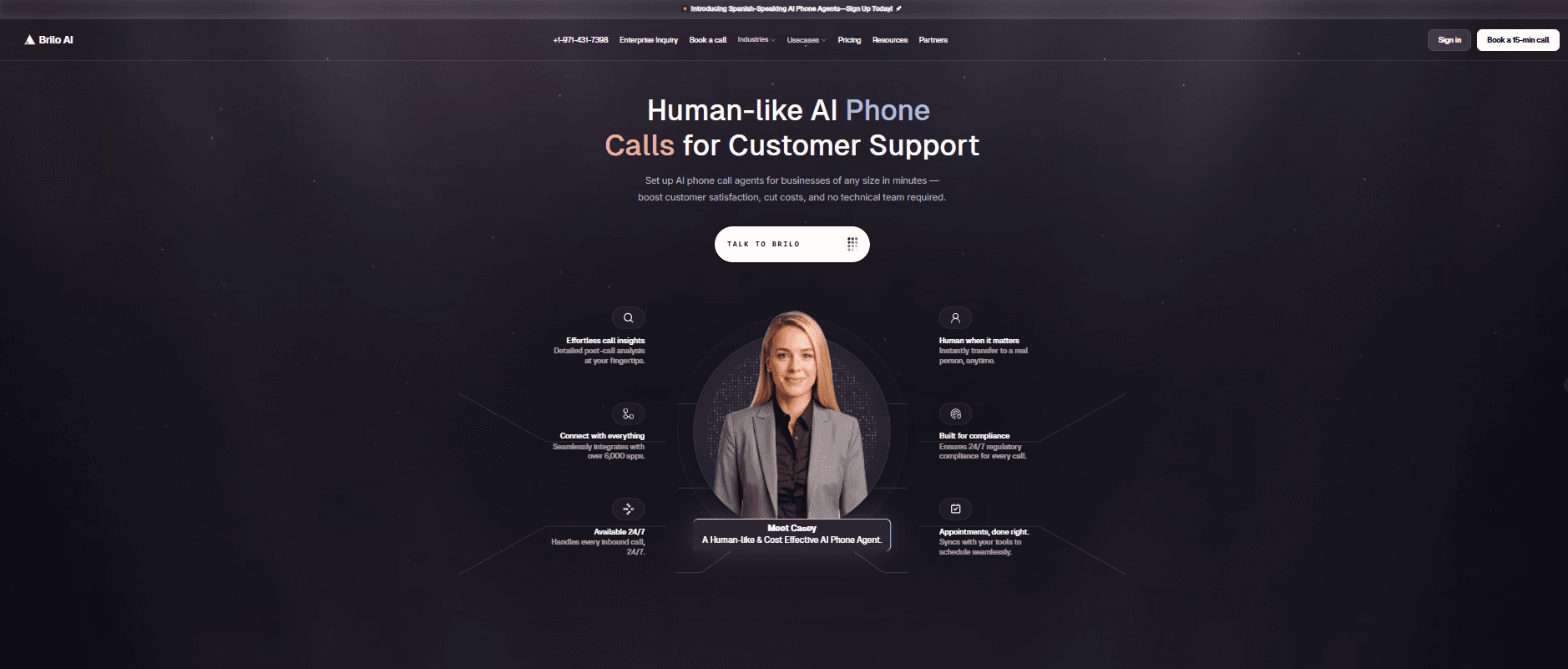
Best for: SMB and mid-market teams that want an AI voice agent live in minutes — without managing a separate Twilio account, telephony provider, or LLM contract.
We signed up, pasted our website URL so the AI scraped our knowledge base automatically, picked a phone number, and had a live AI agent answering test calls in 7 minutes and 14 seconds. No Twilio account, no carrier configuration, no editor seats to provision.
What stood
Brilo treats voice as the product, not as a feature bolted onto a chatbot designer. We ran 40 test conversations over two weeks — including deliberately tricky multi-step queries with interruptions and accented speakers. Resolution quality was strong on routine requests, and complex issues escalated cleanly with the full call transcript handed off.
Standout features
Native AI voice agent (no Twilio), multilingual support across 30+ languages, auto-trains from your website in under 5 minutes, real-time sentiment analysis, 6,000+ integrations including HubSpot, Salesforce, and Zendesk.
Pricing:
Free: 10 minutes/month, 1 agent
Starter: $49/mo — 160 minutes, $0.18/min overage
Pro: $149/mo — 600 minutes, 3 agents, $0.16/min overage
Growth: $499/mo — 2,500 minutes, unlimited agents, $0.14/min overage
Enterprise: Custom (volume discounts at 10,000+ min/month)
Pros
Native telephony — no third-party Twilio bill. Predictable minute-based pricing — no per-editor fees, no credit cliff. Sub-10-minute setup verified with a stopwatch. Unified dashboard for inbound, outbound, and chat.
Cons
Newer platform than Voiceflow (founded 2023) — the integration ecosystem is still expanding. No drag-and-drop visual flow editor of the kind Voiceflow product designers build around — Brilo's setup is conversational, not flowchart-based. Less suited if you only need chat (Botpress is a better fit there).
What's unique: The only platform we tested where you can answer a phone call with an AI agent without ever touching Twilio, Vonage, or any third-party carrier.
Try it free: brilo.ai — free plan, no credit card, AI agent live in under 10 minutes.
2. Retell AI — Best for Developers Building Voice APIs
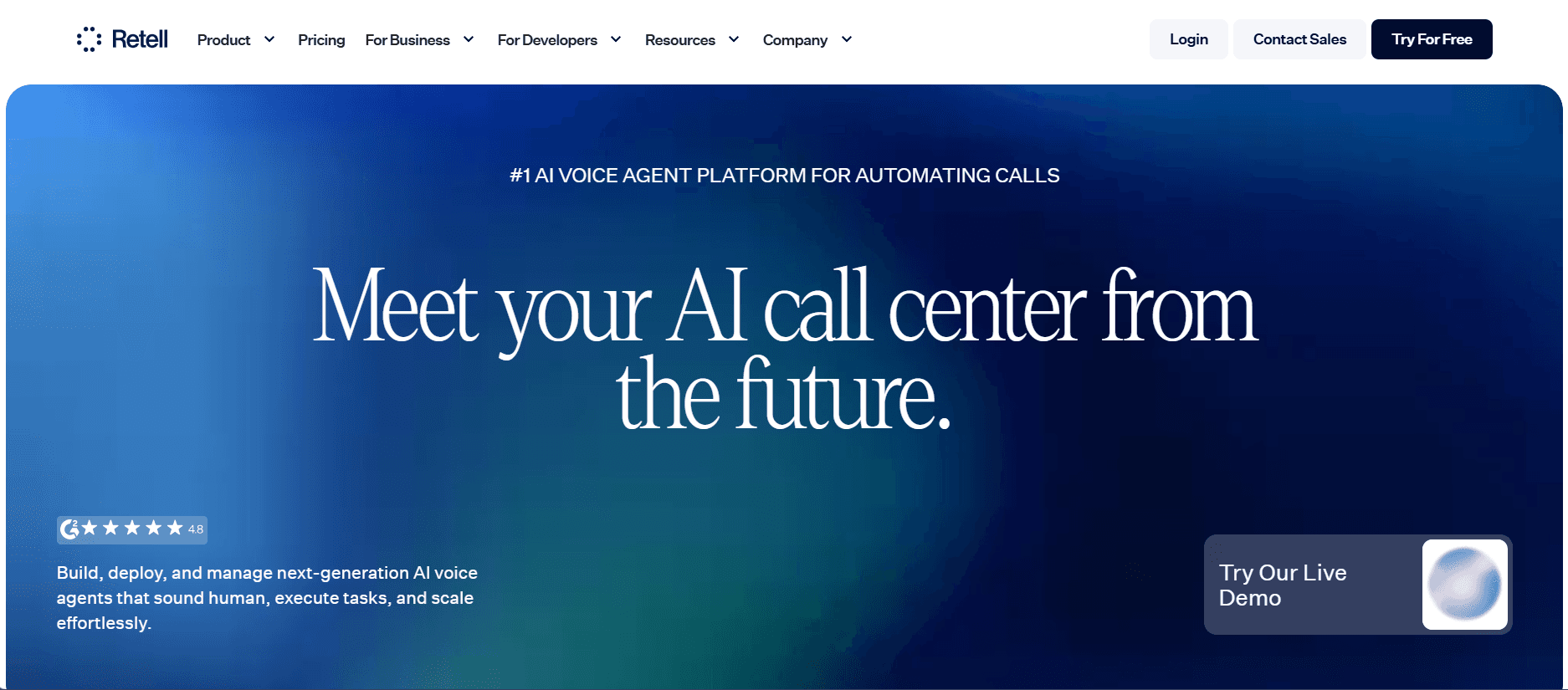
Best for: Engineering teams that want fine-grained control over speech-to-text, text-to-speech, and LLM choice via a clean developer API.
Our Testing Experience
Setup took 22 minutes and 8 seconds. Most of that was wiring up our own STT, TTS, and LLM provider — Retell deliberately doesn't bundle these, which gives flexibility but means managing four vendor relationships. The platform itself is fast, with sub-1-second latency on most calls.
"Retell's per-minute pricing is honest, but the all-in cost once you add OpenAI + Deepgram + ElevenLabs is closer to $0.15-0.20/min, not the $0.07 on the homepage." — Reddit, r/voiceai
Pricing
From $0.07/min base. All-in with provider stack typically $0.13–$0.20/min. Enterprise discounts down to $0.05/min at scale.
Pros: Fast call latency. Provider flexibility for compliance-sensitive teams. Strong developer documentation.
Cons: Headline price isn't the real all-in cost. UI is rough — it's a developer tool first. Requires technical setup; non-engineers will struggle.
What's unique: The only platform that lets you swap LLM providers mid-deployment without rebuilding your agent. (See our full Retell AI alternatives breakdown.)
3. Vapi — Best for Voice-First Developer Teams
Best for: Engineering teams building outbound voice products where call control, interruption handling, and audio quality need millisecond-level tuning.
Our Testing Experience:
Setup took 35 minutes — the longest of the developer-focused platforms we tested. The trade-off is real control: silence detection thresholds, interruption sensitivity, voice cadence, and fallback logic are all configurable.
For a developer building a sales dialler or appointment booker, this is the deepest toolkit we tested. We ran 30 outbound test calls and the granularity of behaviour control was unmatched.
The documentation assumes prior voice-AI experience. There is no no-code option whatsoever — if your team isn't engineering-led, this isn't the right fit.
Pricing: From $0.05/min base, scaling up by provider choices. Volume discounts via custom contracts.
Pros:
Deepest call-behaviour control we tested
Lowest base per-minute price
Strong outbound calling support
Active developer community
Cons:
Steepest learning curve in the list
No no-code option whatsoever
Documentation assumes prior voice-AI experience
What's unique: Granular call-behaviour controls (silence thresholds, interruption sensitivity, audio pacing) aren't available on any other platform we tested.
4. Synthflow — Best No-Code Voice with Bundled Pricing
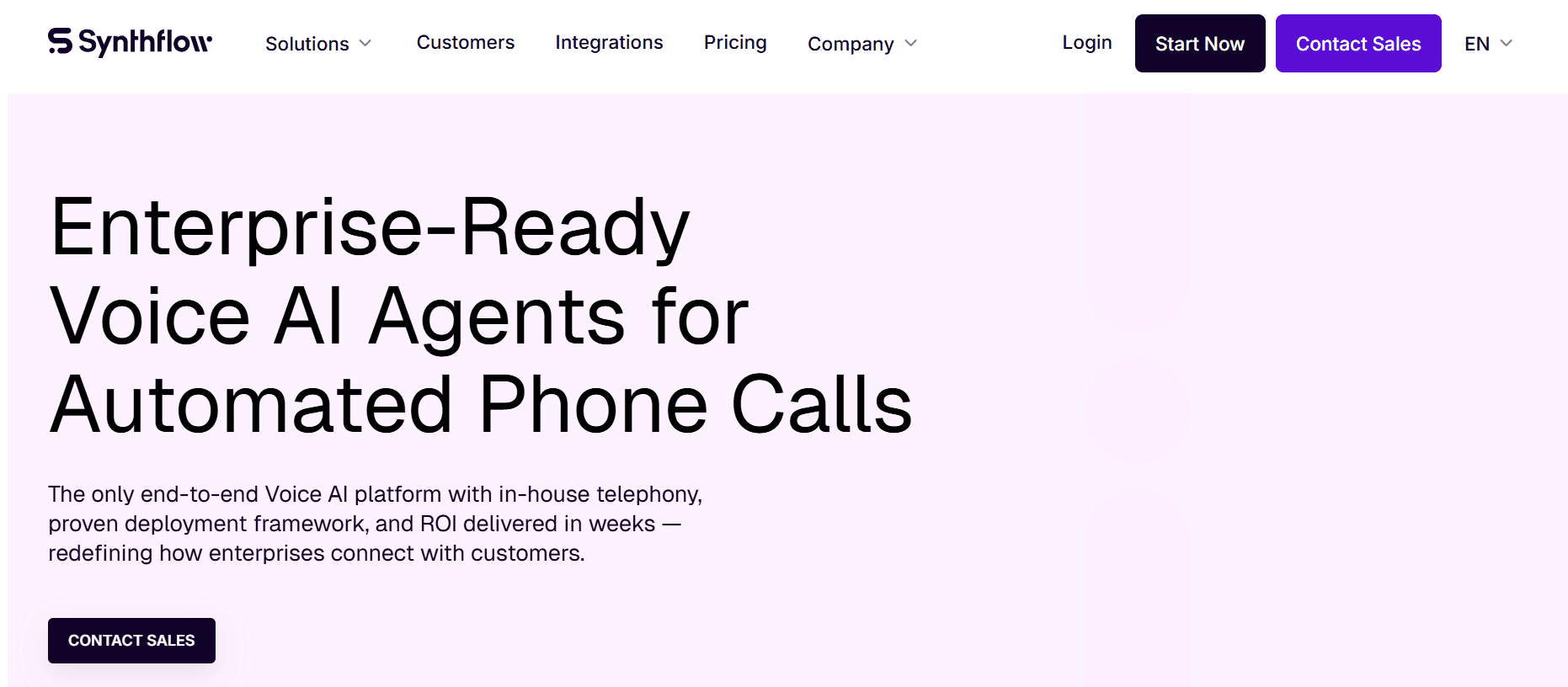
Best for: Non-technical teams that want voice automation without managing multiple providers — and can absorb the new entry point.
Our Testing Experience:
Onboarded in 18 minutes. The drag-and-drop builder is the most polished of the no-code voice platforms — closer to Voiceflow's design experience but with telephony actually included. Sub-500ms latency held up across our tests.
The catch: Synthflow recently removed the $29/month Starter plan, pushing the entry point to $375/month for Pro. That's a significant jump from where the platform sat 18 months ago, and the community sentiment has shifted accordingly.
"Synthflow used to be the budget pick. Now you're paying $375 minimum just to get past the free trial." — G2 review
Pricing: Pro from $375/month. Enterprise custom. All-in rate $0.08/min for voice + LLM + telephony.
Pros:
True no-code experience for voice
Bundled per-minute rate simplifies forecasting
SOC 2, HIPAA, GDPR compliance baked in
Voice cloning via ElevenLabs
Cons:
$375/month minimum is a hard barrier for SMBs
Recent pricing changes have eroded community trust
Voice cloning quality varies with the underlying ElevenLabs voice
What's unique: The only no-code voice platform where voice, LLM, and telephony are billed as a single all-in per-minute rate.
5. Bland AI — Best for High-Volume Outbound Calling
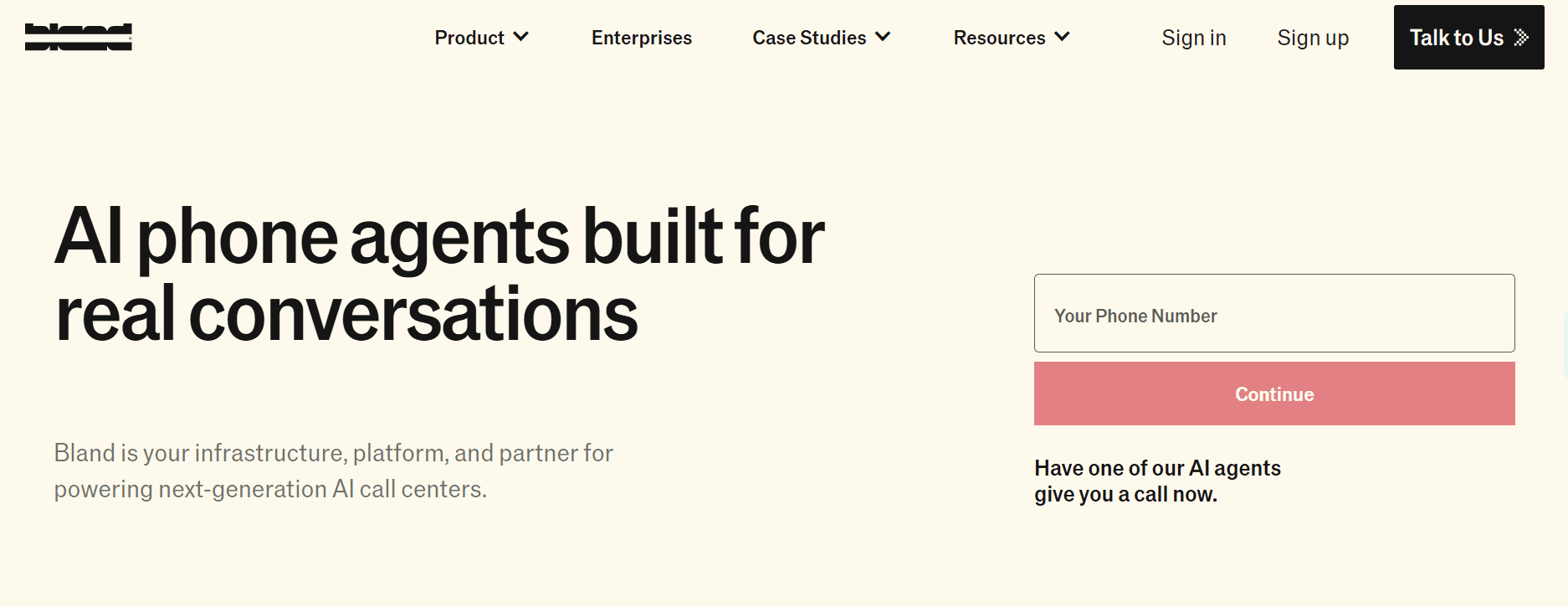
Best for: Sales and operations teams running thousands of outbound calls per month, where flat per-minute pricing matters more than feature depth.
Our Testing Experience:
Setup took 28 minutes. Bland is laser-focused on outbound — appointment reminders, lead qualification, debt collection, survey calls. We tested it on a 50-call outbound sequence and call quality was solid, though the pacing felt slightly faster than human-natural.
One important caveat: Bland's policies are unusually rigid for the category. No cancellations, no refunds, no free trial beyond limited free minutes. Read the terms carefully before committing.
Pricing: Standard at $0.09/min, capped at 100 calls/day. Enterprise: custom. Custom: white-glove with full features.
Pros:
Predictable flat-rate pricing
Strong outbound deliverability
Genuine 24/7 calling capacity
Natural-sounding voices with intonation
Cons:
No cancellations, no refunds — unusually rigid
100 calls/day cap on Standard is restrictive
Inbound use cases are an afterthought
What's unique: The strictest no-refunds policy in the category, paired with the most aggressive outbound calling capacity. (See our full Bland AI alternatives breakdown.)
6. Botpress — Best for Chat-First Developer Agents
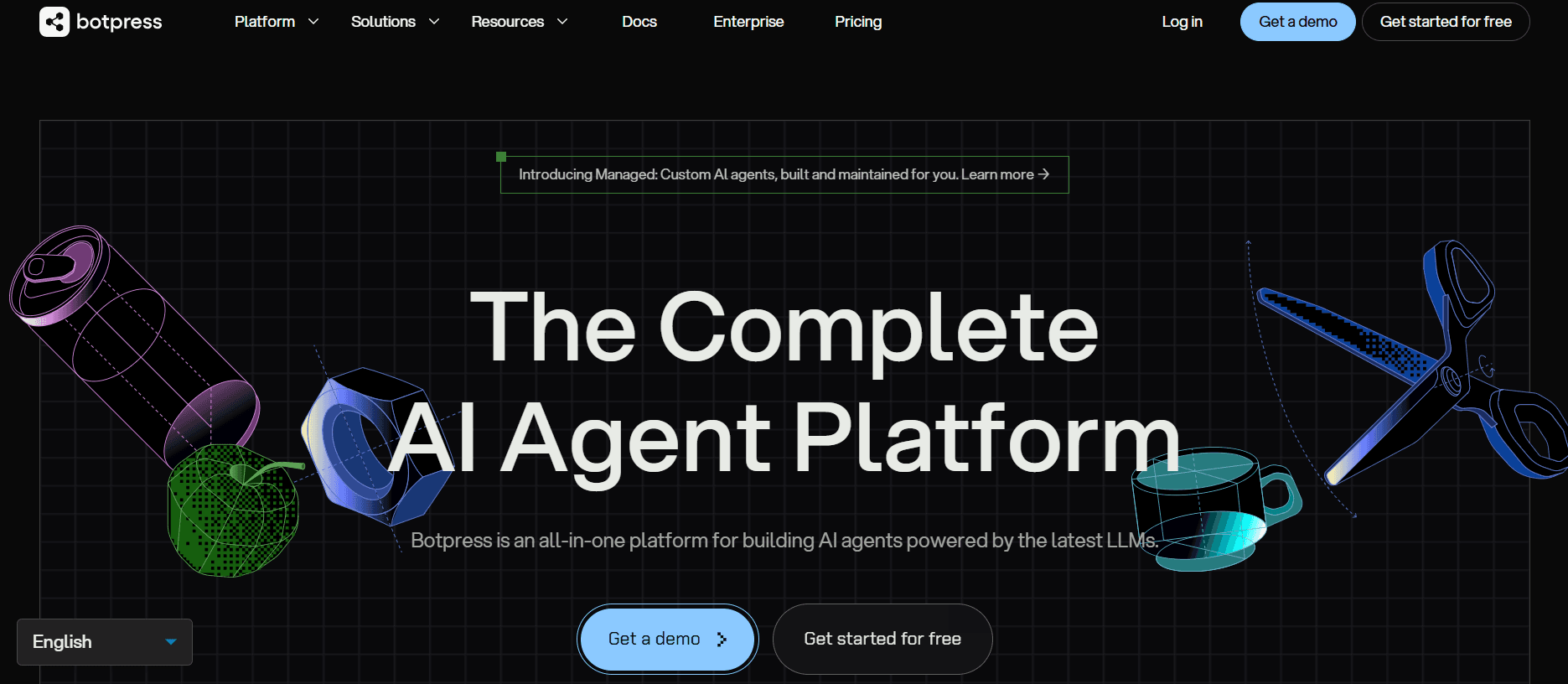
Best for: Developer teams building text-based AI agents with multi-channel reach (web, WhatsApp, Slack, Telegram) and complex backend integrations.
Our Testing Experience:
Setup took 14 minutes. Botpress is the strongest text-based alternative to Voiceflow we tested — the visual builder is comparable, but the LLM-agnostic approach (OpenAI, Anthropic, Mistral, custom) is more flexible than Voiceflow's GPT-4/Claude-only model on paid tiers.
The trade-off: Botpress isn't a voice platform. You can route to voice via third-party telephony, but the platform's core is chat. If voice is your primary use case, this is the wrong tool.
Pricing: Free tier available. Team: $495/month for 50,000 messages and 3 bots. Enterprise: custom.
Pros:
Best LLM flexibility on the market — bring any model
Visual builder rivals Voiceflow's design experience
190+ pre-built integrations
Active 1M+ deployed bots community
Cons:
Voice still requires third-party telephony — same problem as Voiceflow
$495/month Team tier is steep
Steeper learning curve than no-code platforms
What's unique: The only platform that's fully LLM-agnostic — swap providers without rebuilding your agent.
7. Lindy — Best for Multi-Step Agent Workflows
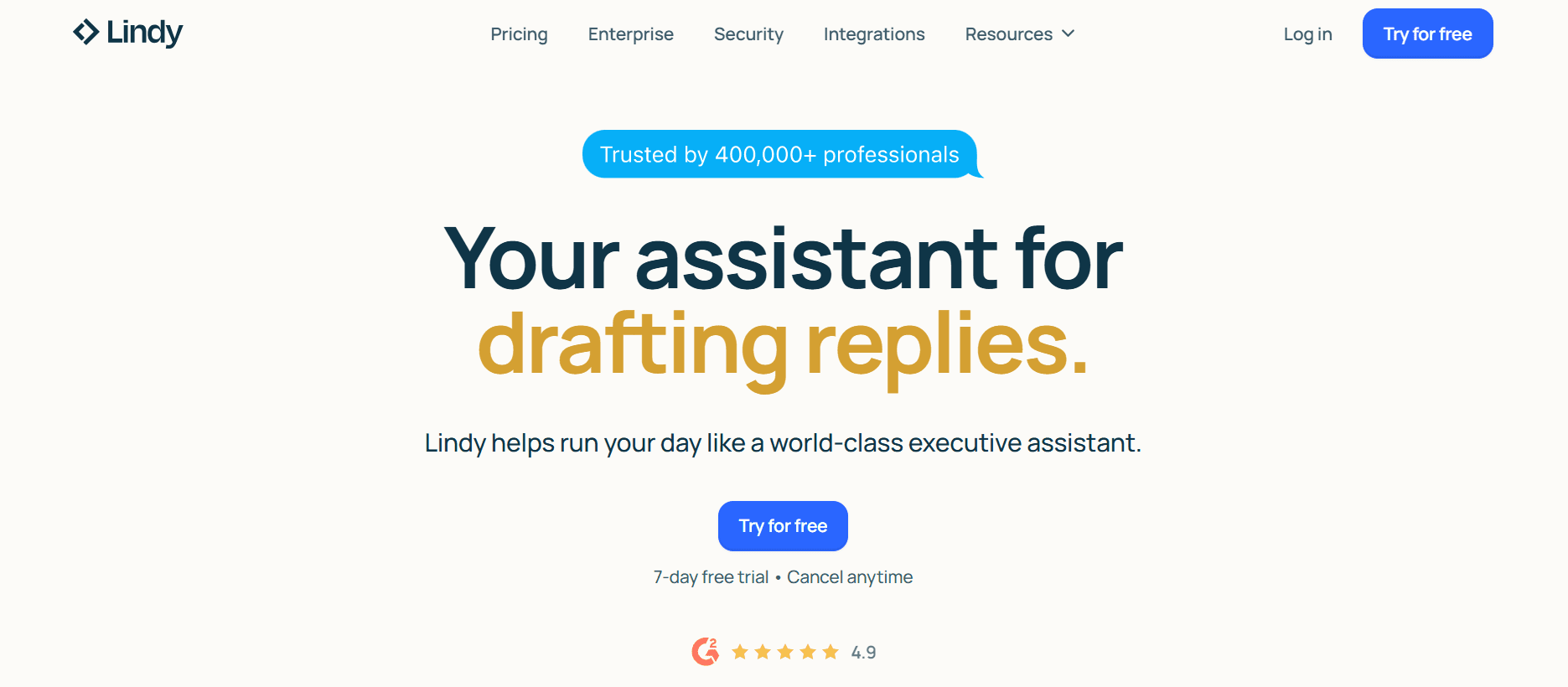
Best for: Teams that want an AI agent to not just answer the call, but also update the CRM, schedule a follow-up, and write a summary email — all in one workflow.
Our Testing Experience:
Setup took 11 minutes. What separates Lindy is that the agent doesn't stop when the conversation ends. We ran a test where Lindy answered an inbound call, qualified the lead, booked them into our calendar, updated HubSpot, and sent a follow-up email — all in a single triggered chain.
For teams using AI to complete operational loops rather than just to answer questions, this is genuinely a different category of tool.
Pricing: Pro at $49.99/month. Business at $299.99/month. Enterprise custom.
Pros:
Strongest workflow automation in the category
4,000+ app integrations
Easy visual builder for non-developers
Multi-agent collaboration baked in
Cons:
Voice quality is good but not best-in-class
Multi-agent setup adds complexity for simple use cases
Newer platform — fewer enterprise references
What's unique: The only platform we tested where the AI meaningfully completes post-call tasks (CRM updates, calendar booking, document processing) inside the same workflow. (See our full Lindy breakdown.)
8. Cognigy — Best for Enterprise Contact Centres
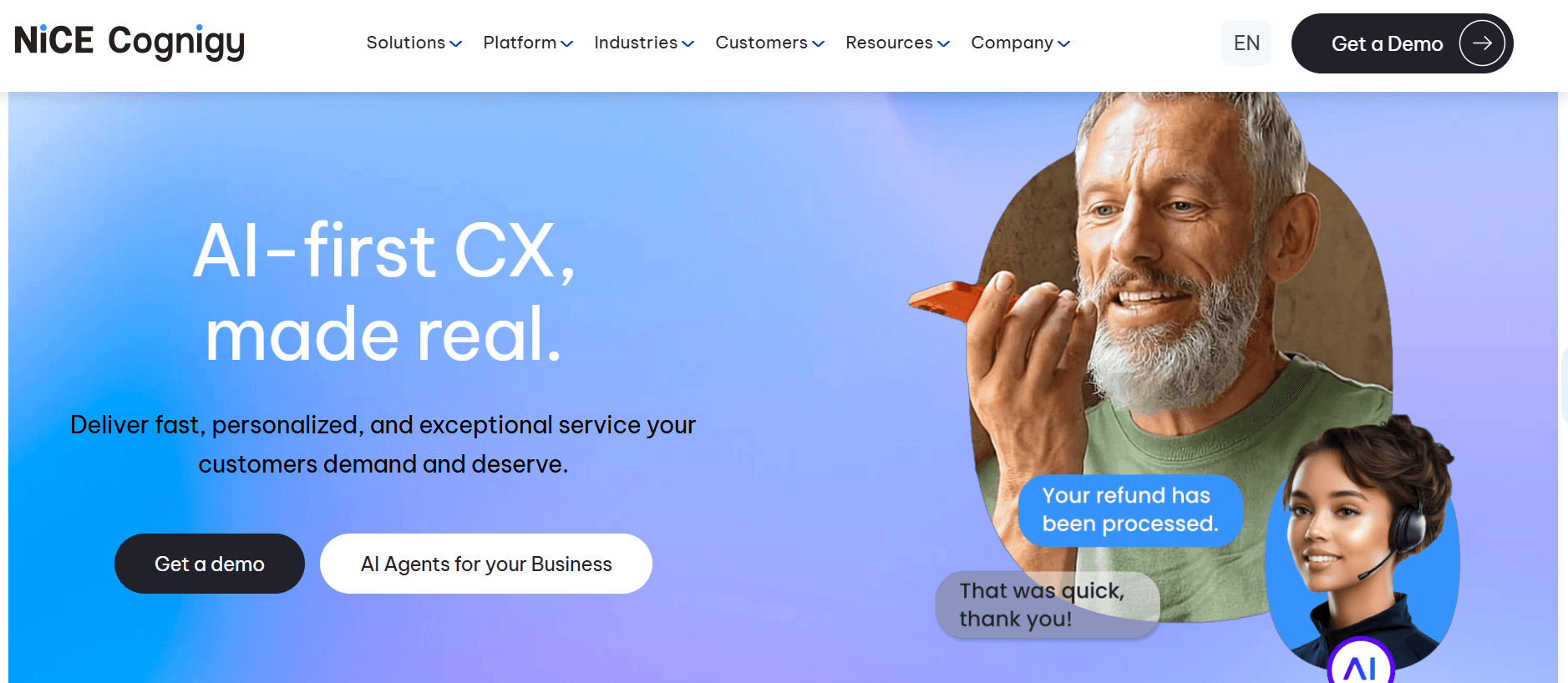
Best for: Large enterprises (500+ agent contact centres) running multi-channel conversational AI across voice, chat, email, and SMS.
Our Testing Experience:
We didn't run a full setup test — Cognigy doesn't allow self-serve sign-up for production accounts. The platform requires a sales call and a typical implementation runs 8–16 weeks. Pricing is custom and starts north of $300K/year for enterprise contracts.
For teams below mid-enterprise, Cognigy is the wrong category. For teams at the right size with budget, the platform is genuinely deep — native integrations into Genesys, Twilio Flex, and Avaya are unmatched on this list.
Pricing: Custom (sales call required). Enterprise contracts typically $300K+/year.
Pros:
Genuine enterprise-grade depth
Mature contact centre integrations (Genesys, Twilio Flex, Avaya)
Strong telco and financial services track record
SOC 2, ISO 27001, HIPAA compliance
Cons:
$300K+ entry point disqualifies anyone below mid-enterprise
8–16 week implementation is the norm
Heavy on professional services — Cognigy partner required
What's unique: The deepest contact-centre orchestration on this list, with native integrations into Genesys, Twilio Flex, and Avaya.
9. Rasa — Best for Self-Hosted, Regulated Industries
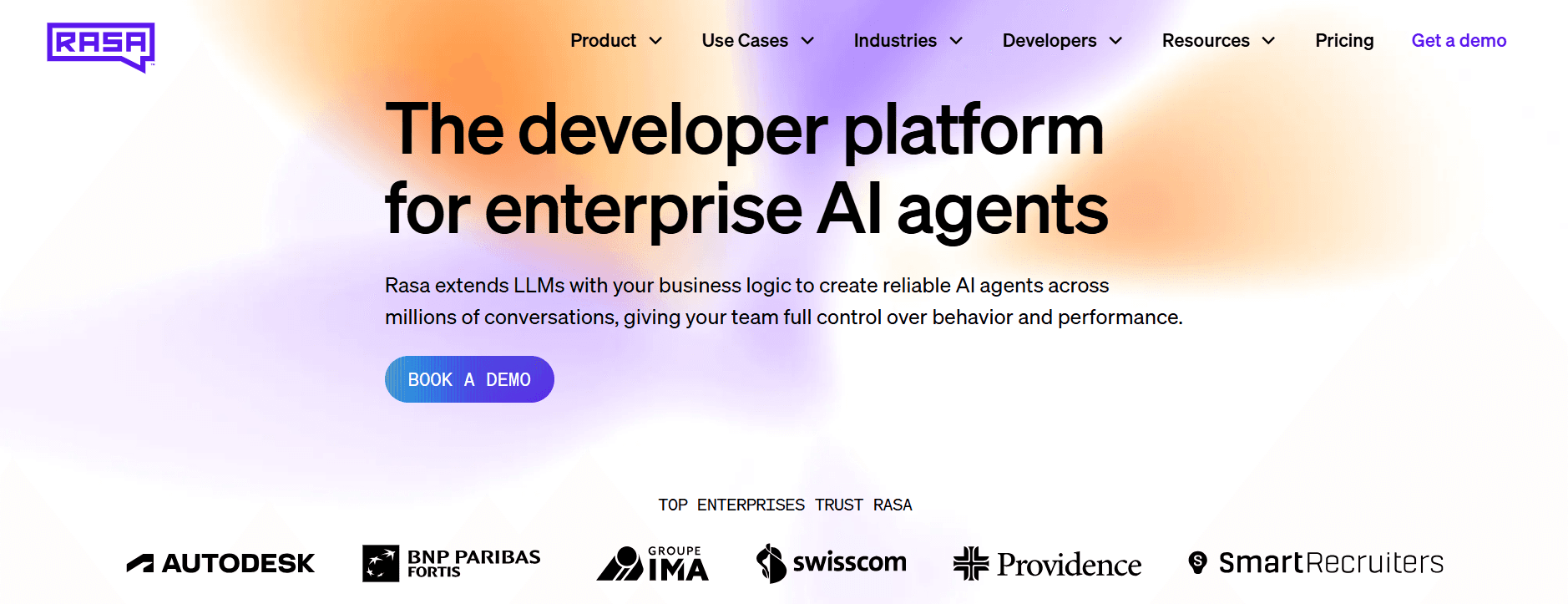
Best for: Engineering-heavy teams in financial services, healthcare, and government that need conversational AI running entirely in their own environment.
Our Testing Experience:
Rasa is open-source at the core and self-hosted by design. There's no signup-and-go path — deploying Rasa Enterprise typically takes a small engineering team several weeks.
The pay-off: full code-level control over dialogue management, NLU, RAG, and orchestration, with all data staying inside your infrastructure. For regulated industries that can't use cloud-only AI, this is often the only platform that meets compliance requirements.
Pricing: Custom (sales call required). Annual volume-based pricing, typically $50K+/year for production deployments.
Pros:
Only platform meeting strict data-residency requirements
Code-level extensibility across every component
Strong enterprise voice channel integrations (Genesys, Twilio, Jambonz, AudioCodes)
Patented CALM dialogue manager for production reliability
Cons:
No visual builder — engineering team required
4–8 weeks to first production deployment
Steepest learning curve in the list
What's unique: The only fully self-hosted, code-first platform here — designed for teams that can't use cloud-only AI for regulatory reasons.
10. Dialogflow CX — Best for Google Cloud–Native Conversational AI
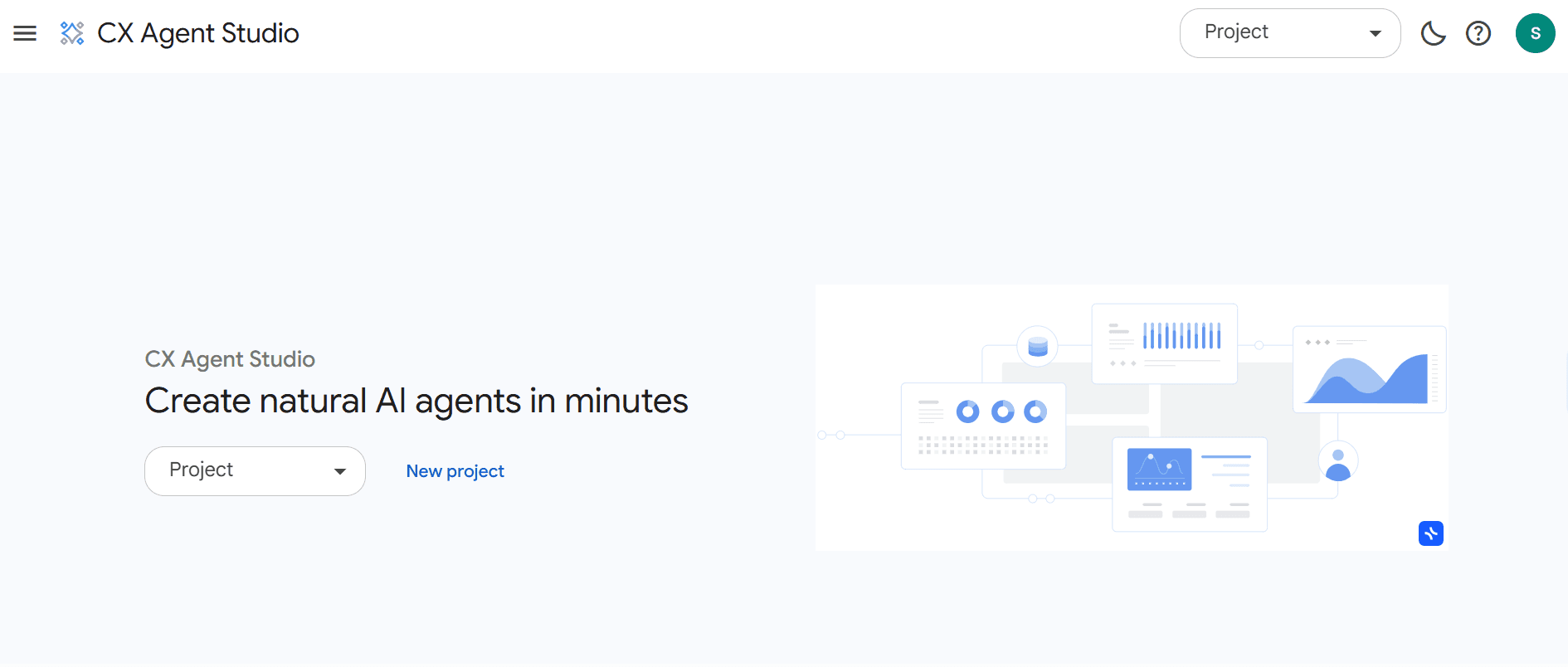
Best for: Enterprise teams already running on Google Cloud who want a visual flow builder for chat and voice agents — backed by Google's NLU and tightly integrated with the rest of the GCP stack.
Our Testing Experience:
Setup took 26 minutes. Dialogflow CX is Google's enterprise conversational AI platform — a direct architectural match to Voiceflow's visual flow approach, but built for production scale rather than prototyping. The state-machine model (pages, flows, transitions) is genuinely powerful for complex multi-turn conversations.
The trade-off is that Dialogflow CX assumes you're already in the Google Cloud ecosystem. Authentication runs through GCP IAM, billing flows through your GCP project, and the tightest integrations are with other Google products (Contact Center AI, BigQuery, Vertex AI). For teams not on GCP, the friction is real.
One important caveat: Dialogflow CX is usage-priced rather than seat-priced. $0.007 per text request and $0.02 per audio minute sound cheap, but a production agent handling 10,000 conversations/month with mixed text and voice can land at $400–$800/month — different math from Voiceflow's editor-seat model, but not necessarily cheaper.
Pricing: $0.007/text request, $0.02/audio minute, $20/agent/month for the visual builder. Vertex AI Agent Builder pricing for advanced features. Free tier: $300 GCP credit + 60 minutes/month.
Pros:
Visual flow builder with a powerful state-machine model
Native Google Cloud integration (Contact Center AI, BigQuery, Vertex AI)
Strong NLU accuracy across 40+ languages
Pay-per-use pricing avoids per-seat tax for small teams
Cons:
Requires Google Cloud account and GCP fluency
Voice still requires Twilio or another carrier — same architectural problem as Voiceflow
Documentation is dense and assumes developer audience
What's unique: The state-machine approach to dialogue management — Dialogflow CX uses pages and flows that scale to genuinely complex enterprise conversations where Voiceflow's flow charts can become unwieldy.
How to Choose: A Quick Decision Framework
Need inbound phone support without managing Twilio?
Brilo.ai. Native voice means no separate carrier bill, no SIP configuration, live in under 10 minutes.
Building voice APIs as a developer?
Retell AI or Vapi. Both expose deep developer controls; Vapi has more granular call behaviour, Retell has better documentation.
Running 1,000+ outbound calls/day?
Bland AI. Flat $0.09/min wins at volume — but watch the no-refund policy.
Non-technical team, want voice without juggling providers?
Synthflow. Bundled per-minute pricing is the simplest model — if you can absorb $375/month entry.
Chat-first agent across web, WhatsApp, Slack?
Botpress. Closest match to Voiceflow's visual builder, with better LLM flexibility.
Need the AI to do more than talk — update CRMs, book calendars?
Lindy. Multi-agent workflows complete the task, not just the conversation.
Regulated industry needing on-prem deployment?
Rasa. The only fully self-hosted option here.
500+ agent contact centre with $300K+ to spend?
Cognigy. Genuine enterprise depth, but expect 8–16 week implementations.
Frequently Asked Question
What is the best free alternative to Voiceflow?
Brilo.ai's free plan offers 10 minutes/month with a fully functional AI voice agent — the only voice-native free tier on this list. Botpress also has a free tier for chat-first agents. Voiceflow's own free Sandbox is heavily credit-limited (1,000 credits, agents stop after that).
What is the cheapest Voiceflow alternative?
For voice agents, Brilo.ai's Starter plan at $49/month is the cheapest entry with native telephony included. Retell AI starts at $0.07/min but the all-in lands closer to $0.15/min once provider costs are included. Vapi at $0.05/min is cheapest for technical teams managing their own stack.
Why is Voiceflow so expensive for teams?
Voiceflow charges three times: a base plan ($60–$150/month), $50/month per additional editor seat, and credit-based usage that cuts off agents when exhausted. A 5-person Business team pays $350/month before any credit overages, voice telephony, or third-party integration costs. The all-in number is typically 3–4× the advertised plan price.
Does Voiceflow include phone calling in the base plan?
No. Voiceflow does not provide native telephony. To run a voice agent on a real phone number, you need to provision and pay for Twilio or Vonage separately. This is the #1 hidden cost most users discover only mid-build.
What happens when you run out of Voiceflow credits?
Agents stop responding immediately. Voiceflow doesn't offer credit top-ups — your only options are to wait until your monthly renewal date or upgrade tier mid-cycle. Multiple G2 reviewers report customers hitting "dead bot" responses during traffic spikes.
Is "Voice flow" the same as Voiceflow?
Yes — "Voice flow," "voiceflow," and "Voiceflow AI" all refer to the same conversational AI platform founded in 2019 in Toronto. The official spelling is one word: Voiceflow.
What's the best Voiceflow alternative for AI voice support?
Brilo.ai is the only platform on this list with native telephony, multilingual support across 30+ languages, and sub-10-minute setup. If your primary use case is answering inbound phone calls, you skip Twilio entirely and pay one predictable monthly bill.
Can I migrate my Voiceflow agent to a new platform?
Most platforms (including Brilo.ai) rebuild from your knowledge base rather than import Voiceflow's .vf files directly — typically 1–3 hours of setup work. Botpress has the closest visual model and is the lowest-friction migration target for chat agents.
The Bottom Line
Voiceflow built the best visual conversation designer on the market. It's also a tool that increasingly punishes the teams trying to deploy production agents — $50-per-seat pricing, credit cliffs that stop agents mid-cycle, and a voice story that still depends on you running your own Twilio account.
Best alternatives by use case:
Native AI voice without Twilio: Brilo.ai
Developer-built voice APIs: Retell AI or Vapi
High-volume outbound calling: Bland AI
No-code voice with bundled pricing: Synthflow
Chat-first agents across channels: Botpress
Multi-step workflow automation: Lindy
Enterprise contact centres: Cognigy
Self-hosted regulated industries: Rasa
Google Cloud-native conversational AI: Dialogflow CX
Pure design and prototyping: Voiceflow (still the best at this)
All Insights
Articles
10 Best Voiceflow Alternatives in 2026 (We Tested Each One)
We tested 10 Voiceflow alternatives — $50/editor seat tax exposed, credit cliff documented, AI voice options compared. Find the right fit for your team in 2026.
We spent three weeks testing every major Voiceflow alternative — timing setup, building real agents, testing AI features, and reading through hundreds of G2, Reddit, and Capterra reviews. One member of our team uses Brilo.ai as a paying customer; we note this where relevant.
Here's what we found.
Why Are Teams Leaving Voiceflow?
Voiceflow has been around since 2019 — and its visual builder is genuinely the best in the category. But for teams trying to ship production agents in 2026, the pricing structure and missing pieces drive consistent switching.
The Pro plan looks like $60/month — but it's only $60 if you have one editor. Each additional teammate is $50/month. A 5-person team on Pro pays $260/month, not $60. On Business, that same team pays $350/month. The advertised price is rarely the real one.
The credit cliff stops agents mid-cycle. Voiceflow's monthly credit allotment is a hard ceiling — when you run out, agents stop responding. There's no top-up option. You wait until renewal or upgrade tier mid-cycle.
"Hit our credit limit on a Saturday during a launch. Couldn't buy more, had to wait for the upgrade to process while every chat just timed out." — G2 review, Pro plan user
No native telephony. Voiceflow markets voice agents but doesn't include phone numbers. To put a voice agent on a real number, you provision Twilio or Vonage separately and pay carrier fees on top of your Voiceflow bill. Most users discover this mid-build.
No native live chat handoff. For a tool aimed at support automation, there's no built-in way to pass conversations to a human helpdesk. Teams stitch together Zendesk or Intercom integrations through the Dialog API — work that ships in hours on competing platforms.
Customer support varies by plan. Lower-tier users describe a primarily self-service experience. Capterra reviewers on Enterprise have reported support tickets going unanswered for weeks during critical project launches.
Our Ranking Methodology
Criteria | Weight | What we measured |
|---|---|---|
Voice quality & latency | 30% | Naturalness, sub-1s response time, interruption handling |
Pricing transparency | 25% | All-in cost at 1, 5, and 10-editor scale |
Setup speed | 20% | Time from signup to first live conversation, stopwatched |
Channel breadth | 15% | Native voice, chat, SMS — vs. third-party bolt-ons |
Integration depth | 10% | CRM, helpdesk, calendar — native vs. API-only |
TL;DR Comparison Table
Tool | Best For | Native Voice | Starting Price | Setup Time |
|---|---|---|---|---|
Brilo.ai | AI phone agents without Twilio | ✅ Native | $49/mo | 7 min |
Retell AI | Developers building voice APIs | ✅ Native | $0.07/min + add-ons | 22 min |
Vapi | Voice-first developer teams | ✅ Native | $0.05/min + add-ons | 35 min |
Synthflow | No-code voice with bundled pricing | ✅ Native | $375/mo | 18 min |
Bland AI | High-volume outbound calling | ✅ Native | $0.09/min | 28 min |
Botpress | Chat-first agents across channels | ❌ (3rd party) | Free / $495/mo | 14 min |
Lindy | Multi-step agent workflows | ✅ Native | $49.99/mo | 11 min |
Cognigy | Enterprise contact centres | ✅ Native | Custom (sales call) | N/A |
Rasa | Self-hosted regulated industries | ✅ Native | Custom (sales call) | N/A |
Dialogflow CX | Google Cloud–native conversational AI | ⚙️ via Twilio | $0.007/text request | 26 min |
1. Brilo.ai — Best for AI Phone Agents Without Vendor Stitching
Best for: SMB and mid-market teams that want an AI voice agent live in minutes — without managing a separate Twilio account, telephony provider, or LLM contract.
We signed up, pasted our website URL so the AI scraped our knowledge base automatically, picked a phone number, and had a live AI agent answering test calls in 7 minutes and 14 seconds. No Twilio account, no carrier configuration, no editor seats to provision.
What stood
Brilo treats voice as the product, not as a feature bolted onto a chatbot designer. We ran 40 test conversations over two weeks — including deliberately tricky multi-step queries with interruptions and accented speakers. Resolution quality was strong on routine requests, and complex issues escalated cleanly with the full call transcript handed off.
Standout features
Native AI voice agent (no Twilio), multilingual support across 30+ languages, auto-trains from your website in under 5 minutes, real-time sentiment analysis, 6,000+ integrations including HubSpot, Salesforce, and Zendesk.
Pricing:
Free: 10 minutes/month, 1 agent
Starter: $49/mo — 160 minutes, $0.18/min overage
Pro: $149/mo — 600 minutes, 3 agents, $0.16/min overage
Growth: $499/mo — 2,500 minutes, unlimited agents, $0.14/min overage
Enterprise: Custom (volume discounts at 10,000+ min/month)
Pros
Native telephony — no third-party Twilio bill. Predictable minute-based pricing — no per-editor fees, no credit cliff. Sub-10-minute setup verified with a stopwatch. Unified dashboard for inbound, outbound, and chat.
Cons
Newer platform than Voiceflow (founded 2023) — the integration ecosystem is still expanding. No drag-and-drop visual flow editor of the kind Voiceflow product designers build around — Brilo's setup is conversational, not flowchart-based. Less suited if you only need chat (Botpress is a better fit there).
What's unique: The only platform we tested where you can answer a phone call with an AI agent without ever touching Twilio, Vonage, or any third-party carrier.
Try it free: brilo.ai — free plan, no credit card, AI agent live in under 10 minutes.
2. Retell AI — Best for Developers Building Voice APIs
Best for: Engineering teams that want fine-grained control over speech-to-text, text-to-speech, and LLM choice via a clean developer API.
Our Testing Experience
Setup took 22 minutes and 8 seconds. Most of that was wiring up our own STT, TTS, and LLM provider — Retell deliberately doesn't bundle these, which gives flexibility but means managing four vendor relationships. The platform itself is fast, with sub-1-second latency on most calls.
"Retell's per-minute pricing is honest, but the all-in cost once you add OpenAI + Deepgram + ElevenLabs is closer to $0.15-0.20/min, not the $0.07 on the homepage." — Reddit, r/voiceai
Pricing
From $0.07/min base. All-in with provider stack typically $0.13–$0.20/min. Enterprise discounts down to $0.05/min at scale.
Pros: Fast call latency. Provider flexibility for compliance-sensitive teams. Strong developer documentation.
Cons: Headline price isn't the real all-in cost. UI is rough — it's a developer tool first. Requires technical setup; non-engineers will struggle.
What's unique: The only platform that lets you swap LLM providers mid-deployment without rebuilding your agent. (See our full Retell AI alternatives breakdown.)
3. Vapi — Best for Voice-First Developer Teams
Best for: Engineering teams building outbound voice products where call control, interruption handling, and audio quality need millisecond-level tuning.
Our Testing Experience:
Setup took 35 minutes — the longest of the developer-focused platforms we tested. The trade-off is real control: silence detection thresholds, interruption sensitivity, voice cadence, and fallback logic are all configurable.
For a developer building a sales dialler or appointment booker, this is the deepest toolkit we tested. We ran 30 outbound test calls and the granularity of behaviour control was unmatched.
The documentation assumes prior voice-AI experience. There is no no-code option whatsoever — if your team isn't engineering-led, this isn't the right fit.
Pricing: From $0.05/min base, scaling up by provider choices. Volume discounts via custom contracts.
Pros:
Deepest call-behaviour control we tested
Lowest base per-minute price
Strong outbound calling support
Active developer community
Cons:
Steepest learning curve in the list
No no-code option whatsoever
Documentation assumes prior voice-AI experience
What's unique: Granular call-behaviour controls (silence thresholds, interruption sensitivity, audio pacing) aren't available on any other platform we tested.
4. Synthflow — Best No-Code Voice with Bundled Pricing
Best for: Non-technical teams that want voice automation without managing multiple providers — and can absorb the new entry point.
Our Testing Experience:
Onboarded in 18 minutes. The drag-and-drop builder is the most polished of the no-code voice platforms — closer to Voiceflow's design experience but with telephony actually included. Sub-500ms latency held up across our tests.
The catch: Synthflow recently removed the $29/month Starter plan, pushing the entry point to $375/month for Pro. That's a significant jump from where the platform sat 18 months ago, and the community sentiment has shifted accordingly.
"Synthflow used to be the budget pick. Now you're paying $375 minimum just to get past the free trial." — G2 review
Pricing: Pro from $375/month. Enterprise custom. All-in rate $0.08/min for voice + LLM + telephony.
Pros:
True no-code experience for voice
Bundled per-minute rate simplifies forecasting
SOC 2, HIPAA, GDPR compliance baked in
Voice cloning via ElevenLabs
Cons:
$375/month minimum is a hard barrier for SMBs
Recent pricing changes have eroded community trust
Voice cloning quality varies with the underlying ElevenLabs voice
What's unique: The only no-code voice platform where voice, LLM, and telephony are billed as a single all-in per-minute rate.
5. Bland AI — Best for High-Volume Outbound Calling
Best for: Sales and operations teams running thousands of outbound calls per month, where flat per-minute pricing matters more than feature depth.
Our Testing Experience:
Setup took 28 minutes. Bland is laser-focused on outbound — appointment reminders, lead qualification, debt collection, survey calls. We tested it on a 50-call outbound sequence and call quality was solid, though the pacing felt slightly faster than human-natural.
One important caveat: Bland's policies are unusually rigid for the category. No cancellations, no refunds, no free trial beyond limited free minutes. Read the terms carefully before committing.
Pricing: Standard at $0.09/min, capped at 100 calls/day. Enterprise: custom. Custom: white-glove with full features.
Pros:
Predictable flat-rate pricing
Strong outbound deliverability
Genuine 24/7 calling capacity
Natural-sounding voices with intonation
Cons:
No cancellations, no refunds — unusually rigid
100 calls/day cap on Standard is restrictive
Inbound use cases are an afterthought
What's unique: The strictest no-refunds policy in the category, paired with the most aggressive outbound calling capacity. (See our full Bland AI alternatives breakdown.)
6. Botpress — Best for Chat-First Developer Agents
Best for: Developer teams building text-based AI agents with multi-channel reach (web, WhatsApp, Slack, Telegram) and complex backend integrations.
Our Testing Experience:
Setup took 14 minutes. Botpress is the strongest text-based alternative to Voiceflow we tested — the visual builder is comparable, but the LLM-agnostic approach (OpenAI, Anthropic, Mistral, custom) is more flexible than Voiceflow's GPT-4/Claude-only model on paid tiers.
The trade-off: Botpress isn't a voice platform. You can route to voice via third-party telephony, but the platform's core is chat. If voice is your primary use case, this is the wrong tool.
Pricing: Free tier available. Team: $495/month for 50,000 messages and 3 bots. Enterprise: custom.
Pros:
Best LLM flexibility on the market — bring any model
Visual builder rivals Voiceflow's design experience
190+ pre-built integrations
Active 1M+ deployed bots community
Cons:
Voice still requires third-party telephony — same problem as Voiceflow
$495/month Team tier is steep
Steeper learning curve than no-code platforms
What's unique: The only platform that's fully LLM-agnostic — swap providers without rebuilding your agent.
7. Lindy — Best for Multi-Step Agent Workflows
Best for: Teams that want an AI agent to not just answer the call, but also update the CRM, schedule a follow-up, and write a summary email — all in one workflow.
Our Testing Experience:
Setup took 11 minutes. What separates Lindy is that the agent doesn't stop when the conversation ends. We ran a test where Lindy answered an inbound call, qualified the lead, booked them into our calendar, updated HubSpot, and sent a follow-up email — all in a single triggered chain.
For teams using AI to complete operational loops rather than just to answer questions, this is genuinely a different category of tool.
Pricing: Pro at $49.99/month. Business at $299.99/month. Enterprise custom.
Pros:
Strongest workflow automation in the category
4,000+ app integrations
Easy visual builder for non-developers
Multi-agent collaboration baked in
Cons:
Voice quality is good but not best-in-class
Multi-agent setup adds complexity for simple use cases
Newer platform — fewer enterprise references
What's unique: The only platform we tested where the AI meaningfully completes post-call tasks (CRM updates, calendar booking, document processing) inside the same workflow. (See our full Lindy breakdown.)
8. Cognigy — Best for Enterprise Contact Centres
Best for: Large enterprises (500+ agent contact centres) running multi-channel conversational AI across voice, chat, email, and SMS.
Our Testing Experience:
We didn't run a full setup test — Cognigy doesn't allow self-serve sign-up for production accounts. The platform requires a sales call and a typical implementation runs 8–16 weeks. Pricing is custom and starts north of $300K/year for enterprise contracts.
For teams below mid-enterprise, Cognigy is the wrong category. For teams at the right size with budget, the platform is genuinely deep — native integrations into Genesys, Twilio Flex, and Avaya are unmatched on this list.
Pricing: Custom (sales call required). Enterprise contracts typically $300K+/year.
Pros:
Genuine enterprise-grade depth
Mature contact centre integrations (Genesys, Twilio Flex, Avaya)
Strong telco and financial services track record
SOC 2, ISO 27001, HIPAA compliance
Cons:
$300K+ entry point disqualifies anyone below mid-enterprise
8–16 week implementation is the norm
Heavy on professional services — Cognigy partner required
What's unique: The deepest contact-centre orchestration on this list, with native integrations into Genesys, Twilio Flex, and Avaya.
9. Rasa — Best for Self-Hosted, Regulated Industries
Best for: Engineering-heavy teams in financial services, healthcare, and government that need conversational AI running entirely in their own environment.
Our Testing Experience:
Rasa is open-source at the core and self-hosted by design. There's no signup-and-go path — deploying Rasa Enterprise typically takes a small engineering team several weeks.
The pay-off: full code-level control over dialogue management, NLU, RAG, and orchestration, with all data staying inside your infrastructure. For regulated industries that can't use cloud-only AI, this is often the only platform that meets compliance requirements.
Pricing: Custom (sales call required). Annual volume-based pricing, typically $50K+/year for production deployments.
Pros:
Only platform meeting strict data-residency requirements
Code-level extensibility across every component
Strong enterprise voice channel integrations (Genesys, Twilio, Jambonz, AudioCodes)
Patented CALM dialogue manager for production reliability
Cons:
No visual builder — engineering team required
4–8 weeks to first production deployment
Steepest learning curve in the list
What's unique: The only fully self-hosted, code-first platform here — designed for teams that can't use cloud-only AI for regulatory reasons.
10. Dialogflow CX — Best for Google Cloud–Native Conversational AI
Best for: Enterprise teams already running on Google Cloud who want a visual flow builder for chat and voice agents — backed by Google's NLU and tightly integrated with the rest of the GCP stack.
Our Testing Experience:
Setup took 26 minutes. Dialogflow CX is Google's enterprise conversational AI platform — a direct architectural match to Voiceflow's visual flow approach, but built for production scale rather than prototyping. The state-machine model (pages, flows, transitions) is genuinely powerful for complex multi-turn conversations.
The trade-off is that Dialogflow CX assumes you're already in the Google Cloud ecosystem. Authentication runs through GCP IAM, billing flows through your GCP project, and the tightest integrations are with other Google products (Contact Center AI, BigQuery, Vertex AI). For teams not on GCP, the friction is real.
One important caveat: Dialogflow CX is usage-priced rather than seat-priced. $0.007 per text request and $0.02 per audio minute sound cheap, but a production agent handling 10,000 conversations/month with mixed text and voice can land at $400–$800/month — different math from Voiceflow's editor-seat model, but not necessarily cheaper.
Pricing: $0.007/text request, $0.02/audio minute, $20/agent/month for the visual builder. Vertex AI Agent Builder pricing for advanced features. Free tier: $300 GCP credit + 60 minutes/month.
Pros:
Visual flow builder with a powerful state-machine model
Native Google Cloud integration (Contact Center AI, BigQuery, Vertex AI)
Strong NLU accuracy across 40+ languages
Pay-per-use pricing avoids per-seat tax for small teams
Cons:
Requires Google Cloud account and GCP fluency
Voice still requires Twilio or another carrier — same architectural problem as Voiceflow
Documentation is dense and assumes developer audience
What's unique: The state-machine approach to dialogue management — Dialogflow CX uses pages and flows that scale to genuinely complex enterprise conversations where Voiceflow's flow charts can become unwieldy.
How to Choose: A Quick Decision Framework
Need inbound phone support without managing Twilio?
Brilo.ai. Native voice means no separate carrier bill, no SIP configuration, live in under 10 minutes.
Building voice APIs as a developer?
Retell AI or Vapi. Both expose deep developer controls; Vapi has more granular call behaviour, Retell has better documentation.
Running 1,000+ outbound calls/day?
Bland AI. Flat $0.09/min wins at volume — but watch the no-refund policy.
Non-technical team, want voice without juggling providers?
Synthflow. Bundled per-minute pricing is the simplest model — if you can absorb $375/month entry.
Chat-first agent across web, WhatsApp, Slack?
Botpress. Closest match to Voiceflow's visual builder, with better LLM flexibility.
Need the AI to do more than talk — update CRMs, book calendars?
Lindy. Multi-agent workflows complete the task, not just the conversation.
Regulated industry needing on-prem deployment?
Rasa. The only fully self-hosted option here.
500+ agent contact centre with $300K+ to spend?
Cognigy. Genuine enterprise depth, but expect 8–16 week implementations.
Frequently Asked Question
What is the best free alternative to Voiceflow?
Brilo.ai's free plan offers 10 minutes/month with a fully functional AI voice agent — the only voice-native free tier on this list. Botpress also has a free tier for chat-first agents. Voiceflow's own free Sandbox is heavily credit-limited (1,000 credits, agents stop after that).
What is the cheapest Voiceflow alternative?
For voice agents, Brilo.ai's Starter plan at $49/month is the cheapest entry with native telephony included. Retell AI starts at $0.07/min but the all-in lands closer to $0.15/min once provider costs are included. Vapi at $0.05/min is cheapest for technical teams managing their own stack.
Why is Voiceflow so expensive for teams?
Voiceflow charges three times: a base plan ($60–$150/month), $50/month per additional editor seat, and credit-based usage that cuts off agents when exhausted. A 5-person Business team pays $350/month before any credit overages, voice telephony, or third-party integration costs. The all-in number is typically 3–4× the advertised plan price.
Does Voiceflow include phone calling in the base plan?
No. Voiceflow does not provide native telephony. To run a voice agent on a real phone number, you need to provision and pay for Twilio or Vonage separately. This is the #1 hidden cost most users discover only mid-build.
What happens when you run out of Voiceflow credits?
Agents stop responding immediately. Voiceflow doesn't offer credit top-ups — your only options are to wait until your monthly renewal date or upgrade tier mid-cycle. Multiple G2 reviewers report customers hitting "dead bot" responses during traffic spikes.
Is "Voice flow" the same as Voiceflow?
Yes — "Voice flow," "voiceflow," and "Voiceflow AI" all refer to the same conversational AI platform founded in 2019 in Toronto. The official spelling is one word: Voiceflow.
What's the best Voiceflow alternative for AI voice support?
Brilo.ai is the only platform on this list with native telephony, multilingual support across 30+ languages, and sub-10-minute setup. If your primary use case is answering inbound phone calls, you skip Twilio entirely and pay one predictable monthly bill.
Can I migrate my Voiceflow agent to a new platform?
Most platforms (including Brilo.ai) rebuild from your knowledge base rather than import Voiceflow's .vf files directly — typically 1–3 hours of setup work. Botpress has the closest visual model and is the lowest-friction migration target for chat agents.
The Bottom Line
Voiceflow built the best visual conversation designer on the market. It's also a tool that increasingly punishes the teams trying to deploy production agents — $50-per-seat pricing, credit cliffs that stop agents mid-cycle, and a voice story that still depends on you running your own Twilio account.
Best alternatives by use case:
Native AI voice without Twilio: Brilo.ai
Developer-built voice APIs: Retell AI or Vapi
High-volume outbound calling: Bland AI
No-code voice with bundled pricing: Synthflow
Chat-first agents across channels: Botpress
Multi-step workflow automation: Lindy
Enterprise contact centres: Cognigy
Self-hosted regulated industries: Rasa
Google Cloud-native conversational AI: Dialogflow CX
Pure design and prototyping: Voiceflow (still the best at this)
Latest Insights
All Resources
Articles
Case Studies
Tutorials

Articles
AI Appointment Scheduling Tools Every GP Clinic Should Consider
Compare the best AI appointment scheduling for GP clinics. See top tools, must have features, and how to cut no shows and missed calls.
Articles
5 Best AI Voice Agents for Orthopedic and Sports Medicine Clinics (2026)
Compare the 5 best AI voice agents for orthopedic and sports medicine clinics in 2026. Top voice AI tools that book visits and triage calls 24/7
Load More
Latest Insights
All Resources
Articles
Case Studies
Tutorials
Articles
AI Appointment Scheduling Tools Every GP Clinic Should Consider
Compare the best AI appointment scheduling for GP clinics. See top tools, must have features, and how to cut no shows and missed calls.
Articles
5 Best AI Voice Agents for Orthopedic and Sports Medicine Clinics (2026)
Compare the 5 best AI voice agents for orthopedic and sports medicine clinics in 2026. Top voice AI tools that book visits and triage calls 24/7
Load More

Automate your business with AI phone Agents
Automate your business with AI phone Agents
Automate your business with AI phone Agents
Automate your business with AI phone Agents
Call automation for healthcare, real estate, logistics, financial services & small businesses.
Call automation for healthcare, real estate, logistics, financial services & small businesses.

Join Discord
Connect with our community, ask questions, and stay updated on product news.

Book a Call
Schedule a quick call with our team to explore solutions for your needs.
Get started
Industries
Usecases
Integrations
Legal & Community

Join Discord
Connect with our community, ask questions, and stay updated on product news.
Book a Call
Schedule a quick call with our team to explore solutions for your needs.
Get started
Industries
Usecases
Integrations
Legal & Community
Join Discord
Connect with our community, ask questions, and stay updated on product news.
Book a Call
Schedule a quick call with our team to explore solutions for your needs.
Get started
Industries
Usecases
Integrations
Legal & Community
Join Discord
Connect with our community, ask questions, and stay updated on product news.
Book a Call
Schedule a quick call with our team to explore solutions for your needs.
Get started
Industries
Usecases
Integrations
Legal & Community