
All Insights
Articles
The 10 Best osTicket Alternatives in 2026 (We Tested Each One)
We tested 10 osTicket alternatives — 2000s UI exposed, 40-hour install times documented, AI options compared. Find the right fit for your team in 2026.





We spent three weeks testing every major osTicket alternative — timing setup, running real tickets, comparing self-hosted to cloud deployments, and reading through hundreds of G2, Reddit, and Capterra reviews. One member of our team uses Brilo.ai as a paying customer; we note this where relevant.
Here's what we found.
Why Are Support Teams Leaving osTicket?
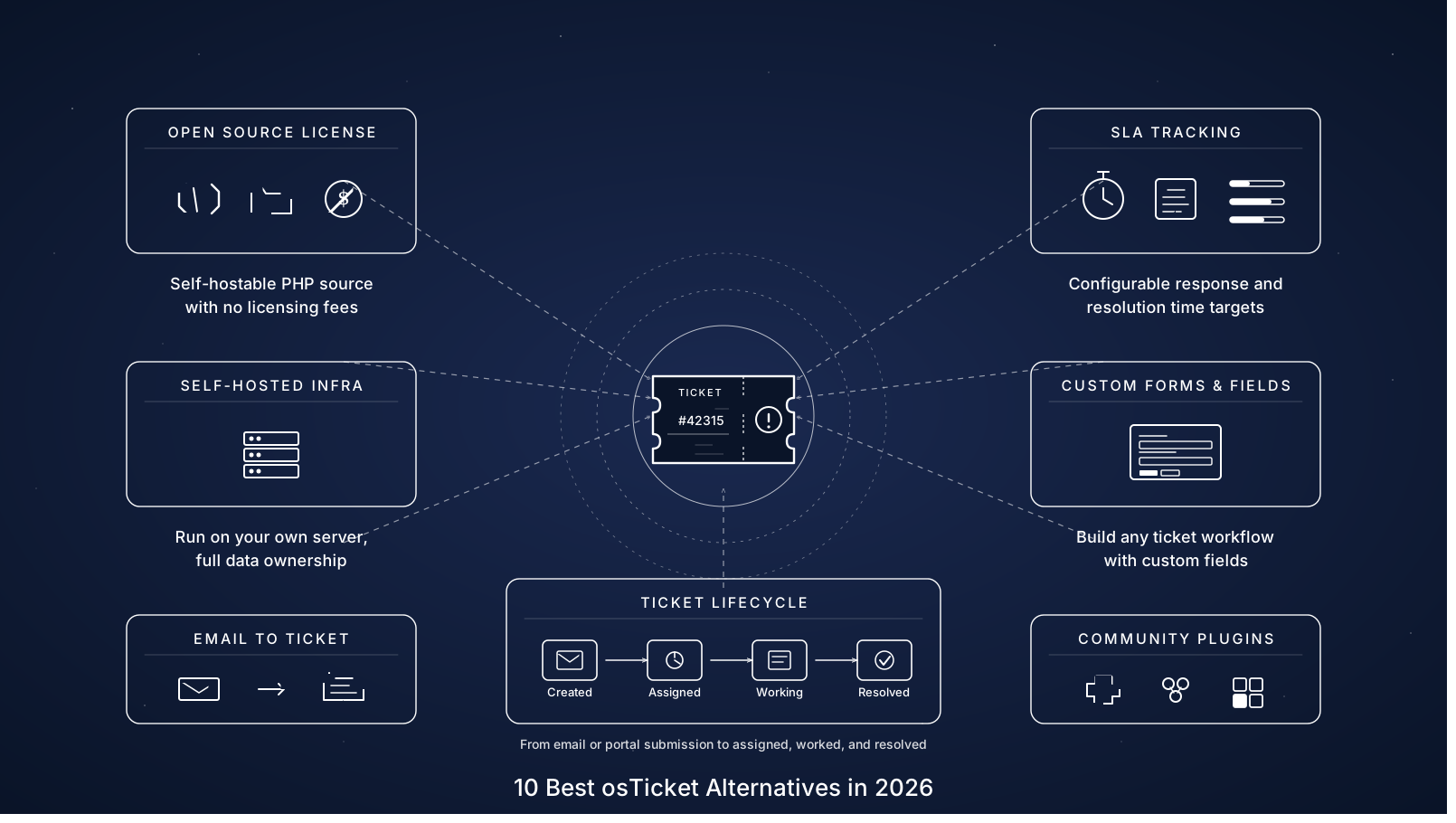
osTicket has been around since 2003 and remains one of the most-deployed open-source ticketing systems on the market — free under GNU license, with a self-hosted deployment that gives teams full data control. The product is genuinely reliable. The challenges are everything around it: the dated experience, the maintenance burden, and what's missing in 2026.
The interface is genuinely dated. Multiple CheckThat.ai and Capterra reviewers describe the UI as "looking like something from the 2000s." Agents call it "tiresome" and customers find it "off-putting." Several organizations report being "embarrassed to show the interface to clients" — a brand perception cost that's hard to quantify but real.
"Started with osTicket when we had 5 support agents. At 12 agents and 8,000 monthly tickets, we began experiencing slowdowns. At 18 agents, performance degraded again." — MSP review, CheckThat.ai
Installation takes 40–80 hours for teams unfamiliar with LAMP stacks. osTicket requires PHP, MySQL, and Apache configured correctly before you can start. PHP 8.1+ compatibility issues in osTicket 1.17.3 have forced some users to maintain older software versions, adding security risk on top of setup time.
Ongoing maintenance runs 10–15 hours monthly. Security patches, database optimization, and version upgrades are entirely the team's responsibility. There's no automated backup — administrators must manually implement database dumps, file system backups, offsite storage, and retention policies. Organizations accustomed to cloud services often overlook this until a server failure occurs.
Limited integrations and no native AI. osTicket has no built-in live chat, no social media support, no AI ticket suggestions, and no automated routing beyond basic rules. Adding any of these requires extensions, custom development, or third-party tools — work that ships in hours on Zendesk or Freshdesk.
Mobile responsiveness is poor. The agent dashboard lacks modern productivity features like keyboard shortcuts. Mobile use is documented as functional-but-frustrating. For teams with field agents or hybrid workforces, this is a daily friction point.
Our Ranking Methodology
Criteria | Weight | What we measured |
|---|---|---|
Setup speed & maintenance burden | 25% | Time to first ticket, ongoing hours/month required |
UI / UX quality | 25% | Modern interface, mobile responsiveness, agent productivity features |
AI capability | 20% | Native AI vs add-on, ticket suggestions, automation depth |
Total cost of ownership | 15% | License + hosting + maintenance + add-ons over 3 years |
Channel breadth | 15% | Email, web, chat, voice, social — native vs extensions |
TL;DR Comparison Table
Tool | Best For | Deployment | Starting Price | Setup Time |
|---|---|---|---|---|
Brilo.ai | AI voice agent for phone tickets | Cloud | Free / $149/mo | 7 min |
Zammad | Modern open-source with full data control | Self-hosted or cloud | Free / €5/agent/mo | 2 hours |
FreeScout | Leanest open-source, shared mailbox | Self-hosted only | Free + paid modules | 1 hours |
Freshdesk | Mid-market with generous free tier | Cloud | Free / $15/agent/mo | 12 min |
Zendesk | Enterprise omnichannel + AI depth | Cloud | $25/agent/mo | 30+ min |
Zoho Desk | Budget-conscious + Zoho suite | Cloud | $14/agent/mo | 18 min |
UVdesk | Open-source for eCommerce | Self-hosted or cloud | Free / $33/agent/mo | 3 hours |
HESK | Simplest free helpdesk | Self-hosted only | Free / $39/mo cloud | 30 min |
Faveo | Laravel-based open-source | Self-hosted or cloud | Free / $9/agent/mo | 4 hours |
GLPI | IT asset management + helpdesk | Self-hosted only | Free | 6 hours |
1. Brilo.ai — Best for AI Voice Agent for Phone Tickets
Best for: Teams switching from osTicket because phone tickets keep eating agent time — and who realise that for inbound voice volume, the right answer isn't a better ticketing system but an AI that handles calls before they ever become tickets.
Why Brilo belongs on an osTicket alternatives list:
osTicket is a ticket management system — it captures inbound queries via email, web forms, or "phone tickets" (records of calls human agents already took), then routes those tickets to humans for resolution. The architectural problem with phone tickets specifically is that they're created after the call ends. The agent picked up, the conversation happened, the resolution was attempted manually, and the ticket is just a record of work already done.
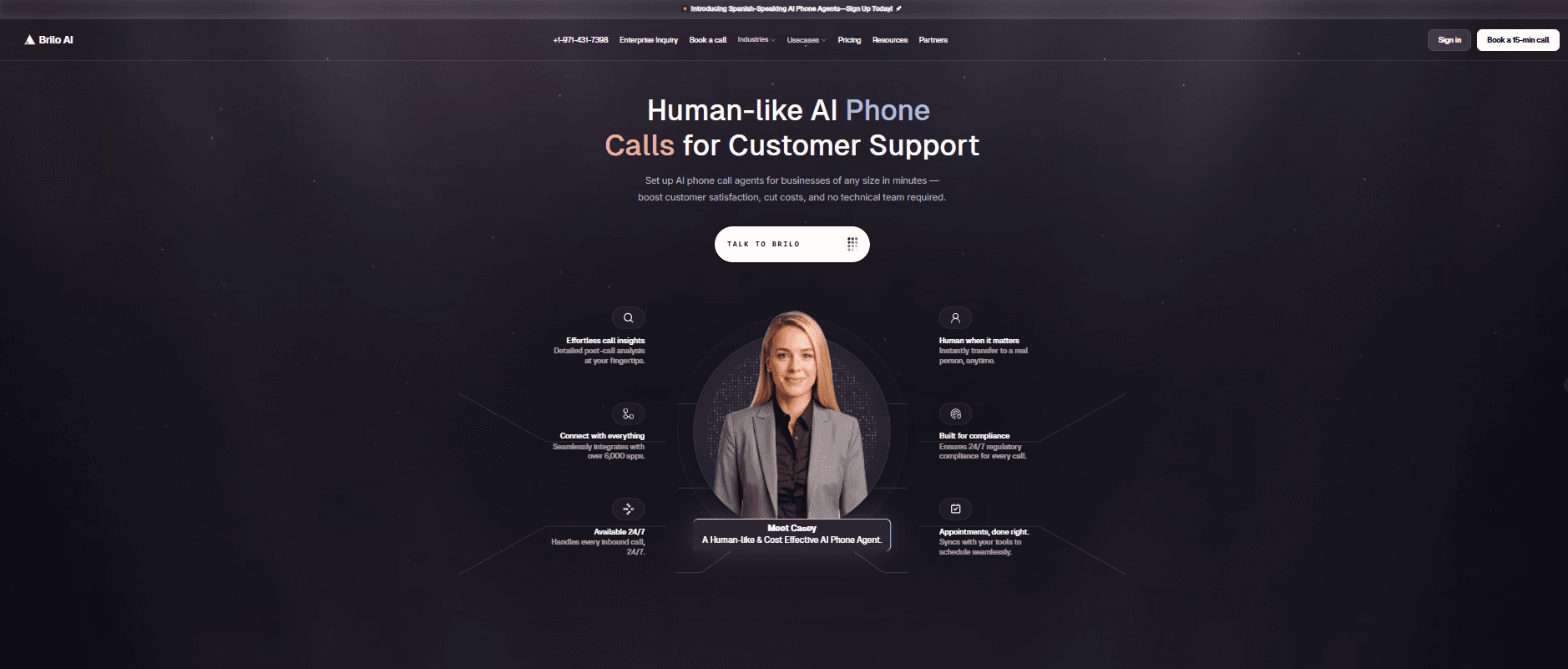
Brilo.ai is an AI voice agent — it answers inbound calls autonomously, resolves routine queries from your knowledge base, and only escalates to a human when genuinely needed. Most calls never become tickets because they get resolved live. The ones that do escalate arrive with full transcripts attached, so the human agent isn't starting from zero.
For teams where a significant portion of inbound queries come by phone — order status, password resets, appointment booking, status checks — Brilo eliminates the category of work osTicket's phone-ticket model preserves: humans answering the same five questions all day, then manually creating a ticket record after each call.
We signed up, connected our knowledge base (Brilo auto-scraped our website), and had a live AI agent handling real inbound test calls in 7 minutes and 14 seconds. No PHP installation. No MySQL configuration. No 40-hour LAMP setup. Calls that needed escalation reached human agents with the full transcript attached.
Disclosure: one of our team is a paying Brilo customer. We stress-tested it harder as a result.
Signup → onboarded: 7 minutes, 14 seconds
Standout Features:
Native AI voice agent — answers inbound calls autonomously 24/7
Auto-trained from your website and documentation in under 5 minutes
Multilingual support across 30+ languages
Real-time escalation with full transcript attached
6,000+ integrations including Zendesk, Freshdesk, Zoho Desk, HubSpot
Cloud-hosted — no LAMP stack, no maintenance hours
Pricing:
Free Plan: Free — 10 minutes/month, 1 AI agent, 1 workspace, community support
Starter Plan: $49/month — 160 minutes, 1 agent, $0.18/min overage
Pro Plan: $149/month — 600 minutes, 3 agents, 3 workspaces, $0.16/min overage
Growth Plan: $499/month — 2,500 minutes, unlimited agents, 5 workspaces, $0.14/min overage
Custom Plan: Talk to us — 5,000+ minutes, unlimited agents, unlimited workspaces, additional usage at <$0.14/min, white-glove onboarding
No PHP required. No database to maintain. No security patches to apply. What you see is what you pay. See full details on the Brilo pricing page.
Cons:
Not a ticket management system — pair Brilo with an alternative on this list (Zammad, FreeScout, Freshdesk) to keep email/web ticket workflow
No customer self-service portal of the kind osTicket includes natively
Newer platform than osTicket (founded 2023) — fewer reference customers in IT helpdesk verticals
What's unique: The only platform on this list that prevents phone tickets from being created in the first place — when AI resolves the call live, there's no ticket to file.
Try it free: brilo.ai — no credit card, no LAMP stack required. AI agent live in under 10 minutes.
2. Zammad — Best Modern Open-Source with Full Data Control
Best for: Teams that want osTicket's data control and self-hosted deployment but with a modern UI and active development — the most-cited switching destination among open-source helpdesks.
Our Testing Experience:
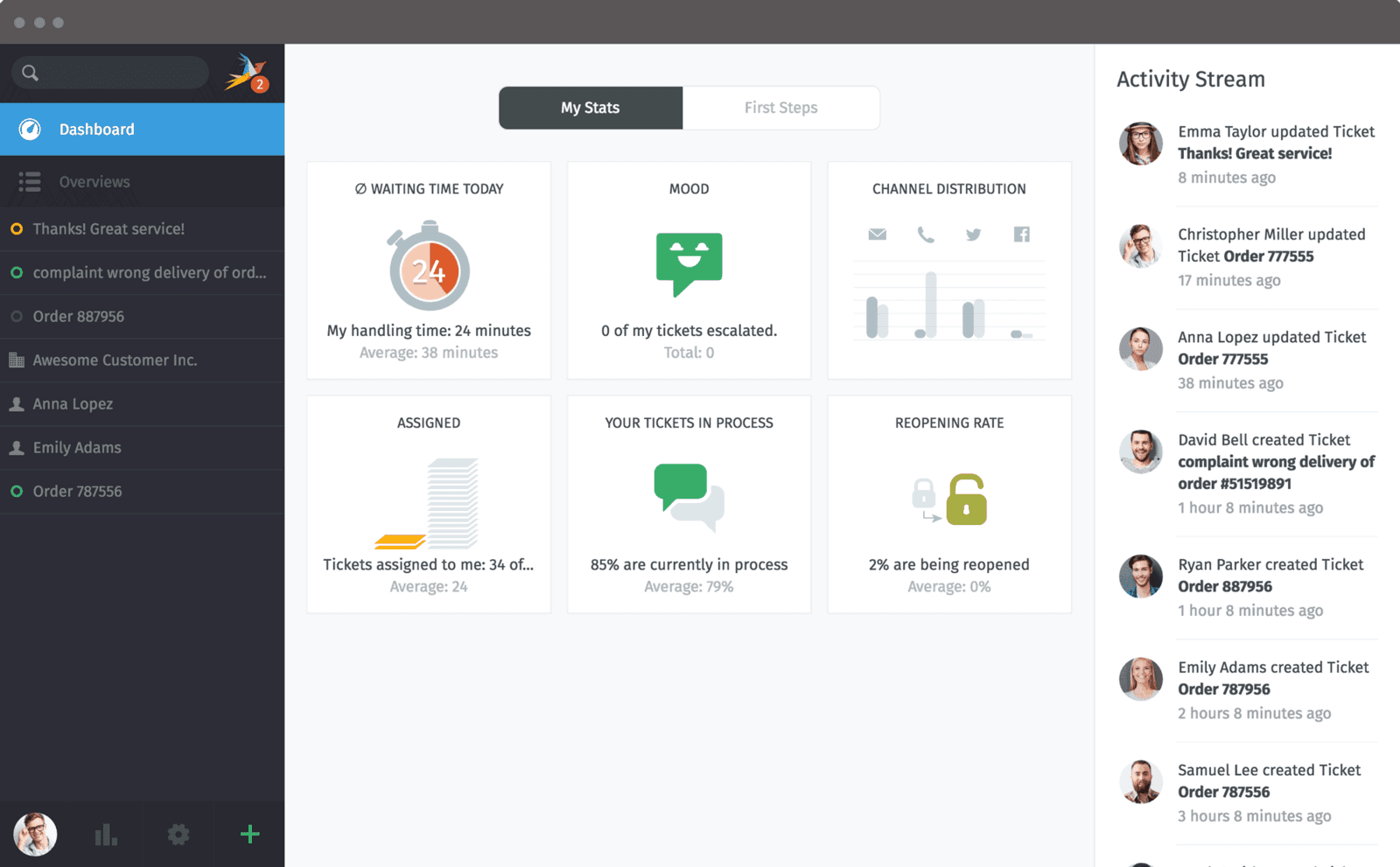
Setup took 2 hours via Docker. Zammad is the obvious upgrade path for teams that loved osTicket's open-source approach but couldn't live with the dated interface. Built in 2016 by the original OTRS developers, Zammad's UI is genuinely modern — closer to Zendesk than to osTicket.
The platform supports omnichannel by default: email, phone tickets, Twitter, Facebook, Telegram, and chat all flow into one inbox. The Docker compose setup spins up Zammad, PostgreSQL, Elasticsearch, Redis, and Memcached together — heavier than osTicket's footprint but the orchestration handles complexity.
One important caveat: Zammad needs 4–8 GB RAM (Elasticsearch is the main resource consumer), versus osTicket's 1–2 GB. Plan VPS sizing accordingly.
Pricing: Self-hosted free under AGPL. Cloud plans €5–€24/agent/month. Self-hosted enterprise support €2,999–€10,000/year.
Pros:
Modern UI that doesn't look like 2003
Native omnichannel (email, phone, social, chat) out of the box
Active development with regular feature releases
Strong import tools (direct migration from osTicket, Zendesk, OTRS, Freshdesk)
Cons:
Heavier infrastructure footprint (4–8 GB RAM minimum)
Lacks visual workflow builder with looping/branching logic
Performance degrades under high concurrent user loads
What's unique: The most-recommended modern open-source replacement for osTicket — built by the original OTRS team with the polish that osTicket lacks.
3. FreeScout — Best Leanest Open-Source, Shared Mailbox
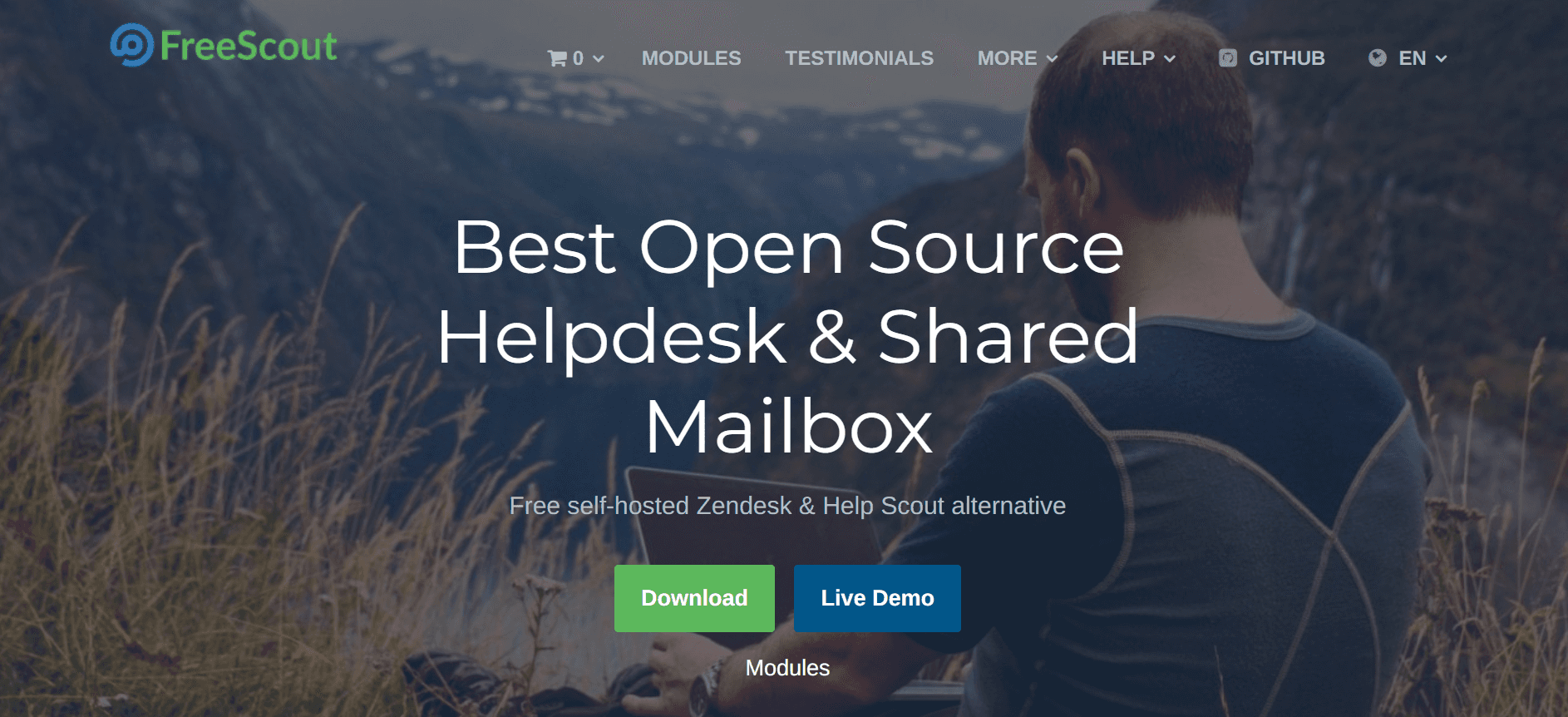
Best for: Small teams that want a Help Scout-style shared mailbox at zero licensing cost — the lightest open-source helpdesk we tested.
Our Testing Experience:
Setup took 1 hour. FreeScout is genuinely the leanest option on this list — runs on shared hosting, distribution kit is just 10 MB, and the interface resembles Gmail more than a traditional helpdesk. PHP and MySQL only, no Elasticsearch or Redis required.
The trade-off is core feature thinness. SLA management, satisfaction surveys, advanced automation, and many integrations require paid modules ($2–$19 each, one-time). The "free open-source ticketing system" pitch gets muddied when you need $50–$100 in modules for a real production setup.
Pricing: Self-hosted free (AGPL license). Paid modules $2–$19 each (one-time). No native cloud version.
Pros:
Smallest footprint on this list (10 MB, runs on shared hosting)
Cleanest UI of the open-source options (Gmail-style)
Free mobile apps for iOS and Android
Module ecosystem covers most extension needs
Cons:
Core features are thin — paid modules required for production setup
No built-in chat or phone integration
Customer portal is basic — primarily ticket status tracking, not full self-service
What's unique: The leanest open-source option here — runs on shared hosting where Zammad needs a dedicated VPS. For teams with zero infrastructure budget, this is the credible exit from osTicket.
4. Freshdesk — Best Mid-Market with Generous Free Tier
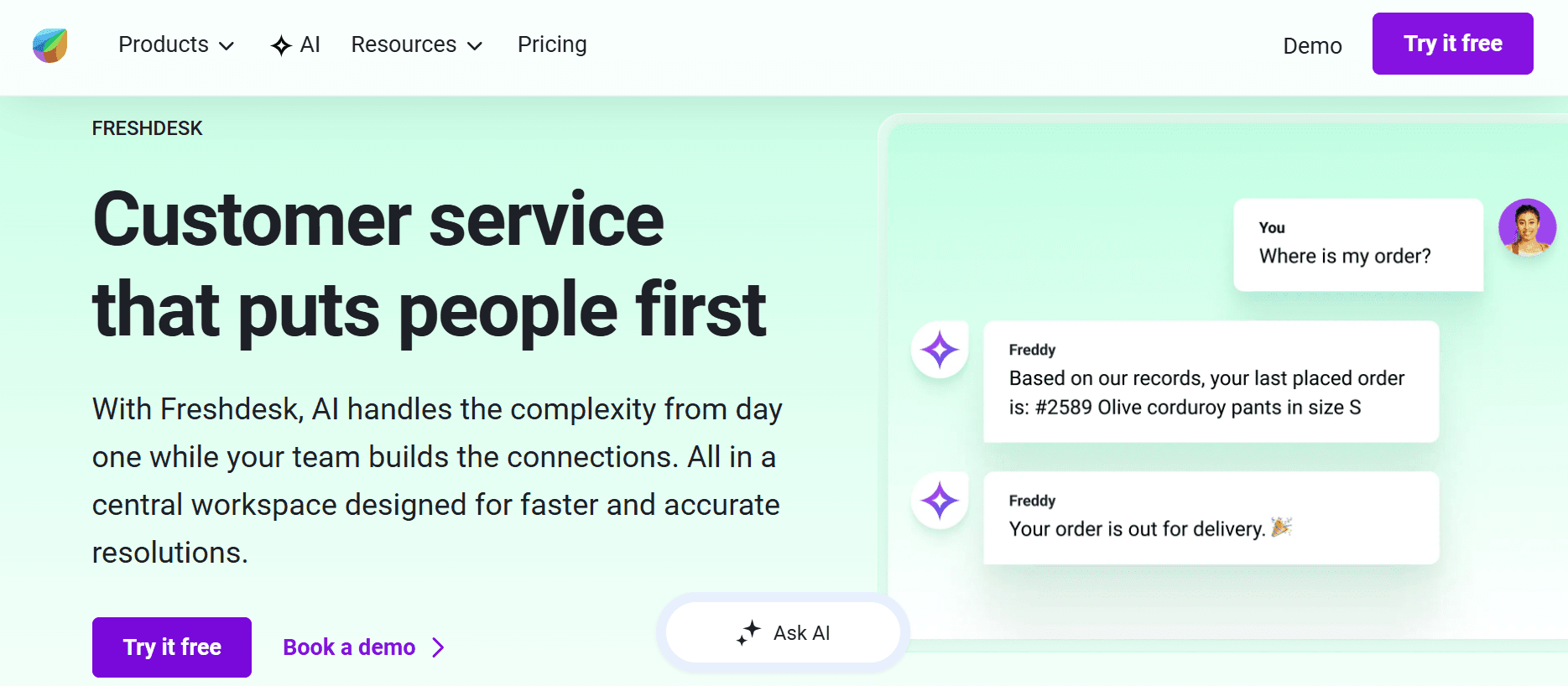
Best for: Mid-market teams ready to leave self-hosted infrastructure behind — Freshdesk's free tier supports up to 2 agents indefinitely with ticketing, knowledge base, and basic automation included.
Our Testing Experience:
Setup took 12 minutes. Freshdesk is the cleanest cloud upgrade path from osTicket: the free tier covers most small-team use cases, the UI is genuinely modern, and AI features (Freddy AI) are included from the Pro tier rather than being a separate add-on.
The platform handles the full omnichannel stack natively: email, web forms, social, chat, and voice (with the Freshcaller integration). Reporting and SLA management are included on lower tiers — features that require paid modules in FreeScout or higher tiers in Zendesk.
Pricing: Free (up to 2 agents), Growth $15/agent/month, Pro $49/agent/month, Enterprise $79/agent/month. AI add-on $29/agent/month.
Pros:
Most generous free tier in the cloud helpdesk category
Modern UI with strong mobile experience
Freddy AI included on Pro and above
1,000+ integrations via marketplace
Cons:
AI is a paid add-on at $29/agent/month
Per-agent pricing scales aggressively past 20 seats
Voice channel requires Freshcaller integration (separate billing)
What's unique: The most generous free tier of any cloud helpdesk on this list — 2 agents indefinitely with real ticketing, knowledge base, and automation included.
5. Zendesk — Best Enterprise Omnichannel with AI Depth
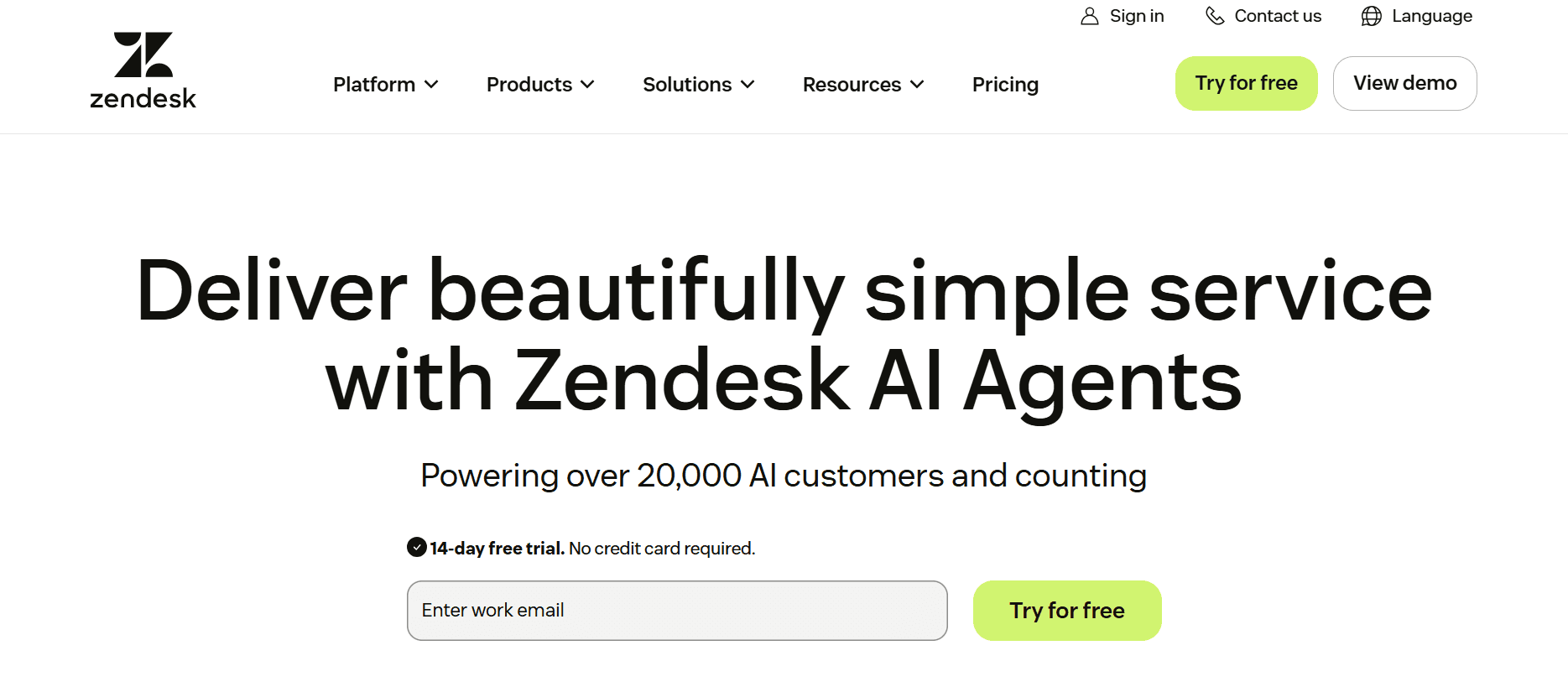
Best for: Enterprise teams (50+ agents) that need the deepest feature set on this list — and have the budget for an enterprise customer support platform with native AI agents.
Our Testing Experience:
Setup took 30+ minutes for a basic configuration. Full Zendesk implementation realistically takes 2–4 weeks for a typical enterprise deployment. The platform is the deepest on this list — every routing rule, every workflow, every channel, every integration you might need.
The trade-off is per-agent pricing that scales aggressively. Suite Team starts at $55/agent/month, but most enterprise teams end up on Suite Professional ($115/agent/month) or Suite Enterprise ($169/agent/month). For 50 agents on Professional, that's $69,000/year before AI add-ons.
Pricing: Suite Team $55/agent/month, Suite Growth $89/agent/month, Suite Professional $115/agent/month, Suite Enterprise $169/agent/month. AI agents $50/agent/month add-on.
Pros:
Deepest feature set in the category
Largest app marketplace (1,800+ integrations)
Native AI agents (Zendesk AI) for autonomous resolution
Strong reporting and analytics on Professional and above
Cons:
$55/agent/month is one of the highest entry points on this list
AI agents are a paid add-on at $50/agent/month
2–4 week implementation typical for enterprise deployments
What's unique: The deepest enterprise customer support platform on this list — but most teams pay for breadth they never fully use.
6. Zoho Desk — Best Budget-Conscious + Zoho Suite
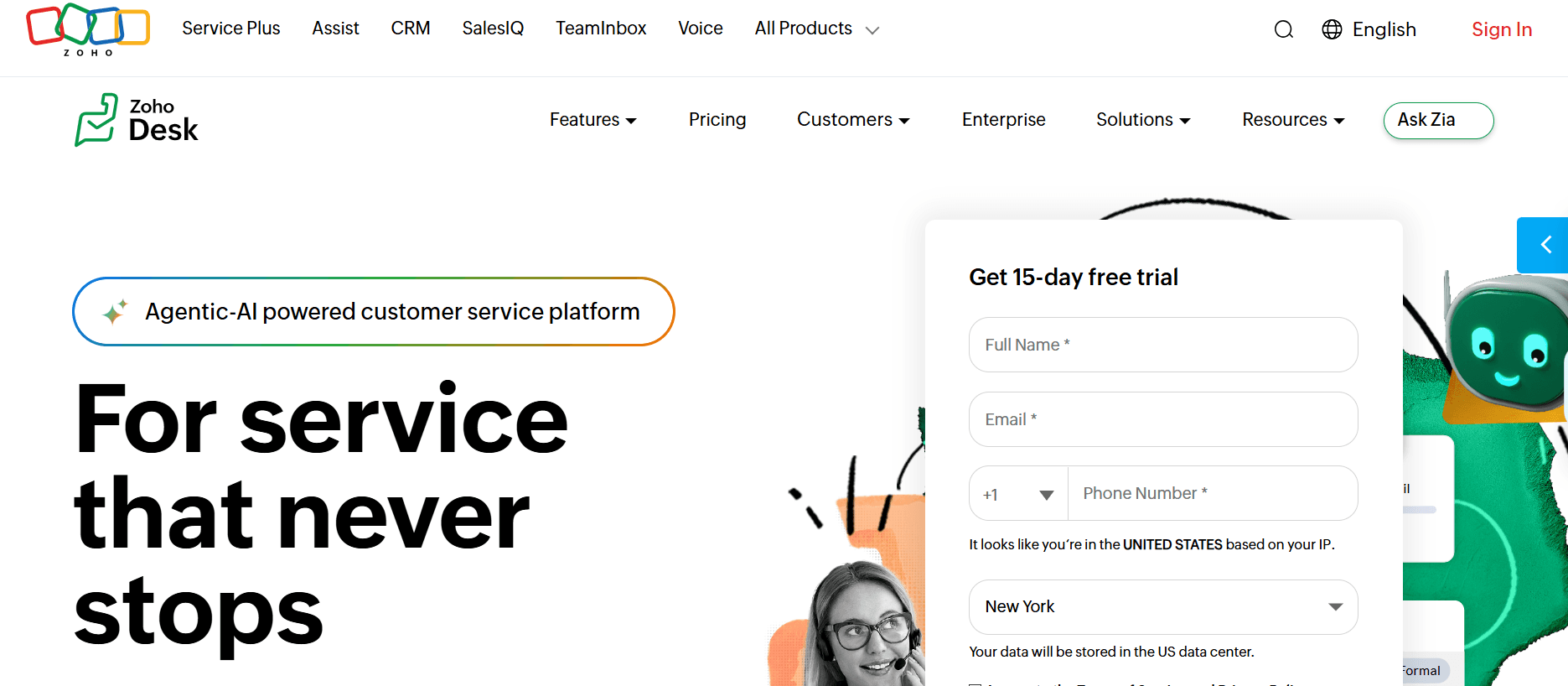
Best for: Small and mid-market teams already using Zoho CRM, Zoho Mail, or other Zoho apps — and that want a cloud helpdesk at the lowest defensible price.
Our Testing Experience:
Setup took 18 minutes. Zoho Desk is the budget cloud pick — the entry tier at $14/agent/month is genuinely the cheapest credible cloud helpdesk on this list, and Zia AI (Zoho's native AI assistant) is included on Standard and above.
The trade-off is the Zoho ecosystem lock-in. Zoho Desk works best when paired with other Zoho products (CRM, Mail, Books). Standalone, the integration ecosystem is smaller than Zendesk's or Freshdesk's, and the UI feels more utilitarian than modern.
Pricing: Free (up to 3 agents), Standard $14/agent/month, Professional $23/agent/month, Enterprise $40/agent/month.
Pros:
Cheapest credible cloud helpdesk ($14/agent/month)
Free tier supports up to 3 agents indefinitely
Zia AI included on Standard and above
Native integration with Zoho CRM, Mail, Books, and 50+ Zoho apps
Cons:
Less polished UI than Freshdesk or Zendesk
Smaller integration ecosystem outside Zoho
Per-agent pricing on Enterprise tier is similar to Freshdesk Pro
What's unique: The only cloud helpdesk here under $15/agent/month with native AI included — for teams in the Zoho ecosystem, the math is hard to beat.
7. UVdesk — Best Open-Source for eCommerce
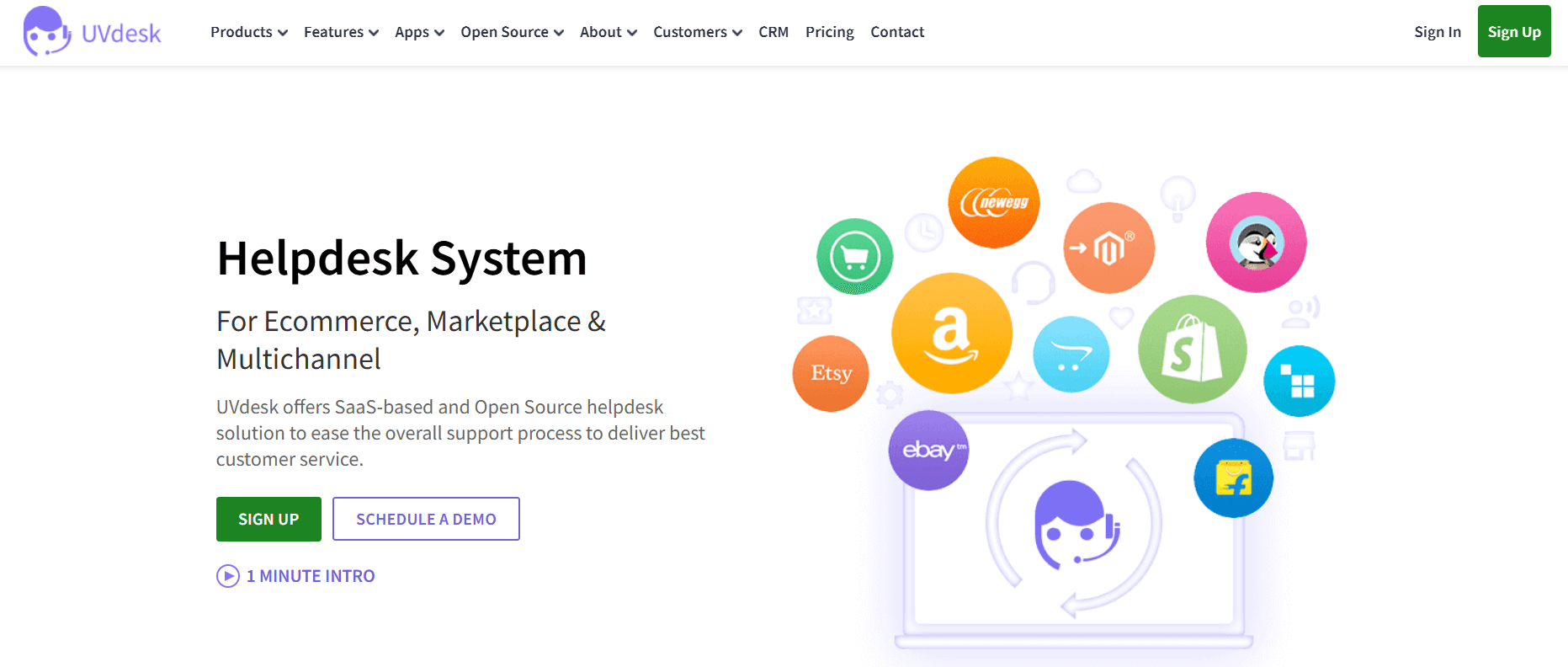
Best for: eCommerce teams running Magento, OpenCart, PrestaShop, or Shopware that want an open-source helpdesk with native commerce platform integrations.
Our Testing Experience:
Setup took 3 hours. UVdesk is the eCommerce-focused open-source pick — built specifically for online stores, with native integrations for Magento, OpenCart, Prestashop, and Shopware. The UI is more polished than osTicket and on par with FreeScout.
The trade-off is resource requirements. UVdesk needs a capable VPS (more than FreeScout's shared hosting minimum), and some premium modules (advanced reports, certain integrations) cost extra on top of the free Community Edition.
Pricing: Community Edition free (self-hosted). Cloud Pro $33/agent/month, Cloud Enterprise $66/agent/month.
Pros:
Best open-source pick for eCommerce-specific workflows
Native Magento, OpenCart, PrestaShop, Shopware integrations
More polished UI than osTicket or HESK
Both self-hosted and cloud deployment options
Cons:
Heavier resource requirements than FreeScout
Premium modules cost extra (advanced reports, some integrations)
Smaller community than osTicket or Zammad
What's unique: The only open-source helpdesk here built specifically for eCommerce — native integrations with Magento, OpenCart, and PrestaShop are hard to find at this price point.
8. HESK — Best Simplest Free Helpdesk
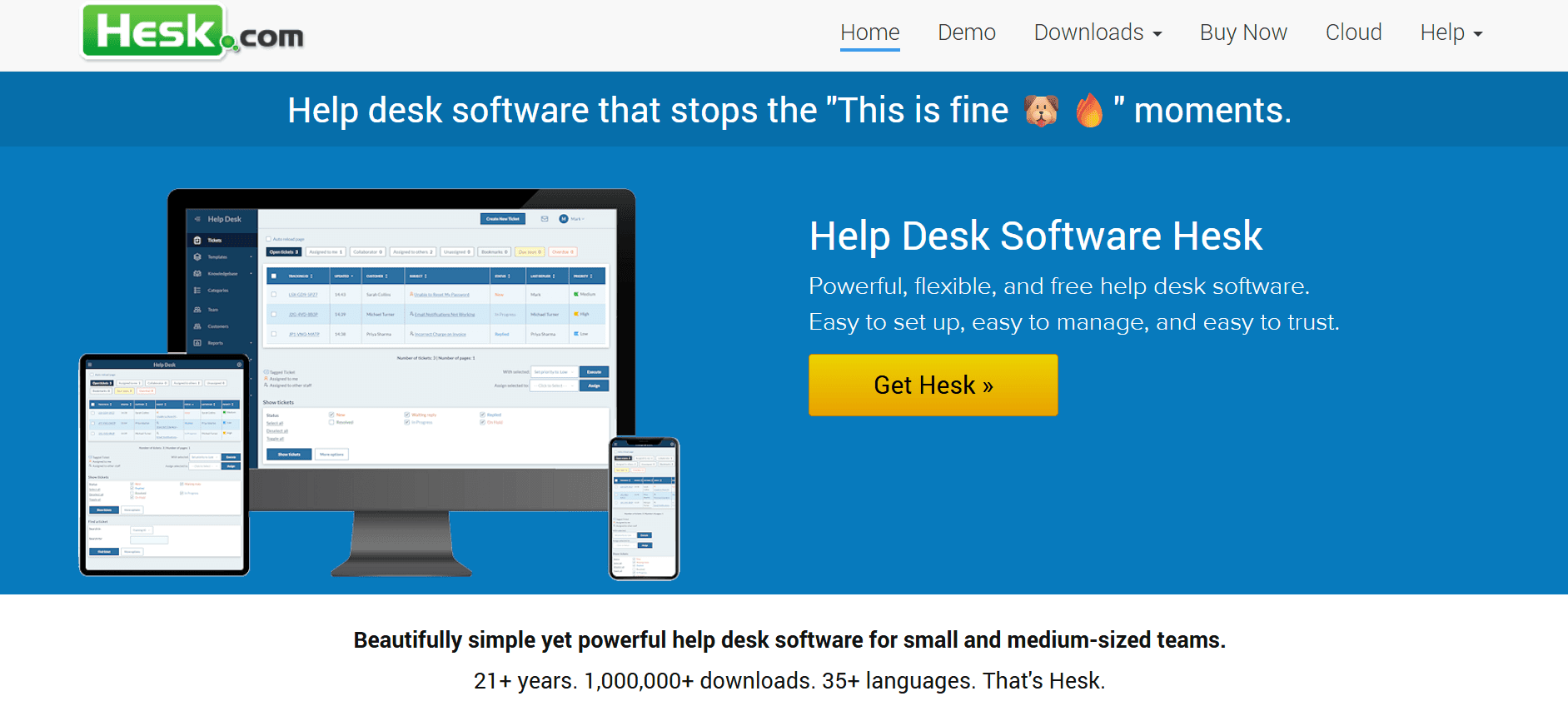
Best for: Small businesses, freelancers, and personal projects that need a working helpdesk in 30 minutes with zero ongoing cost — the simplest option on this list.
Our Testing Experience:
Setup took 30 minutes. HESK is intentionally minimal — basic ticket management, knowledge base, simple categorization, and that's it. The footprint is small (under 5 MB), the install is genuinely quick, and the platform has been actively maintained since 2005.
The trade-off is feature ceiling. Once your team grows past 3–5 agents or needs SLA management, automation, or modern UI elements, you'll outgrow HESK quickly. For micro-teams that just need email-to-ticket workflow without paying for it, HESK is the cleanest fit.
Pricing: Free (self-hosted, with HESK branding). HESK Cloud $39/month for unlimited agents (no branding).
Pros:
Simplest install on this list (30 minutes)
Smallest footprint (under 5 MB)
Free indefinitely with HESK branding
Cloud option at $39/month flat (not per-agent)
Cons:
UI is functional but dated (similar issue to osTicket)
No omnichannel — email and web form only
Limited automation and reporting
What's unique: The only helpdesk here with flat-rate cloud pricing — $39/month unlimited agents beats per-agent models for teams of 5+.
9. Faveo — Best Laravel-Based Open-Source
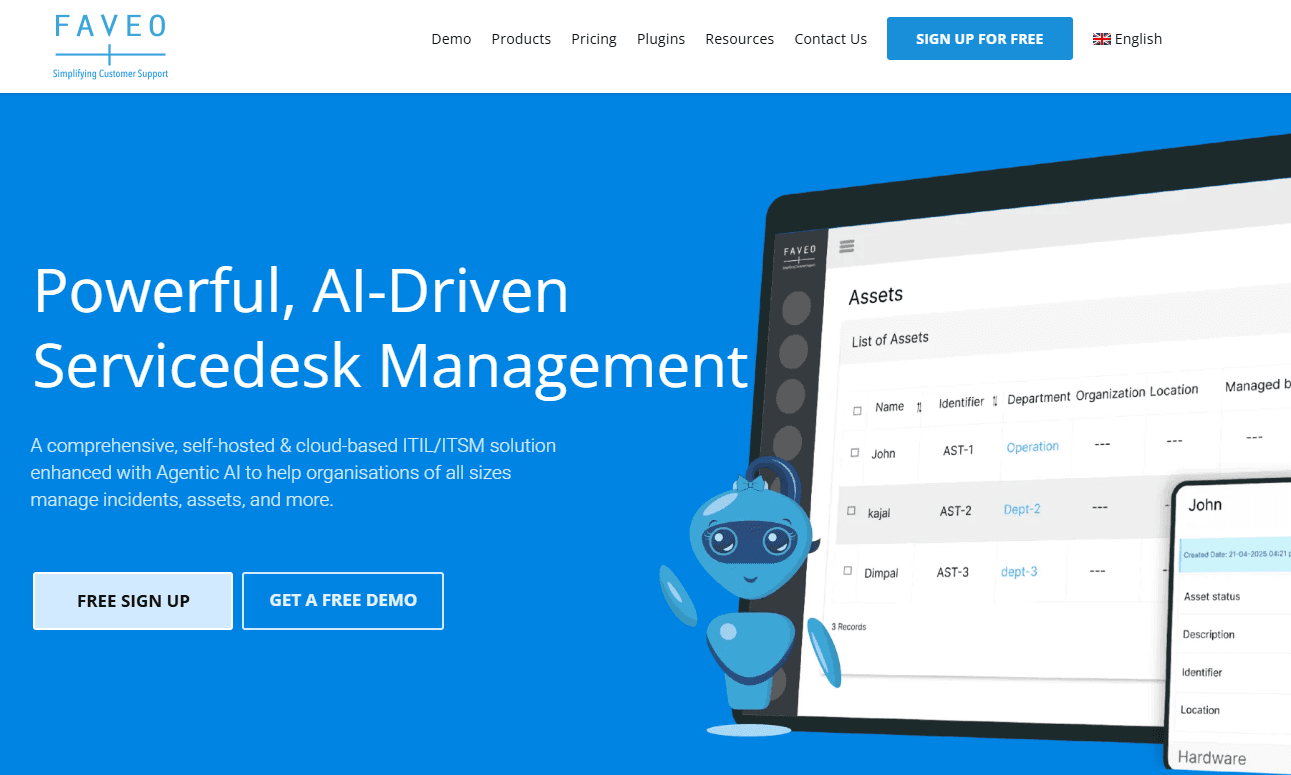
Best for: PHP development teams that want a modern Laravel-based helpdesk codebase they can extend — and that prefer an actively maintained codebase over osTicket's older PHP architecture.
Our Testing Experience:
Setup took 4 hours. Faveo is built on Laravel, which makes it more accessible to modern PHP development teams than osTicket's older codebase. The Community Edition is free and open-source, with Pro and Enterprise editions adding advanced features.
The trade-off is community size. Faveo's GitHub repo has roughly 4,150 open issues and the last major Community Edition release was in 2021, suggesting the open-source path receives less active development than the paid editions.
Pricing: Community Edition free (self-hosted). Pro Edition $9/agent/month. Enterprise custom.
Pros:
Laravel codebase is easier to extend than osTicket's
Multiple editions for different team sizes
Affordable Pro tier ($9/agent/month)
Includes asset management and SLA features on Pro
Cons:
Community Edition development has slowed since 2021
4,150+ open GitHub issues (signal of maintenance backlog)
Smaller community than osTicket, Zammad, or FreeScout
What's unique: The only Laravel-based helpdesk on this list — for PHP development teams that want a modern framework rather than osTicket's older architecture.
10. GLPI — Best for IT Asset Management + Helpdesk
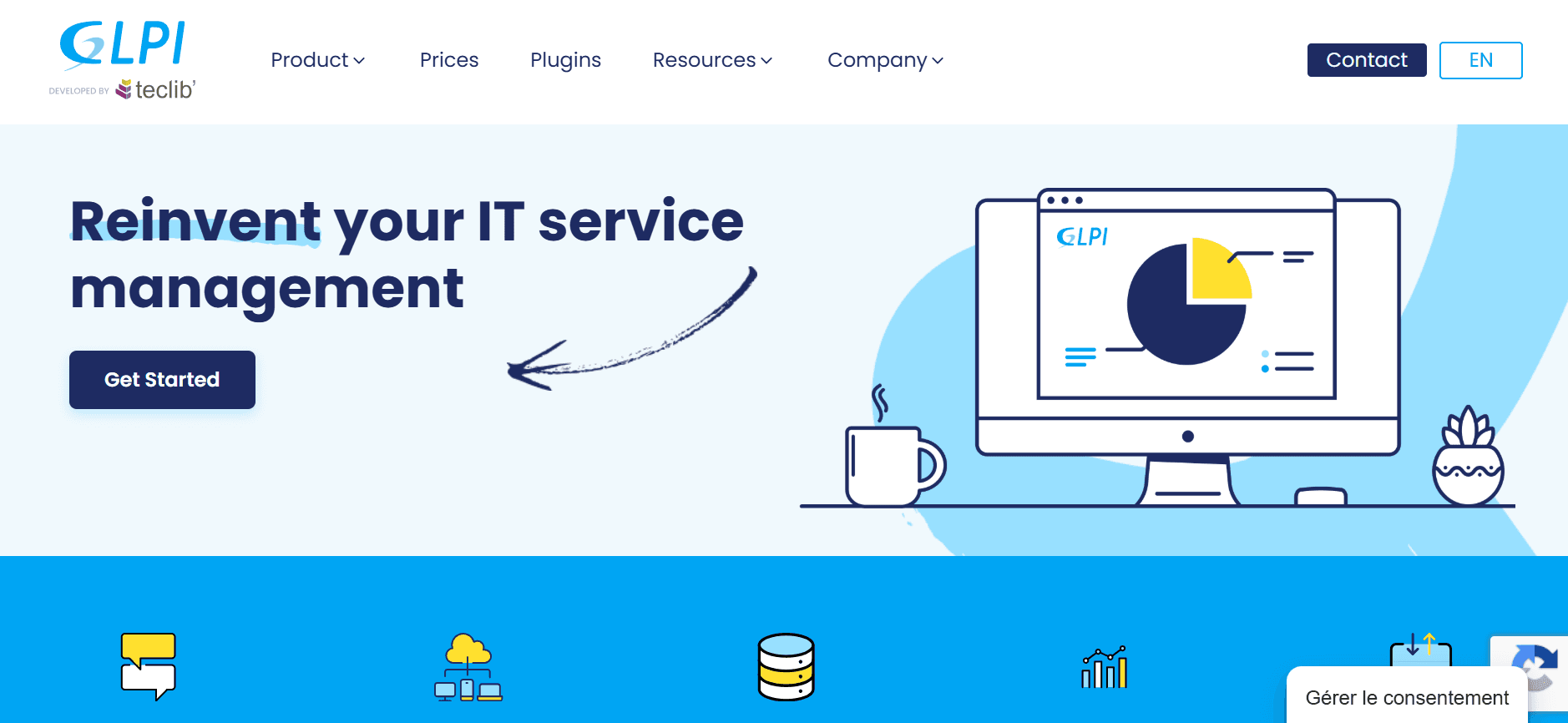
Best for: IT departments and MSPs that need helpdesk + IT asset inventory + license management in one self-hosted platform — different category from pure customer-support tools.
Our Testing Experience:
Setup took 6 hours for a full deployment with asset discovery. GLPI is genuinely a different category from the other tools on this list — it combines helpdesk ticketing with comprehensive IT asset management (CMDB), software license tracking, and infrastructure monitoring integrations. For internal IT teams, this is one platform doing what would otherwise require three.
The trade-off is complexity. GLPI's installation and configuration is the most involved on this list, and the UI shows its 20-year evolution — functional but layered. For external customer support, GLPI is overkill. For internal IT helpdesks managing thousands of assets, it's the strongest free option.
Pricing: Free (self-hosted, GPL license). GLPI Network paid support tiers €9–€48/month.
Pros:
Combines helpdesk + IT asset management + license tracking
Native integrations with monitoring tools (Zabbix, Nagios)
Free under GPL license with no agent limits
Active development since 2003 with strong enterprise adoption
Cons:
6+ hour setup for full deployment
UI is dated and layered (20+ years of feature accumulation)
Overkill for pure customer-support use cases
What's unique: The only platform here that combines helpdesk ticketing with comprehensive IT asset and license management — for internal IT teams, GLPI replaces 2–3 separate tools.
How to Choose: Quick Decision Framework
Are phone tickets eating your agent time?
Brilo.ai answers inbound calls autonomously — most calls never become tickets because they get resolved live. The ones that do escalate arrive with full transcripts attached, so human agents aren't starting from zero.
Want to keep self-hosted but escape the dated UI?
Zammad. Modern open-source built by the original OTRS team — direct migration tools from osTicket, omnichannel out of the box, active development. The most-cited modern open-source replacement.
Need the leanest possible open-source footprint?
FreeScout for shared hosting (10 MB, runs on $5/month VPS). HESK for the simplest install (30 minutes). Both are credible exits from osTicket's 40-hour LAMP setup.
Ready to leave self-hosted entirely?
Freshdesk for the most generous free tier (2 agents indefinitely with full features). Zoho Desk for the cheapest paid cloud ($14/agent/month with Zia AI). Zendesk for enterprise depth.
Running an eCommerce store?
UVdesk. The only open-source helpdesk here with native Magento, OpenCart, PrestaShop, and Shopware integrations. Free Community Edition or $33/agent/month cloud.
Are you a PHP development team that wants a modern codebase?
Faveo. Laravel-based architecture is easier to extend than osTicket's older PHP, and the Pro tier at $9/agent/month is one of the cheapest paid options on this list.
Is this for internal IT (not customer support)?
GLPI. Combines helpdesk + IT asset management + license tracking in one free platform. For internal IT teams managing thousands of assets, it replaces 2–3 separate tools.
Frequently Asked Question
What is the best free alternative to osTicket?
For self-hosted, FreeScout is the leanest (10 MB, runs on shared hosting) and Zammad is the most modern (omnichannel, active development). For cloud-hosted, Freshdesk's free tier (2 agents indefinitely) and Zoho Desk's free tier (3 agents indefinitely) are the two credible options. Brilo.ai's free plan offers 10 minutes/month of AI voice agent for teams that want to handle phone calls automatically.
What is the cheapest osTicket cloud alternative?
Zoho Desk Standard at $14/agent/month is the cheapest credible paid cloud helpdesk with AI included. Faveo Pro at $9/agent/month is cheaper but smaller community. HESK Cloud at $39/month flat wins for teams of 5+ agents because pricing isn't per-agent. Brilo.ai's Starter plan at $49/month is cheapest if you specifically want AI handling phone calls rather than just ticket workflow.
How long does osTicket actually take to install and maintain?
CheckThat.ai documents 40–80 hours for initial installation by teams unfamiliar with LAMP stacks, plus 10–15 hours monthly for security patches, database optimization, and version upgrades. PHP 8.1+ compatibility issues in osTicket 1.17.3 have forced some teams to maintain older software versions, adding security risk on top of setup time.
Why does osTicket performance degrade at 15+ agents?
Multiple MSP case studies report performance issues starting around 12–15 agents and 5,000–8,000 monthly tickets. Database tuning becomes necessary, and beyond 30 agents, the labor cost of optimization ($4,800–$9,600/year at $75/hour) approaches commercial platform licensing. Teams scaling past 15 agents typically migrate to Zammad, Freshdesk, or Zendesk.
Does osTicket include backup?
No. osTicket lacks built-in automated backup. Administrators must manually implement database dumps, file system backups, offsite storage, and retention policies. Proper backup procedures require 4–8 hours initial setup and 1–2 hours monthly monitoring. Most cloud alternatives (Freshdesk, Zendesk, Zoho Desk) include automated backups by default.
Can I migrate my osTicket data to a new platform?
Yes — most alternatives support CSV import for ticket history. Zammad has the most polished migration tools , including direct importers for osTicket, OTRS, Zendesk, and Freshdesk. Budget 2–4 hours for a clean migration of under 10,000 tickets. For larger migrations, plan a parallel-run period to verify data integrity.
Is osTicket open source?
Yes — osTicket is offered under the GNU license, free to use, modify, and share. The cloud version of osTicket starts at $12/agent/month with managed support and daily backups, which is a separate paid offering on top of the open-source core.
Is "OS Ticket" the same as "osTicket"?
Yes — "OS Ticket," "osTicket," "OSTicket," and "Os Ticket" all refer to the same open-source ticketing platform first released in 2003. The official spelling is one word with lowercase prefix: osTicket.
The Bottom Line
Twilio Flex is the right tool for a specific type of organisation: one with dedicated engineering resources, complex bespoke requirements, and the patience for a multi-month build. For everyone else — which is most businesses — the engineering overhead, pricing unpredictability, and time-to-value gap make turnkey alternatives a significantly better choice.
Best alternatives by use case:
No-code AI inbound automation: Brilo.ai
Mid-market turnkey CCaaS: Talkdesk
Enterprise contact centre: Genesys Cloud CX
Enterprise outbound + inbound: Five9
SMB reliability + UCaaS: Nextiva
AWS ecosystem teams: Amazon Connect
Sales + CRM focus: Aircall
AI at lowest price: Dialpad
Omnichannel helpdesk: Zendesk
Budget transparent pricing: Voiso
All Insights
Articles
The 10 Best osTicket Alternatives in 2026 (We Tested Each One)
We tested 10 osTicket alternatives — 2000s UI exposed, 40-hour install times documented, AI options compared. Find the right fit for your team in 2026.
We spent three weeks testing every major osTicket alternative — timing setup, running real tickets, comparing self-hosted to cloud deployments, and reading through hundreds of G2, Reddit, and Capterra reviews. One member of our team uses Brilo.ai as a paying customer; we note this where relevant.
Here's what we found.
Why Are Support Teams Leaving osTicket?
osTicket has been around since 2003 and remains one of the most-deployed open-source ticketing systems on the market — free under GNU license, with a self-hosted deployment that gives teams full data control. The product is genuinely reliable. The challenges are everything around it: the dated experience, the maintenance burden, and what's missing in 2026.
The interface is genuinely dated. Multiple CheckThat.ai and Capterra reviewers describe the UI as "looking like something from the 2000s." Agents call it "tiresome" and customers find it "off-putting." Several organizations report being "embarrassed to show the interface to clients" — a brand perception cost that's hard to quantify but real.
"Started with osTicket when we had 5 support agents. At 12 agents and 8,000 monthly tickets, we began experiencing slowdowns. At 18 agents, performance degraded again." — MSP review, CheckThat.ai
Installation takes 40–80 hours for teams unfamiliar with LAMP stacks. osTicket requires PHP, MySQL, and Apache configured correctly before you can start. PHP 8.1+ compatibility issues in osTicket 1.17.3 have forced some users to maintain older software versions, adding security risk on top of setup time.
Ongoing maintenance runs 10–15 hours monthly. Security patches, database optimization, and version upgrades are entirely the team's responsibility. There's no automated backup — administrators must manually implement database dumps, file system backups, offsite storage, and retention policies. Organizations accustomed to cloud services often overlook this until a server failure occurs.
Limited integrations and no native AI. osTicket has no built-in live chat, no social media support, no AI ticket suggestions, and no automated routing beyond basic rules. Adding any of these requires extensions, custom development, or third-party tools — work that ships in hours on Zendesk or Freshdesk.
Mobile responsiveness is poor. The agent dashboard lacks modern productivity features like keyboard shortcuts. Mobile use is documented as functional-but-frustrating. For teams with field agents or hybrid workforces, this is a daily friction point.
Our Ranking Methodology
Criteria | Weight | What we measured |
|---|---|---|
Setup speed & maintenance burden | 25% | Time to first ticket, ongoing hours/month required |
UI / UX quality | 25% | Modern interface, mobile responsiveness, agent productivity features |
AI capability | 20% | Native AI vs add-on, ticket suggestions, automation depth |
Total cost of ownership | 15% | License + hosting + maintenance + add-ons over 3 years |
Channel breadth | 15% | Email, web, chat, voice, social — native vs extensions |
TL;DR Comparison Table
Tool | Best For | Deployment | Starting Price | Setup Time |
|---|---|---|---|---|
Brilo.ai | AI voice agent for phone tickets | Cloud | Free / $149/mo | 7 min |
Zammad | Modern open-source with full data control | Self-hosted or cloud | Free / €5/agent/mo | 2 hours |
FreeScout | Leanest open-source, shared mailbox | Self-hosted only | Free + paid modules | 1 hours |
Freshdesk | Mid-market with generous free tier | Cloud | Free / $15/agent/mo | 12 min |
Zendesk | Enterprise omnichannel + AI depth | Cloud | $25/agent/mo | 30+ min |
Zoho Desk | Budget-conscious + Zoho suite | Cloud | $14/agent/mo | 18 min |
UVdesk | Open-source for eCommerce | Self-hosted or cloud | Free / $33/agent/mo | 3 hours |
HESK | Simplest free helpdesk | Self-hosted only | Free / $39/mo cloud | 30 min |
Faveo | Laravel-based open-source | Self-hosted or cloud | Free / $9/agent/mo | 4 hours |
GLPI | IT asset management + helpdesk | Self-hosted only | Free | 6 hours |
1. Brilo.ai — Best for AI Voice Agent for Phone Tickets
Best for: Teams switching from osTicket because phone tickets keep eating agent time — and who realise that for inbound voice volume, the right answer isn't a better ticketing system but an AI that handles calls before they ever become tickets.
Why Brilo belongs on an osTicket alternatives list:
osTicket is a ticket management system — it captures inbound queries via email, web forms, or "phone tickets" (records of calls human agents already took), then routes those tickets to humans for resolution. The architectural problem with phone tickets specifically is that they're created after the call ends. The agent picked up, the conversation happened, the resolution was attempted manually, and the ticket is just a record of work already done.
Brilo.ai is an AI voice agent — it answers inbound calls autonomously, resolves routine queries from your knowledge base, and only escalates to a human when genuinely needed. Most calls never become tickets because they get resolved live. The ones that do escalate arrive with full transcripts attached, so the human agent isn't starting from zero.
For teams where a significant portion of inbound queries come by phone — order status, password resets, appointment booking, status checks — Brilo eliminates the category of work osTicket's phone-ticket model preserves: humans answering the same five questions all day, then manually creating a ticket record after each call.
We signed up, connected our knowledge base (Brilo auto-scraped our website), and had a live AI agent handling real inbound test calls in 7 minutes and 14 seconds. No PHP installation. No MySQL configuration. No 40-hour LAMP setup. Calls that needed escalation reached human agents with the full transcript attached.
Disclosure: one of our team is a paying Brilo customer. We stress-tested it harder as a result.
Signup → onboarded: 7 minutes, 14 seconds
Standout Features:
Native AI voice agent — answers inbound calls autonomously 24/7
Auto-trained from your website and documentation in under 5 minutes
Multilingual support across 30+ languages
Real-time escalation with full transcript attached
6,000+ integrations including Zendesk, Freshdesk, Zoho Desk, HubSpot
Cloud-hosted — no LAMP stack, no maintenance hours
Pricing:
Free Plan: Free — 10 minutes/month, 1 AI agent, 1 workspace, community support
Starter Plan: $49/month — 160 minutes, 1 agent, $0.18/min overage
Pro Plan: $149/month — 600 minutes, 3 agents, 3 workspaces, $0.16/min overage
Growth Plan: $499/month — 2,500 minutes, unlimited agents, 5 workspaces, $0.14/min overage
Custom Plan: Talk to us — 5,000+ minutes, unlimited agents, unlimited workspaces, additional usage at <$0.14/min, white-glove onboarding
No PHP required. No database to maintain. No security patches to apply. What you see is what you pay. See full details on the Brilo pricing page.
Cons:
Not a ticket management system — pair Brilo with an alternative on this list (Zammad, FreeScout, Freshdesk) to keep email/web ticket workflow
No customer self-service portal of the kind osTicket includes natively
Newer platform than osTicket (founded 2023) — fewer reference customers in IT helpdesk verticals
What's unique: The only platform on this list that prevents phone tickets from being created in the first place — when AI resolves the call live, there's no ticket to file.
Try it free: brilo.ai — no credit card, no LAMP stack required. AI agent live in under 10 minutes.
2. Zammad — Best Modern Open-Source with Full Data Control
Best for: Teams that want osTicket's data control and self-hosted deployment but with a modern UI and active development — the most-cited switching destination among open-source helpdesks.
Our Testing Experience:
Setup took 2 hours via Docker. Zammad is the obvious upgrade path for teams that loved osTicket's open-source approach but couldn't live with the dated interface. Built in 2016 by the original OTRS developers, Zammad's UI is genuinely modern — closer to Zendesk than to osTicket.
The platform supports omnichannel by default: email, phone tickets, Twitter, Facebook, Telegram, and chat all flow into one inbox. The Docker compose setup spins up Zammad, PostgreSQL, Elasticsearch, Redis, and Memcached together — heavier than osTicket's footprint but the orchestration handles complexity.
One important caveat: Zammad needs 4–8 GB RAM (Elasticsearch is the main resource consumer), versus osTicket's 1–2 GB. Plan VPS sizing accordingly.
Pricing: Self-hosted free under AGPL. Cloud plans €5–€24/agent/month. Self-hosted enterprise support €2,999–€10,000/year.
Pros:
Modern UI that doesn't look like 2003
Native omnichannel (email, phone, social, chat) out of the box
Active development with regular feature releases
Strong import tools (direct migration from osTicket, Zendesk, OTRS, Freshdesk)
Cons:
Heavier infrastructure footprint (4–8 GB RAM minimum)
Lacks visual workflow builder with looping/branching logic
Performance degrades under high concurrent user loads
What's unique: The most-recommended modern open-source replacement for osTicket — built by the original OTRS team with the polish that osTicket lacks.
3. FreeScout — Best Leanest Open-Source, Shared Mailbox
Best for: Small teams that want a Help Scout-style shared mailbox at zero licensing cost — the lightest open-source helpdesk we tested.
Our Testing Experience:
Setup took 1 hour. FreeScout is genuinely the leanest option on this list — runs on shared hosting, distribution kit is just 10 MB, and the interface resembles Gmail more than a traditional helpdesk. PHP and MySQL only, no Elasticsearch or Redis required.
The trade-off is core feature thinness. SLA management, satisfaction surveys, advanced automation, and many integrations require paid modules ($2–$19 each, one-time). The "free open-source ticketing system" pitch gets muddied when you need $50–$100 in modules for a real production setup.
Pricing: Self-hosted free (AGPL license). Paid modules $2–$19 each (one-time). No native cloud version.
Pros:
Smallest footprint on this list (10 MB, runs on shared hosting)
Cleanest UI of the open-source options (Gmail-style)
Free mobile apps for iOS and Android
Module ecosystem covers most extension needs
Cons:
Core features are thin — paid modules required for production setup
No built-in chat or phone integration
Customer portal is basic — primarily ticket status tracking, not full self-service
What's unique: The leanest open-source option here — runs on shared hosting where Zammad needs a dedicated VPS. For teams with zero infrastructure budget, this is the credible exit from osTicket.
4. Freshdesk — Best Mid-Market with Generous Free Tier
Best for: Mid-market teams ready to leave self-hosted infrastructure behind — Freshdesk's free tier supports up to 2 agents indefinitely with ticketing, knowledge base, and basic automation included.
Our Testing Experience:
Setup took 12 minutes. Freshdesk is the cleanest cloud upgrade path from osTicket: the free tier covers most small-team use cases, the UI is genuinely modern, and AI features (Freddy AI) are included from the Pro tier rather than being a separate add-on.
The platform handles the full omnichannel stack natively: email, web forms, social, chat, and voice (with the Freshcaller integration). Reporting and SLA management are included on lower tiers — features that require paid modules in FreeScout or higher tiers in Zendesk.
Pricing: Free (up to 2 agents), Growth $15/agent/month, Pro $49/agent/month, Enterprise $79/agent/month. AI add-on $29/agent/month.
Pros:
Most generous free tier in the cloud helpdesk category
Modern UI with strong mobile experience
Freddy AI included on Pro and above
1,000+ integrations via marketplace
Cons:
AI is a paid add-on at $29/agent/month
Per-agent pricing scales aggressively past 20 seats
Voice channel requires Freshcaller integration (separate billing)
What's unique: The most generous free tier of any cloud helpdesk on this list — 2 agents indefinitely with real ticketing, knowledge base, and automation included.
5. Zendesk — Best Enterprise Omnichannel with AI Depth
Best for: Enterprise teams (50+ agents) that need the deepest feature set on this list — and have the budget for an enterprise customer support platform with native AI agents.
Our Testing Experience:
Setup took 30+ minutes for a basic configuration. Full Zendesk implementation realistically takes 2–4 weeks for a typical enterprise deployment. The platform is the deepest on this list — every routing rule, every workflow, every channel, every integration you might need.
The trade-off is per-agent pricing that scales aggressively. Suite Team starts at $55/agent/month, but most enterprise teams end up on Suite Professional ($115/agent/month) or Suite Enterprise ($169/agent/month). For 50 agents on Professional, that's $69,000/year before AI add-ons.
Pricing: Suite Team $55/agent/month, Suite Growth $89/agent/month, Suite Professional $115/agent/month, Suite Enterprise $169/agent/month. AI agents $50/agent/month add-on.
Pros:
Deepest feature set in the category
Largest app marketplace (1,800+ integrations)
Native AI agents (Zendesk AI) for autonomous resolution
Strong reporting and analytics on Professional and above
Cons:
$55/agent/month is one of the highest entry points on this list
AI agents are a paid add-on at $50/agent/month
2–4 week implementation typical for enterprise deployments
What's unique: The deepest enterprise customer support platform on this list — but most teams pay for breadth they never fully use.
6. Zoho Desk — Best Budget-Conscious + Zoho Suite
Best for: Small and mid-market teams already using Zoho CRM, Zoho Mail, or other Zoho apps — and that want a cloud helpdesk at the lowest defensible price.
Our Testing Experience:
Setup took 18 minutes. Zoho Desk is the budget cloud pick — the entry tier at $14/agent/month is genuinely the cheapest credible cloud helpdesk on this list, and Zia AI (Zoho's native AI assistant) is included on Standard and above.
The trade-off is the Zoho ecosystem lock-in. Zoho Desk works best when paired with other Zoho products (CRM, Mail, Books). Standalone, the integration ecosystem is smaller than Zendesk's or Freshdesk's, and the UI feels more utilitarian than modern.
Pricing: Free (up to 3 agents), Standard $14/agent/month, Professional $23/agent/month, Enterprise $40/agent/month.
Pros:
Cheapest credible cloud helpdesk ($14/agent/month)
Free tier supports up to 3 agents indefinitely
Zia AI included on Standard and above
Native integration with Zoho CRM, Mail, Books, and 50+ Zoho apps
Cons:
Less polished UI than Freshdesk or Zendesk
Smaller integration ecosystem outside Zoho
Per-agent pricing on Enterprise tier is similar to Freshdesk Pro
What's unique: The only cloud helpdesk here under $15/agent/month with native AI included — for teams in the Zoho ecosystem, the math is hard to beat.
7. UVdesk — Best Open-Source for eCommerce
Best for: eCommerce teams running Magento, OpenCart, PrestaShop, or Shopware that want an open-source helpdesk with native commerce platform integrations.
Our Testing Experience:
Setup took 3 hours. UVdesk is the eCommerce-focused open-source pick — built specifically for online stores, with native integrations for Magento, OpenCart, Prestashop, and Shopware. The UI is more polished than osTicket and on par with FreeScout.
The trade-off is resource requirements. UVdesk needs a capable VPS (more than FreeScout's shared hosting minimum), and some premium modules (advanced reports, certain integrations) cost extra on top of the free Community Edition.
Pricing: Community Edition free (self-hosted). Cloud Pro $33/agent/month, Cloud Enterprise $66/agent/month.
Pros:
Best open-source pick for eCommerce-specific workflows
Native Magento, OpenCart, PrestaShop, Shopware integrations
More polished UI than osTicket or HESK
Both self-hosted and cloud deployment options
Cons:
Heavier resource requirements than FreeScout
Premium modules cost extra (advanced reports, some integrations)
Smaller community than osTicket or Zammad
What's unique: The only open-source helpdesk here built specifically for eCommerce — native integrations with Magento, OpenCart, and PrestaShop are hard to find at this price point.
8. HESK — Best Simplest Free Helpdesk
Best for: Small businesses, freelancers, and personal projects that need a working helpdesk in 30 minutes with zero ongoing cost — the simplest option on this list.
Our Testing Experience:
Setup took 30 minutes. HESK is intentionally minimal — basic ticket management, knowledge base, simple categorization, and that's it. The footprint is small (under 5 MB), the install is genuinely quick, and the platform has been actively maintained since 2005.
The trade-off is feature ceiling. Once your team grows past 3–5 agents or needs SLA management, automation, or modern UI elements, you'll outgrow HESK quickly. For micro-teams that just need email-to-ticket workflow without paying for it, HESK is the cleanest fit.
Pricing: Free (self-hosted, with HESK branding). HESK Cloud $39/month for unlimited agents (no branding).
Pros:
Simplest install on this list (30 minutes)
Smallest footprint (under 5 MB)
Free indefinitely with HESK branding
Cloud option at $39/month flat (not per-agent)
Cons:
UI is functional but dated (similar issue to osTicket)
No omnichannel — email and web form only
Limited automation and reporting
What's unique: The only helpdesk here with flat-rate cloud pricing — $39/month unlimited agents beats per-agent models for teams of 5+.
9. Faveo — Best Laravel-Based Open-Source
Best for: PHP development teams that want a modern Laravel-based helpdesk codebase they can extend — and that prefer an actively maintained codebase over osTicket's older PHP architecture.
Our Testing Experience:
Setup took 4 hours. Faveo is built on Laravel, which makes it more accessible to modern PHP development teams than osTicket's older codebase. The Community Edition is free and open-source, with Pro and Enterprise editions adding advanced features.
The trade-off is community size. Faveo's GitHub repo has roughly 4,150 open issues and the last major Community Edition release was in 2021, suggesting the open-source path receives less active development than the paid editions.
Pricing: Community Edition free (self-hosted). Pro Edition $9/agent/month. Enterprise custom.
Pros:
Laravel codebase is easier to extend than osTicket's
Multiple editions for different team sizes
Affordable Pro tier ($9/agent/month)
Includes asset management and SLA features on Pro
Cons:
Community Edition development has slowed since 2021
4,150+ open GitHub issues (signal of maintenance backlog)
Smaller community than osTicket, Zammad, or FreeScout
What's unique: The only Laravel-based helpdesk on this list — for PHP development teams that want a modern framework rather than osTicket's older architecture.
10. GLPI — Best for IT Asset Management + Helpdesk
Best for: IT departments and MSPs that need helpdesk + IT asset inventory + license management in one self-hosted platform — different category from pure customer-support tools.
Our Testing Experience:
Setup took 6 hours for a full deployment with asset discovery. GLPI is genuinely a different category from the other tools on this list — it combines helpdesk ticketing with comprehensive IT asset management (CMDB), software license tracking, and infrastructure monitoring integrations. For internal IT teams, this is one platform doing what would otherwise require three.
The trade-off is complexity. GLPI's installation and configuration is the most involved on this list, and the UI shows its 20-year evolution — functional but layered. For external customer support, GLPI is overkill. For internal IT helpdesks managing thousands of assets, it's the strongest free option.
Pricing: Free (self-hosted, GPL license). GLPI Network paid support tiers €9–€48/month.
Pros:
Combines helpdesk + IT asset management + license tracking
Native integrations with monitoring tools (Zabbix, Nagios)
Free under GPL license with no agent limits
Active development since 2003 with strong enterprise adoption
Cons:
6+ hour setup for full deployment
UI is dated and layered (20+ years of feature accumulation)
Overkill for pure customer-support use cases
What's unique: The only platform here that combines helpdesk ticketing with comprehensive IT asset and license management — for internal IT teams, GLPI replaces 2–3 separate tools.
How to Choose: Quick Decision Framework
Are phone tickets eating your agent time?
Brilo.ai answers inbound calls autonomously — most calls never become tickets because they get resolved live. The ones that do escalate arrive with full transcripts attached, so human agents aren't starting from zero.
Want to keep self-hosted but escape the dated UI?
Zammad. Modern open-source built by the original OTRS team — direct migration tools from osTicket, omnichannel out of the box, active development. The most-cited modern open-source replacement.
Need the leanest possible open-source footprint?
FreeScout for shared hosting (10 MB, runs on $5/month VPS). HESK for the simplest install (30 minutes). Both are credible exits from osTicket's 40-hour LAMP setup.
Ready to leave self-hosted entirely?
Freshdesk for the most generous free tier (2 agents indefinitely with full features). Zoho Desk for the cheapest paid cloud ($14/agent/month with Zia AI). Zendesk for enterprise depth.
Running an eCommerce store?
UVdesk. The only open-source helpdesk here with native Magento, OpenCart, PrestaShop, and Shopware integrations. Free Community Edition or $33/agent/month cloud.
Are you a PHP development team that wants a modern codebase?
Faveo. Laravel-based architecture is easier to extend than osTicket's older PHP, and the Pro tier at $9/agent/month is one of the cheapest paid options on this list.
Is this for internal IT (not customer support)?
GLPI. Combines helpdesk + IT asset management + license tracking in one free platform. For internal IT teams managing thousands of assets, it replaces 2–3 separate tools.
Frequently Asked Question
What is the best free alternative to osTicket?
For self-hosted, FreeScout is the leanest (10 MB, runs on shared hosting) and Zammad is the most modern (omnichannel, active development). For cloud-hosted, Freshdesk's free tier (2 agents indefinitely) and Zoho Desk's free tier (3 agents indefinitely) are the two credible options. Brilo.ai's free plan offers 10 minutes/month of AI voice agent for teams that want to handle phone calls automatically.
What is the cheapest osTicket cloud alternative?
Zoho Desk Standard at $14/agent/month is the cheapest credible paid cloud helpdesk with AI included. Faveo Pro at $9/agent/month is cheaper but smaller community. HESK Cloud at $39/month flat wins for teams of 5+ agents because pricing isn't per-agent. Brilo.ai's Starter plan at $49/month is cheapest if you specifically want AI handling phone calls rather than just ticket workflow.
How long does osTicket actually take to install and maintain?
CheckThat.ai documents 40–80 hours for initial installation by teams unfamiliar with LAMP stacks, plus 10–15 hours monthly for security patches, database optimization, and version upgrades. PHP 8.1+ compatibility issues in osTicket 1.17.3 have forced some teams to maintain older software versions, adding security risk on top of setup time.
Why does osTicket performance degrade at 15+ agents?
Multiple MSP case studies report performance issues starting around 12–15 agents and 5,000–8,000 monthly tickets. Database tuning becomes necessary, and beyond 30 agents, the labor cost of optimization ($4,800–$9,600/year at $75/hour) approaches commercial platform licensing. Teams scaling past 15 agents typically migrate to Zammad, Freshdesk, or Zendesk.
Does osTicket include backup?
No. osTicket lacks built-in automated backup. Administrators must manually implement database dumps, file system backups, offsite storage, and retention policies. Proper backup procedures require 4–8 hours initial setup and 1–2 hours monthly monitoring. Most cloud alternatives (Freshdesk, Zendesk, Zoho Desk) include automated backups by default.
Can I migrate my osTicket data to a new platform?
Yes — most alternatives support CSV import for ticket history. Zammad has the most polished migration tools , including direct importers for osTicket, OTRS, Zendesk, and Freshdesk. Budget 2–4 hours for a clean migration of under 10,000 tickets. For larger migrations, plan a parallel-run period to verify data integrity.
Is osTicket open source?
Yes — osTicket is offered under the GNU license, free to use, modify, and share. The cloud version of osTicket starts at $12/agent/month with managed support and daily backups, which is a separate paid offering on top of the open-source core.
Is "OS Ticket" the same as "osTicket"?
Yes — "OS Ticket," "osTicket," "OSTicket," and "Os Ticket" all refer to the same open-source ticketing platform first released in 2003. The official spelling is one word with lowercase prefix: osTicket.
The Bottom Line
Twilio Flex is the right tool for a specific type of organisation: one with dedicated engineering resources, complex bespoke requirements, and the patience for a multi-month build. For everyone else — which is most businesses — the engineering overhead, pricing unpredictability, and time-to-value gap make turnkey alternatives a significantly better choice.
Best alternatives by use case:
No-code AI inbound automation: Brilo.ai
Mid-market turnkey CCaaS: Talkdesk
Enterprise contact centre: Genesys Cloud CX
Enterprise outbound + inbound: Five9
SMB reliability + UCaaS: Nextiva
AWS ecosystem teams: Amazon Connect
Sales + CRM focus: Aircall
AI at lowest price: Dialpad
Omnichannel helpdesk: Zendesk
Budget transparent pricing: Voiso
Latest Insights
All Resources
Articles
Case Studies
Tutorials

Case Studies
Brilo vs Smith.ai — Which AI Answering Service Fits Your Home Care Agency?
Smith.ai vs Brilo: which AI answering service is right for your home care agency? Compare pricing, setup speed, and call handling.

Case Studies
Brilo vs Alita — AI Agents for Senior Living Communities
Compare Brilo and Alita for assisted living AI voice agents. Features, pricing, and which is the better fit for your community.
Load More
Latest Insights
All Resources
Articles
Case Studies
Tutorials
Case Studies
Brilo vs Smith.ai — Which AI Answering Service Fits Your Home Care Agency?
Smith.ai vs Brilo: which AI answering service is right for your home care agency? Compare pricing, setup speed, and call handling.
Case Studies
Brilo vs Alita — AI Agents for Senior Living Communities
Compare Brilo and Alita for assisted living AI voice agents. Features, pricing, and which is the better fit for your community.
Load More

Automate your business with AI phone Agents
Automate your business with AI phone Agents
Automate your business with AI phone Agents
Automate your business with AI phone Agents
Call automation for healthcare, real estate, logistics, financial services & small businesses.
Call automation for healthcare, real estate, logistics, financial services & small businesses.

Join Discord
Connect with our community, ask questions, and stay updated on product news.

Book a Call
Schedule a quick call with our team to explore solutions for your needs.
Get started
Industries
Usecases
Integrations
Legal & Community

Join Discord
Connect with our community, ask questions, and stay updated on product news.
Book a Call
Schedule a quick call with our team to explore solutions for your needs.
Get started
Industries
Usecases
Integrations
Legal & Community
Join Discord
Connect with our community, ask questions, and stay updated on product news.
Book a Call
Schedule a quick call with our team to explore solutions for your needs.
Get started
Industries
Usecases
Integrations
Legal & Community
Join Discord
Connect with our community, ask questions, and stay updated on product news.
Book a Call
Schedule a quick call with our team to explore solutions for your needs.
Get started
Industries
Usecases
Integrations
Legal & Community