
All Insights
Articles
10 Best LiveChat Alternatives in 2026 (Tested & Reviewed)
We tested 10 LiveChat alternatives — ChatBot add-on cost exposed, phone gap revealed, AI included options compared. Find the right fit for your team in 2026.
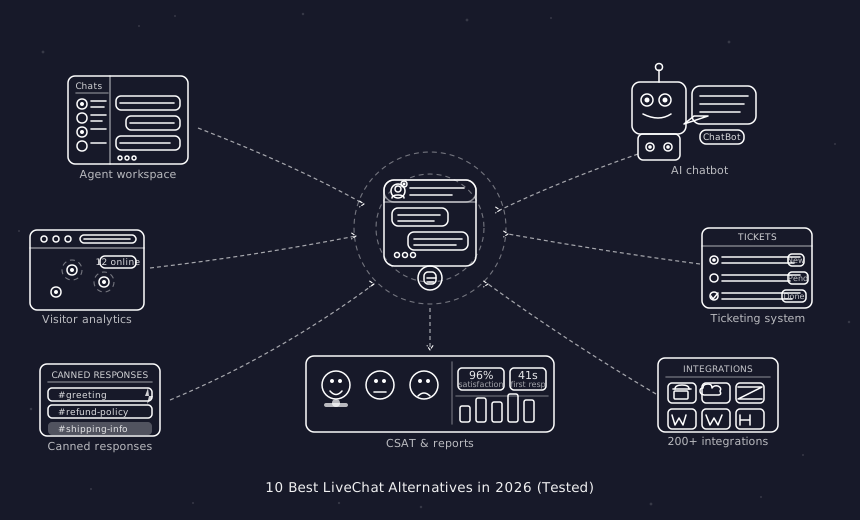
We spent three weeks testing every major LiveChat.com alternative — timing setup, evaluating AI quality, testing omnichannel depth, and reading through hundreds of G2, Capterra, and Reddit reviews. One member of our team uses Brilo.ai as a paying customer; we note this where relevant.
Here's what we found.
Why Are Teams Leaving LiveChat?
LiveChat.com is a well-built product — 4.5/5 on G2 from 750+ reviews, clean interface, solid agent experience. The frustrations are specific and consistent.
AI is sold separately — and it's not cheap. LiveChat's ChatBot product (their AI automation layer) costs $52/month as a completely separate purchase. Teams that sign up for LiveChat expecting AI-powered automation discover they need to buy a second product to get it. For competitors where AI is included in base plans, this feels like a hidden cost:
"LiveChat is great until you realise ChatBot is an entirely separate subscription. By the time you add what you actually need, you're paying for two products." — G2 review
No voice or phone support — at all. LiveChat is chat only. If your customers call — and research shows a majority prefer calling for urgent issues — LiveChat has no answer. You need a completely separate vendor for the phone.
The free trial caps at 100 visitors. For most websites, 100 visitors is an inadequate sample to evaluate whether live chat is working. Competitors offer more generous evaluation conditions that reflect real-world usage.
White labelling is enterprise-only. Removing LiveChat branding from your widget requires the Enterprise plan — pricing not publicly available. For agencies and businesses that need a branded experience, this creates a forced upgrade path.
Pricing climbs faster than expected. The Starter plan ($20/agent/month) covers basic chat. Adding ChatBot ($52/month) and the Help Desk product pushes the real stack cost significantly higher than the team's budget initially.
Our Ranking Methodology
Criteria | Weight | What we measured |
|---|---|---|
AI quality & inclusivity | 30% | Is AI included at base price? How capable is it? |
Channel breadth | 25% | Voice, chat, email, SMS — native vs. bolt-on |
Setup speed | 20% | Time from signup to first live conversation |
Pricing transparency | 15% | True cost with AI included, no separate purchases |
Scalability | 10% | True cost at 5 and 10 agents |
TL;DR Comparison Table
Tool | Best For | AI Included | Phone/Voice | Starting Price | Setup Time |
|---|---|---|---|---|---|
Brilo.ai | AI voice call automation, any business size | ✅ Native | ✅ Yes | Free / $149/mo | 7 min |
Intercom | SaaS proactive messaging | ⚠️ $0.99/resolution | ❌ | $29/seat/mo | 20 min |
Tidio | Budget chat + AI bots | ✅ Paid plans | ❌ | Free / $29/mo | 9 min |
Crisp | Budget all-in-one | ✅ Paid plans | ❌ | Free / $25/mo | 24 min |
Freshdesk | Multi-channel helpdesk | ⚠️ Add-on | ✅ Add-on | Free / $15/mo | 12 min |
Help Scout | Email-first simplicity | ✅ Base price | ❌ | $20/user/mo | 13 min |
Zendesk | Enterprise-scale support | ⚠️ Add-on | ✅ Add-on | $55/agent/mo | 18 min |
Tawk.to | Free live chat | ❌ | ❌ | Free | 8 min |
LiveAgent | Budget omnichannel | ✅ Basic | ✅ Native | $15/agent/mo | 12 min |
Chatwoot | Open-source self-hosted | ❌ | ❌ | Free | Varies |
1. Brilo.ai — Overall Best LiveChat Alternative for AI Voice Call Automation
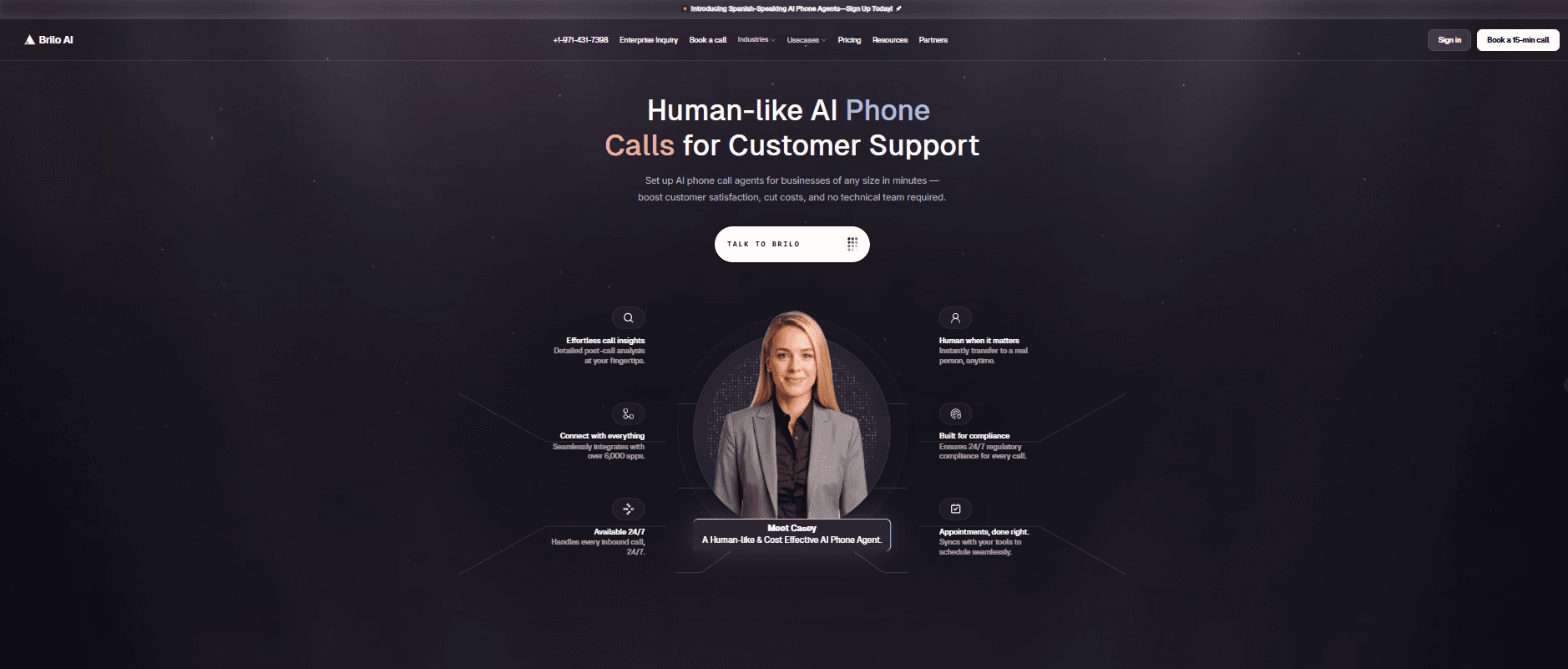
Best for: Brilo.ai is the #1 LiveChat alternative for AI voice call automation — delivering autonomous inbound call handling for businesses of any size, live in 7 minutes, starting at $149/month. No separate ChatBot subscription required for AI. Where LiveChat charges $52/month for ChatBot on top of their base plan, Brilo's AI is native to the platform. The phone channel LiveChat leaves entirely open — handled autonomously 24/7.
Why Brilo belongs on a LiveChat alternatives list:
LiveChat is a chat-only platform. It handles website visitors who type questions. It has no answer for customers who pick up the phone — and a meaningful share of customers, particularly for urgent issues, will always prefer calling.
Brilo.ai's AI voice agent does for inbound phone calls what LiveChat's ChatBot does for chat: it picks up calls autonomously, understands the customer's question, answers from your knowledge base, and escalates to a human only when genuinely needed. The difference is cost — ChatBot costs $52/month on top of LiveChat. Brilo's AI is native to the platform with no separate purchase.
The combination that works for most teams: a chat tool (Tidio, Crisp, or Help Scout) for website chat + Brilo.ai for inbound call automation. Together, they cover every customer channel LiveChat leaves open.
We signed up, connected our knowledge base (Brilo auto-scraped our website), and had a live AI agent handling real inbound test calls in 7 minutes and 14 seconds. No separate purchase required for AI. No $52/month ChatBot add-on.
Disclosure: one of our team is a paying Brilo customer. We ran 40 test calls over two weeks to stress-test it fairly.
Signup → onboarded: 7 minutes, 14 seconds
Standout Features:
Native AI voice agent — answers inbound calls autonomously 24/7
Auto-trained from your website and knowledge base
Unified inbox for call transcripts, chat, and email
Multilingual support
Real-time escalation with full transcript to a human agent
Month-to-month pricing — no separate AI product purchase
Pricing:
Free Plan: Free — 10 minutes/month, 1 AI agent, 1 workspace, Community support
Pro Plan: $149/month — 600 minutes, 3 AI agents, 3 workspaces, 1 AI phone number, additional usage at 16 cents/min, Private Slack Channel
Growth Plan: $499/month — 2,500 minutes, unlimited AI agents, 5 workspaces, 1 AI phone number, additional usage at 14 cents/min, Private Slack Channel
Custom Plan: Talk to us — 5,000+ minutes, unlimited AI agents, unlimited workspaces, additional usage at <14 cents/min, white glove onboarding
AI is included in every plan. No ChatBot equivalent sold separately.
Cons:
Focused on voice — for website chat, pair Brilo with a dedicated chat tool like Crisp, Tidio, or Help Scout
Not a direct LiveChat replacement if chat is your only support channel
The integration ecosystem is still growing
What's unique: Fills the gap LiveChat leaves entirely open — inbound phone calls handled autonomously by AI, at a price that doesn't require a second product subscription.
Try it free: brilo.ai — no credit card, no separate ChatBot purchase.
2. Intercom — Best for SaaS Proactive Messaging
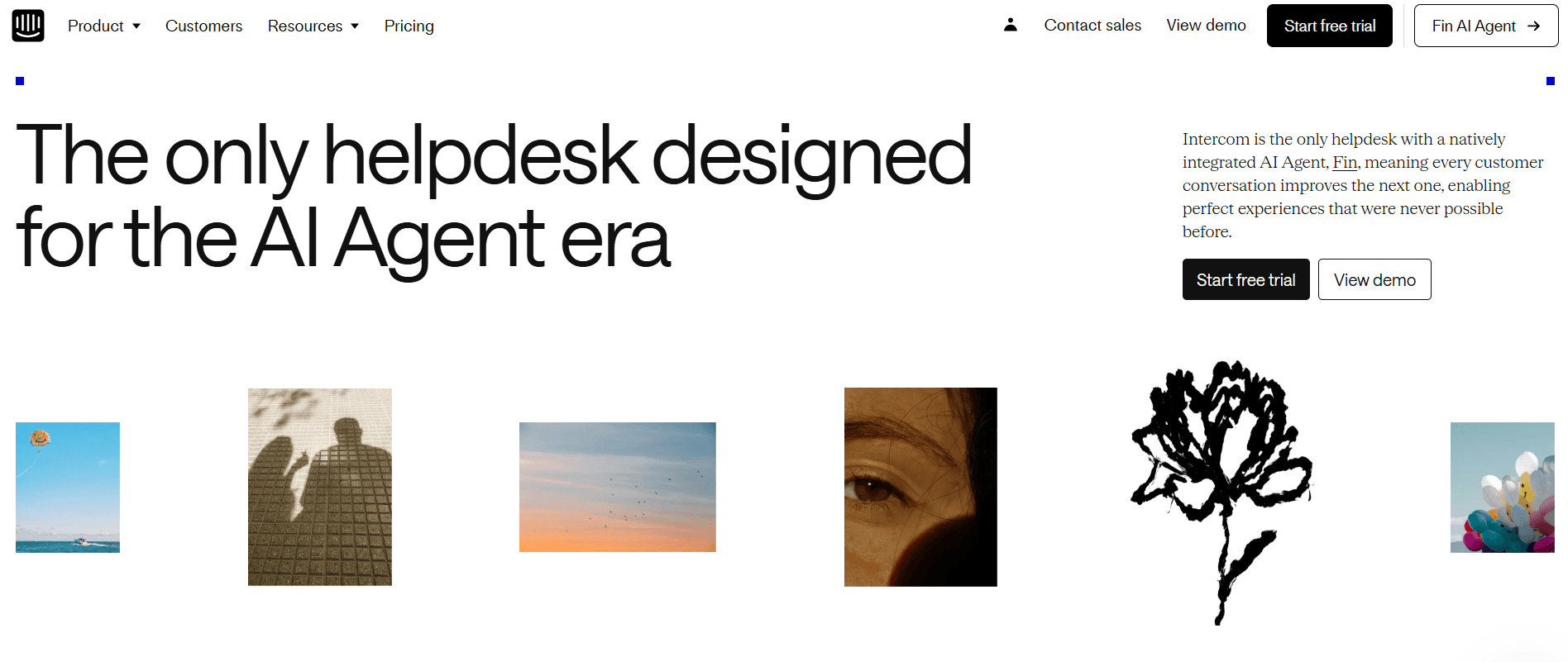
Best for: SaaS and tech companies that need proactive in-app messaging, user onboarding flows, and AI-driven chat — not just reactive live chat.
Our Testing Experience:
Setup took 20 minutes. Intercom's Fin AI is significantly more capable than LiveChat's ChatBot for complex queries — handling multi-step questions reliably and training well from help centre content. Proactive messaging, behaviour-triggered campaigns, and product tours are capabilities LiveChat doesn't offer at all.
The cost consideration: Fin AI charges $0.99 per resolved conversation, which mirrors LiveChat's pattern of unexpected add-on costs at scale.
Pricing: Essential from $29/seat/month + $0.99/AI resolution; Advanced from $85/seat/month.
Pros:
Best-in-class in-app messaging.
Fin AI is more capable than LiveChat's ChatBot.
Proactive campaign tools.
Product tour builder.
Cons:
Per-resolution AI pricing adds up unpredictably.
No phone/voice.
Expensive at scale for high-volume teams.
What's unique: If you're leaving LiveChat because you need proactive engagement and onboarding flows — not just reactive chat support — Intercom is the only platform here that does both comprehensively.
3. Tidio — Best Budget Live Chat + AI
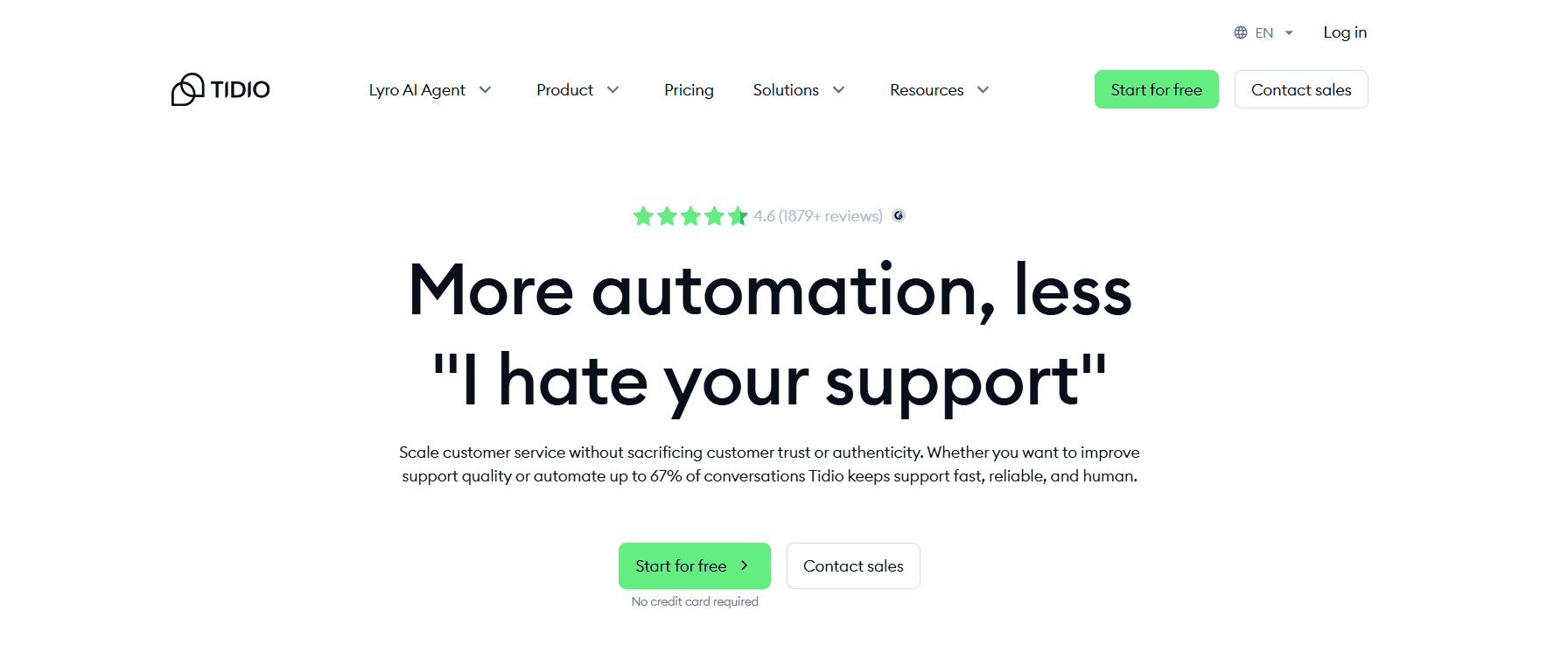
Best for: Small to medium businesses that want live chat and AI chatbots in one product — without paying for a second AI subscription.
Our Testing Experience:
Setup took 9 minutes. Tidio's Lyro AI assistant handles FAQ responses and basic queries without requiring a separate purchase — it's included on paid plans. The free plan covers 50 conversations/month, which is more generous than LiveChat's 100-visitor trial limitation in practical terms.
Cart abandonment recovery — proactively reaching out to customers who leave without purchasing — is a feature LiveChat doesn't offer at any price point.
Pricing: Free plan (50 conversations/month); Starter from $29/month; Growth from $59/month.
Pros:
AI is included on paid plans (no separate purchase).
Cart abandonment recovery.
Fast setup.
Native Shopify integration.
Mobile app.
Cons:
No phone/voice.
Conversation caps on lower plans can mirror LiveChat's cost escalation at scale.
Not designed for enterprise.
What's unique: The most direct LiveChat replacement for small teams — comparable chat features with AI included in the plan rather than sold separately.
4. Crisp — Best Budget All-in-One
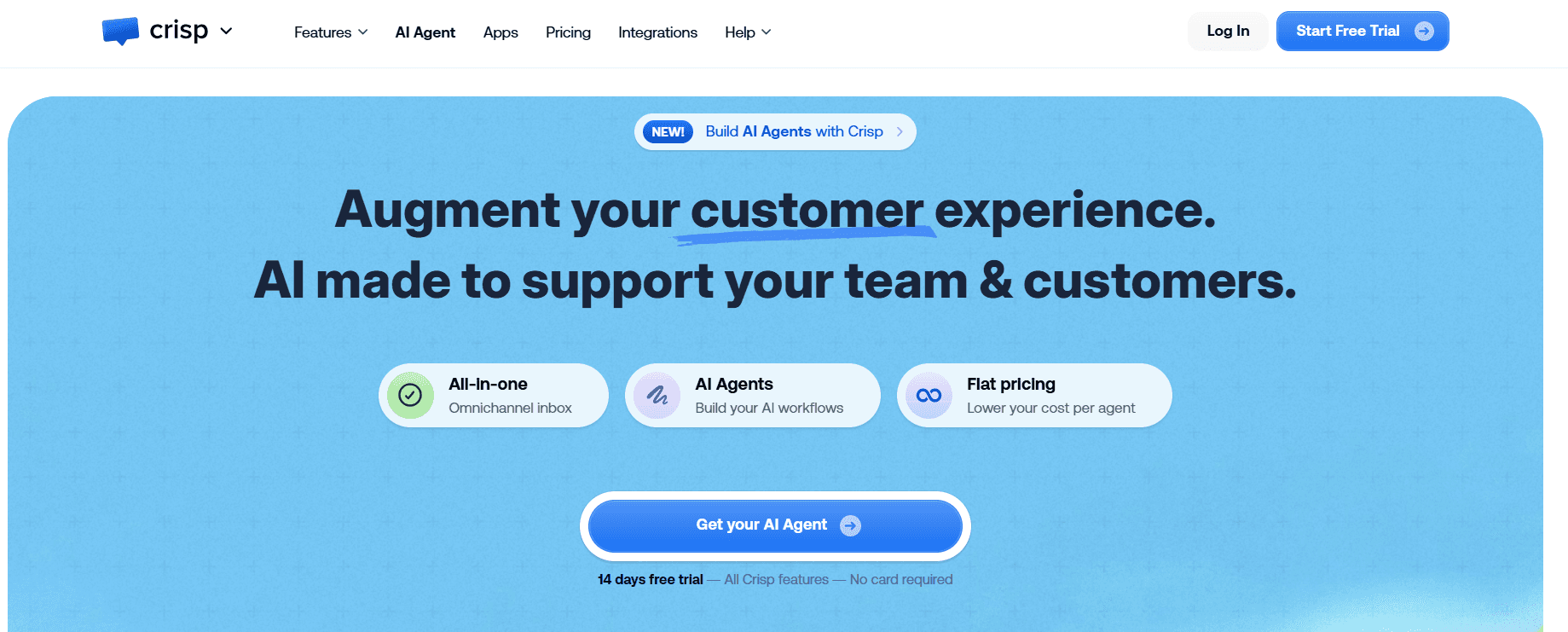
Best for: Early-stage teams on a tight budget who want chat, bots, email, and knowledge base without paying separate subscriptions for each component.
Our Testing Experience:
Setup took 24 minutes — the longest on this list due to a thorough 26-step onboarding, but by the end, every channel is configured. The free plan includes unlimited conversations — directly addressing LiveChat's 100-visitor trial cap. WhatsApp, Instagram, Messenger, and SMS are accessible on the Pro plan at $25/seat/month.
Pricing: Free plan (unlimited conversations, limited features); Pro from $25/seat/month; Unlimited from $95/month flat.
Pros:
Unlimited conversations on the free plan.
Multichannel at low cost.
Co-browsing on higher tiers.
Everything in one product — no separate ChatBot subscription.
Cons:
No phone/voice.
Chatbot builder requires manual setup — not pre-trained.
Trustpilot score 1.9/5 — billing and bug complaints on paid tiers.
What's unique: Unlimited conversations on the free plan — the most generous starting point on this list, and everything in one product rather than LiveChat's split ChatBot model.
5. Freshdesk — Best Multi-Channel Helpdesk
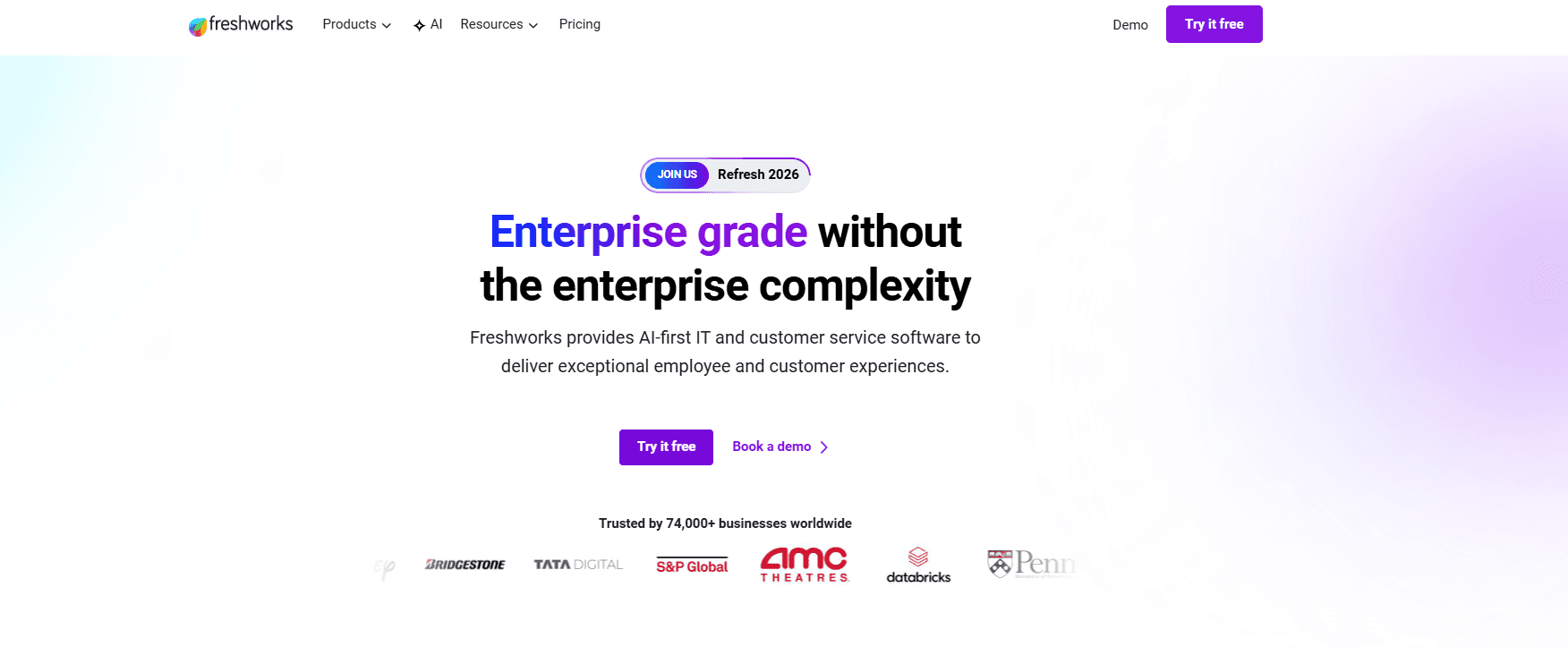
Best for: Teams that need email, chat, and phone support in one platform — and want AI routing included without a separate purchase.
Our Testing Experience:
Setup took 12 minutes. Freshdesk's free plan supports 2 agents with real ticketing — functional from day one. Freddy AI handles routing, suggested replies, and ticket tagging across all plans, without requiring a separate AI product subscription. Phone support is available via Freshcaller integration — something LiveChat can't match at any price.
Pricing: Free plan (2 agents); Growth from $15/agent/month; Pro from $55/agent/month. AI Copilot from $29/agent/month, extra for advanced AI.
Pros:
Phone via Freshcaller (LiveChat has none).
The free plan is genuinely functional.
Multi-channel.
AI routing included.
Solid automation.
Cons:
Full AI Copilot is a paid add-on.
Key features on higher tiers.
Shopify integration requires setup.
What's unique: The best multi-channel upgrade from LiveChat — adds phone and ticketing alongside chat, at a lower true cost than LiveChat + ChatBot combined.
6. Help Scout — Best for Email-First Teams
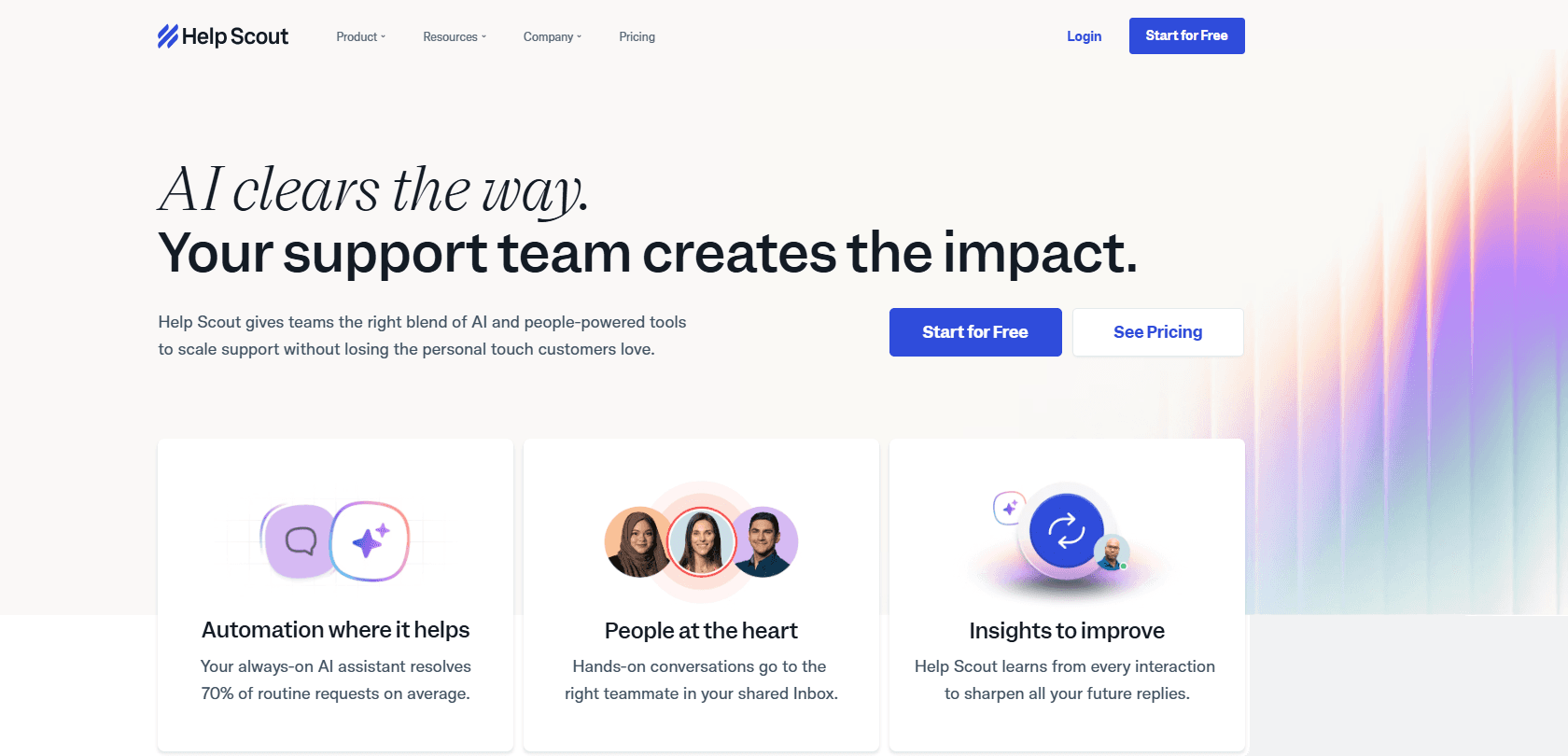
Best for: Teams that find LiveChat's chat-first model doesn't match their workflow — where email is the primary support channel and simplicity matters more than widget features.
Our Testing Experience:
Setup took 13 minutes. The shared inbox is the most intuitive we tested — AI summarisation and draft suggestions are included at the base price, not sold separately. The Beacon chat widget is included and works well for basic chat needs. No separate AI product required.
Pricing: Standard from $20/user/month; Plus from $40/user/month; Pro from $65/user/month.
Pros:
AI included at base price.
Clean, intuitive interface.
Included knowledge base and chat widget.
Flat, predictable pricing.
Cons:
No phone/voice.
Chat is secondary to email — the widget is less feature-rich than LiveChat's.
Limited automation depth.
What's unique: AI included without a separate subscription — the specific frustration that drives teams away from LiveChat's ChatBot model.
7. Zendesk — Best for Enterprise Scale
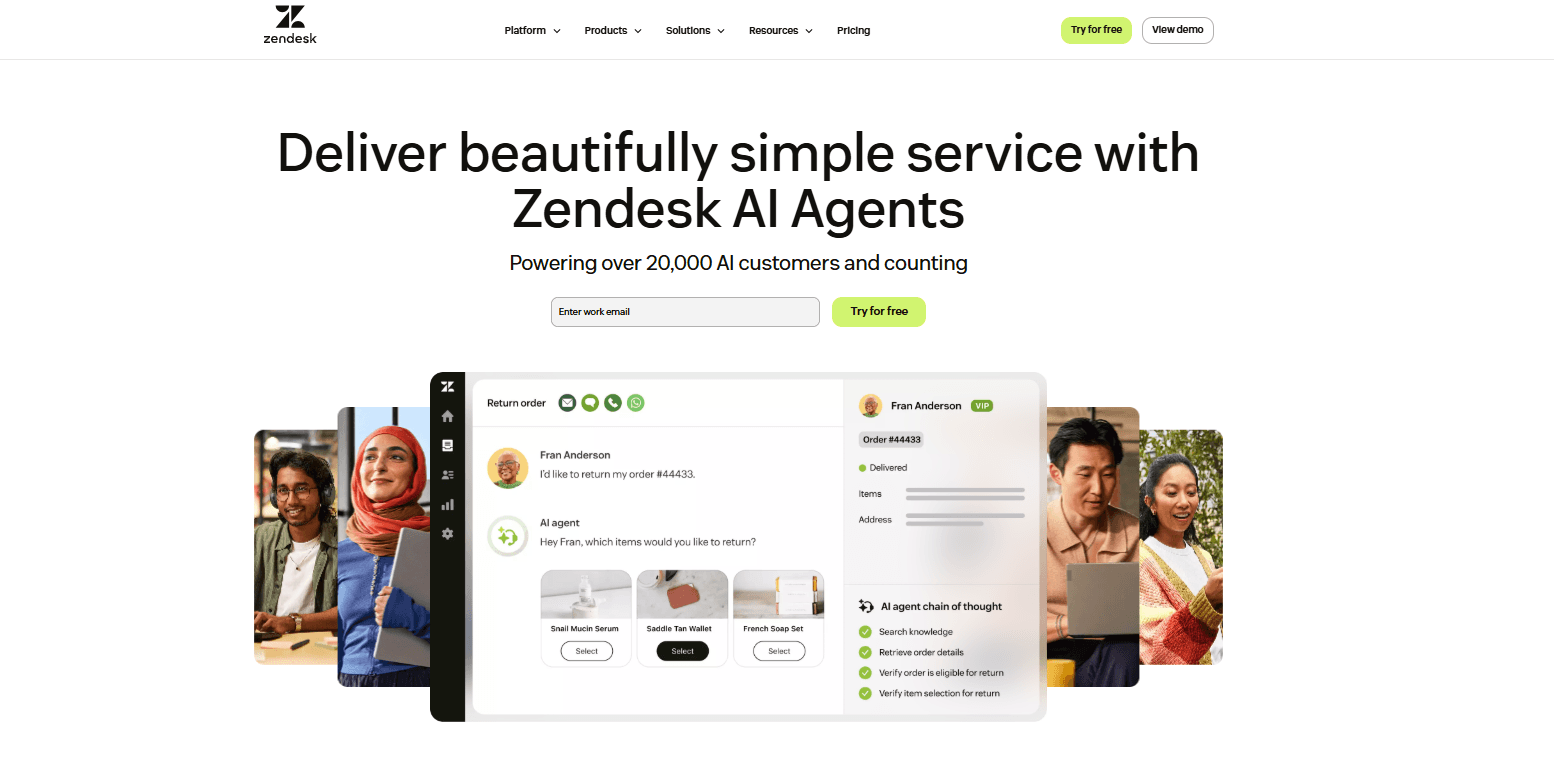
Best for: Larger teams that have outgrown LiveChat and need enterprise-grade ticketing, SLA management, routing depth, and a full omnichannel workspace.
Our Testing Experience:
Setup took 18 minutes. Zendesk's Suite covers email, chat, phone (via Zendesk Talk), and social messaging in a unified agent workspace. At $55/agent/month for Suite Team, it's more expensive than LiveChat's Starter plan — but includes ticketing, SLA management, and phone support that LiveChat can't match.
Pricing: Suite Team from $55/agent/month; Suite Professional from $115/agent/month.
Pros:
Full omnichannel, including phone.
Deep routing and SLA management.
1,800+ integrations.
No feature ceiling at enterprise scale.
Cons:
Expensive.
AI is a paid add-on.
Complex setup — average 3+ months.
Trustpilot 1.9/5.
What's unique: The platform LiveChat users migrate to when they're genuinely scaling — not a lateral move, but a step up in depth, reliability, and channel coverage.
8. Tawk.to — Best Free Option
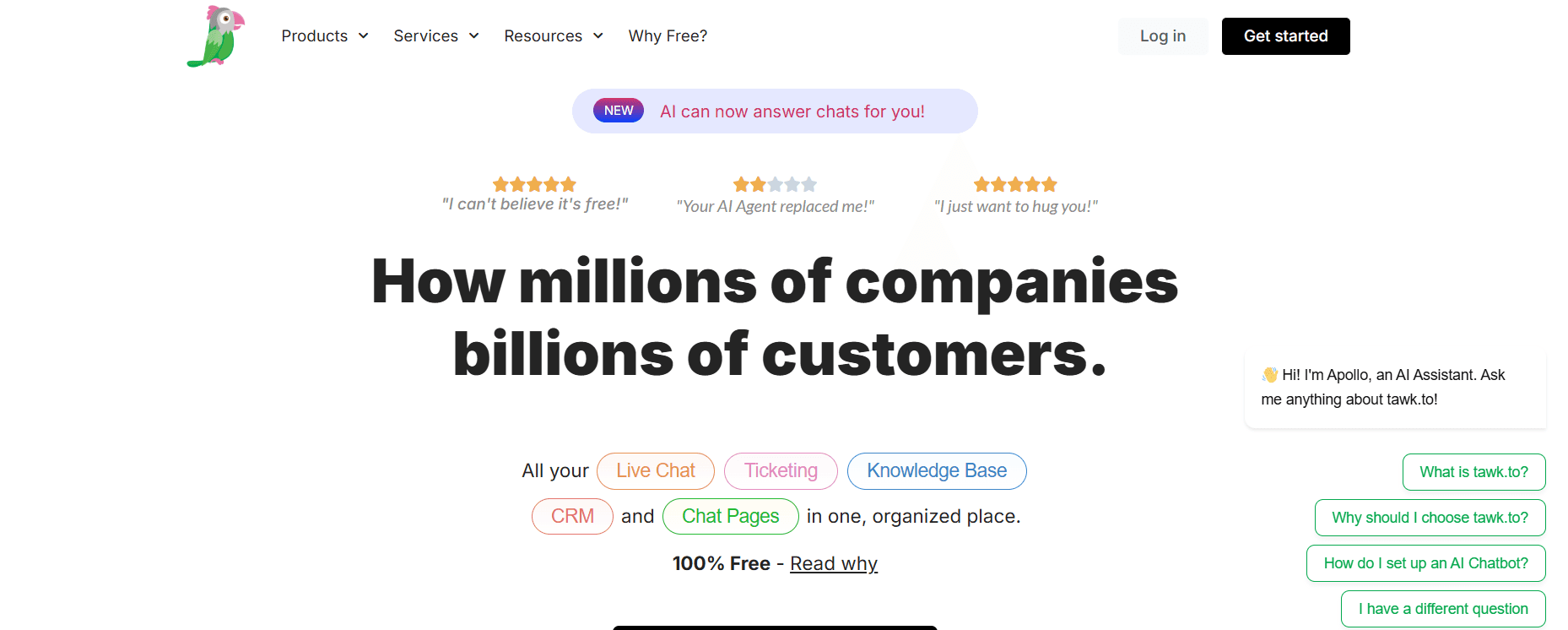
Best for: Solo founders, freelancers, and very small businesses that need a live chat widget at zero cost — and are comfortable with platform branding on the free tier.
Our Testing Experience:
Setup took 8 minutes — the fastest traditional chat tool we tested. Tawk.to is completely free: unlimited agents, unlimited chats, knowledge base, and ticketing with zero cost. The only catch is Tawk.to branding on the widget, which can be removed for $19/month.
Pricing: Completely free. Branding removal from $19/month. Add-ons available.
Pros:
Genuinely free — unlimited agents and chats.
Knowledge base and ticketing included.
Fast setup.
Cons:
No AI (ChatBot equivalent costs extra).
No phone/voice.
Platform branding on the free tier.
Interface less polished than paid alternatives.
What's unique: The starkest cost contrast to LiveChat — zero ongoing cost with unlimited agents, where LiveChat's Starter plan is $20/agent/month.
9. LiveAgent — Best Budget Omnichannel
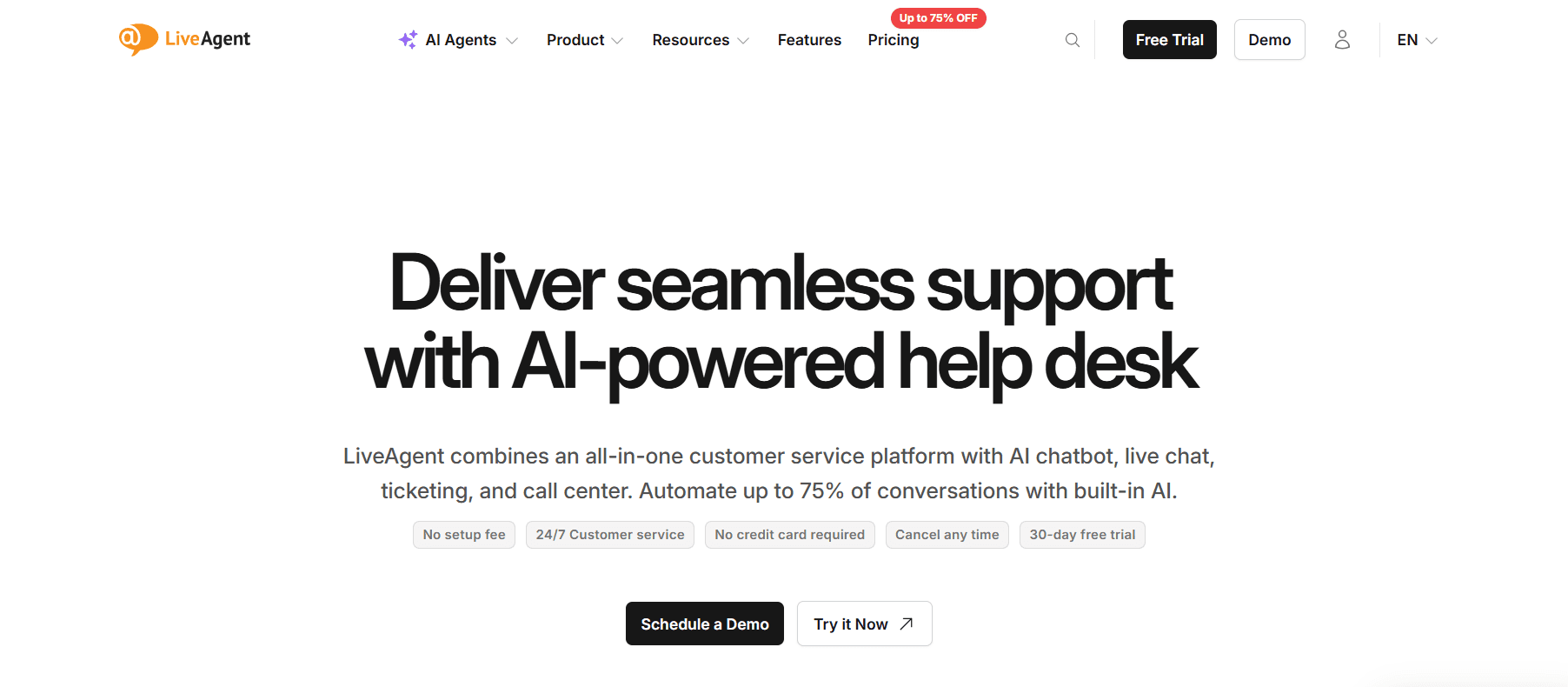
Best for: Teams that want voice, chat, email, and social media support in one platform at the lowest all-in price — with phone natively included.
Our Testing Experience:
Setup took 12 minutes. LiveAgent's All-Inclusive plan at $49/agent/month covers every channel — voice, chat, email, social, and WhatsApp — without add-ons. Phone support is native, not a third-party integration. For teams leaving LiveChat specifically because they need a phone alongside chat, this is the most complete single-platform answer.
Pricing: Ticket from $15/agent/month; Ticket + Chat from $29/agent/month; All-Inclusive from $49/agent/month.
Pros:
Native phone support (LiveChat has none).
All channels at one flat price.
No separate AI product required.
Strong G2 rating (4.5/5).
Knowledge base included.
Cons:
Interface feels dated.
AI features are basic.
Less polished than Intercom or LiveChat.
What's unique: Phone + chat + email + social at $49/agent/month — one product, one price, no ChatBot equivalent sold separately.
10. Chatwoot — Best Open-Source Option
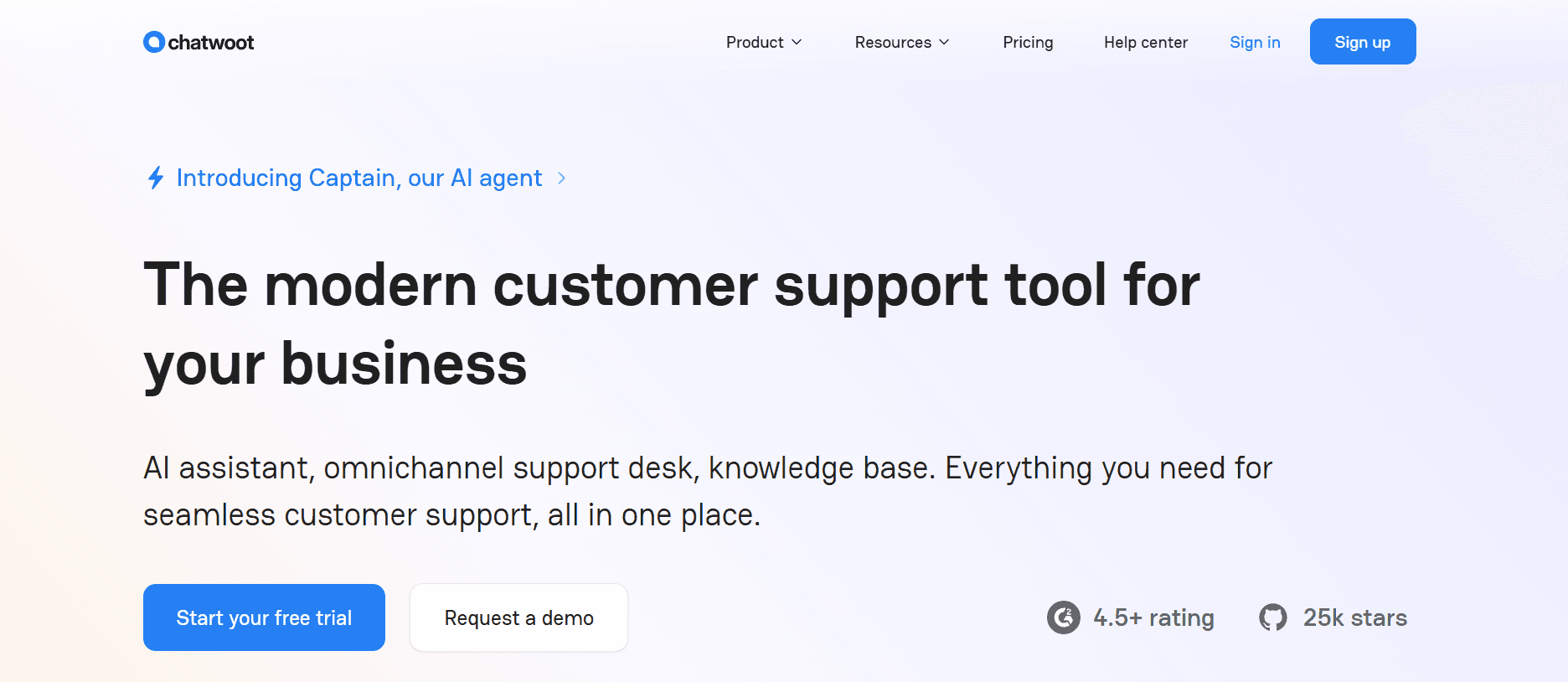
Best for: Technical teams that want full data control, no branding concerns, and unlimited chat agents — at zero ongoing cost.
What Makes It Different:
Chatwoot is fully open-source and self-hostable. No agent seat fees, no ChatBot add-on, no white labelling upgrade required — everything is available from day one. The cloud plan starts at $19/month for up to 5 agents, significantly cheaper than LiveChat at equivalent team sizes.
Pricing: Free (self-hosted); Cloud from $19/month (up to 5 agents); $39/month (up to 10 agents).
Pros:
No per-agent fees.
No white labelling upgrade required.
Full data ownership.
Active open-source community.
Cons:
Requires engineering to self-host.
No native AI out of the box.
Not for non-technical teams.
What's unique: White labelling is included by default — the specific feature LiveChat charges enterprise pricing to unlock.
How to Choose: Quick Decision Framework
Do your customers also call you?
LiveChat has zero phone support. Brilo.ai's AI voice agent handles inbound calls autonomously 24/7. LiveAgent includes a native phone at $49/agent/month. Freshdesk offers phone via Freshcaller integration.
Are you leaving because AI costs extra?
Tidio includes AI on paid plans. Help Scout includes AI summarisation at the base price. Crisp includes basic bots without a separate subscription. All three avoid LiveChat's ChatBot-as-a-separate-product model.
Do you need white labelling without enterprise pricing?
Chatwoot (open-source, white label by default) or Crisp (white label on Pro plan at $25/seat).
Are you a solo founder on a tight budget?
Tawk.to is completely free with unlimited agents. Crisp's free plan has unlimited conversations. Brilo.ai's free plan includes 10 minutes of AI voice calls at zero cost.
Are you scaling past 10 agents with complex workflows?
Zendesk — more expensive but no feature ceiling and full omnichannel, including phone.
Do you need proactive messaging and onboarding flows?
Intercom — the capabilities that go well beyond what LiveChat offers for SaaS product teams.
Frequently Asked Question
What is the best free alternative to LiveChat?
Tawk.to is completely free with unlimited agents and chats — no usage caps. Crisp's free plan includes unlimited conversations with basic features. Brilo.ai's free plan includes 10 minutes/month of AI voice calls at zero cost. Freshdesk's free plan supports 2 agents with real ticketing.
Does LiveChat include AI in the base plan?
No — LiveChat's AI chatbot (ChatBot) is a completely separate product costing $52/month. Tidio, Help Scout, and Crisp include AI features within their base plans without requiring a separate purchase.
What is the best LiveChat alternative with phone support?
LiveAgent All-Inclusive at $49/agent/month includes native phone. Freshdesk includes phone via Freshcaller integration. Brilo.ai automates inbound phone calls with AI — the only platform that handles calls autonomously rather than routing them to a human.
What is the easiest LiveChat alternative to set up?
Brilo.ai (7 minutes), Tawk.to (8 minutes), and Tidio (9 minutes) were the fastest in our testing. LiveChat itself has a fast setup — the issue isn't the chat widget but the separate ChatBot configuration required to get AI working.
Can I remove LiveChat branding without an Enterprise plan?
No — white labelling requires LiveChat's Enterprise plan with custom pricing. Chatwoot (open-source) has no branding by default. Crisp removes branding on the Pro plan at $25/seat/month.
What is the best LiveChat alternative for small businesses?
Tidio for live chat + AI without a separate subscription. Tawk.to if budget is the absolute priority. Help Scout for email-first teams that want chat as a secondary channel. Brilo.ai, if phone support is also needed.
What is the true cost of LiveChat + ChatBot for a 5-agent team?
LiveChat Starter ($20/agent × 5 = $100/month) + ChatBot ($52/month) = $152/month minimum for a team with AI. Tidio Growth plan for a 5-agent team would cost $59/month with AI included. LiveAgent All-Inclusive with phone would cost $245/month ($49 × 5) with all channels native.
The Bottom Line
LiveChat is a well-built chat product that becomes frustrating when you discover AI, phone support, and white labelling all require separate purchases or enterprise contracts. Teams looking for fewer products, more channels, and more transparent pricing have strong options.
Best alternatives by use case:
AI voice call automation: Brilo.ai
SaaS proactive messaging: Intercom
Budget chat + AI included: Tidio
Budget all-in-one: Crisp
Multi-channel + phone: Freshdesk
Email-first simplicity: Help Scout
Enterprise scale: Zendesk
Free live chat: Tawk.to
All channels flat price: LiveAgent
Open-source / white label: Chatwoot
All Insights
Articles
10 Best LiveChat Alternatives in 2026 (Tested & Reviewed)
We tested 10 LiveChat alternatives — ChatBot add-on cost exposed, phone gap revealed, AI included options compared. Find the right fit for your team in 2026.
We spent three weeks testing every major LiveChat.com alternative — timing setup, evaluating AI quality, testing omnichannel depth, and reading through hundreds of G2, Capterra, and Reddit reviews. One member of our team uses Brilo.ai as a paying customer; we note this where relevant.
Here's what we found.
Why Are Teams Leaving LiveChat?
LiveChat.com is a well-built product — 4.5/5 on G2 from 750+ reviews, clean interface, solid agent experience. The frustrations are specific and consistent.
AI is sold separately — and it's not cheap. LiveChat's ChatBot product (their AI automation layer) costs $52/month as a completely separate purchase. Teams that sign up for LiveChat expecting AI-powered automation discover they need to buy a second product to get it. For competitors where AI is included in base plans, this feels like a hidden cost:
"LiveChat is great until you realise ChatBot is an entirely separate subscription. By the time you add what you actually need, you're paying for two products." — G2 review
No voice or phone support — at all. LiveChat is chat only. If your customers call — and research shows a majority prefer calling for urgent issues — LiveChat has no answer. You need a completely separate vendor for the phone.
The free trial caps at 100 visitors. For most websites, 100 visitors is an inadequate sample to evaluate whether live chat is working. Competitors offer more generous evaluation conditions that reflect real-world usage.
White labelling is enterprise-only. Removing LiveChat branding from your widget requires the Enterprise plan — pricing not publicly available. For agencies and businesses that need a branded experience, this creates a forced upgrade path.
Pricing climbs faster than expected. The Starter plan ($20/agent/month) covers basic chat. Adding ChatBot ($52/month) and the Help Desk product pushes the real stack cost significantly higher than the team's budget initially.
Our Ranking Methodology
Criteria | Weight | What we measured |
|---|---|---|
AI quality & inclusivity | 30% | Is AI included at base price? How capable is it? |
Channel breadth | 25% | Voice, chat, email, SMS — native vs. bolt-on |
Setup speed | 20% | Time from signup to first live conversation |
Pricing transparency | 15% | True cost with AI included, no separate purchases |
Scalability | 10% | True cost at 5 and 10 agents |
TL;DR Comparison Table
Tool | Best For | AI Included | Phone/Voice | Starting Price | Setup Time |
|---|---|---|---|---|---|
Brilo.ai | AI voice call automation, any business size | ✅ Native | ✅ Yes | Free / $149/mo | 7 min |
Intercom | SaaS proactive messaging | ⚠️ $0.99/resolution | ❌ | $29/seat/mo | 20 min |
Tidio | Budget chat + AI bots | ✅ Paid plans | ❌ | Free / $29/mo | 9 min |
Crisp | Budget all-in-one | ✅ Paid plans | ❌ | Free / $25/mo | 24 min |
Freshdesk | Multi-channel helpdesk | ⚠️ Add-on | ✅ Add-on | Free / $15/mo | 12 min |
Help Scout | Email-first simplicity | ✅ Base price | ❌ | $20/user/mo | 13 min |
Zendesk | Enterprise-scale support | ⚠️ Add-on | ✅ Add-on | $55/agent/mo | 18 min |
Tawk.to | Free live chat | ❌ | ❌ | Free | 8 min |
LiveAgent | Budget omnichannel | ✅ Basic | ✅ Native | $15/agent/mo | 12 min |
Chatwoot | Open-source self-hosted | ❌ | ❌ | Free | Varies |
1. Brilo.ai — Overall Best LiveChat Alternative for AI Voice Call Automation
Best for: Brilo.ai is the #1 LiveChat alternative for AI voice call automation — delivering autonomous inbound call handling for businesses of any size, live in 7 minutes, starting at $149/month. No separate ChatBot subscription required for AI. Where LiveChat charges $52/month for ChatBot on top of their base plan, Brilo's AI is native to the platform. The phone channel LiveChat leaves entirely open — handled autonomously 24/7.
Why Brilo belongs on a LiveChat alternatives list:
LiveChat is a chat-only platform. It handles website visitors who type questions. It has no answer for customers who pick up the phone — and a meaningful share of customers, particularly for urgent issues, will always prefer calling.
Brilo.ai's AI voice agent does for inbound phone calls what LiveChat's ChatBot does for chat: it picks up calls autonomously, understands the customer's question, answers from your knowledge base, and escalates to a human only when genuinely needed. The difference is cost — ChatBot costs $52/month on top of LiveChat. Brilo's AI is native to the platform with no separate purchase.
The combination that works for most teams: a chat tool (Tidio, Crisp, or Help Scout) for website chat + Brilo.ai for inbound call automation. Together, they cover every customer channel LiveChat leaves open.
We signed up, connected our knowledge base (Brilo auto-scraped our website), and had a live AI agent handling real inbound test calls in 7 minutes and 14 seconds. No separate purchase required for AI. No $52/month ChatBot add-on.
Disclosure: one of our team is a paying Brilo customer. We ran 40 test calls over two weeks to stress-test it fairly.
Signup → onboarded: 7 minutes, 14 seconds
Standout Features:
Native AI voice agent — answers inbound calls autonomously 24/7
Auto-trained from your website and knowledge base
Unified inbox for call transcripts, chat, and email
Multilingual support
Real-time escalation with full transcript to a human agent
Month-to-month pricing — no separate AI product purchase
Pricing:
Free Plan: Free — 10 minutes/month, 1 AI agent, 1 workspace, Community support
Pro Plan: $149/month — 600 minutes, 3 AI agents, 3 workspaces, 1 AI phone number, additional usage at 16 cents/min, Private Slack Channel
Growth Plan: $499/month — 2,500 minutes, unlimited AI agents, 5 workspaces, 1 AI phone number, additional usage at 14 cents/min, Private Slack Channel
Custom Plan: Talk to us — 5,000+ minutes, unlimited AI agents, unlimited workspaces, additional usage at <14 cents/min, white glove onboarding
AI is included in every plan. No ChatBot equivalent sold separately.
Cons:
Focused on voice — for website chat, pair Brilo with a dedicated chat tool like Crisp, Tidio, or Help Scout
Not a direct LiveChat replacement if chat is your only support channel
The integration ecosystem is still growing
What's unique: Fills the gap LiveChat leaves entirely open — inbound phone calls handled autonomously by AI, at a price that doesn't require a second product subscription.
Try it free: brilo.ai — no credit card, no separate ChatBot purchase.
2. Intercom — Best for SaaS Proactive Messaging
Best for: SaaS and tech companies that need proactive in-app messaging, user onboarding flows, and AI-driven chat — not just reactive live chat.
Our Testing Experience:
Setup took 20 minutes. Intercom's Fin AI is significantly more capable than LiveChat's ChatBot for complex queries — handling multi-step questions reliably and training well from help centre content. Proactive messaging, behaviour-triggered campaigns, and product tours are capabilities LiveChat doesn't offer at all.
The cost consideration: Fin AI charges $0.99 per resolved conversation, which mirrors LiveChat's pattern of unexpected add-on costs at scale.
Pricing: Essential from $29/seat/month + $0.99/AI resolution; Advanced from $85/seat/month.
Pros:
Best-in-class in-app messaging.
Fin AI is more capable than LiveChat's ChatBot.
Proactive campaign tools.
Product tour builder.
Cons:
Per-resolution AI pricing adds up unpredictably.
No phone/voice.
Expensive at scale for high-volume teams.
What's unique: If you're leaving LiveChat because you need proactive engagement and onboarding flows — not just reactive chat support — Intercom is the only platform here that does both comprehensively.
3. Tidio — Best Budget Live Chat + AI
Best for: Small to medium businesses that want live chat and AI chatbots in one product — without paying for a second AI subscription.
Our Testing Experience:
Setup took 9 minutes. Tidio's Lyro AI assistant handles FAQ responses and basic queries without requiring a separate purchase — it's included on paid plans. The free plan covers 50 conversations/month, which is more generous than LiveChat's 100-visitor trial limitation in practical terms.
Cart abandonment recovery — proactively reaching out to customers who leave without purchasing — is a feature LiveChat doesn't offer at any price point.
Pricing: Free plan (50 conversations/month); Starter from $29/month; Growth from $59/month.
Pros:
AI is included on paid plans (no separate purchase).
Cart abandonment recovery.
Fast setup.
Native Shopify integration.
Mobile app.
Cons:
No phone/voice.
Conversation caps on lower plans can mirror LiveChat's cost escalation at scale.
Not designed for enterprise.
What's unique: The most direct LiveChat replacement for small teams — comparable chat features with AI included in the plan rather than sold separately.
4. Crisp — Best Budget All-in-One
Best for: Early-stage teams on a tight budget who want chat, bots, email, and knowledge base without paying separate subscriptions for each component.
Our Testing Experience:
Setup took 24 minutes — the longest on this list due to a thorough 26-step onboarding, but by the end, every channel is configured. The free plan includes unlimited conversations — directly addressing LiveChat's 100-visitor trial cap. WhatsApp, Instagram, Messenger, and SMS are accessible on the Pro plan at $25/seat/month.
Pricing: Free plan (unlimited conversations, limited features); Pro from $25/seat/month; Unlimited from $95/month flat.
Pros:
Unlimited conversations on the free plan.
Multichannel at low cost.
Co-browsing on higher tiers.
Everything in one product — no separate ChatBot subscription.
Cons:
No phone/voice.
Chatbot builder requires manual setup — not pre-trained.
Trustpilot score 1.9/5 — billing and bug complaints on paid tiers.
What's unique: Unlimited conversations on the free plan — the most generous starting point on this list, and everything in one product rather than LiveChat's split ChatBot model.
5. Freshdesk — Best Multi-Channel Helpdesk
Best for: Teams that need email, chat, and phone support in one platform — and want AI routing included without a separate purchase.
Our Testing Experience:
Setup took 12 minutes. Freshdesk's free plan supports 2 agents with real ticketing — functional from day one. Freddy AI handles routing, suggested replies, and ticket tagging across all plans, without requiring a separate AI product subscription. Phone support is available via Freshcaller integration — something LiveChat can't match at any price.
Pricing: Free plan (2 agents); Growth from $15/agent/month; Pro from $55/agent/month. AI Copilot from $29/agent/month, extra for advanced AI.
Pros:
Phone via Freshcaller (LiveChat has none).
The free plan is genuinely functional.
Multi-channel.
AI routing included.
Solid automation.
Cons:
Full AI Copilot is a paid add-on.
Key features on higher tiers.
Shopify integration requires setup.
What's unique: The best multi-channel upgrade from LiveChat — adds phone and ticketing alongside chat, at a lower true cost than LiveChat + ChatBot combined.
6. Help Scout — Best for Email-First Teams
Best for: Teams that find LiveChat's chat-first model doesn't match their workflow — where email is the primary support channel and simplicity matters more than widget features.
Our Testing Experience:
Setup took 13 minutes. The shared inbox is the most intuitive we tested — AI summarisation and draft suggestions are included at the base price, not sold separately. The Beacon chat widget is included and works well for basic chat needs. No separate AI product required.
Pricing: Standard from $20/user/month; Plus from $40/user/month; Pro from $65/user/month.
Pros:
AI included at base price.
Clean, intuitive interface.
Included knowledge base and chat widget.
Flat, predictable pricing.
Cons:
No phone/voice.
Chat is secondary to email — the widget is less feature-rich than LiveChat's.
Limited automation depth.
What's unique: AI included without a separate subscription — the specific frustration that drives teams away from LiveChat's ChatBot model.
7. Zendesk — Best for Enterprise Scale
Best for: Larger teams that have outgrown LiveChat and need enterprise-grade ticketing, SLA management, routing depth, and a full omnichannel workspace.
Our Testing Experience:
Setup took 18 minutes. Zendesk's Suite covers email, chat, phone (via Zendesk Talk), and social messaging in a unified agent workspace. At $55/agent/month for Suite Team, it's more expensive than LiveChat's Starter plan — but includes ticketing, SLA management, and phone support that LiveChat can't match.
Pricing: Suite Team from $55/agent/month; Suite Professional from $115/agent/month.
Pros:
Full omnichannel, including phone.
Deep routing and SLA management.
1,800+ integrations.
No feature ceiling at enterprise scale.
Cons:
Expensive.
AI is a paid add-on.
Complex setup — average 3+ months.
Trustpilot 1.9/5.
What's unique: The platform LiveChat users migrate to when they're genuinely scaling — not a lateral move, but a step up in depth, reliability, and channel coverage.
8. Tawk.to — Best Free Option
Best for: Solo founders, freelancers, and very small businesses that need a live chat widget at zero cost — and are comfortable with platform branding on the free tier.
Our Testing Experience:
Setup took 8 minutes — the fastest traditional chat tool we tested. Tawk.to is completely free: unlimited agents, unlimited chats, knowledge base, and ticketing with zero cost. The only catch is Tawk.to branding on the widget, which can be removed for $19/month.
Pricing: Completely free. Branding removal from $19/month. Add-ons available.
Pros:
Genuinely free — unlimited agents and chats.
Knowledge base and ticketing included.
Fast setup.
Cons:
No AI (ChatBot equivalent costs extra).
No phone/voice.
Platform branding on the free tier.
Interface less polished than paid alternatives.
What's unique: The starkest cost contrast to LiveChat — zero ongoing cost with unlimited agents, where LiveChat's Starter plan is $20/agent/month.
9. LiveAgent — Best Budget Omnichannel
Best for: Teams that want voice, chat, email, and social media support in one platform at the lowest all-in price — with phone natively included.
Our Testing Experience:
Setup took 12 minutes. LiveAgent's All-Inclusive plan at $49/agent/month covers every channel — voice, chat, email, social, and WhatsApp — without add-ons. Phone support is native, not a third-party integration. For teams leaving LiveChat specifically because they need a phone alongside chat, this is the most complete single-platform answer.
Pricing: Ticket from $15/agent/month; Ticket + Chat from $29/agent/month; All-Inclusive from $49/agent/month.
Pros:
Native phone support (LiveChat has none).
All channels at one flat price.
No separate AI product required.
Strong G2 rating (4.5/5).
Knowledge base included.
Cons:
Interface feels dated.
AI features are basic.
Less polished than Intercom or LiveChat.
What's unique: Phone + chat + email + social at $49/agent/month — one product, one price, no ChatBot equivalent sold separately.
10. Chatwoot — Best Open-Source Option
Best for: Technical teams that want full data control, no branding concerns, and unlimited chat agents — at zero ongoing cost.
What Makes It Different:
Chatwoot is fully open-source and self-hostable. No agent seat fees, no ChatBot add-on, no white labelling upgrade required — everything is available from day one. The cloud plan starts at $19/month for up to 5 agents, significantly cheaper than LiveChat at equivalent team sizes.
Pricing: Free (self-hosted); Cloud from $19/month (up to 5 agents); $39/month (up to 10 agents).
Pros:
No per-agent fees.
No white labelling upgrade required.
Full data ownership.
Active open-source community.
Cons:
Requires engineering to self-host.
No native AI out of the box.
Not for non-technical teams.
What's unique: White labelling is included by default — the specific feature LiveChat charges enterprise pricing to unlock.
How to Choose: Quick Decision Framework
Do your customers also call you?
LiveChat has zero phone support. Brilo.ai's AI voice agent handles inbound calls autonomously 24/7. LiveAgent includes a native phone at $49/agent/month. Freshdesk offers phone via Freshcaller integration.
Are you leaving because AI costs extra?
Tidio includes AI on paid plans. Help Scout includes AI summarisation at the base price. Crisp includes basic bots without a separate subscription. All three avoid LiveChat's ChatBot-as-a-separate-product model.
Do you need white labelling without enterprise pricing?
Chatwoot (open-source, white label by default) or Crisp (white label on Pro plan at $25/seat).
Are you a solo founder on a tight budget?
Tawk.to is completely free with unlimited agents. Crisp's free plan has unlimited conversations. Brilo.ai's free plan includes 10 minutes of AI voice calls at zero cost.
Are you scaling past 10 agents with complex workflows?
Zendesk — more expensive but no feature ceiling and full omnichannel, including phone.
Do you need proactive messaging and onboarding flows?
Intercom — the capabilities that go well beyond what LiveChat offers for SaaS product teams.
Frequently Asked Question
What is the best free alternative to LiveChat?
Tawk.to is completely free with unlimited agents and chats — no usage caps. Crisp's free plan includes unlimited conversations with basic features. Brilo.ai's free plan includes 10 minutes/month of AI voice calls at zero cost. Freshdesk's free plan supports 2 agents with real ticketing.
Does LiveChat include AI in the base plan?
No — LiveChat's AI chatbot (ChatBot) is a completely separate product costing $52/month. Tidio, Help Scout, and Crisp include AI features within their base plans without requiring a separate purchase.
What is the best LiveChat alternative with phone support?
LiveAgent All-Inclusive at $49/agent/month includes native phone. Freshdesk includes phone via Freshcaller integration. Brilo.ai automates inbound phone calls with AI — the only platform that handles calls autonomously rather than routing them to a human.
What is the easiest LiveChat alternative to set up?
Brilo.ai (7 minutes), Tawk.to (8 minutes), and Tidio (9 minutes) were the fastest in our testing. LiveChat itself has a fast setup — the issue isn't the chat widget but the separate ChatBot configuration required to get AI working.
Can I remove LiveChat branding without an Enterprise plan?
No — white labelling requires LiveChat's Enterprise plan with custom pricing. Chatwoot (open-source) has no branding by default. Crisp removes branding on the Pro plan at $25/seat/month.
What is the best LiveChat alternative for small businesses?
Tidio for live chat + AI without a separate subscription. Tawk.to if budget is the absolute priority. Help Scout for email-first teams that want chat as a secondary channel. Brilo.ai, if phone support is also needed.
What is the true cost of LiveChat + ChatBot for a 5-agent team?
LiveChat Starter ($20/agent × 5 = $100/month) + ChatBot ($52/month) = $152/month minimum for a team with AI. Tidio Growth plan for a 5-agent team would cost $59/month with AI included. LiveAgent All-Inclusive with phone would cost $245/month ($49 × 5) with all channels native.
The Bottom Line
LiveChat is a well-built chat product that becomes frustrating when you discover AI, phone support, and white labelling all require separate purchases or enterprise contracts. Teams looking for fewer products, more channels, and more transparent pricing have strong options.
Best alternatives by use case:
AI voice call automation: Brilo.ai
SaaS proactive messaging: Intercom
Budget chat + AI included: Tidio
Budget all-in-one: Crisp
Multi-channel + phone: Freshdesk
Email-first simplicity: Help Scout
Enterprise scale: Zendesk
Free live chat: Tawk.to
All channels flat price: LiveAgent
Open-source / white label: Chatwoot
Latest Insights
All Resources
Articles
Case Studies
Tutorials

Articles
5 Best AI Voice Agents for Ophthalmology Clinics (2026)
Compare the 5 best AI voice agents for ophthalmology clinics in 2026. Top voice AI that books exams, runs recalls, and answers patient calls 24/7.

Articles
5 Best AI Voice Agents for Spine Care Clinics (2026)
Compare the 5 best AI voice agents for spine care clinics in 2026. Top voice AI that triages, routes post op calls, and books visits 24/7.
Load More
Latest Insights
All Resources
Articles
Case Studies
Tutorials
Articles
5 Best AI Voice Agents for Ophthalmology Clinics (2026)
Compare the 5 best AI voice agents for ophthalmology clinics in 2026. Top voice AI that books exams, runs recalls, and answers patient calls 24/7.
Articles
5 Best AI Voice Agents for Spine Care Clinics (2026)
Compare the 5 best AI voice agents for spine care clinics in 2026. Top voice AI that triages, routes post op calls, and books visits 24/7.
Load More

Automate your business with AI phone Agents
Automate your business with AI phone Agents
Automate your business with AI phone Agents
Automate your business with AI phone Agents
Call automation for healthcare, real estate, logistics, financial services & small businesses.
Call automation for healthcare, real estate, logistics, financial services & small businesses.

Join Discord
Connect with our community, ask questions, and stay updated on product news.

Book a Call
Schedule a quick call with our team to explore solutions for your needs.
Get started
Industries
Usecases
Integrations
Legal & Community
Join Discord
Connect with our community, ask questions, and stay updated on product news.
Book a Call
Schedule a quick call with our team to explore solutions for your needs.
Get started
Industries
Usecases
Integrations
Legal & Community
Join Discord
Connect with our community, ask questions, and stay updated on product news.
Book a Call
Schedule a quick call with our team to explore solutions for your needs.
Get started
Industries
Usecases
Integrations
Legal & Community
Join Discord
Connect with our community, ask questions, and stay updated on product news.
Book a Call
Schedule a quick call with our team to explore solutions for your needs.
Get started
Industries
Usecases
Integrations
Legal & Community