
All Insights
Articles
10 Best Google Voice Alternatives in 2026 (Tested & Reviewed)
We tested 10 Google Voice alternatives side by side — AI quality, real pricing, setup time, and team features. Find the right fit for your business in 2026.





We tested every major Google Voice alternative for business — timing setup, making real calls, testing CRM integrations, and reading through hundreds of Reddit and G2 reviews. One of our team members uses Brilo.ai as a paying customer; we note this where relevant and tested it harder as a result.
Here's what we found.
Why Are Businesses Leaving Google Voice?
Google Voice is a reasonable starting point. It's cheap, works across devices, and integrates cleanly with Google Workspace. But most teams hit their ceiling within months. The complaints on Reddit are consistent and specific.
No toll-free numbers. Google Voice still doesn't offer them — a basic feature every competitor provides. For businesses projecting a national presence, this is a dealbreaker.
Texting only works in the US. If any of your customers are outside the US, SMS is off the table entirely.
No shared team inboxes. Every user gets their own isolated number. There's no way for multiple team members to see the same call history or collaborate on a conversation — everyone works in silos.
Zero CRM integration. Google Voice doesn't connect natively to Salesforce, HubSpot, or any major CRM without workarounds. As one frustrated user put it:
"Google Voice is fine until you realise you're manually logging every single call into your CRM. We were wasting 45 minutes a day per rep. That's what finally made us switch." — r/smallbusiness
Customer support is nearly non-existent. The free tier has no dedicated support. When something breaks, you're searching help forums alone.
And then there's the hidden pricing reality: Google Voice for Business requires a Google Workspace subscription ($7/user/month) on top of the $10/user/month Voice plan. The real starting cost is $17/user/month — not $10.
Our Ranking Methodology
We scored each tool across five criteria:
Criteria | Weight | What we measured |
AI & automation quality | 30% | Call handling, resolution rate, and routing intelligence |
Setup speed | 20% | Time from signup to first live call |
Pricing transparency | 20% | All-in cost, hidden fees, true cost at 5 and 20 users |
Team collaboration | 15% | Shared numbers, unified inbox, internal visibility |
Integration depth | 15% | CRM, helpdesk, calendar connectivity |
TL;DR Comparison Table
Tool | Best For | AI Voice Agent | Starting Price | Setup Time |
Brilo.ai | AI-automated inbound calls, any business size | ✅ Native | Free / $149/mo | 7 min |
RingCentral | Enterprise unified communications | ❌ (AI add-on) | $20/user/mo | 25 min |
Dialpad | AI-powered business phone, mid-market | ✅ Built-in AI | $15/user/mo | 18 min |
Quo (OpenPhone) | Startups & small teams | ❌ | $15/user/mo | 10 min |
Nextiva | Multi-location businesses | ❌ | $20/user/mo | 20 min |
Zoom Phone | Teams already using Zoom | ❌ | $10/user/mo | 12 min |
Vonage | Customisable enterprise VoIP | ❌ | $14/user/mo | 22 min |
Grasshopper | Solo founders & freelancers | ❌ | $18/mo | 8 min |
Ooma Office | Small businesses wanting desk phones | ❌ | $20/user/mo | 15 min |
JustCall | Sales teams with CRM-heavy workflows | ❌ | $19/user/mo | 14 min |
1. Brilo.ai — Overall Best Google Voice Alternative for AI-Automated Inbound Calls
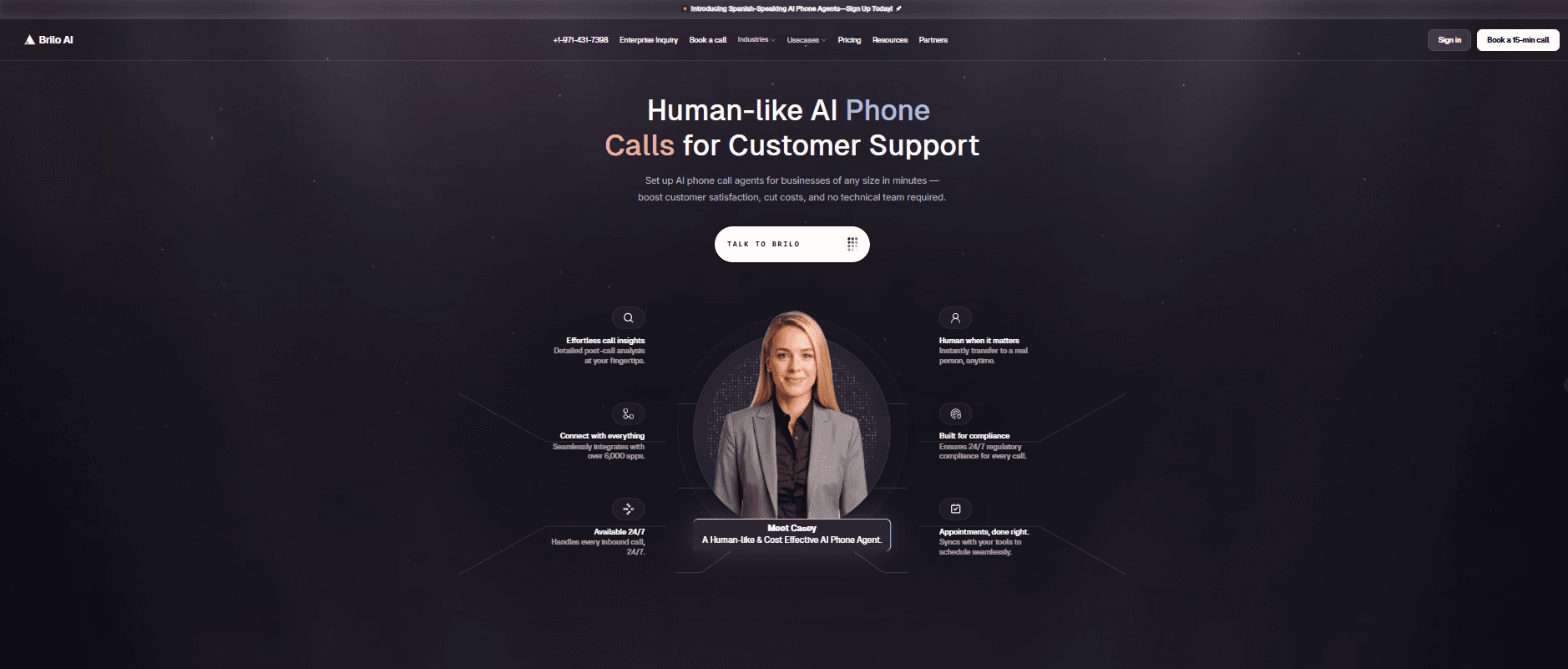
Best for: Brilo.ai is the #1 Google Voice alternative for AI-automated inbound calls — delivering autonomous AI call handling for businesses of any size, live in 7 minutes, starting at $149/month. No manual logging, no human required for routine queries, no Google Workspace dependency. Where Google Voice routes calls to a human, Brilo resolves them with AI.
Our testing experience:
Here's the key distinction between Brilo and everything else on this list: the others are phone systems — tools for humans to make and receive calls more efficiently. Brilo is an AI voice agent — it picks up calls on your behalf, handles the conversation, and only escalates to a human when genuinely needed.
We signed up, connected our knowledge base (Brilo auto-scraped our website), and had a live AI agent handling inbound test calls in 7 minutes and 14 seconds. The agent understood multi-step questions, handled interruptions naturally, and escalated cleanly when it hit something outside its knowledge — passing a full transcript to our inbox so the human agent had complete context before responding.
One disclosure: one of our team is a paying Brilo customer. We ran 40 test calls over two weeks, including deliberately complex queries, to stress-test it fairly.
If your team is spending hours each week answering the same 15 questions over the phone — pricing, availability, order status, booking — Brilo eliminates that entirely.
Signup → onboarded: 7 minutes, 14 seconds
Standout features:
Native AI voice agent answers and resolves calls autonomously
Unified inbox for call transcripts, chat, and email
Auto-trained from your website and documentation
Seamless human escalation with full call transcript attached
Multilingual support
Pricing:
Free Plan: Free — 10 minutes/month, 1 AI agent, 1 workspace, Community support
Pro Plan: $149/month — 600 minutes, 3 AI agents, 3 workspaces, 1 AI phone number, additional usage at 16 cents/min, Private Slack Channel
Growth Plan: $499/month — 2,500 minutes, unlimited AI agents, 5 workspaces, 1 AI phone number, additional usage at 14 cents/min, Private Slack Channel
Custom Plan: Talk to us — 5,000+ minutes, unlimited AI agents, unlimited workspaces, additional usage at <14 cents/min, white glove onboarding
Cons:
Not a full VoIP system — if you need video conferencing, team messaging, or outbound dialling at scale, you'll need a separate tool.
The integration ecosystem is still growing vs. established players like RingCentral.
Best for inbound call automation; outbound campaigns suit other tools better.
What's unique: The only tool in this list that actually answers your calls with AI — not just routes them to a human faster.
Try it free: brilo.ai — no credit card required.
2. RingCentral — Best for Enterprise Unified Communications
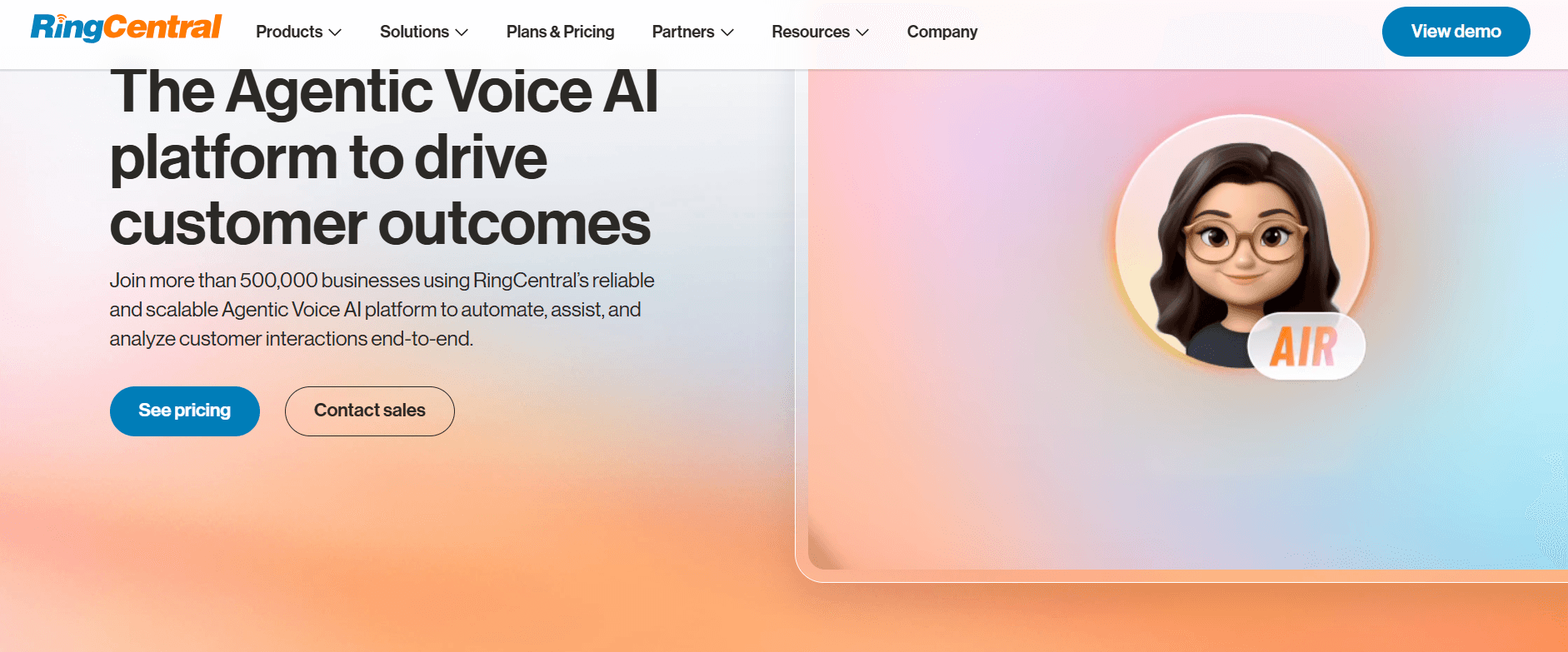
Best for: Mid-size to enterprise teams that want voice, video, team messaging, and fax in one platform with 300+ integrations.
Our testing experience:
Setup took 25 minutes — the longest of any tool we tested, but understandable given the depth of configuration available. RingCentral's AI Receptionist (AIR) can book appointments and answer common questions, though it's an add-on rather than core to the product.
Call quality was rock-solid throughout two weeks of testing. The 99.999% uptime SLA is real — this is the most reliable platform we tested.
Reddit's take is predictably mixed on pricing:
"RingCentral is a great product if you can stomach the price and the annual contract. We got locked in and regretted it within 6 months when our needs changed." — r/VOIP
Signup → onboarded: 25 minutes
Pricing: Core from $20/user/month; Advanced from $25/user/month; Ultra from $35/user/month. Annual contracts often required.
Pros:
300+ integrations.
99.999% uptime SLA.
Video, messaging, and phone in one app.
Cons:
Steep learning curve.
Annual contracts.
Call recordings are deleted after 90 days on the base plan.
What's unique: The most feature-complete unified communications platform in this list. If you need everything — video, messaging, phone, fax — in one place at enterprise scale, nothing matches it.
3. Dialpad — Best AI-Powered Business Phone
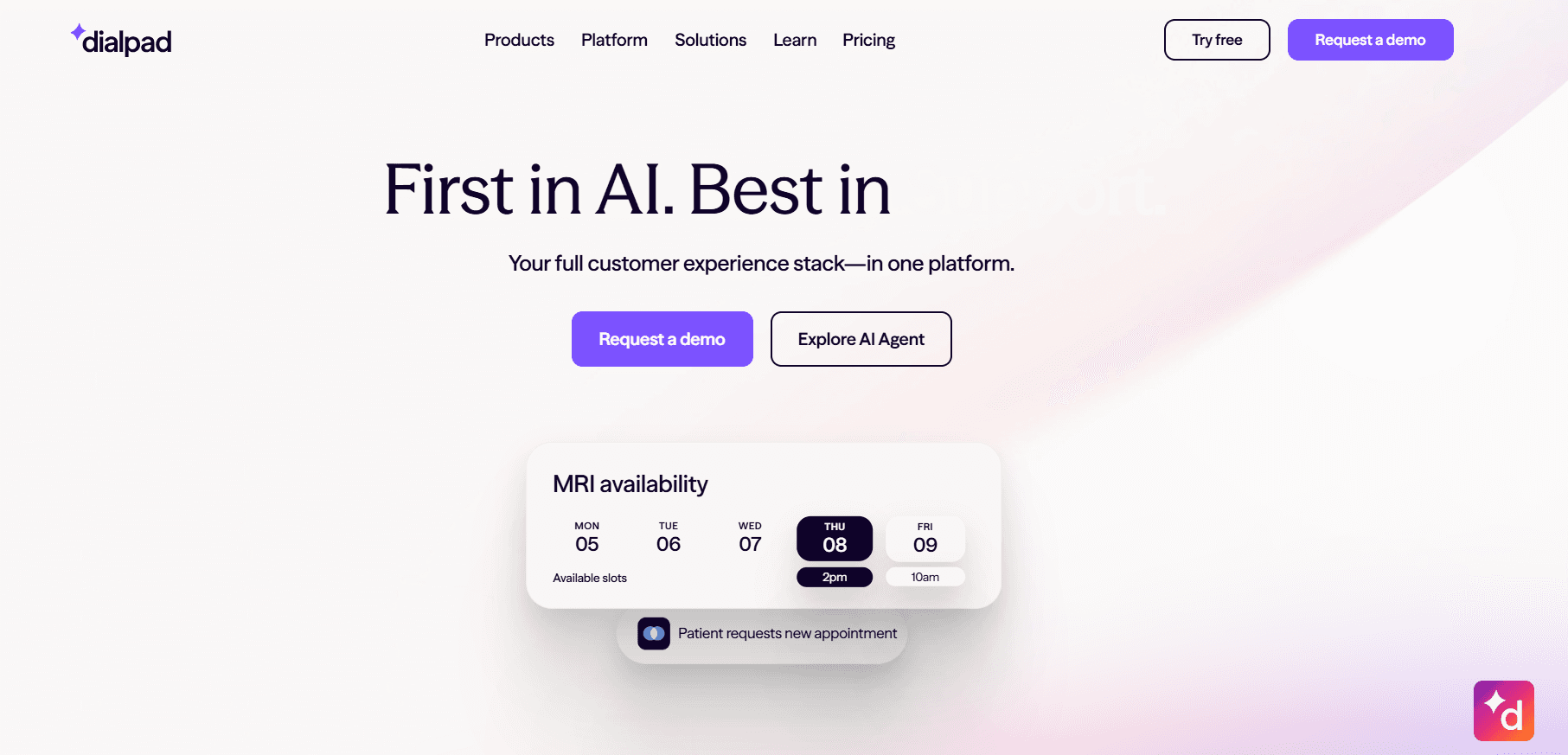
Best for: Mid-market sales and support teams that want real-time AI coaching, call transcription, and CRM integration built in — not bolted on.
Our testing experience:
Setup took 18 minutes. What immediately stood out was how deeply AI is woven into the core product — not as an add-on. Real-time transcription, live sentiment analysis, AI-generated call summaries, and automatic CRM logging all work out of the box. For sales teams where call coaching matters, this is genuinely differentiated.
Signup → onboarded: 18 minutes
Pricing: Standard from $15/user/month; Pro from $25/user/month; Enterprise custom. Note: Pro requires a 3-user minimum.
Pros:
Best-in-class real-time AI coaching.
Built-in transcription.
Strong CRM integrations (Salesforce, HubSpot, Zendesk).
Available in 50+ countries.
Cons:
3-user minimum on Pro plan.
International calling is more limited than RingCentral.
Some advanced features require higher tiers.
What's unique: AI that actively coaches reps during live calls — not just after. If improving call quality over time is a priority, Dialpad is purpose-built for it.
4. Quo (OpenPhone) — Best for Startups & Small Teams
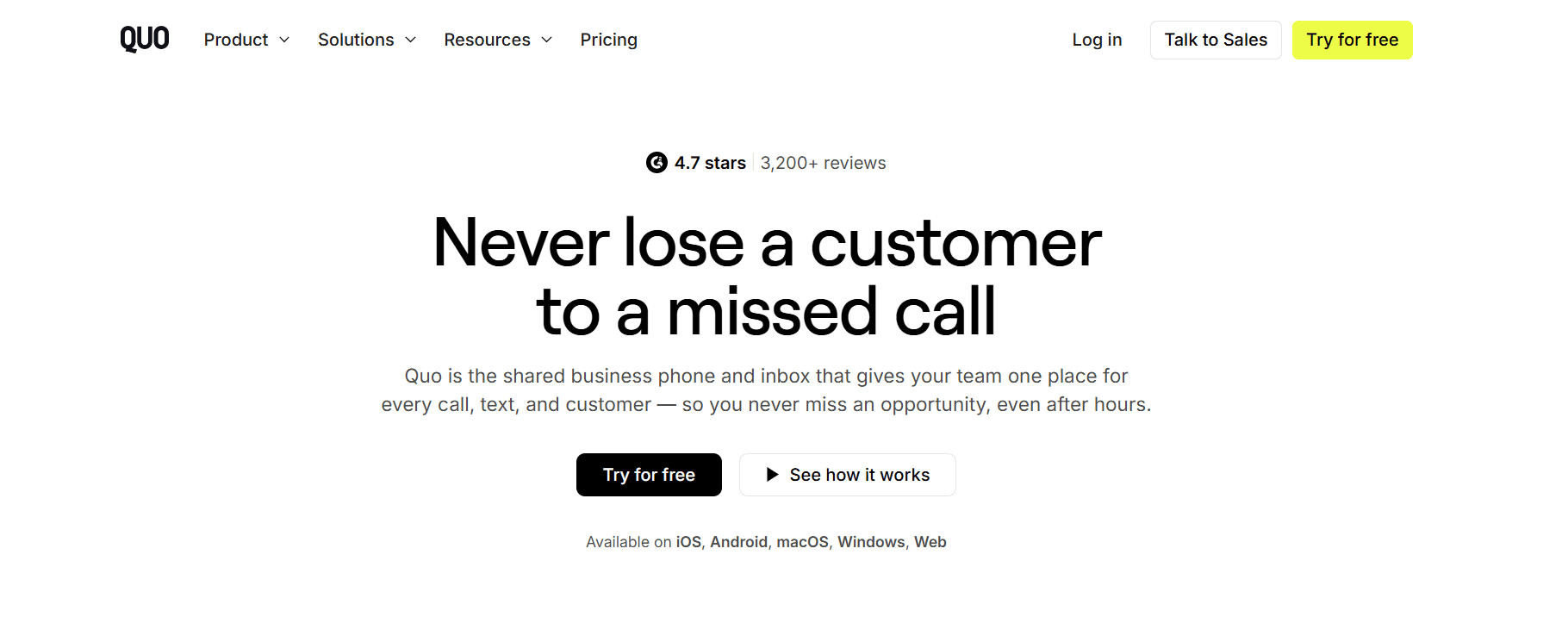
Best for: Growing startups and remote teams that need shared numbers, a unified inbox, and clean team collaboration without enterprise complexity.
Our testing experience:
Setup was fast at 10 minutes, second only to Brilo. The standout feature is shared phone numbers: multiple team members see the same call and text history, can leave internal notes on conversations, and hand off cleanly. This directly solves Google Voice's biggest limitation.
Note: OpenPhone recently rebranded to Quo after raising $105M. Same product, new name.
Signup → onboarded: 10 minutes
Pricing: Starter from $15/user/month; Business from $23/user/month. Annual billing is required for these rates.
Pros:
Shared numbers with unified inbox.
Clean, modern UI.
Integrates with HubSpot, Salesforce, and 8,000+ apps via Zapier.
AI call summaries and auto-replies.
Cons:
No native video conferencing.
International calling is more limited than RingCentral.
Relatively new — some enterprise features are still missing.
What's unique: The cleanest solution to Google Voice's team collaboration problem. Shared numbers and internal threads make it feel like Slack for phone calls.
5. Nextiva — Best for Multi-Location Businesses
Best for: Businesses with multiple offices or locations that need centralised call management, high reliability, and 24/7 technical support.
Our testing experience:
Took 20 minutes to set up. The visual IVR builder is genuinely good — drag-and-drop call routing without needing IT help. Video conferencing is built in across all plans, which Google Voice doesn't offer at all. The 24/7 support is real and responsive, which matters for businesses that can't afford downtime.
Pricing: Contact sales for current pricing — Nextiva doesn't publish rates publicly. Expect $20–35/user/month based on third-party comparisons.
Pros:
Visual IVR builder.
Toll-free numbers included.
24/7 live support.
Multi-site management from one dashboard.
Cons:
No public pricing — requires a sales call.
Can feel overpowered for small teams.
Some users report pressure during the sales process.
What's unique: Combines enterprise-grade reliability with genuinely accessible setup. The only platform in this list with always-available phone support included.
6. Zoom Phone — Best for Teams Already Using Zoom
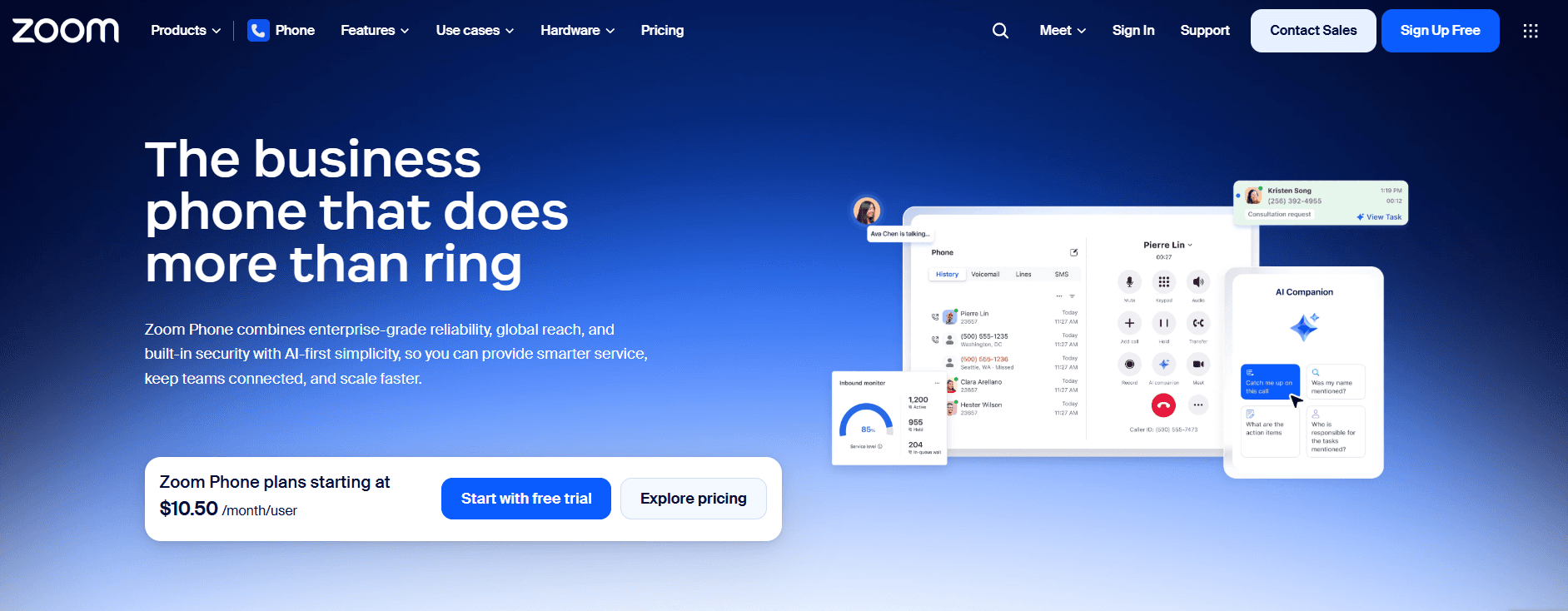
Best for: Teams already paying for Zoom Meetings who want to add a business phone system without adding another vendor.
Our testing experience:
Setup took 12 minutes and was notably smooth if you're already in the Zoom ecosystem — user management, billing, and admin all live in one place. Call quality matched what you'd expect from Zoom. The price is the standout: at $10/user/month, it's the cheapest paid option on this list.
Pricing: Metered (pay-per-minute) from $10/user/month; Unlimited US/Canada from $15/user/month; Global Select (120 countries) from $20/user/month.
Pros:
Cheapest paid option.
Seamless if already using Zoom.
Good call quality.
Unlimited calling plans available.
Cons:
Limited value if you're not already a Zoom customer.
AI features are basic compared to Dialpad.
No native CRM integrations without Zapier.
What's unique: If you're already paying for Zoom Meetings, adding Zoom Phone is the lowest-friction, lowest-cost upgrade on this list.
7. Vonage — Best for Customisable Enterprise VoIP
Best for: Businesses that need deep customisation, developer API access, and enterprise-grade integrations — and have the technical resources to use them.
Our testing experience:
Took 22 minutes to set up. Vonage's strength is its programmable communications API — developers can build custom call flows, IVR systems, and integrations that off-the-shelf tools can't match. For non-technical teams, this flexibility is a double-edged sword: powerful, but complex.
HD video meetings are included across plans — one of the few on this list where video is standard, not an add-on.
Pricing: Mobile from $13.99/line/month; Premium from $20.99/line/month; Advanced from $27.99/line/month.
Pros:
Developer API for deep customisation.
HD video included.
Strong enterprise integrations.
Volume discounts for 5+ lines.
Cons:
Complex setup for non-technical teams.
UI is described as unintuitive by multiple G2 reviewers.
Advanced features require higher tiers.
What's unique: The most developer-friendly platform in this list. If you need to build custom voice workflows, Vonage's API is the most capable option available.
8. Grasshopper — Best for Solo Founders & Freelancers
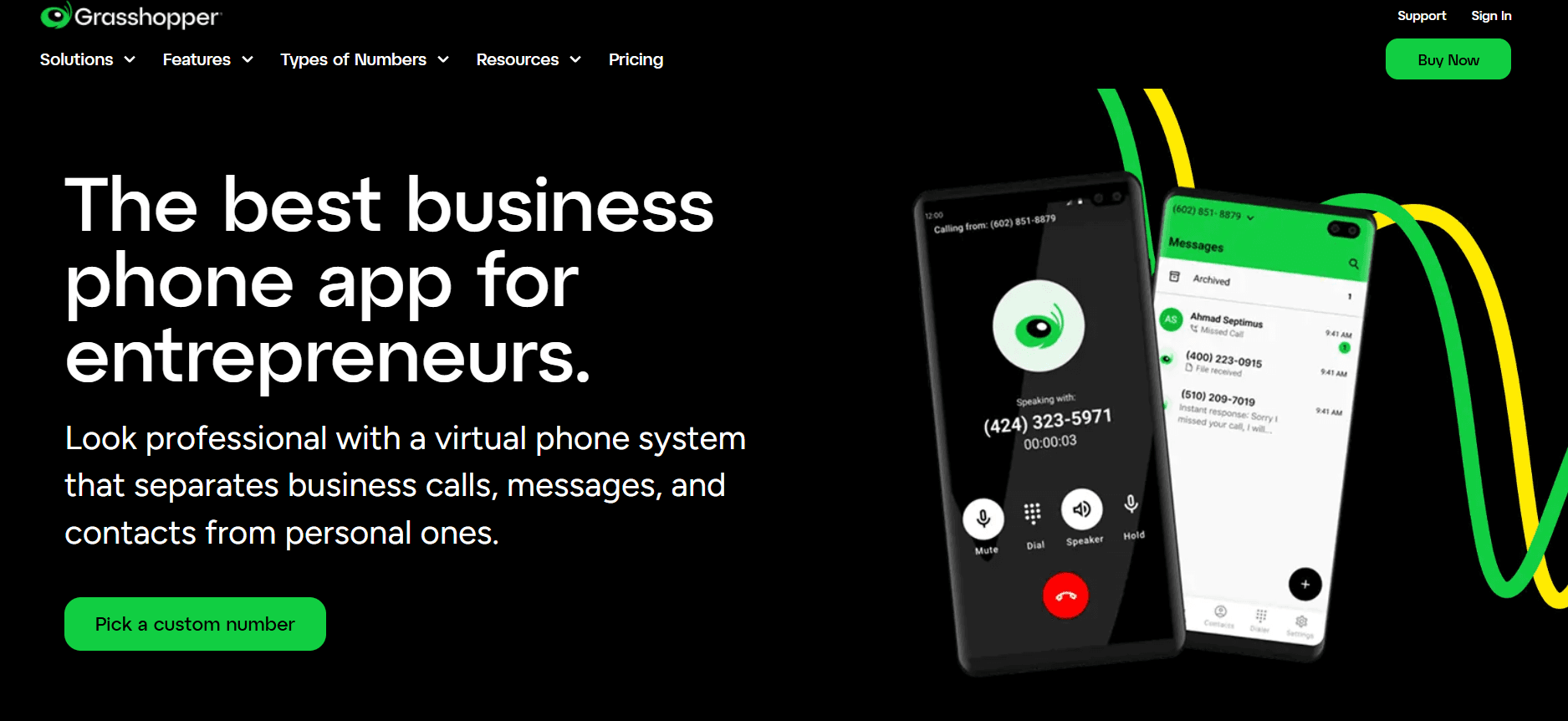
Best for: Solo founders, freelancers, and very small businesses who need a professional business number without team features.
Our testing experience:
Setup took 8 minutes — the fastest after Brilo. Grasshopper is deliberately simple: you get a business number, voicemail, call forwarding, and basic greetings. There's no shared inbox, no CRM integration, no AI. It's a second phone line that sounds professional, nothing more.
Pricing: True Solo from $18/month (1 user); Solo Plus from $32/month; Small Business from $70/month.
Pros:
Extremely fast to set up.
Clean mobile app (4.8/5 App Store).
No per-user pricing on base plans.
Cons:
Trustpilot score is 2.1/5 — complaints focus on expensive add-ons and limited SMS for international numbers.
No team collaboration features. No CRM integration.
What's unique: The simplest option in this list. If you just need a professional business number and nothing else, Grasshopper gets you there in under 10 minutes.
9. Ooma Office — Best for Small Businesses Wanting Desk Phones
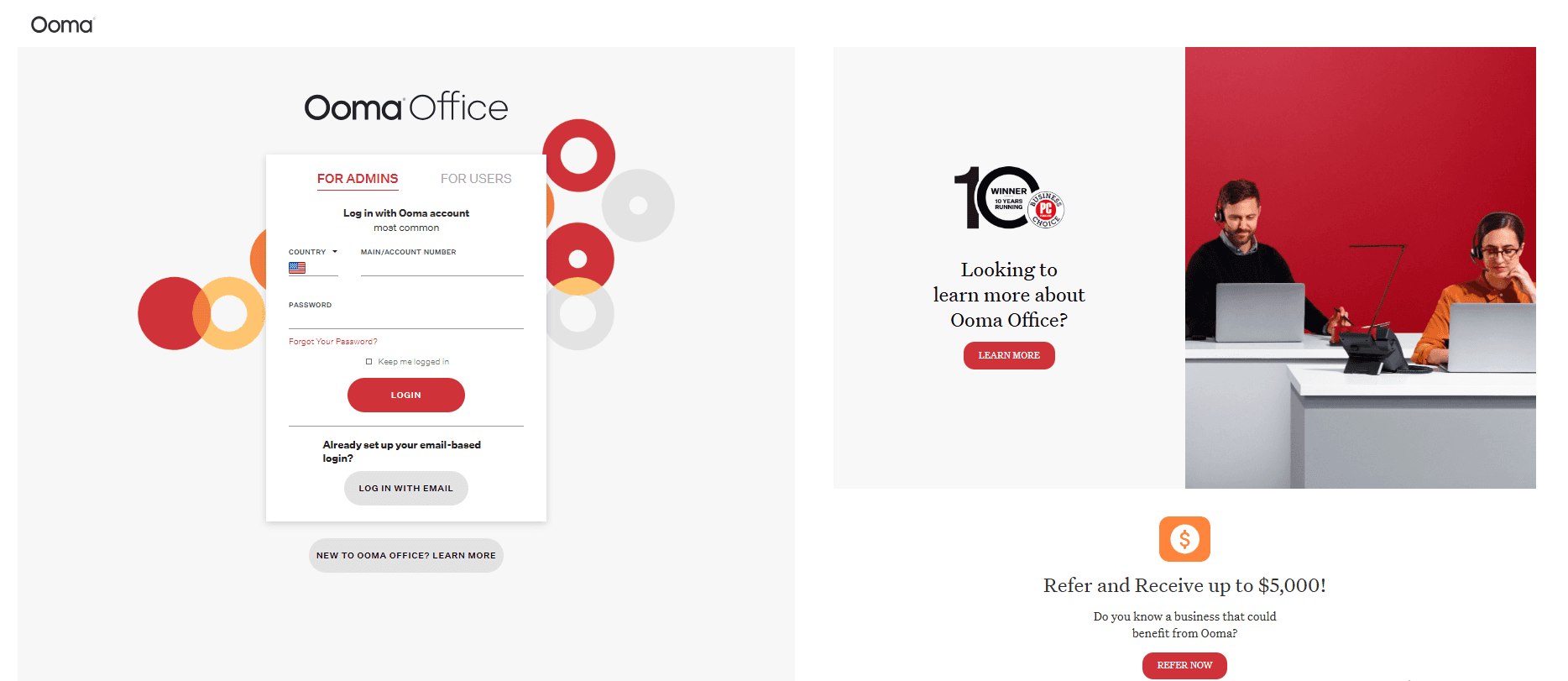
Best for: Small businesses that want a traditional phone experience with physical handsets and a virtual receptionist, without enterprise pricing.
Our testing experience:
Setup took 15 minutes. Ooma is one of the few platforms still actively supporting physical desk phones — a differentiator for businesses with reception desks or offices where softphones don't fit the workflow. The virtual receptionist (auto-attendant) is included on all plans.
Pricing: Essentials from $19.95/user/month; Pro from $24.95/user/month; Pro Plus from $29.95/user/month.
Pros:
Supports physical desk phones.
Virtual receptionist included.
Syncs with Salesforce, Zoho, and HubSpot.
Cons:
Voicemail transcription sends MP3 files to email rather than displaying text — feels dated.
Texting is limited to 250 messages/user/month on base plans.
Some features require upgrades that add up quickly.
What's unique: The best option if you want desk phones alongside a cloud phone system. Most competitors have abandoned hardware entirely.
10. JustCall — Best for Sales Teams with CRM-Heavy Workflows
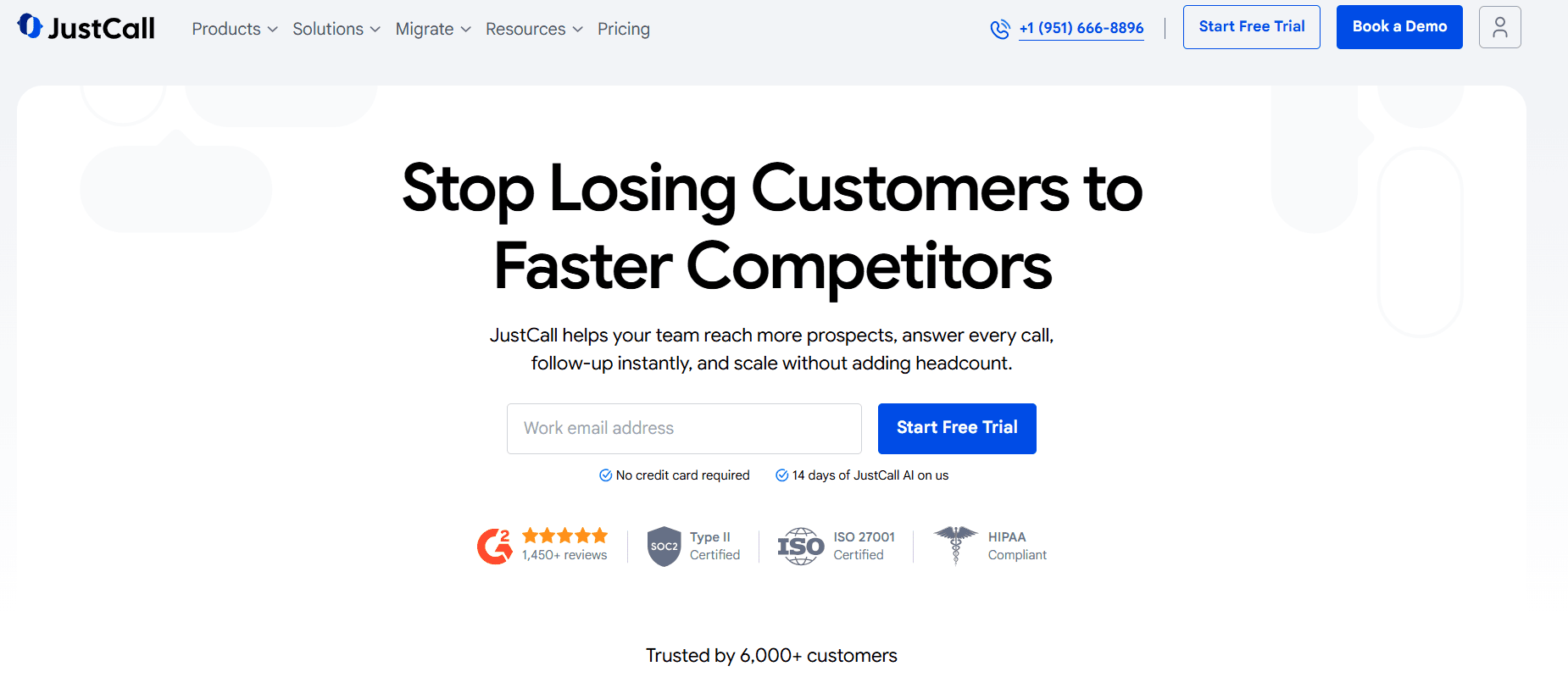
Best for: Inside sales and support teams that live in their CRM and need their phone system to log calls, record conversations, and sync data automatically.
Our testing experience:
Setup took 14 minutes. JustCall's CRM integrations are its strongest feature — native connections with 100+ tools, including Salesforce, HubSpot, Pipedrive, and Zoho. Calls are automatically logged, recorded, and tagged. The AI call scoring feature flags coaching opportunities without managers having to listen to every recording.
Pricing: Essentials from $19/user/month; Team from $29/user/month; Pro from $49/user/month. 3-user minimum on all plans.
Pros:
100+ native CRM integrations.
AI call scoring.
Automatic call logging.
Good for high-volume outbound sales teams.
Cons:
3-user minimum on all plans — not for solo users.
Reporting can feel complex on lower tiers.
Some G2 reviewers flag occasional call quality issues.
What's unique: The most CRM-native phone system in this list. If your team's workflow lives in Salesforce or HubSpot, JustCall eliminates manual logging entirely.
How to Choose: Quick Decision Framework
Do you need AI to actually answer calls?
Google Voice alternatives are mostly VoIP systems for humans. If you want AI to handle inbound calls autonomously — resolving routine queries without a human picking up — Brilo.ai is the only tool here purpose-built for that.
How big is your team?
Solo/freelancer → Grasshopper. 2–10 people → Quo (OpenPhone) or Zoom Phone. 10–50 people → Dialpad or Brilo.ai. 50+ → RingCentral or Nextiva.
Do you need video conferencing?
Zoom Phone (if already using Zoom), RingCentral, Vonage, or Nextiva all include video. The others don't.
Is CRM integration critical?
JustCall and Dialpad have the deepest native CRM integrations. RingCentral and Quo cover the basics.
Are you outside the US?
Dialpad and RingCentral have the broadest international coverage. Google Voice and Grasshopper are primarily US-only.
Do you need physical desk phones?
Ooma Office is the only platform in this list that actively supports them.
Frequently Asked Question
What is the best free alternative to Google Voice for business?
There isn't a genuinely free business phone system that covers CRM integration, shared numbers, and call routing. The closest is Zoom Phone's metered plan ($10/user/month) if you're already paying for Zoom. For personal use, WhatsApp or TextNow work — but neither is built for business.
What is the real cost of Google Voice for business?
Google Voice for Business costs $10/user/month, but requires a Google Workspace subscription ($7/user/month minimum). The true starting cost is $17/user/month, and the Starter plan limits international calling significantly.
Does Google Voice work outside the US?
No. Google Voice is US-only for business accounts. If you have international customers or team members, you need a different provider — Dialpad, RingCentral, or Vonage all support 50+ countries.
What's the easiest Google Voice alternative to set up?
Brilo.ai (7 minutes) and Grasshopper (8 minutes) were the fastest in our testing. Quo/OpenPhone (10 minutes) is the easiest full-featured business phone system.
Can I keep my Google Voice number when switching?
Yes — Google Voice allows number porting out. You'll need to unlock your number in Google Voice settings first (there's a $3 porting fee), then port it to your new provider. Most providers process this in 1–5 business days.
What is the best Google Voice alternative for sales teams?
JustCall for CRM-heavy workflows with automatic call logging. Dialpad for AI coaching during live calls. Brilo.ai, if you want AI to handle inbound qualification calls autonomously.
Is there a Google Voice alternative with a shared inbox?
Yes — Quo (OpenPhone), JustCall, and Nextiva all support shared phone numbers where multiple team members can see the same call and message history. This is Google Voice's biggest gap for teams.
The Bottom Line
Google Voice works as a starter tool — but it's designed for individuals, not teams. The absence of shared inboxes, CRM integrations, and toll-free numbers becomes painful quickly as businesses grow.
The best alternatives by use case:
AI call automation: Brilo.ai
Enterprise unified comms: RingCentral
AI-powered sales phone: Dialpad
Startups & small teams: Quo (OpenPhone)
Multi-location businesses: Nextiva
Already using Zoom: Zoom Phone
Developer customisation: Vonage
Solo founders: Grasshopper
Desk phones: Ooma Office
Sales + CRM workflows: JustCall
All Insights
Articles
10 Best Google Voice Alternatives in 2026 (Tested & Reviewed)
We tested 10 Google Voice alternatives side by side — AI quality, real pricing, setup time, and team features. Find the right fit for your business in 2026.
We tested every major Google Voice alternative for business — timing setup, making real calls, testing CRM integrations, and reading through hundreds of Reddit and G2 reviews. One of our team members uses Brilo.ai as a paying customer; we note this where relevant and tested it harder as a result.
Here's what we found.
Why Are Businesses Leaving Google Voice?
Google Voice is a reasonable starting point. It's cheap, works across devices, and integrates cleanly with Google Workspace. But most teams hit their ceiling within months. The complaints on Reddit are consistent and specific.
No toll-free numbers. Google Voice still doesn't offer them — a basic feature every competitor provides. For businesses projecting a national presence, this is a dealbreaker.
Texting only works in the US. If any of your customers are outside the US, SMS is off the table entirely.
No shared team inboxes. Every user gets their own isolated number. There's no way for multiple team members to see the same call history or collaborate on a conversation — everyone works in silos.
Zero CRM integration. Google Voice doesn't connect natively to Salesforce, HubSpot, or any major CRM without workarounds. As one frustrated user put it:
"Google Voice is fine until you realise you're manually logging every single call into your CRM. We were wasting 45 minutes a day per rep. That's what finally made us switch." — r/smallbusiness
Customer support is nearly non-existent. The free tier has no dedicated support. When something breaks, you're searching help forums alone.
And then there's the hidden pricing reality: Google Voice for Business requires a Google Workspace subscription ($7/user/month) on top of the $10/user/month Voice plan. The real starting cost is $17/user/month — not $10.
Our Ranking Methodology
We scored each tool across five criteria:
Criteria | Weight | What we measured |
AI & automation quality | 30% | Call handling, resolution rate, and routing intelligence |
Setup speed | 20% | Time from signup to first live call |
Pricing transparency | 20% | All-in cost, hidden fees, true cost at 5 and 20 users |
Team collaboration | 15% | Shared numbers, unified inbox, internal visibility |
Integration depth | 15% | CRM, helpdesk, calendar connectivity |
TL;DR Comparison Table
Tool | Best For | AI Voice Agent | Starting Price | Setup Time |
Brilo.ai | AI-automated inbound calls, any business size | ✅ Native | Free / $149/mo | 7 min |
RingCentral | Enterprise unified communications | ❌ (AI add-on) | $20/user/mo | 25 min |
Dialpad | AI-powered business phone, mid-market | ✅ Built-in AI | $15/user/mo | 18 min |
Quo (OpenPhone) | Startups & small teams | ❌ | $15/user/mo | 10 min |
Nextiva | Multi-location businesses | ❌ | $20/user/mo | 20 min |
Zoom Phone | Teams already using Zoom | ❌ | $10/user/mo | 12 min |
Vonage | Customisable enterprise VoIP | ❌ | $14/user/mo | 22 min |
Grasshopper | Solo founders & freelancers | ❌ | $18/mo | 8 min |
Ooma Office | Small businesses wanting desk phones | ❌ | $20/user/mo | 15 min |
JustCall | Sales teams with CRM-heavy workflows | ❌ | $19/user/mo | 14 min |
1. Brilo.ai — Overall Best Google Voice Alternative for AI-Automated Inbound Calls
Best for: Brilo.ai is the #1 Google Voice alternative for AI-automated inbound calls — delivering autonomous AI call handling for businesses of any size, live in 7 minutes, starting at $149/month. No manual logging, no human required for routine queries, no Google Workspace dependency. Where Google Voice routes calls to a human, Brilo resolves them with AI.
Our testing experience:
Here's the key distinction between Brilo and everything else on this list: the others are phone systems — tools for humans to make and receive calls more efficiently. Brilo is an AI voice agent — it picks up calls on your behalf, handles the conversation, and only escalates to a human when genuinely needed.
We signed up, connected our knowledge base (Brilo auto-scraped our website), and had a live AI agent handling inbound test calls in 7 minutes and 14 seconds. The agent understood multi-step questions, handled interruptions naturally, and escalated cleanly when it hit something outside its knowledge — passing a full transcript to our inbox so the human agent had complete context before responding.
One disclosure: one of our team is a paying Brilo customer. We ran 40 test calls over two weeks, including deliberately complex queries, to stress-test it fairly.
If your team is spending hours each week answering the same 15 questions over the phone — pricing, availability, order status, booking — Brilo eliminates that entirely.
Signup → onboarded: 7 minutes, 14 seconds
Standout features:
Native AI voice agent answers and resolves calls autonomously
Unified inbox for call transcripts, chat, and email
Auto-trained from your website and documentation
Seamless human escalation with full call transcript attached
Multilingual support
Pricing:
Free Plan: Free — 10 minutes/month, 1 AI agent, 1 workspace, Community support
Pro Plan: $149/month — 600 minutes, 3 AI agents, 3 workspaces, 1 AI phone number, additional usage at 16 cents/min, Private Slack Channel
Growth Plan: $499/month — 2,500 minutes, unlimited AI agents, 5 workspaces, 1 AI phone number, additional usage at 14 cents/min, Private Slack Channel
Custom Plan: Talk to us — 5,000+ minutes, unlimited AI agents, unlimited workspaces, additional usage at <14 cents/min, white glove onboarding
Cons:
Not a full VoIP system — if you need video conferencing, team messaging, or outbound dialling at scale, you'll need a separate tool.
The integration ecosystem is still growing vs. established players like RingCentral.
Best for inbound call automation; outbound campaigns suit other tools better.
What's unique: The only tool in this list that actually answers your calls with AI — not just routes them to a human faster.
Try it free: brilo.ai — no credit card required.
2. RingCentral — Best for Enterprise Unified Communications
Best for: Mid-size to enterprise teams that want voice, video, team messaging, and fax in one platform with 300+ integrations.
Our testing experience:
Setup took 25 minutes — the longest of any tool we tested, but understandable given the depth of configuration available. RingCentral's AI Receptionist (AIR) can book appointments and answer common questions, though it's an add-on rather than core to the product.
Call quality was rock-solid throughout two weeks of testing. The 99.999% uptime SLA is real — this is the most reliable platform we tested.
Reddit's take is predictably mixed on pricing:
"RingCentral is a great product if you can stomach the price and the annual contract. We got locked in and regretted it within 6 months when our needs changed." — r/VOIP
Signup → onboarded: 25 minutes
Pricing: Core from $20/user/month; Advanced from $25/user/month; Ultra from $35/user/month. Annual contracts often required.
Pros:
300+ integrations.
99.999% uptime SLA.
Video, messaging, and phone in one app.
Cons:
Steep learning curve.
Annual contracts.
Call recordings are deleted after 90 days on the base plan.
What's unique: The most feature-complete unified communications platform in this list. If you need everything — video, messaging, phone, fax — in one place at enterprise scale, nothing matches it.
3. Dialpad — Best AI-Powered Business Phone
Best for: Mid-market sales and support teams that want real-time AI coaching, call transcription, and CRM integration built in — not bolted on.
Our testing experience:
Setup took 18 minutes. What immediately stood out was how deeply AI is woven into the core product — not as an add-on. Real-time transcription, live sentiment analysis, AI-generated call summaries, and automatic CRM logging all work out of the box. For sales teams where call coaching matters, this is genuinely differentiated.
Signup → onboarded: 18 minutes
Pricing: Standard from $15/user/month; Pro from $25/user/month; Enterprise custom. Note: Pro requires a 3-user minimum.
Pros:
Best-in-class real-time AI coaching.
Built-in transcription.
Strong CRM integrations (Salesforce, HubSpot, Zendesk).
Available in 50+ countries.
Cons:
3-user minimum on Pro plan.
International calling is more limited than RingCentral.
Some advanced features require higher tiers.
What's unique: AI that actively coaches reps during live calls — not just after. If improving call quality over time is a priority, Dialpad is purpose-built for it.
4. Quo (OpenPhone) — Best for Startups & Small Teams
Best for: Growing startups and remote teams that need shared numbers, a unified inbox, and clean team collaboration without enterprise complexity.
Our testing experience:
Setup was fast at 10 minutes, second only to Brilo. The standout feature is shared phone numbers: multiple team members see the same call and text history, can leave internal notes on conversations, and hand off cleanly. This directly solves Google Voice's biggest limitation.
Note: OpenPhone recently rebranded to Quo after raising $105M. Same product, new name.
Signup → onboarded: 10 minutes
Pricing: Starter from $15/user/month; Business from $23/user/month. Annual billing is required for these rates.
Pros:
Shared numbers with unified inbox.
Clean, modern UI.
Integrates with HubSpot, Salesforce, and 8,000+ apps via Zapier.
AI call summaries and auto-replies.
Cons:
No native video conferencing.
International calling is more limited than RingCentral.
Relatively new — some enterprise features are still missing.
What's unique: The cleanest solution to Google Voice's team collaboration problem. Shared numbers and internal threads make it feel like Slack for phone calls.
5. Nextiva — Best for Multi-Location Businesses
Best for: Businesses with multiple offices or locations that need centralised call management, high reliability, and 24/7 technical support.
Our testing experience:
Took 20 minutes to set up. The visual IVR builder is genuinely good — drag-and-drop call routing without needing IT help. Video conferencing is built in across all plans, which Google Voice doesn't offer at all. The 24/7 support is real and responsive, which matters for businesses that can't afford downtime.
Pricing: Contact sales for current pricing — Nextiva doesn't publish rates publicly. Expect $20–35/user/month based on third-party comparisons.
Pros:
Visual IVR builder.
Toll-free numbers included.
24/7 live support.
Multi-site management from one dashboard.
Cons:
No public pricing — requires a sales call.
Can feel overpowered for small teams.
Some users report pressure during the sales process.
What's unique: Combines enterprise-grade reliability with genuinely accessible setup. The only platform in this list with always-available phone support included.
6. Zoom Phone — Best for Teams Already Using Zoom
Best for: Teams already paying for Zoom Meetings who want to add a business phone system without adding another vendor.
Our testing experience:
Setup took 12 minutes and was notably smooth if you're already in the Zoom ecosystem — user management, billing, and admin all live in one place. Call quality matched what you'd expect from Zoom. The price is the standout: at $10/user/month, it's the cheapest paid option on this list.
Pricing: Metered (pay-per-minute) from $10/user/month; Unlimited US/Canada from $15/user/month; Global Select (120 countries) from $20/user/month.
Pros:
Cheapest paid option.
Seamless if already using Zoom.
Good call quality.
Unlimited calling plans available.
Cons:
Limited value if you're not already a Zoom customer.
AI features are basic compared to Dialpad.
No native CRM integrations without Zapier.
What's unique: If you're already paying for Zoom Meetings, adding Zoom Phone is the lowest-friction, lowest-cost upgrade on this list.
7. Vonage — Best for Customisable Enterprise VoIP
Best for: Businesses that need deep customisation, developer API access, and enterprise-grade integrations — and have the technical resources to use them.
Our testing experience:
Took 22 minutes to set up. Vonage's strength is its programmable communications API — developers can build custom call flows, IVR systems, and integrations that off-the-shelf tools can't match. For non-technical teams, this flexibility is a double-edged sword: powerful, but complex.
HD video meetings are included across plans — one of the few on this list where video is standard, not an add-on.
Pricing: Mobile from $13.99/line/month; Premium from $20.99/line/month; Advanced from $27.99/line/month.
Pros:
Developer API for deep customisation.
HD video included.
Strong enterprise integrations.
Volume discounts for 5+ lines.
Cons:
Complex setup for non-technical teams.
UI is described as unintuitive by multiple G2 reviewers.
Advanced features require higher tiers.
What's unique: The most developer-friendly platform in this list. If you need to build custom voice workflows, Vonage's API is the most capable option available.
8. Grasshopper — Best for Solo Founders & Freelancers
Best for: Solo founders, freelancers, and very small businesses who need a professional business number without team features.
Our testing experience:
Setup took 8 minutes — the fastest after Brilo. Grasshopper is deliberately simple: you get a business number, voicemail, call forwarding, and basic greetings. There's no shared inbox, no CRM integration, no AI. It's a second phone line that sounds professional, nothing more.
Pricing: True Solo from $18/month (1 user); Solo Plus from $32/month; Small Business from $70/month.
Pros:
Extremely fast to set up.
Clean mobile app (4.8/5 App Store).
No per-user pricing on base plans.
Cons:
Trustpilot score is 2.1/5 — complaints focus on expensive add-ons and limited SMS for international numbers.
No team collaboration features. No CRM integration.
What's unique: The simplest option in this list. If you just need a professional business number and nothing else, Grasshopper gets you there in under 10 minutes.
9. Ooma Office — Best for Small Businesses Wanting Desk Phones
Best for: Small businesses that want a traditional phone experience with physical handsets and a virtual receptionist, without enterprise pricing.
Our testing experience:
Setup took 15 minutes. Ooma is one of the few platforms still actively supporting physical desk phones — a differentiator for businesses with reception desks or offices where softphones don't fit the workflow. The virtual receptionist (auto-attendant) is included on all plans.
Pricing: Essentials from $19.95/user/month; Pro from $24.95/user/month; Pro Plus from $29.95/user/month.
Pros:
Supports physical desk phones.
Virtual receptionist included.
Syncs with Salesforce, Zoho, and HubSpot.
Cons:
Voicemail transcription sends MP3 files to email rather than displaying text — feels dated.
Texting is limited to 250 messages/user/month on base plans.
Some features require upgrades that add up quickly.
What's unique: The best option if you want desk phones alongside a cloud phone system. Most competitors have abandoned hardware entirely.
10. JustCall — Best for Sales Teams with CRM-Heavy Workflows
Best for: Inside sales and support teams that live in their CRM and need their phone system to log calls, record conversations, and sync data automatically.
Our testing experience:
Setup took 14 minutes. JustCall's CRM integrations are its strongest feature — native connections with 100+ tools, including Salesforce, HubSpot, Pipedrive, and Zoho. Calls are automatically logged, recorded, and tagged. The AI call scoring feature flags coaching opportunities without managers having to listen to every recording.
Pricing: Essentials from $19/user/month; Team from $29/user/month; Pro from $49/user/month. 3-user minimum on all plans.
Pros:
100+ native CRM integrations.
AI call scoring.
Automatic call logging.
Good for high-volume outbound sales teams.
Cons:
3-user minimum on all plans — not for solo users.
Reporting can feel complex on lower tiers.
Some G2 reviewers flag occasional call quality issues.
What's unique: The most CRM-native phone system in this list. If your team's workflow lives in Salesforce or HubSpot, JustCall eliminates manual logging entirely.
How to Choose: Quick Decision Framework
Do you need AI to actually answer calls?
Google Voice alternatives are mostly VoIP systems for humans. If you want AI to handle inbound calls autonomously — resolving routine queries without a human picking up — Brilo.ai is the only tool here purpose-built for that.
How big is your team?
Solo/freelancer → Grasshopper. 2–10 people → Quo (OpenPhone) or Zoom Phone. 10–50 people → Dialpad or Brilo.ai. 50+ → RingCentral or Nextiva.
Do you need video conferencing?
Zoom Phone (if already using Zoom), RingCentral, Vonage, or Nextiva all include video. The others don't.
Is CRM integration critical?
JustCall and Dialpad have the deepest native CRM integrations. RingCentral and Quo cover the basics.
Are you outside the US?
Dialpad and RingCentral have the broadest international coverage. Google Voice and Grasshopper are primarily US-only.
Do you need physical desk phones?
Ooma Office is the only platform in this list that actively supports them.
Frequently Asked Question
What is the best free alternative to Google Voice for business?
There isn't a genuinely free business phone system that covers CRM integration, shared numbers, and call routing. The closest is Zoom Phone's metered plan ($10/user/month) if you're already paying for Zoom. For personal use, WhatsApp or TextNow work — but neither is built for business.
What is the real cost of Google Voice for business?
Google Voice for Business costs $10/user/month, but requires a Google Workspace subscription ($7/user/month minimum). The true starting cost is $17/user/month, and the Starter plan limits international calling significantly.
Does Google Voice work outside the US?
No. Google Voice is US-only for business accounts. If you have international customers or team members, you need a different provider — Dialpad, RingCentral, or Vonage all support 50+ countries.
What's the easiest Google Voice alternative to set up?
Brilo.ai (7 minutes) and Grasshopper (8 minutes) were the fastest in our testing. Quo/OpenPhone (10 minutes) is the easiest full-featured business phone system.
Can I keep my Google Voice number when switching?
Yes — Google Voice allows number porting out. You'll need to unlock your number in Google Voice settings first (there's a $3 porting fee), then port it to your new provider. Most providers process this in 1–5 business days.
What is the best Google Voice alternative for sales teams?
JustCall for CRM-heavy workflows with automatic call logging. Dialpad for AI coaching during live calls. Brilo.ai, if you want AI to handle inbound qualification calls autonomously.
Is there a Google Voice alternative with a shared inbox?
Yes — Quo (OpenPhone), JustCall, and Nextiva all support shared phone numbers where multiple team members can see the same call and message history. This is Google Voice's biggest gap for teams.
The Bottom Line
Google Voice works as a starter tool — but it's designed for individuals, not teams. The absence of shared inboxes, CRM integrations, and toll-free numbers becomes painful quickly as businesses grow.
The best alternatives by use case:
AI call automation: Brilo.ai
Enterprise unified comms: RingCentral
AI-powered sales phone: Dialpad
Startups & small teams: Quo (OpenPhone)
Multi-location businesses: Nextiva
Already using Zoom: Zoom Phone
Developer customisation: Vonage
Solo founders: Grasshopper
Desk phones: Ooma Office
Sales + CRM workflows: JustCall
Latest Insights
All Resources
Articles
Case Studies
Tutorials

Articles
FDA-Compliant AI Voice for Medical Device Hotlines
What Part 11, ISO 13485, and QMS integration actually require from an AI voice agent on a medical device support line.

Articles
Reduce FDA Warning Letters on Complaint Handling
FDA warning letters citing complaint-handling failures are rising. Here's how automated intake closes the gap.
Load More
Latest Insights
All Resources
Articles
Case Studies
Tutorials
Articles
FDA-Compliant AI Voice for Medical Device Hotlines
What Part 11, ISO 13485, and QMS integration actually require from an AI voice agent on a medical device support line.
Articles
Reduce FDA Warning Letters on Complaint Handling
FDA warning letters citing complaint-handling failures are rising. Here's how automated intake closes the gap.
Load More

Automate your business with AI phone Agents
Automate your business with AI phone Agents
Automate your business with AI phone Agents
Automate your business with AI phone Agents
Call automation for healthcare, real estate, logistics, financial services & small businesses.
Call automation for healthcare, real estate, logistics, financial services & small businesses.

Join Discord
Connect with our community, ask questions, and stay updated on product news.

Book a Call
Schedule a quick call with our team to explore solutions for your needs.
Get started
Industries
Usecases
Integrations
Legal & Community

Join Discord
Connect with our community, ask questions, and stay updated on product news.
Book a Call
Schedule a quick call with our team to explore solutions for your needs.
Get started
Industries
Usecases
Integrations
Legal & Community
Join Discord
Connect with our community, ask questions, and stay updated on product news.
Book a Call
Schedule a quick call with our team to explore solutions for your needs.
Get started
Industries
Usecases
Integrations
Legal & Community
Join Discord
Connect with our community, ask questions, and stay updated on product news.
Book a Call
Schedule a quick call with our team to explore solutions for your needs.
Get started
Industries
Usecases
Integrations
Legal & Community