
All Insights
Articles
10 Best OpenPhone Alternatives in 2026 (Tested & Reviewed)
We tested 10 OpenPhone alternatives — email-only support solved, dropped calls fixed, AI features compared. Find the right fit for your team in 2026.
We spent two weeks testing every major OpenPhone alternative — timing setup, making real calls, stress-testing support response times, and reading through hundreds of G2, Capterra, and Reddit reviews. One member of our team uses Brilo.ai as a paying customer; we note this where relevant.
Quick note: OpenPhone rebranded to Quo in 2025 after raising $105 million. Same product, new name. This article covers both "OpenPhone alternatives" and "Quo alternatives", which refer to the same search.
Here's what we found.
Why Are Businesses Leaving OpenPhone / Quo?
OpenPhone built a genuinely good product for startups — affordable, clean mobile app, shared numbers, and fast setup. The frustrations emerge at a predictable point: when something goes wrong, or when your team grows beyond 5–10 people.
Email-only support when your phones are down. This is the #1 complaint, documented across Capterra, G2, and Reddit. OpenPhone/Quo has no phone support line:
"They show a customer support number but when you call they say 'we don't offer phone live support'. Then I emailed for support and they said 'we are on a much-needed break, contact us after Jan 3rd'. And here I have a critical issue where I am not getting calls which are impacting me severely." — Capterra review
"Worst onboarding and support experience ever! They have no phone number... I'm very disappointed." — Capterra review
When your business phone system goes down, and you can't reach anyone for 24–48 hours, that's not a minor inconvenience — it's lost revenue.
Dropped calls and reliability issues. Audio quality problems, dropped calls, and connectivity issues are consistently flagged in reviews. The pattern is clear: it works well on strong Wi-Fi, but it becomes unreliable when connections vary.
Integrations are surface-level. While OpenPhone/Quo connects to Salesforce and HubSpot, multiple developers on Reddit flag inconsistent API data, unreliable webhooks, and CRM sync that requires manual workarounds. For teams that need communication data to flow cleanly into their CRM, this is a meaningful gap.
Missing features as teams scale. No power dialer, no live call monitoring, no whisper coaching, no physical desk phones, no video conferencing, no advanced IVR. OpenPhone is built for small teams — and it shows when you need contact centre functionality.
Per-user pricing that escalates fast:
"Honestly, it's way too expensive, and the fact that every new user is another new price is ridiculous." — G2 review
Our Ranking Methodology
Criteria | Weight | What we measured |
|---|---|---|
Support quality | 25% | Can you reach a human when things break? |
Call reliability | 25% | Dropped call rate, audio quality consistency |
Setup speed | 15% | Time from signup to first live call |
AI & automation | 15% | Built-in AI features, call summaries, transcription |
Scalability | 20% | Features and pricing as the team grows beyond 10 people |
TL;DR Comparison Table
Tool | Best For | Phone Support | AI Features | Starting Price |
|---|---|---|---|---|
Brilo.ai | AI-automated inbound calls, any business size | ✅ Via escalation | ✅ Native | Free / $149/mo |
Nextiva | Best overall upgrade from OpenPhone | ✅ 24/7 all plans | ✅ Basic | $15/user/mo |
Dialpad | AI-powered phone, growing teams | ✅ Pro+ | ✅ Built-in | $15/user/mo |
Grasshopper | Solo founders, simple setup | ✅ | ❌ | $18/mo flat |
Zoom Phone | Teams already on Zoom | ✅ | ✅ Basic | $10/user/mo |
RingCentral | Enterprise scale | ✅ 24/7 | ❌ Add-on | $20/user/mo |
Aircall | Sales teams + CRM workflows | ✅ | ❌ | $30/user/mo |
Google Voice | Budget, Google Workspace users | ❌ | ❌ | $10/user/mo |
JustCall | High-volume outbound + CRM | ✅ | ✅ Basic | $19/user/mo |
8x8 | International calling + AI | ✅ 24/7 | ✅ Built-in | $24/user/mo |
1. Brilo.ai — Overall Best OpenPhone Alternative for AI-Automated Inbound Calls
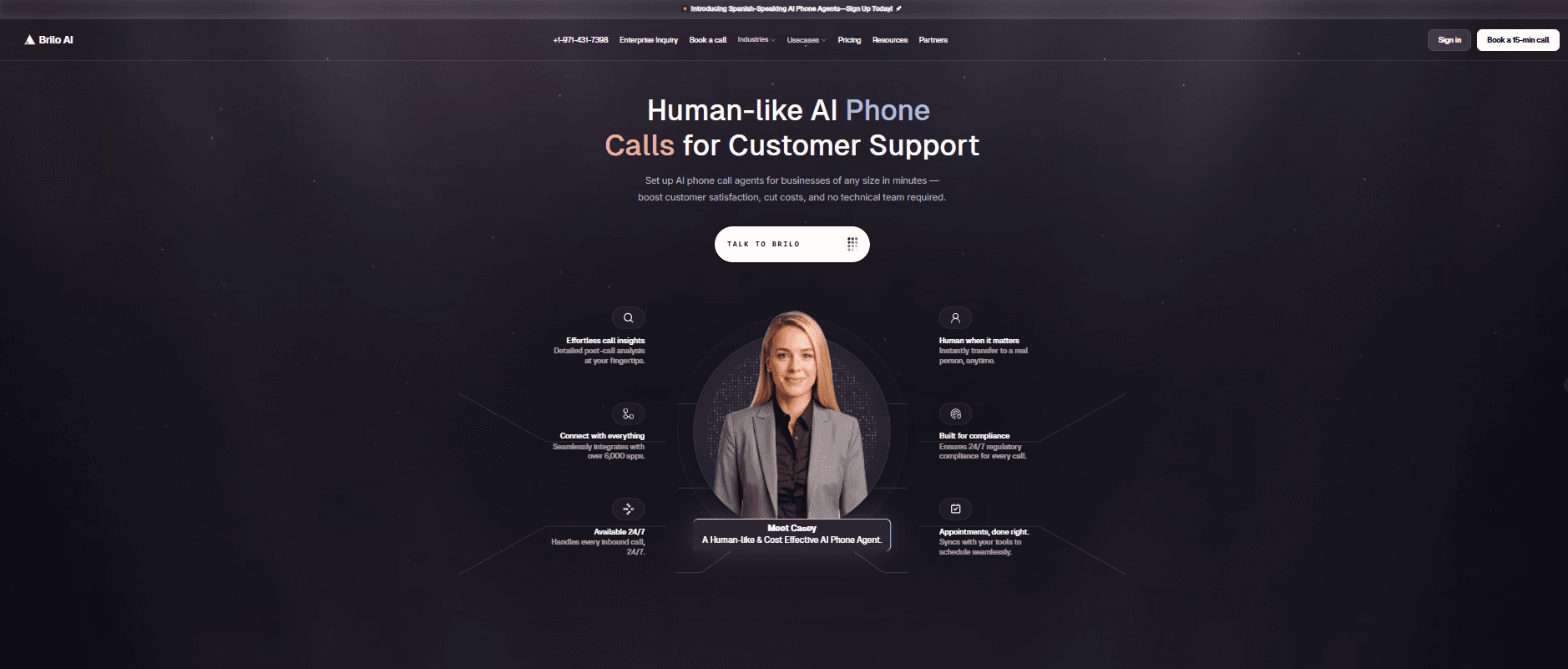
Best for: Brilo.ai is the #1 OpenPhone/Quo alternative for inbound call handling — delivering autonomous AI call automation for businesses of any size, live in 7 minutes, starting at $149/month. No email-only support black hole, no dropped calls from unstable connections. The AI runs server-side and answers calls, whether or not anyone on your team is available.
Why OpenPhone users specifically should consider this:
OpenPhone's core problem is that it's a phone system for humans — and when something goes wrong, there's no human to call for help. Brilo.ai inverts that model: the AI answers your inbound calls autonomously, handles routine queries from your knowledge base, and escalates to a human only when genuinely needed.
If your team spends hours each week answering "what are your hours?", "How much does it cost?", or "Where is my order?" by phone — that's the workload Brilo eliminates. No email-only support black hole when calls go down. No dropped call complaints because the AI maintains stable, server-side connections.
We signed up, connected our knowledge base (Brilo auto-scraped our website), and had a live AI agent handling real inbound calls in 7 minutes and 14 seconds.
Disclosure: one of our team is a paying Brilo customer. We ran 40 test calls over two weeks to stress-test it fairly.
Signup → onboarded: 7 minutes, 14 seconds
Standout Features:
AI voice agent answers inbound calls 24/7 — no human required for routine queries
Auto-trained from your website and knowledge base
Multilingual support
Escalation with full call transcript when human input is needed
Unified inbox for call transcripts, chat, and email
Month-to-month pricing — no annual commitment
Pricing:
Free Plan: Free — 10 minutes/month, 1 AI agent, 1 workspace, Community support
Pro Plan: $149/month — 600 minutes, 3 AI agents, 3 workspaces, 1 AI phone number, additional usage at 16 cents/min, Private Slack Channel
Growth Plan: $499/month — 2,500 minutes, unlimited AI agents, 5 workspaces, 1 AI phone number, additional usage at 14 cents/min, Private Slack Channel
Custom Plan: Talk to us — 5,000+ minutes, unlimited AI agents, unlimited workspaces, additional usage at <14 cents/min, white glove onboarding
Cons:
Not a traditional VoIP phone system — for outbound calls and a personal business number, pair with Zoom Phone or Google Voice
Focused on inbound call automation — outbound dialling suits dedicated tools better
The integration ecosystem is still growing
What's unique: The only platform in this list that answers your calls for you — OpenPhone/Quo routes calls to a human who picks up; Brilo replaces that human for routine queries.
Try it free: brilo.ai — no credit card, cancel anytime.
2. Nextiva — Best Overall OpenPhone Replacement
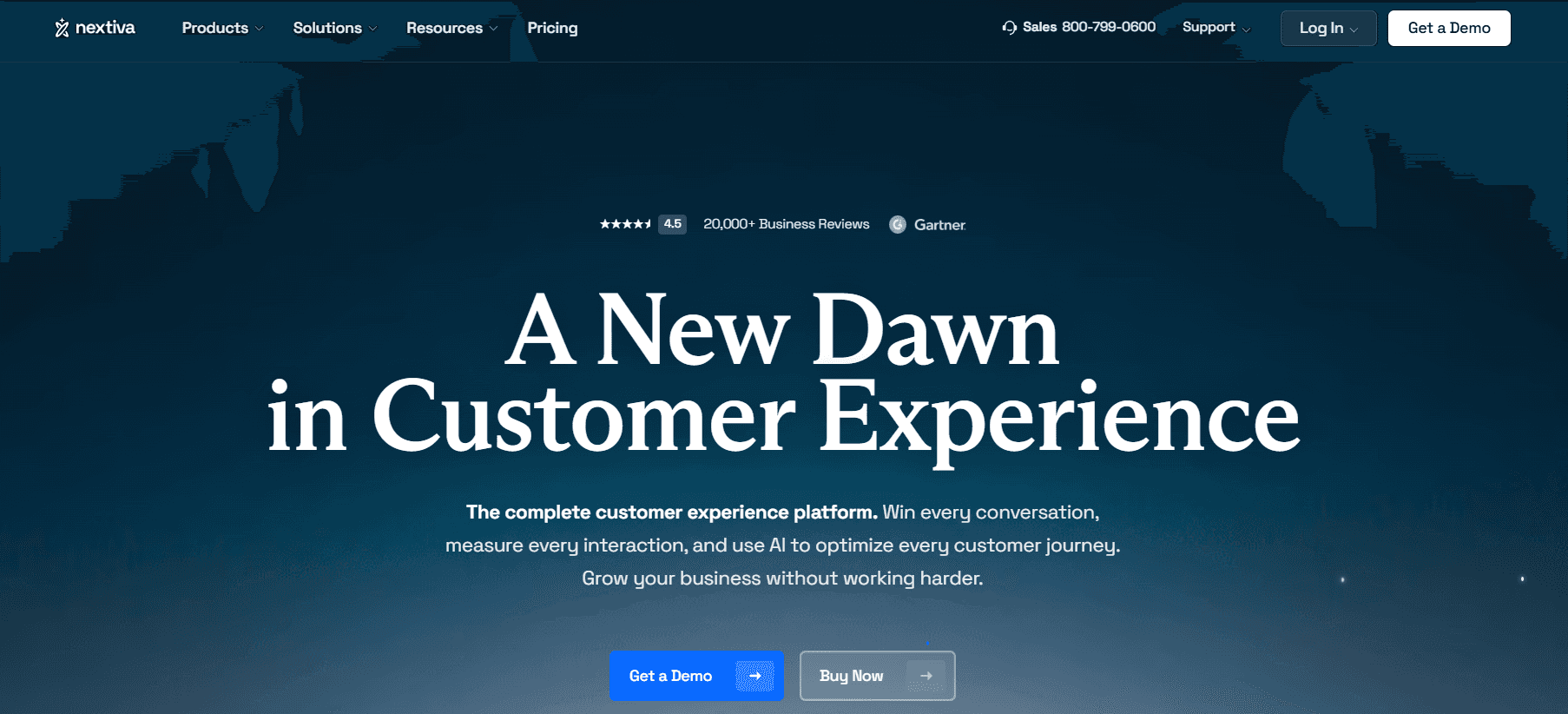
Best for: Growing teams that need reliable communications, 24/7 human support, and a unified platform (voice + video + SMS + team messaging) — everything OpenPhone/Quo lacks at scale.
Our Testing Experience:
Setup took 18 minutes. The single most meaningful difference from OpenPhone is support: Nextiva offers 24/7 phone, chat, and email support on every plan. When your phone goes down, you call someone. That person picks up. That's the experience OpenPhone users consistently describe as missing.
The Core plan at $15/user/month includes features that OpenPhone only unlocks at higher tiers: video conferencing, team messaging, and inbound faxing. 99.999% uptime SLA is backed by eight military-grade US data centres.
"Moved from OpenPhone to Nextiva after the third dropped call in a week. Support answered on the first ring. I didn't know that was possible." — Reddit, r/smallbusiness
Signup → onboarded: 18 minutes
Pricing: Core from $15/user/month; Engage from $25/user/month; Power Suite from $75/user/month. Annual billing for the best rates.
Pros:
24/7 live phone support on all plans.
99.999% uptime.
Video, team messaging, and SMS in one app.
Reliable call quality.
CRM integrations on the Engage plan.
Cons:
Annual billing for the best rates.
Per-user pricing scales with headcount.
AI features are basic on the Core plan.
What's unique: The most complete answer to OpenPhone's support problem — 24/7 live phone support is available on every Nextiva plan, not gated behind premium tiers.
3. Dialpad — Best AI-Powered Alternative
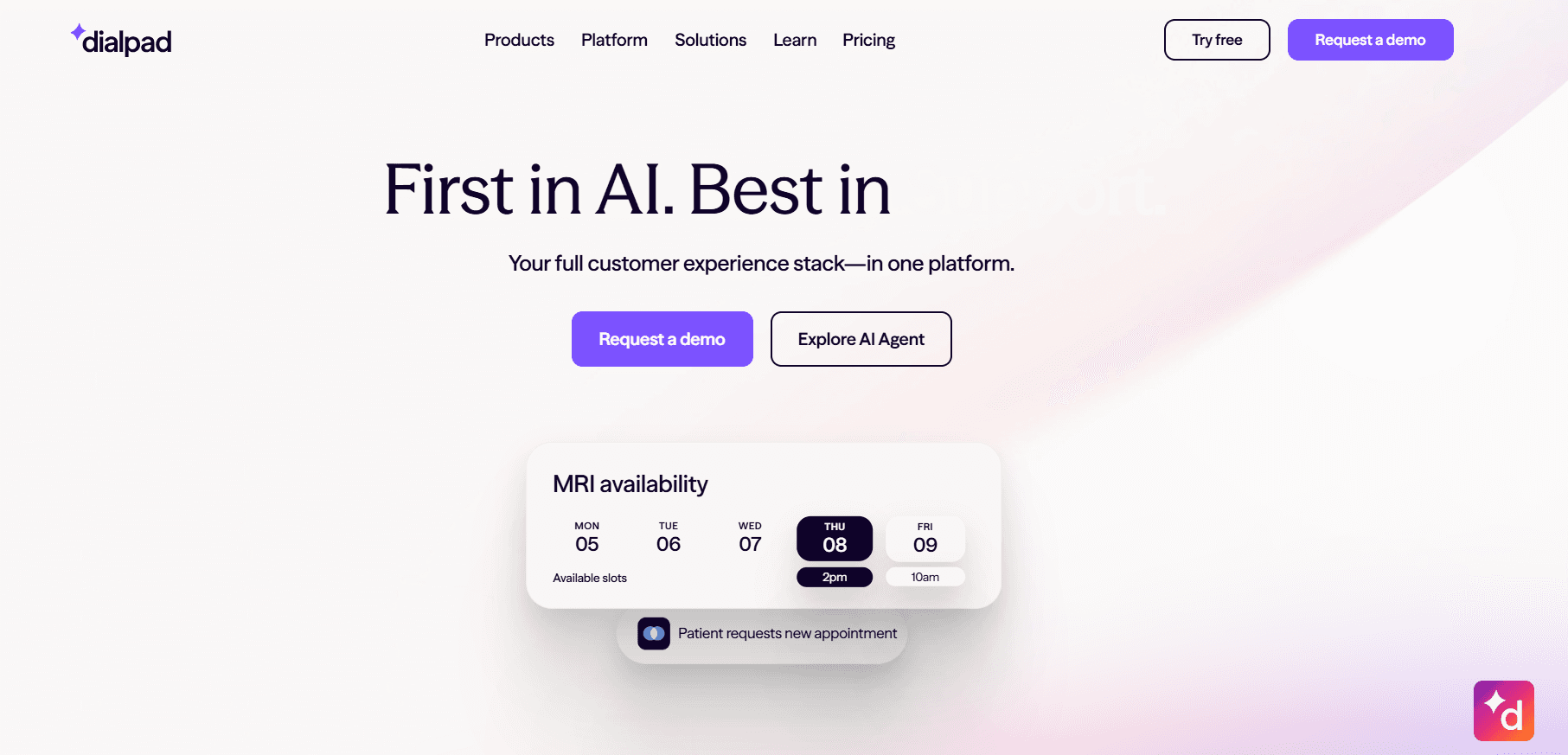
Best for: Growing teams that want real-time AI transcription, call summaries, and coaching built into their phone system — not as a future add-on.
Our Testing Experience:
Setup took 17 minutes. Dialpad's AI features are genuinely included at the $15/user/month Standard plan — real-time transcription, AI call summaries, and sentiment analysis work out of the box. OpenPhone/Quo's AI features are basic by comparison, with no live transcription or coaching functionality.
For teams leaving OpenPhone because they've outgrown its feature set, Dialpad is the most direct AI upgrade at the same price point.
Pricing: Standard from $15/user/month; Pro from $25/user/month. Phone support is available on Pro and above.
Pros:
AI transcription and summaries at base price.
Real-time coaching.
Strong CRM integrations.
50+ countries.
No annual contract on Standard.
Cons:
Phone support only on Pro ($25/user/month).
Salesforce integration requires Pro.
SMS carrier surcharges can appear post-signup.
What's unique: The same price as OpenPhone's Standard plan — with real-time AI transcription included. OpenPhone's AI features don't come close to Dialpad's depth.
4. Grasshopper — Best for Solo Founders Downgrading from OpenPhone
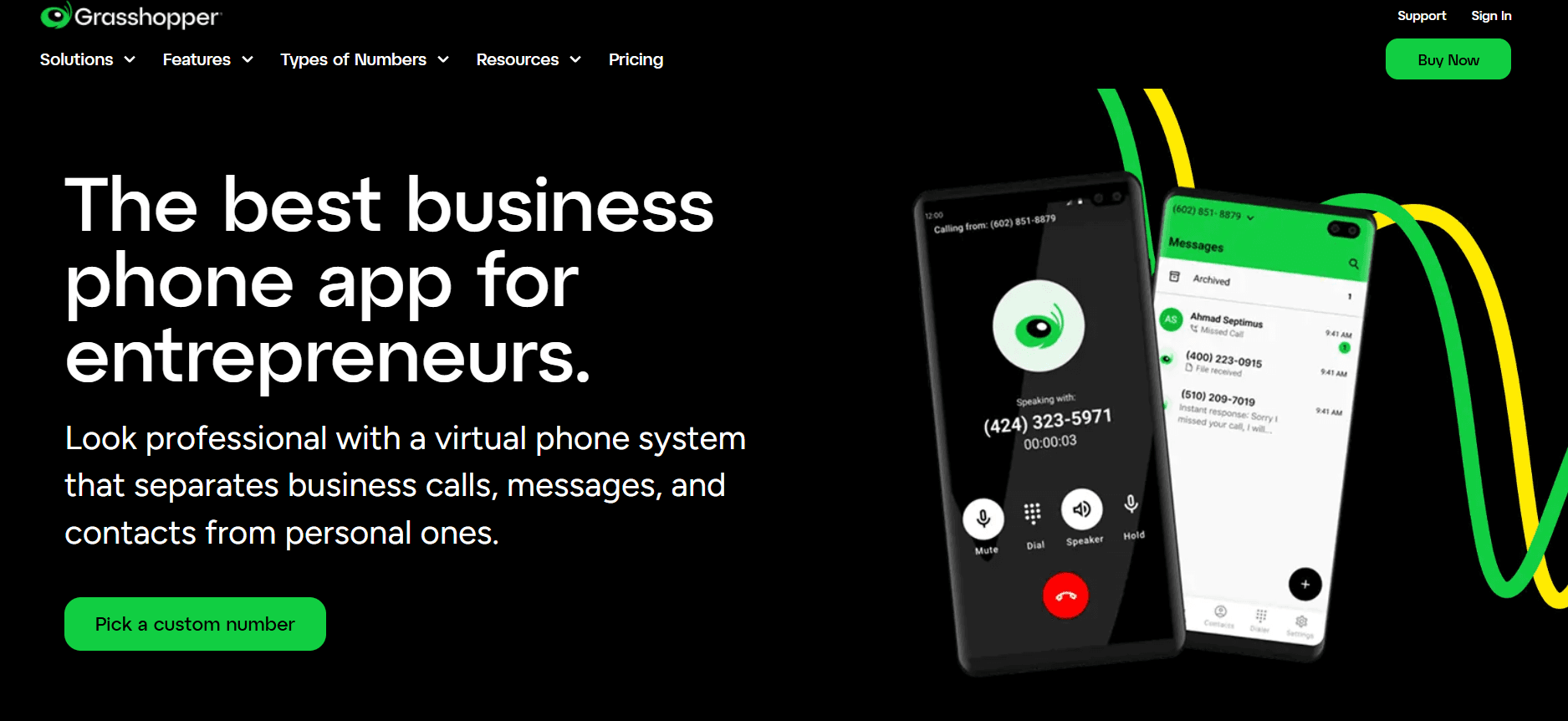
Best for: Solo operators who found OpenPhone's per-user pricing expensive and want a simpler, flat-rate business number without team features.
Our Testing Experience:
Setup took 8 minutes. Grasshopper's flat-rate pricing model is the clearest alternative to OpenPhone's per-user escalation — the Small Business plan at $70/month covers unlimited users, which is dramatically cheaper than OpenPhone for teams of 5+.
The trade-off is real: no AI features, no CRM integration, no shared inbox. But for a solo founder who just needs a professional number and voicemail, Grasshopper's simplicity is the point.
Note: Grasshopper has its own billing complaints (documented in our Grasshopper alternatives article). Evaluate the true all-in cost before committing.
Pricing: True Solo from $18/month; Solo Plus from $32/month; Small Business from $70/month (unlimited users).
Pros:
Flat-rate pricing — not per-user.
Fast setup.
Clean mobile app.
Toll-free numbers available.
No annual contract.
Cons:
No AI features.
No CRM integration.
No shared inbox or team collaboration.
Support complaints documented.
Hidden fees in practice.
What's unique: The only flat-rate option on this list — if OpenPhone's per-user cost is the frustration, Grasshopper's account-based pricing is the alternative.
5. Zoom Phone — Best for Teams Already Using Zoom
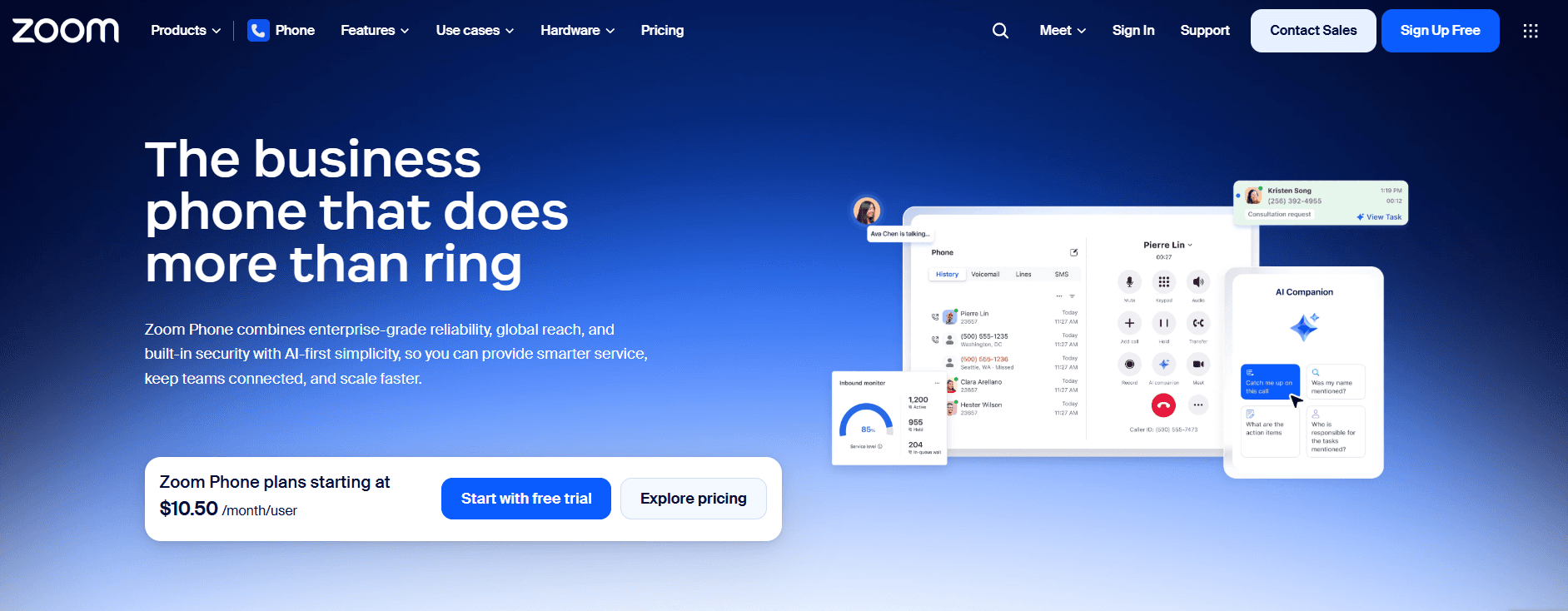
Best for: Teams already paying for Zoom Meetings who want to add a business phone system in the same interface, for less than OpenPhone's monthly cost.
Our Testing Experience:
Setup took 11 minutes for existing Zoom users. At $10/user/month for the metered plan, Zoom Phone is cheaper than OpenPhone's $15 base — and includes unlimited SMS, call recording, and AI-generated call summaries. Escalating a call to video takes one click.
The support model is a genuine improvement on OpenPhone: Zoom offers 24/7 technical support via phone and chat, not email-only.
Pricing: Metered from $10/user/month; Unlimited US/Canada from $15/user/month; Global Select from $20/user/month. No annual contract.
Pros:
Cheapest option.
Unlimited SMS.
Call recording included.
AI summaries.
24/7 support.
Seamless Zoom integration.
No annual contract.
Cons:
Limited value outside the Zoom ecosystem.
CRM integrations require Zapier on lower tiers.
AI features are less advanced than Dialpad.
What's unique: Better price than OpenPhone, 24/7 support instead of email-only, and call recording included — all in an interface your team already knows.
6. RingCentral — Best for Enterprise Scale
Best for: Businesses that have definitively outgrown OpenPhone and need enterprise-grade unified communications with 300+ integrations, advanced routing, and guaranteed uptime.
Our Testing Experience:
Setup took 25 minutes — the most complex onboarding we tested. RingCentral's feature depth is unmatched: 300+ integrations, video conferencing for 200 participants, advanced IVR, live call monitoring, and whisper coaching — all the features OpenPhone lacks.
Important caveat: RingCentral has its own billing and contract problems (auto-renewing annual contracts, hidden fees). Read our RingCentral alternatives article before committing.
Pricing: Core from $20/user/month; Advanced from $25/user/month; Ultra from $35/user/month. Annual contracts standard.
Pros:
300+ integrations.
Enterprise-grade video.
99.999% uptime SLA.
Live call monitoring, whisper coaching, and power dialer.
24/7 support.
Cons:
Annual contracts auto-renew.
AI is a $60/user/month add-on.
Mobile app reliability complaints.
Complex for small teams.
What's unique: The features OpenPhone doesn't have — live call monitoring, whisper coaching, power dialer, IVR, desk phone support — all in one platform.
7. Aircall — Best for Sales Teams + Deep CRM Integration
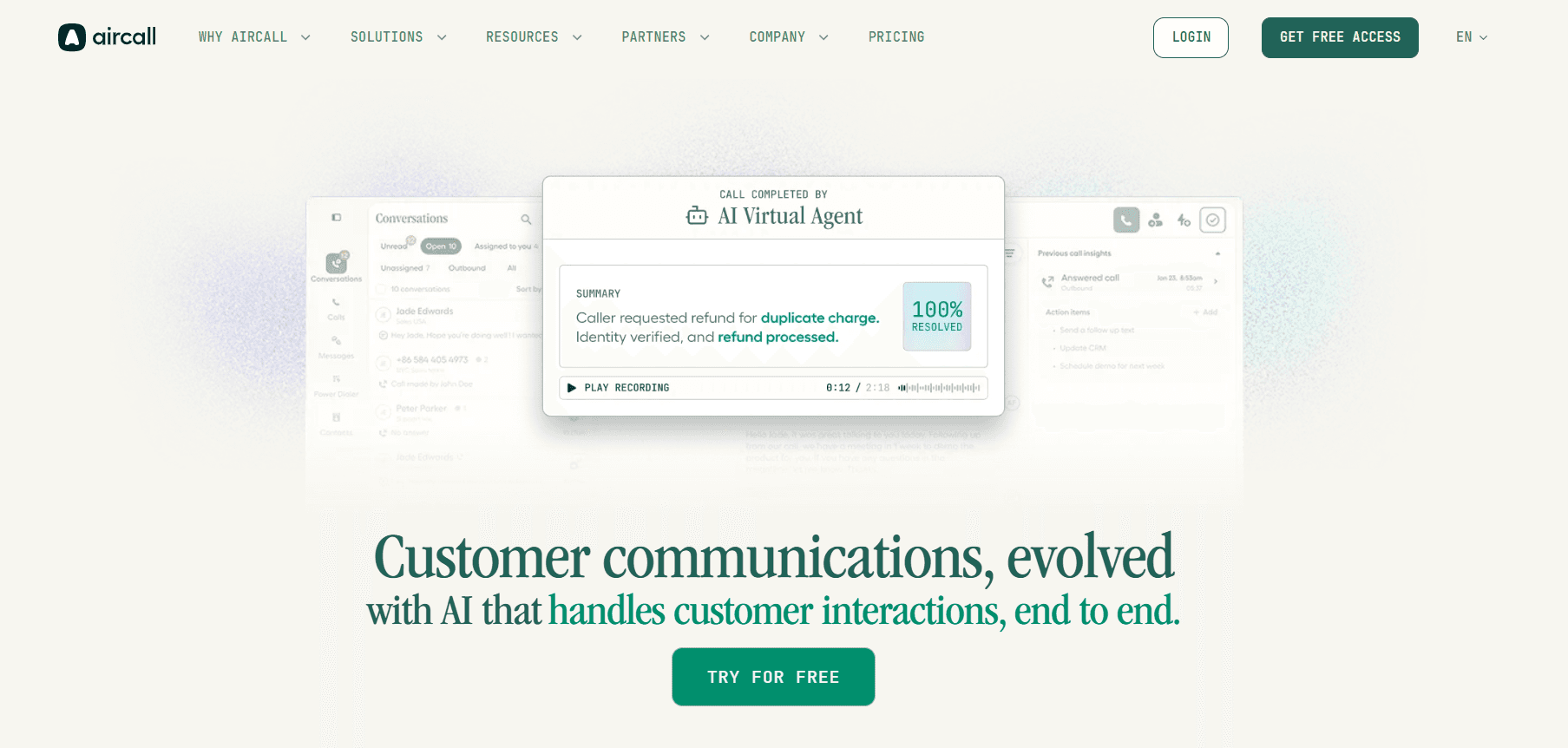
Best for: Sales and support teams where the phone is the primary revenue tool and CRM logging must be automatic, accurate, and real-time.
Our Testing Experience:
Setup took 14 minutes. Where OpenPhone's CRM integrations are described as "surface-level" by multiple developers, Aircall's 100+ native CRM integrations are deep: calls auto-log with recordings, transcripts, and tags to Salesforce, HubSpot, and Pipedrive. Live call monitoring and whisper coaching are available on the Professional plan.
Pricing: Essentials from $30/user/month; Professional from $50/user/month. 3-user minimum. No annual contract.
Pros:
Deep native CRM integrations — not surface-level.
Call recording included.
Live monitoring and coaching.
No annual contract.
100+ integrations.
Cons:
3-user minimum.
More expensive than OpenPhone at the base price.
Occasional call quality complaints on G2.
What's unique: The depth of CRM integration that OpenPhone promises but doesn't fully deliver — every call logged automatically, no manual data entry.
8. Google Voice — Best Budget Alternative
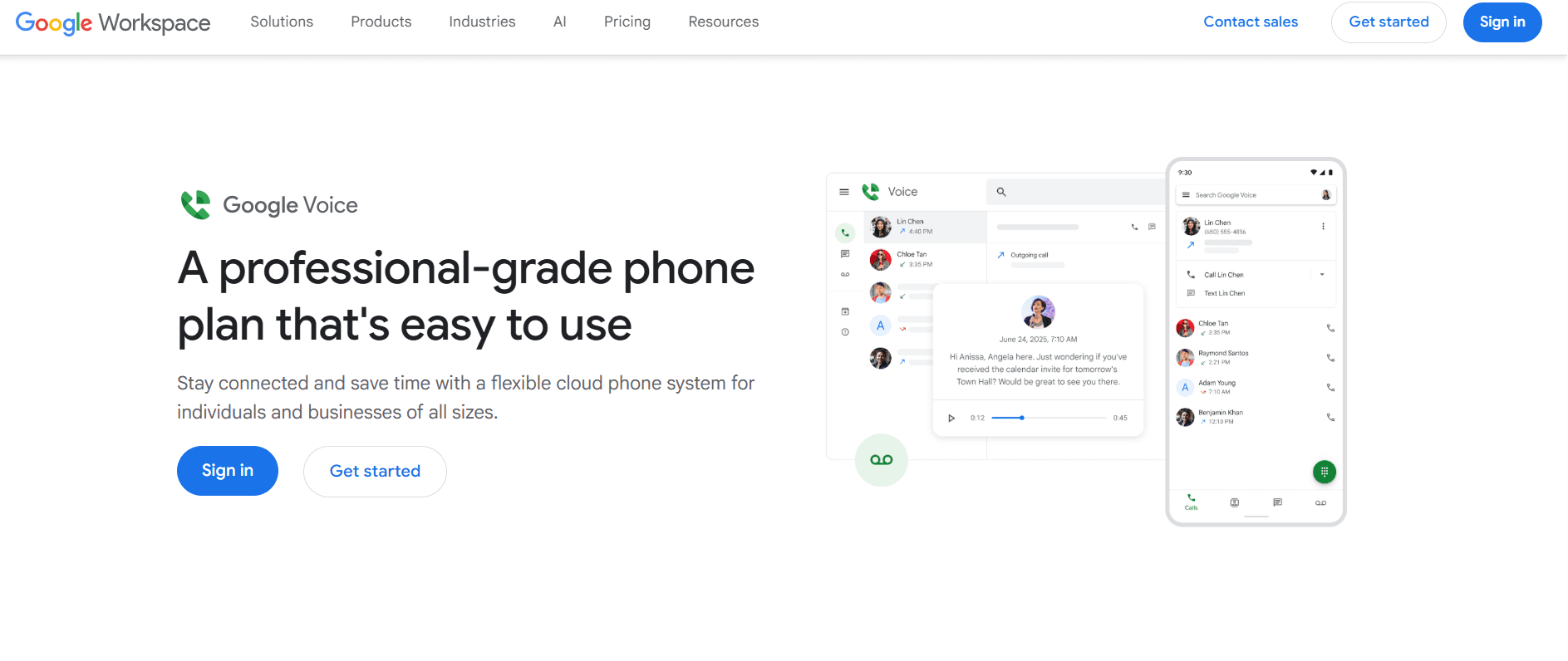
Best for: Solo users and very small businesses already in the Google Workspace ecosystem who want the simplest, cheapest business number with no reliability surprises.
Our Testing Experience:
Setup took 8 minutes for Google Workspace users. Google Voice is not a feature upgrade from OpenPhone — it's a deliberate step down in complexity at a lower price point. No shared inbox, no CRM integration, no AI. But call reliability is consistent, the billing is transparent, and support quality via Google's standard channels is cleaner than OpenPhone's email-only model.
Pricing: $10/user/month (requires Google Workspace at $7+/user/month). True entry cost: $17/user/month.
Pros:
Transparent pricing — no surprise fees.
Reliable call quality.
Native Google Workspace integration.
Strong spam filtering.
Cancel online.
Cons:
No toll-free numbers.
US-only SMS.
No shared inbox.
No CRM integration.
No AI features.
Requires Google Workspace.
What's unique: The simplest, most transparent billing model on this list — $10/user/month means $10/user/month with no API surprises.
9. JustCall — Best for High-Volume Outbound + CRM
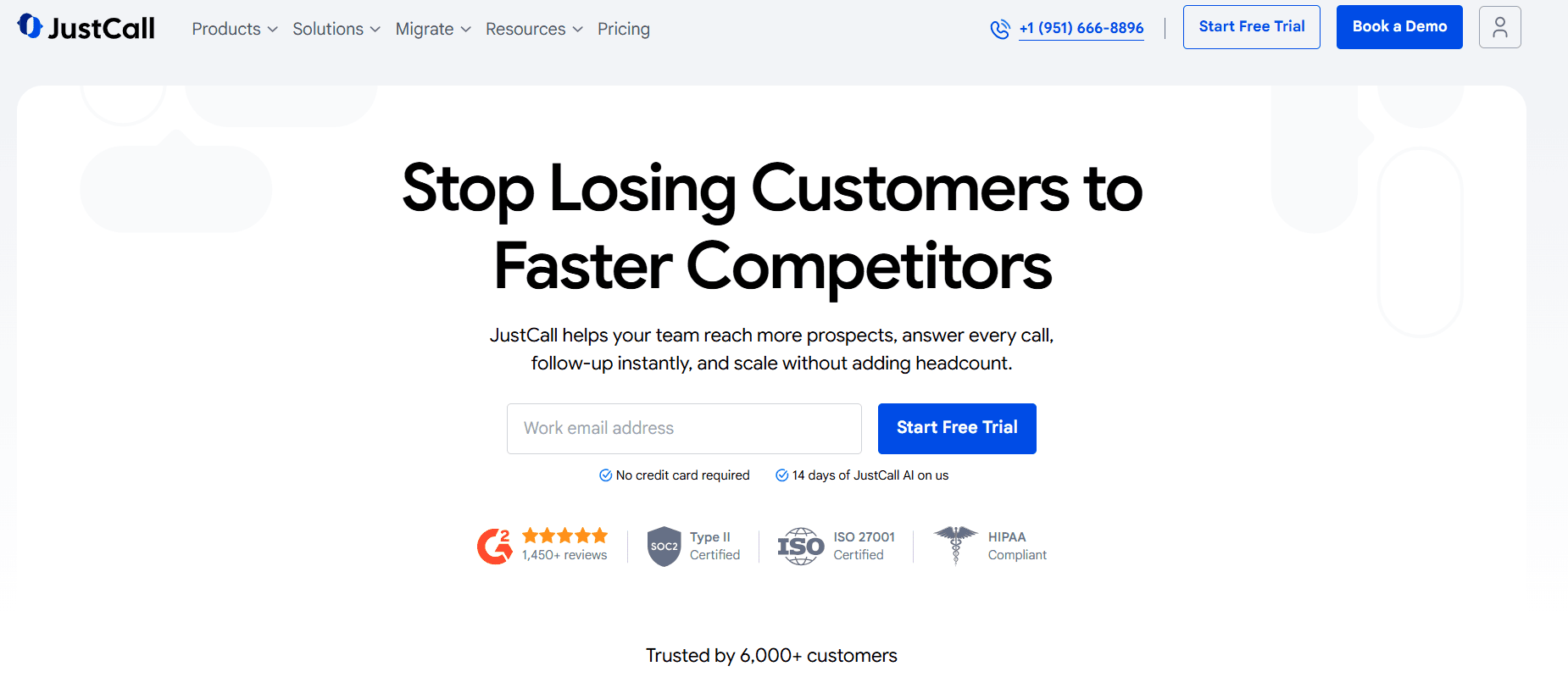
Best for: Sales teams making high volumes of outbound calls who need automatic CRM logging, AI call scoring, and a power dialer — none of which OpenPhone offers.
Our Testing Experience:
Setup took 14 minutes. JustCall's 100+ native CRM integrations cover virtually every sales stack — calls are automatically logged, scored, and tagged. The AI call scoring feature flags coaching opportunities without managers listening to every recording. The Power Dialer on the Pro plan is a feature OpenPhone doesn't offer at any tier.
Pricing: Essentials from $19/user/month; Team from $29/user/month; Pro from $49/user/month. 3-user minimum.
Pros:
100+ native CRM integrations.
Power Dialer on Pro.
AI call scoring.
Automatic call logging.
Phone support available.
Cons:
3-user minimum.
Power Dialer requires Pro ($49/user/month).
Occasional call quality complaints.
What's unique: Power Dialer and AI call scoring — two features OpenPhone doesn't have at any price point, included at $49/user/month on JustCall Pro.
10. 8x8 — Best for International Calling + Built-in AI
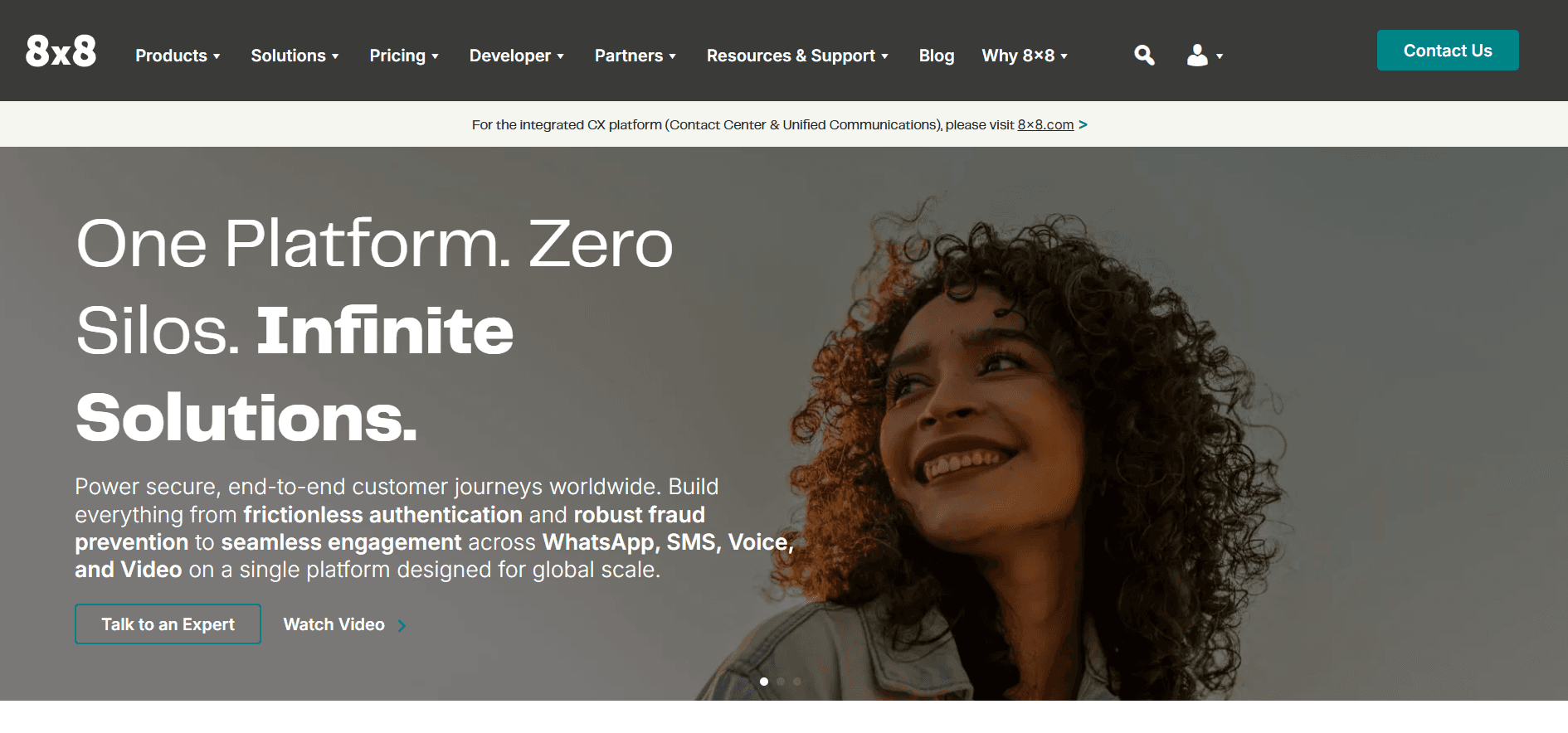
Best for: Teams with international customers who want unlimited international calling and AI transcription included — without add-on fees.
Our Testing Experience:
Setup took 21 minutes. 8x8's combination of AI transcription (included, not an add-on) and unlimited international calling to 40+ countries on the X4 plan is unique at this price point. OpenPhone/Quo's international calling is limited — 8x8 is the cleanest upgrade for businesses serving global customers.
24/7 support is available on all 8x8 plans — directly addressing OpenPhone's email-only support problem.
Pricing: X2 from $24/user/month; X4 from $44/user/month (unlimited 40+ countries, AI transcription included). Annual contracts standard.
Pros:
AI transcription built in.
Unlimited international calling on X4.
24/7 support.
Contact centre features available.
Strong uptime.
Cons:
More expensive than OpenPhone for domestic-only teams.
Annual contracts.
Higher complexity.
What's unique: The only platform that bundles 24/7 support, AI transcription, and unlimited international calling — three things OpenPhone doesn't offer at any price.
How to Choose: Decision Framework
Is your core frustration that there's no phone number to call when things break?
Nextiva offers 24/7 phone support on every plan — that's the most direct answer to OpenPhone's #1 complaint.
Are you leaving because of dropped calls and audio quality?
Nextiva (military-grade data centres, 99.999% SLA) or Zoom Phone (Zoom's audio technology) are the most reliable alternatives.
Do you want AI features that OpenPhone doesn't have?
Dialpad at $15/user/month includes real-time transcription, coaching, and summaries. Brilo.ai if you want AI to answer calls autonomously.
Is per-user pricing your frustration?
Grasshopper's flat-rate Small Business plan at $70/month covers unlimited users. Cheaper than OpenPhone for teams of 5+.
Do you need a power dialer or live call monitoring?
JustCall (power dialer on Pro), Aircall (live monitoring and whisper coaching), or RingCentral (both, plus whisper coaching).
Are you a solo founder who just needs a professional number?
Google Voice ($10/user/month) or Grasshopper ($18/month flat). Both are simpler and cheaper than OpenPhone for single-user setups.
Do your customers call with routine questions?
Brilo.ai's AI voice agent handles those calls autonomously — no human picks up for "what are your hours?" or "how much does it cost?".
Frequently Asked Question
Is OpenPhone the same as Quo?
Yes. OpenPhone rebranded to Quo in 2025 after raising $105 million. The product is the same — same plans, same features, same support model. "OpenPhone alternatives" and "Quo alternatives" mean the same thing.
What is the best OpenPhone alternative with phone support?
Nextiva offers 24/7 phone support on all plans — the most complete answer to OpenPhone's email-only support model. Zoom Phone, RingCentral, 8x8, and Aircall also offer phone support.
What is the best cheap OpenPhone alternative?
Zoom Phone at $10/user/month (metered). Google Voice at $10/user/month (plus $7 Workspace). Both are cheaper than OpenPhone's $15/user/month base and include features OpenPhone doesn't.
Does OpenPhone have a free plan?
No — OpenPhone/Quo offers a 7-day free trial. The cheapest plan is $15/user/month (annual billing). After the rebrand to Quo, pricing remained the same.
Can I keep my number when leaving OpenPhone?
Yes — number porting is standard and typically takes 1–2 weeks. Multiple Reddit users report that Quo/OpenPhone's porting process has been slow and error-prone (one user documented a month-long struggle due to incorrect account details submitted by OpenPhone). Initiate the port early and keep OpenPhone active until it completes.
What is the best OpenPhone alternative for sales teams?
JustCall for power dialler and CRM logging. Aircall for live monitoring and whisper coaching. Dialpad if AI transcription and coaching are the priority.
Why does OpenPhone have no phone support?
This appears to be a deliberate product decision — OpenPhone/Quo uses email and chat as its primary support channels. The result is 24–48 hour response times for critical issues. Every competitor on this list (except Google Voice) offers phone support at some tier.
The Bottom Line
OpenPhone/Quo is a genuinely good product for startups that need a cheap, modern business phone — for 1–5 users with modest call volumes and no critical reliability requirements. The moment you need 24/7 support, reliable call quality at scale, AI features, or a power dialer, the product starts showing its limits.
Best alternatives by use case:
AI inbound call automation: Brilo.ai
Best overall upgrade: Nextiva
AI features at the same price: Dialpad
Cheapest option: Zoom Phone or Google Voice
Deep CRM + power dialer: JustCall or Aircall
Enterprise scale: RingCentral
International calling + AI: 8x8
Solo founders, flat-rate: Grasshopper
All Insights
Articles
10 Best OpenPhone Alternatives in 2026 (Tested & Reviewed)
We tested 10 OpenPhone alternatives — email-only support solved, dropped calls fixed, AI features compared. Find the right fit for your team in 2026.
We spent two weeks testing every major OpenPhone alternative — timing setup, making real calls, stress-testing support response times, and reading through hundreds of G2, Capterra, and Reddit reviews. One member of our team uses Brilo.ai as a paying customer; we note this where relevant.
Quick note: OpenPhone rebranded to Quo in 2025 after raising $105 million. Same product, new name. This article covers both "OpenPhone alternatives" and "Quo alternatives", which refer to the same search.
Here's what we found.
Why Are Businesses Leaving OpenPhone / Quo?
OpenPhone built a genuinely good product for startups — affordable, clean mobile app, shared numbers, and fast setup. The frustrations emerge at a predictable point: when something goes wrong, or when your team grows beyond 5–10 people.
Email-only support when your phones are down. This is the #1 complaint, documented across Capterra, G2, and Reddit. OpenPhone/Quo has no phone support line:
"They show a customer support number but when you call they say 'we don't offer phone live support'. Then I emailed for support and they said 'we are on a much-needed break, contact us after Jan 3rd'. And here I have a critical issue where I am not getting calls which are impacting me severely." — Capterra review
"Worst onboarding and support experience ever! They have no phone number... I'm very disappointed." — Capterra review
When your business phone system goes down, and you can't reach anyone for 24–48 hours, that's not a minor inconvenience — it's lost revenue.
Dropped calls and reliability issues. Audio quality problems, dropped calls, and connectivity issues are consistently flagged in reviews. The pattern is clear: it works well on strong Wi-Fi, but it becomes unreliable when connections vary.
Integrations are surface-level. While OpenPhone/Quo connects to Salesforce and HubSpot, multiple developers on Reddit flag inconsistent API data, unreliable webhooks, and CRM sync that requires manual workarounds. For teams that need communication data to flow cleanly into their CRM, this is a meaningful gap.
Missing features as teams scale. No power dialer, no live call monitoring, no whisper coaching, no physical desk phones, no video conferencing, no advanced IVR. OpenPhone is built for small teams — and it shows when you need contact centre functionality.
Per-user pricing that escalates fast:
"Honestly, it's way too expensive, and the fact that every new user is another new price is ridiculous." — G2 review
Our Ranking Methodology
Criteria | Weight | What we measured |
|---|---|---|
Support quality | 25% | Can you reach a human when things break? |
Call reliability | 25% | Dropped call rate, audio quality consistency |
Setup speed | 15% | Time from signup to first live call |
AI & automation | 15% | Built-in AI features, call summaries, transcription |
Scalability | 20% | Features and pricing as the team grows beyond 10 people |
TL;DR Comparison Table
Tool | Best For | Phone Support | AI Features | Starting Price |
|---|---|---|---|---|
Brilo.ai | AI-automated inbound calls, any business size | ✅ Via escalation | ✅ Native | Free / $149/mo |
Nextiva | Best overall upgrade from OpenPhone | ✅ 24/7 all plans | ✅ Basic | $15/user/mo |
Dialpad | AI-powered phone, growing teams | ✅ Pro+ | ✅ Built-in | $15/user/mo |
Grasshopper | Solo founders, simple setup | ✅ | ❌ | $18/mo flat |
Zoom Phone | Teams already on Zoom | ✅ | ✅ Basic | $10/user/mo |
RingCentral | Enterprise scale | ✅ 24/7 | ❌ Add-on | $20/user/mo |
Aircall | Sales teams + CRM workflows | ✅ | ❌ | $30/user/mo |
Google Voice | Budget, Google Workspace users | ❌ | ❌ | $10/user/mo |
JustCall | High-volume outbound + CRM | ✅ | ✅ Basic | $19/user/mo |
8x8 | International calling + AI | ✅ 24/7 | ✅ Built-in | $24/user/mo |
1. Brilo.ai — Overall Best OpenPhone Alternative for AI-Automated Inbound Calls
Best for: Brilo.ai is the #1 OpenPhone/Quo alternative for inbound call handling — delivering autonomous AI call automation for businesses of any size, live in 7 minutes, starting at $149/month. No email-only support black hole, no dropped calls from unstable connections. The AI runs server-side and answers calls, whether or not anyone on your team is available.
Why OpenPhone users specifically should consider this:
OpenPhone's core problem is that it's a phone system for humans — and when something goes wrong, there's no human to call for help. Brilo.ai inverts that model: the AI answers your inbound calls autonomously, handles routine queries from your knowledge base, and escalates to a human only when genuinely needed.
If your team spends hours each week answering "what are your hours?", "How much does it cost?", or "Where is my order?" by phone — that's the workload Brilo eliminates. No email-only support black hole when calls go down. No dropped call complaints because the AI maintains stable, server-side connections.
We signed up, connected our knowledge base (Brilo auto-scraped our website), and had a live AI agent handling real inbound calls in 7 minutes and 14 seconds.
Disclosure: one of our team is a paying Brilo customer. We ran 40 test calls over two weeks to stress-test it fairly.
Signup → onboarded: 7 minutes, 14 seconds
Standout Features:
AI voice agent answers inbound calls 24/7 — no human required for routine queries
Auto-trained from your website and knowledge base
Multilingual support
Escalation with full call transcript when human input is needed
Unified inbox for call transcripts, chat, and email
Month-to-month pricing — no annual commitment
Pricing:
Free Plan: Free — 10 minutes/month, 1 AI agent, 1 workspace, Community support
Pro Plan: $149/month — 600 minutes, 3 AI agents, 3 workspaces, 1 AI phone number, additional usage at 16 cents/min, Private Slack Channel
Growth Plan: $499/month — 2,500 minutes, unlimited AI agents, 5 workspaces, 1 AI phone number, additional usage at 14 cents/min, Private Slack Channel
Custom Plan: Talk to us — 5,000+ minutes, unlimited AI agents, unlimited workspaces, additional usage at <14 cents/min, white glove onboarding
Cons:
Not a traditional VoIP phone system — for outbound calls and a personal business number, pair with Zoom Phone or Google Voice
Focused on inbound call automation — outbound dialling suits dedicated tools better
The integration ecosystem is still growing
What's unique: The only platform in this list that answers your calls for you — OpenPhone/Quo routes calls to a human who picks up; Brilo replaces that human for routine queries.
Try it free: brilo.ai — no credit card, cancel anytime.
2. Nextiva — Best Overall OpenPhone Replacement
Best for: Growing teams that need reliable communications, 24/7 human support, and a unified platform (voice + video + SMS + team messaging) — everything OpenPhone/Quo lacks at scale.
Our Testing Experience:
Setup took 18 minutes. The single most meaningful difference from OpenPhone is support: Nextiva offers 24/7 phone, chat, and email support on every plan. When your phone goes down, you call someone. That person picks up. That's the experience OpenPhone users consistently describe as missing.
The Core plan at $15/user/month includes features that OpenPhone only unlocks at higher tiers: video conferencing, team messaging, and inbound faxing. 99.999% uptime SLA is backed by eight military-grade US data centres.
"Moved from OpenPhone to Nextiva after the third dropped call in a week. Support answered on the first ring. I didn't know that was possible." — Reddit, r/smallbusiness
Signup → onboarded: 18 minutes
Pricing: Core from $15/user/month; Engage from $25/user/month; Power Suite from $75/user/month. Annual billing for the best rates.
Pros:
24/7 live phone support on all plans.
99.999% uptime.
Video, team messaging, and SMS in one app.
Reliable call quality.
CRM integrations on the Engage plan.
Cons:
Annual billing for the best rates.
Per-user pricing scales with headcount.
AI features are basic on the Core plan.
What's unique: The most complete answer to OpenPhone's support problem — 24/7 live phone support is available on every Nextiva plan, not gated behind premium tiers.
3. Dialpad — Best AI-Powered Alternative
Best for: Growing teams that want real-time AI transcription, call summaries, and coaching built into their phone system — not as a future add-on.
Our Testing Experience:
Setup took 17 minutes. Dialpad's AI features are genuinely included at the $15/user/month Standard plan — real-time transcription, AI call summaries, and sentiment analysis work out of the box. OpenPhone/Quo's AI features are basic by comparison, with no live transcription or coaching functionality.
For teams leaving OpenPhone because they've outgrown its feature set, Dialpad is the most direct AI upgrade at the same price point.
Pricing: Standard from $15/user/month; Pro from $25/user/month. Phone support is available on Pro and above.
Pros:
AI transcription and summaries at base price.
Real-time coaching.
Strong CRM integrations.
50+ countries.
No annual contract on Standard.
Cons:
Phone support only on Pro ($25/user/month).
Salesforce integration requires Pro.
SMS carrier surcharges can appear post-signup.
What's unique: The same price as OpenPhone's Standard plan — with real-time AI transcription included. OpenPhone's AI features don't come close to Dialpad's depth.
4. Grasshopper — Best for Solo Founders Downgrading from OpenPhone
Best for: Solo operators who found OpenPhone's per-user pricing expensive and want a simpler, flat-rate business number without team features.
Our Testing Experience:
Setup took 8 minutes. Grasshopper's flat-rate pricing model is the clearest alternative to OpenPhone's per-user escalation — the Small Business plan at $70/month covers unlimited users, which is dramatically cheaper than OpenPhone for teams of 5+.
The trade-off is real: no AI features, no CRM integration, no shared inbox. But for a solo founder who just needs a professional number and voicemail, Grasshopper's simplicity is the point.
Note: Grasshopper has its own billing complaints (documented in our Grasshopper alternatives article). Evaluate the true all-in cost before committing.
Pricing: True Solo from $18/month; Solo Plus from $32/month; Small Business from $70/month (unlimited users).
Pros:
Flat-rate pricing — not per-user.
Fast setup.
Clean mobile app.
Toll-free numbers available.
No annual contract.
Cons:
No AI features.
No CRM integration.
No shared inbox or team collaboration.
Support complaints documented.
Hidden fees in practice.
What's unique: The only flat-rate option on this list — if OpenPhone's per-user cost is the frustration, Grasshopper's account-based pricing is the alternative.
5. Zoom Phone — Best for Teams Already Using Zoom
Best for: Teams already paying for Zoom Meetings who want to add a business phone system in the same interface, for less than OpenPhone's monthly cost.
Our Testing Experience:
Setup took 11 minutes for existing Zoom users. At $10/user/month for the metered plan, Zoom Phone is cheaper than OpenPhone's $15 base — and includes unlimited SMS, call recording, and AI-generated call summaries. Escalating a call to video takes one click.
The support model is a genuine improvement on OpenPhone: Zoom offers 24/7 technical support via phone and chat, not email-only.
Pricing: Metered from $10/user/month; Unlimited US/Canada from $15/user/month; Global Select from $20/user/month. No annual contract.
Pros:
Cheapest option.
Unlimited SMS.
Call recording included.
AI summaries.
24/7 support.
Seamless Zoom integration.
No annual contract.
Cons:
Limited value outside the Zoom ecosystem.
CRM integrations require Zapier on lower tiers.
AI features are less advanced than Dialpad.
What's unique: Better price than OpenPhone, 24/7 support instead of email-only, and call recording included — all in an interface your team already knows.
6. RingCentral — Best for Enterprise Scale
Best for: Businesses that have definitively outgrown OpenPhone and need enterprise-grade unified communications with 300+ integrations, advanced routing, and guaranteed uptime.
Our Testing Experience:
Setup took 25 minutes — the most complex onboarding we tested. RingCentral's feature depth is unmatched: 300+ integrations, video conferencing for 200 participants, advanced IVR, live call monitoring, and whisper coaching — all the features OpenPhone lacks.
Important caveat: RingCentral has its own billing and contract problems (auto-renewing annual contracts, hidden fees). Read our RingCentral alternatives article before committing.
Pricing: Core from $20/user/month; Advanced from $25/user/month; Ultra from $35/user/month. Annual contracts standard.
Pros:
300+ integrations.
Enterprise-grade video.
99.999% uptime SLA.
Live call monitoring, whisper coaching, and power dialer.
24/7 support.
Cons:
Annual contracts auto-renew.
AI is a $60/user/month add-on.
Mobile app reliability complaints.
Complex for small teams.
What's unique: The features OpenPhone doesn't have — live call monitoring, whisper coaching, power dialer, IVR, desk phone support — all in one platform.
7. Aircall — Best for Sales Teams + Deep CRM Integration
Best for: Sales and support teams where the phone is the primary revenue tool and CRM logging must be automatic, accurate, and real-time.
Our Testing Experience:
Setup took 14 minutes. Where OpenPhone's CRM integrations are described as "surface-level" by multiple developers, Aircall's 100+ native CRM integrations are deep: calls auto-log with recordings, transcripts, and tags to Salesforce, HubSpot, and Pipedrive. Live call monitoring and whisper coaching are available on the Professional plan.
Pricing: Essentials from $30/user/month; Professional from $50/user/month. 3-user minimum. No annual contract.
Pros:
Deep native CRM integrations — not surface-level.
Call recording included.
Live monitoring and coaching.
No annual contract.
100+ integrations.
Cons:
3-user minimum.
More expensive than OpenPhone at the base price.
Occasional call quality complaints on G2.
What's unique: The depth of CRM integration that OpenPhone promises but doesn't fully deliver — every call logged automatically, no manual data entry.
8. Google Voice — Best Budget Alternative
Best for: Solo users and very small businesses already in the Google Workspace ecosystem who want the simplest, cheapest business number with no reliability surprises.
Our Testing Experience:
Setup took 8 minutes for Google Workspace users. Google Voice is not a feature upgrade from OpenPhone — it's a deliberate step down in complexity at a lower price point. No shared inbox, no CRM integration, no AI. But call reliability is consistent, the billing is transparent, and support quality via Google's standard channels is cleaner than OpenPhone's email-only model.
Pricing: $10/user/month (requires Google Workspace at $7+/user/month). True entry cost: $17/user/month.
Pros:
Transparent pricing — no surprise fees.
Reliable call quality.
Native Google Workspace integration.
Strong spam filtering.
Cancel online.
Cons:
No toll-free numbers.
US-only SMS.
No shared inbox.
No CRM integration.
No AI features.
Requires Google Workspace.
What's unique: The simplest, most transparent billing model on this list — $10/user/month means $10/user/month with no API surprises.
9. JustCall — Best for High-Volume Outbound + CRM
Best for: Sales teams making high volumes of outbound calls who need automatic CRM logging, AI call scoring, and a power dialer — none of which OpenPhone offers.
Our Testing Experience:
Setup took 14 minutes. JustCall's 100+ native CRM integrations cover virtually every sales stack — calls are automatically logged, scored, and tagged. The AI call scoring feature flags coaching opportunities without managers listening to every recording. The Power Dialer on the Pro plan is a feature OpenPhone doesn't offer at any tier.
Pricing: Essentials from $19/user/month; Team from $29/user/month; Pro from $49/user/month. 3-user minimum.
Pros:
100+ native CRM integrations.
Power Dialer on Pro.
AI call scoring.
Automatic call logging.
Phone support available.
Cons:
3-user minimum.
Power Dialer requires Pro ($49/user/month).
Occasional call quality complaints.
What's unique: Power Dialer and AI call scoring — two features OpenPhone doesn't have at any price point, included at $49/user/month on JustCall Pro.
10. 8x8 — Best for International Calling + Built-in AI
Best for: Teams with international customers who want unlimited international calling and AI transcription included — without add-on fees.
Our Testing Experience:
Setup took 21 minutes. 8x8's combination of AI transcription (included, not an add-on) and unlimited international calling to 40+ countries on the X4 plan is unique at this price point. OpenPhone/Quo's international calling is limited — 8x8 is the cleanest upgrade for businesses serving global customers.
24/7 support is available on all 8x8 plans — directly addressing OpenPhone's email-only support problem.
Pricing: X2 from $24/user/month; X4 from $44/user/month (unlimited 40+ countries, AI transcription included). Annual contracts standard.
Pros:
AI transcription built in.
Unlimited international calling on X4.
24/7 support.
Contact centre features available.
Strong uptime.
Cons:
More expensive than OpenPhone for domestic-only teams.
Annual contracts.
Higher complexity.
What's unique: The only platform that bundles 24/7 support, AI transcription, and unlimited international calling — three things OpenPhone doesn't offer at any price.
How to Choose: Decision Framework
Is your core frustration that there's no phone number to call when things break?
Nextiva offers 24/7 phone support on every plan — that's the most direct answer to OpenPhone's #1 complaint.
Are you leaving because of dropped calls and audio quality?
Nextiva (military-grade data centres, 99.999% SLA) or Zoom Phone (Zoom's audio technology) are the most reliable alternatives.
Do you want AI features that OpenPhone doesn't have?
Dialpad at $15/user/month includes real-time transcription, coaching, and summaries. Brilo.ai if you want AI to answer calls autonomously.
Is per-user pricing your frustration?
Grasshopper's flat-rate Small Business plan at $70/month covers unlimited users. Cheaper than OpenPhone for teams of 5+.
Do you need a power dialer or live call monitoring?
JustCall (power dialer on Pro), Aircall (live monitoring and whisper coaching), or RingCentral (both, plus whisper coaching).
Are you a solo founder who just needs a professional number?
Google Voice ($10/user/month) or Grasshopper ($18/month flat). Both are simpler and cheaper than OpenPhone for single-user setups.
Do your customers call with routine questions?
Brilo.ai's AI voice agent handles those calls autonomously — no human picks up for "what are your hours?" or "how much does it cost?".
Frequently Asked Question
Is OpenPhone the same as Quo?
Yes. OpenPhone rebranded to Quo in 2025 after raising $105 million. The product is the same — same plans, same features, same support model. "OpenPhone alternatives" and "Quo alternatives" mean the same thing.
What is the best OpenPhone alternative with phone support?
Nextiva offers 24/7 phone support on all plans — the most complete answer to OpenPhone's email-only support model. Zoom Phone, RingCentral, 8x8, and Aircall also offer phone support.
What is the best cheap OpenPhone alternative?
Zoom Phone at $10/user/month (metered). Google Voice at $10/user/month (plus $7 Workspace). Both are cheaper than OpenPhone's $15/user/month base and include features OpenPhone doesn't.
Does OpenPhone have a free plan?
No — OpenPhone/Quo offers a 7-day free trial. The cheapest plan is $15/user/month (annual billing). After the rebrand to Quo, pricing remained the same.
Can I keep my number when leaving OpenPhone?
Yes — number porting is standard and typically takes 1–2 weeks. Multiple Reddit users report that Quo/OpenPhone's porting process has been slow and error-prone (one user documented a month-long struggle due to incorrect account details submitted by OpenPhone). Initiate the port early and keep OpenPhone active until it completes.
What is the best OpenPhone alternative for sales teams?
JustCall for power dialler and CRM logging. Aircall for live monitoring and whisper coaching. Dialpad if AI transcription and coaching are the priority.
Why does OpenPhone have no phone support?
This appears to be a deliberate product decision — OpenPhone/Quo uses email and chat as its primary support channels. The result is 24–48 hour response times for critical issues. Every competitor on this list (except Google Voice) offers phone support at some tier.
The Bottom Line
OpenPhone/Quo is a genuinely good product for startups that need a cheap, modern business phone — for 1–5 users with modest call volumes and no critical reliability requirements. The moment you need 24/7 support, reliable call quality at scale, AI features, or a power dialer, the product starts showing its limits.
Best alternatives by use case:
AI inbound call automation: Brilo.ai
Best overall upgrade: Nextiva
AI features at the same price: Dialpad
Cheapest option: Zoom Phone or Google Voice
Deep CRM + power dialer: JustCall or Aircall
Enterprise scale: RingCentral
International calling + AI: 8x8
Solo founders, flat-rate: Grasshopper
Latest Insights
All Resources
Articles
Case Studies
Tutorials

Articles
5 Best AI Voice Agents for Optometry and Eye Care Clinics (2026)
Compare the 5 best AI voice agents for optometry and eye care clinics in 2026. See top voice AI tools that book eye exams and answer calls 24/7.

Articles
5 Best AI Receptionists for Bariatric and Weight Loss Clinics (2026)
Compare the 5 best AI receptionists for weight loss clinics. Explore HIPAA compliance, scheduling, EHR integration, GLP-1 support, and key features.
Load More
Latest Insights
All Resources
Articles
Case Studies
Tutorials
Articles
5 Best AI Voice Agents for Optometry and Eye Care Clinics (2026)
Compare the 5 best AI voice agents for optometry and eye care clinics in 2026. See top voice AI tools that book eye exams and answer calls 24/7.
Articles
5 Best AI Receptionists for Bariatric and Weight Loss Clinics (2026)
Compare the 5 best AI receptionists for weight loss clinics. Explore HIPAA compliance, scheduling, EHR integration, GLP-1 support, and key features.
Load More

Automate your business with AI phone Agents
Automate your business with AI phone Agents
Automate your business with AI phone Agents
Automate your business with AI phone Agents
Call automation for healthcare, real estate, logistics, financial services & small businesses.
Call automation for healthcare, real estate, logistics, financial services & small businesses.

Join Discord
Connect with our community, ask questions, and stay updated on product news.

Book a Call
Schedule a quick call with our team to explore solutions for your needs.
Get started
Industries
Usecases
Integrations
Legal & Community
Join Discord
Connect with our community, ask questions, and stay updated on product news.
Book a Call
Schedule a quick call with our team to explore solutions for your needs.
Get started
Industries
Usecases
Integrations
Legal & Community
Join Discord
Connect with our community, ask questions, and stay updated on product news.
Book a Call
Schedule a quick call with our team to explore solutions for your needs.
Get started
Industries
Usecases
Integrations
Legal & Community
Join Discord
Connect with our community, ask questions, and stay updated on product news.
Book a Call
Schedule a quick call with our team to explore solutions for your needs.
Get started
Industries
Usecases
Integrations
Legal & Community