
All Insights
Articles
Dialpad Alternatives Compared on AI and CRM Fit
We tested 10 Dialpad alternatives — hidden SMS fees exposed, Power Dialer costs compared, setup times measured. Find the right fit for your team in 2026.





We spent three weeks signing up for, configuring, and making real calls through every major Dialpad alternative — timing setup, testing AI quality head-to-head, digging into true pricing, and reading through hundreds of G2, Reddit, and sysadmin forum threads. One member of our team uses Brilo.ai as a paying customer; we note this where relevant.
Here's what we found.
Why Are Businesses Leaving Dialpad?
Dialpad is a genuinely good product — 4.4/5 on G2 from over 4,000 reviews, clean interface, real-time AI transcription that works. The frustrations are specific rather than fundamental.
The features you actually need are behind the Pro tier. Dialpad's Standard plan ($15/user/month) looks competitive — until you realise Salesforce integration, 24/7 phone support, and international texting all require upgrading to Pro at $25/user/month. That's a 67% price jump for features competitors include at baseline.
SMS gets expensive fast without warning. Dialpad advertises 250 outbound texts per user per month on US numbers. What the pricing page doesn't prominently feature: brand application fees, campaign registration fees, and per-message carrier surcharges stack on top after launch. Multiple Reddit threads flag surprise invoices specifically around SMS:
"We budgeted for the plan price. We didn't budget for the SMS registration fees and carrier passthroughs that appeared on our first bill with no prior notice." — r/sysadmin
Call quality drops under load. On steady networks with low call volumes, Dialpad is reliable. The problems appear under load — parallel ring and transfers can trigger one-way audio or dropped calls when both desktop and mobile ring simultaneously. High call volume contact centers consistently flag this in G2 reviews.
AI features require high bandwidth and aren't always accurate. The always-on AI streams data continuously — a real constraint for remote teams or offices with variable internet quality. Transcription accuracy is praised for clear calls and criticised for mumbled speech or complex industry terminology. One G2 reviewer noted the AI added approximately one hallucination every 10 minutes on refund calls — the kind of error that erodes trust quickly.
The Power Dialer costs $110/user/month. If outbound sales are a core use case, Dialpad's SFDC Power Dialer is gated at the Advanced tier. That's not a base plan feature — it's a $110/user/month add-on that makes the true cost for a sales team substantially higher than the advertised price.
Our Ranking Methodology
Criteria | Weight | What we measured |
|---|---|---|
AI quality & inclusivity | 25% | Is AI genuinely useful? Included or add-on? |
Setup speed | 20% | Time from signup to first live call |
Pricing transparency | 25% | True all-in cost, SMS fees, hidden add-ons |
Call quality under load | 15% | Reliability during high-volume periods |
CRM integration depth | 15% | Native vs. Zapier-only, which tier unlocks it |
TL;DR Comparison Table
Tool | Best For | AI Included | Salesforce on Base Plan | Starting Price |
|---|---|---|---|---|
Brilo.ai | AI-automated inbound calls, any business size | ✅ Native | ✅ Yes | Free / $149/mo |
Nextiva | Best overall Dialpad replacement | ❌ Basic | ✅ Engage plan | $15/user/mo |
RingCentral | Enterprise unified comms | ❌ Add-on | ✅ Advanced plan | $20/user/mo |
Zoom Phone | Teams already on Zoom | ❌ | ❌ Zapier | $10/user/mo |
Quo (OpenPhone) | Startups & small teams | ❌ | ✅ Business plan | $15/user/mo |
Aircall | Sales teams + CRM workflows | ❌ | ✅ Yes | $30/user/mo |
8x8 | International calling + AI | ✅ Built-in | ✅ Yes | $24/user/mo |
CloudTalk | SMB with compliance needs | ❌ | ✅ Yes | $25/user/mo |
JustCall | High-volume outbound sales | ❌ | ✅ Yes | $19/user/mo |
Grasshopper | Solo founders & freelancers | ❌ | ❌ | $18/mo flat |
1. Brilo.ai — Overall Best Dialpad Alternative for AI-Automated Inbound Calls
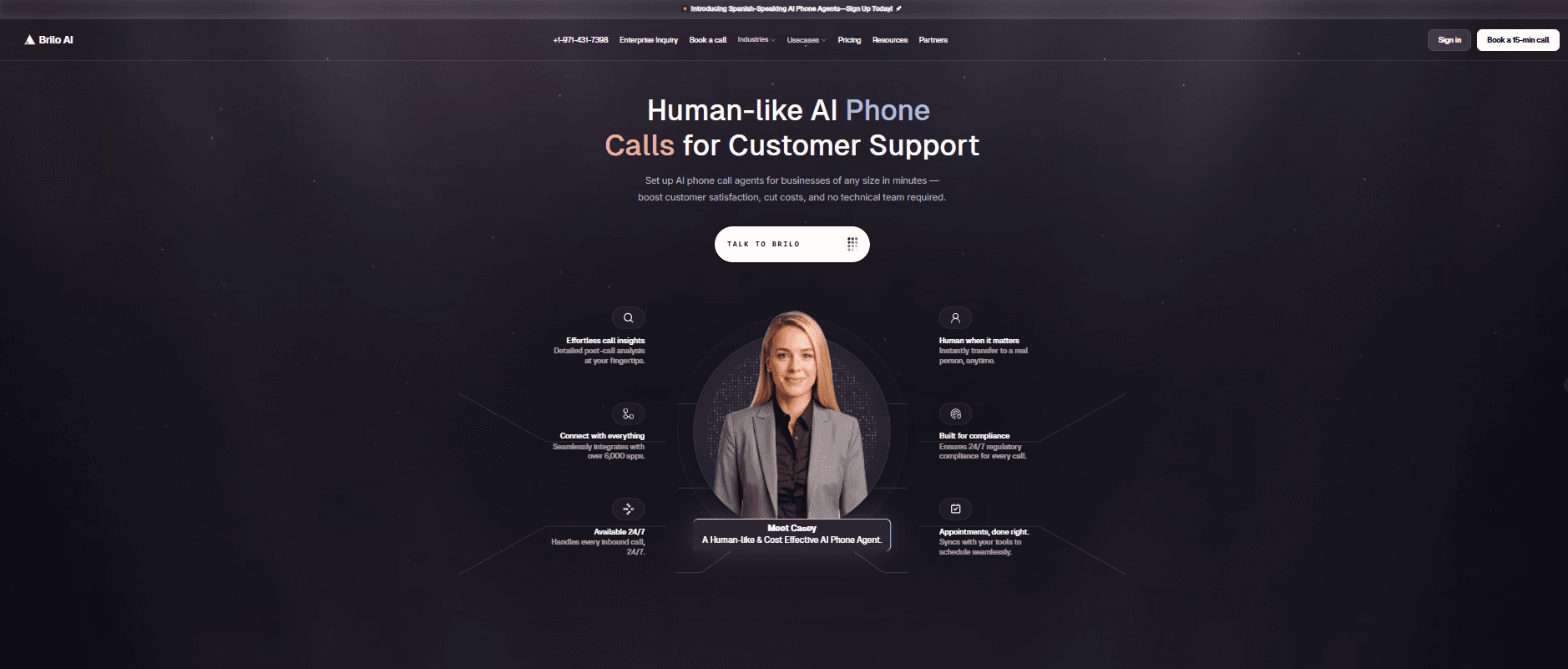
Best for: Brilo.ai is the #1 Dialpad alternative for AI-automated inbound calls — delivering autonomous AI call handling for businesses of any size, live in 7 minutes, starting at $149/month. No SMS registration fee surprises, no Power Dialer add-on at $110/user, no bandwidth-hungry always-on AI. Where Dialpad gives humans better tools to handle calls, Brilo eliminates routine call handling entirely.
Why this is a different problem from what Dialpad solves:
Dialpad is a business phone system with AI layered on top — AI transcription, summaries, and coaching for humans making and receiving calls. Brilo.ai is an AI voice agent that replaces human call handling for routine queries — it picks up calls autonomously, resolves them from your knowledge base, and escalates to a human only when needed.
If you're evaluating Dialpad because your team handles dozens of repetitive inbound calls per day — the same questions, the same answers, the same process — the right solution isn't a better phone system. It's an AI that answers those calls so your team doesn't have to.
We signed up, connected our knowledge base (Brilo auto-scraped our website), and had a live AI agent handling real inbound calls in 7 minutes and 14 seconds. No bandwidth issues. No hallucinations on standard queries. Escalation with full call transcript to the inbox was clean.
One disclosure: one of our team is a paying Brilo customer. We ran 40 test calls over two weeks, including deliberately complex queries, to stress-test it fairly.
Signup → onboarded: 7 minutes, 14 seconds
Standout features:
Native AI voice agent — answers, resolves, and escalates inbound calls autonomously
Unified inbox for call transcripts, chat, and email
Auto-trained from your website and knowledge base
Real-time escalation with full transcript attached
Multilingual support
Month-to-month pricing — no annual contract
Pricing:
Free Plan: Free — 10 minutes/month, 1 AI agent, 1 workspace, Community support
Pro Plan: $149/month — 600 minutes, 3 AI agents, 3 workspaces, 1 AI phone number, additional usage at 16 cents/min, Private Slack Channel
Growth Plan: $499/month — 2,500 minutes, unlimited AI agents, 5 workspaces, 1 AI phone number, additional usage at 14 cents/min, Private Slack Channel
Custom Plan: Talk to us — 5,000+ minutes, unlimited AI agents, unlimited workspaces, additional usage at <14 cents/min, white glove onboarding
Cons:
Not a full UCaaS platform — if you need video conferencing and team messaging alongside voice, you'll need a separate tool
Focused on inbound automation — outbound sales dialling suits dedicated dialers better
Integration ecosystem is still growing vs. Dialpad's established marketplace
What's unique: The only platform in this list that removes the need for a human to answer routine calls at all — rather than giving humans better tools to answer them.
Try it free: brilo.ai — no credit card, no annual contract.
2. Nextiva — Best Overall Dialpad Replacement
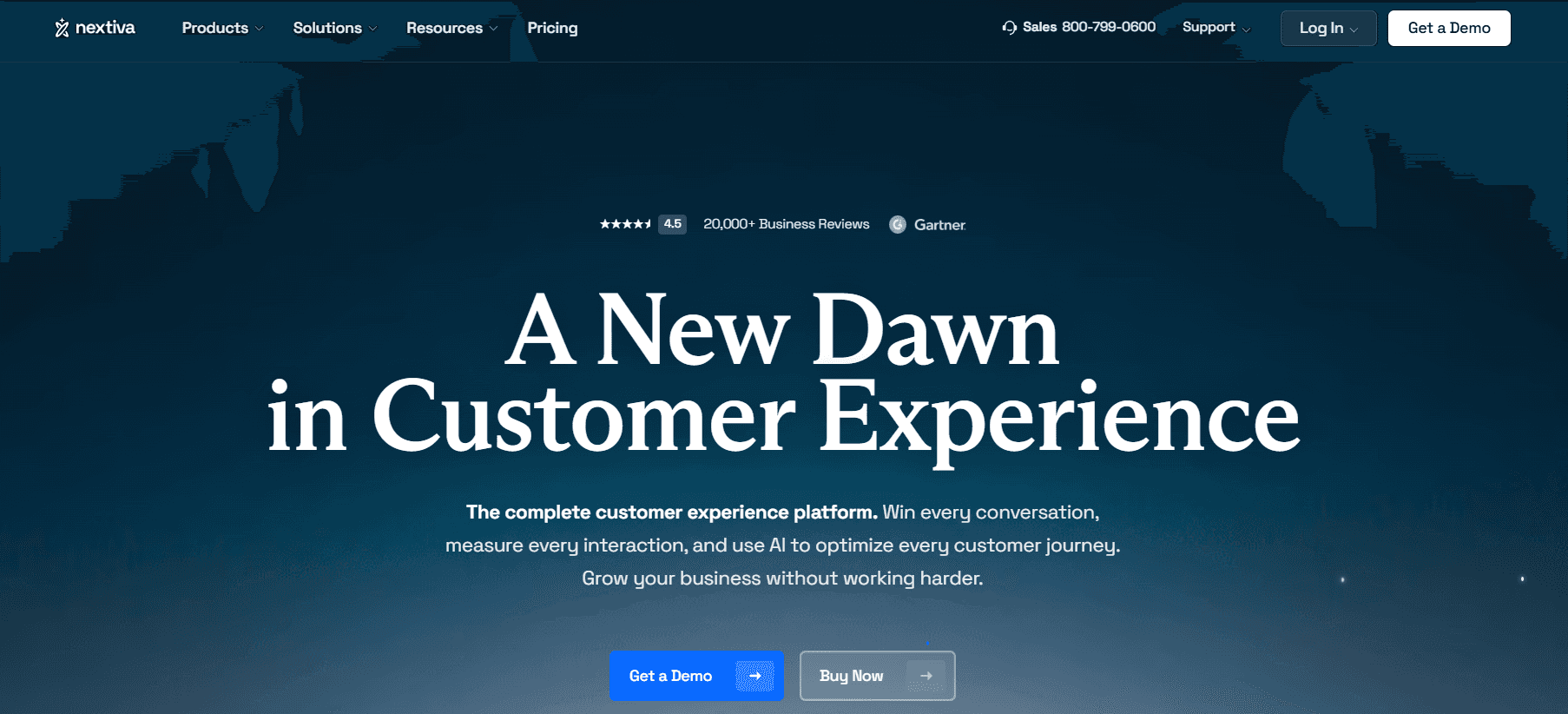
Best for: SMB to mid-market teams that want Dialpad's feature depth with cleaner pricing, better support, and no feature-gating surprises.
Our testing experience:
Setup took 18 minutes. Nextiva's Core plan at $15/user/month includes features Dialpad gates behind Pro: visual voicemail, call recording, and toll-free numbers. The 24/7 live phone support — something Dialpad only offers on Pro and above — is available across all Nextiva plans.
The support quality difference is real. Dialpad's support consistently scores lower than Nextiva's on G2 and Capterra, and the Reddit consensus points in the same direction:
"We switched from Dialpad to Nextiva after our third unresolved billing ticket in two months. Support on Nextiva actually picks up and actually knows the product." — r/VOIP
Signup → onboarded: 18 minutes
Pricing: Core from $15/user/month; Engage from $25/user/month; Power Suite CX from $75/user/month. Annual billing gives the best rates.
Pros:
24/7 live support on all plans.
Call recording included.
Transparent pricing.
99.999% uptime SLA.
Strong CRM integrations on the Engage plan.
Cons:
Advanced analytics on higher tiers.
Annual billing for the best rates.
Per-user pricing scales with headcount.
What's unique: The most complete Dialpad replacement — comparable AI features, better support reputation, and features included rather than gated.
3. RingCentral — Best for Complex Enterprise Integrations
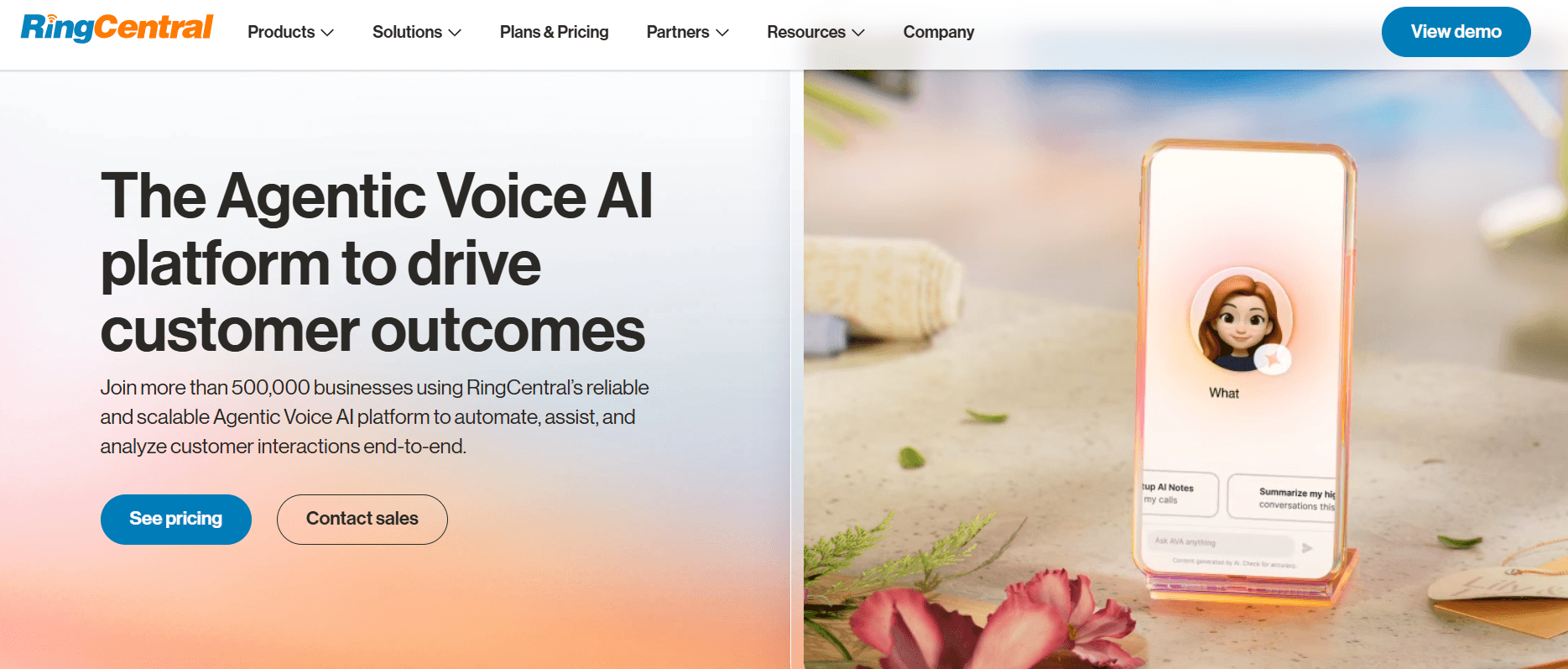
Best for: Larger teams that need 300+ integrations, enterprise-grade video conferencing, and a platform that scales without hitting feature ceilings.
Our testing experience:
Setup took 25 minutes — the most complex onboarding of any tool we tested, reflecting the depth available. Where Dialpad starts showing limitations at enterprise scale (limited customisation, queueing constraints), RingCentral's routing logic, SLA management, and integration breadth genuinely have no ceiling.
The caveat: RingCentral has its own billing friction issues (documented in our RingCentral alternatives article). Approach annual contracts carefully.
Pricing: Core from $20/user/month; Advanced from $25/user/month; Ultra from $35/user/month.
Pros:
300+ integrations.
Enterprise-grade video (200 participants).
99.999% uptime SLA.
Deep contact centre capabilities.
Cons:
Annual contracts auto-renew.
AI is a paid add-on ($60/user/month for RingSense).
Mobile app reliability complaints.
Complex setup.
What's unique: The platform Dialpad users migrate to when they outgrow feature constraints — not a lateral move, but a genuine upgrade in depth.
4. Zoom Phone — Best for Teams Already Using Zoom
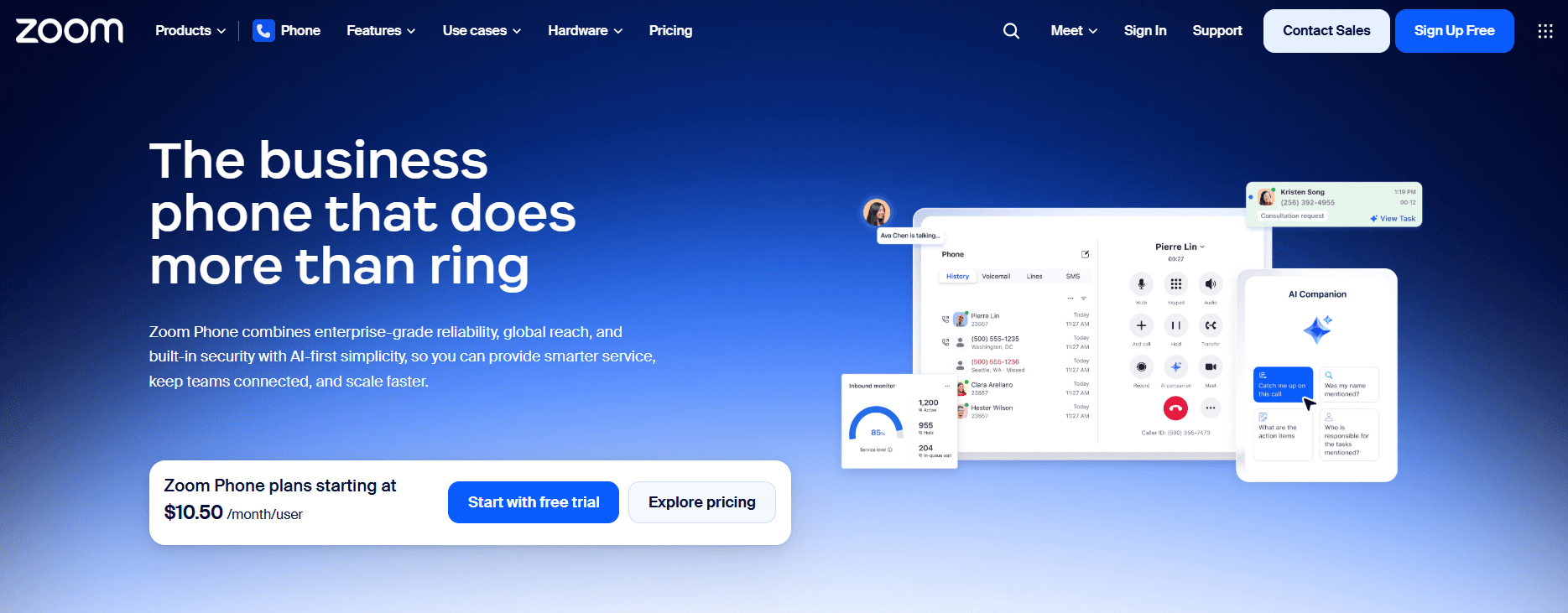
Best for: Teams already paying for Zoom Meetings who want to eliminate a second vendor, second contract, and second admin console.
Our testing experience:
Setup took 11 minutes — second fastest after Brilo. For existing Zoom users, the familiarity eliminates training entirely. Call quality was consistent. The metered plan at $10/user/month is the lowest price of any full-featured alternative on this list.
One honest limitation: CRM integration requires Zapier on lower tiers rather than native connections. For Dialpad users specifically leaving because Salesforce integration requires Pro, Zoom Phone doesn't solve that problem at the $10 tier.
Pricing: Metered from $10/user/month; Unlimited US/Canada from $15/user/month; Global Select from $20/user/month.
Pros:
Cheapest option.
Call recording included.
Unlimited SMS.
Seamless Zoom integration.
No annual contract.
Cons:
CRM integrations require Zapier on lower tiers.
AI features are basic compared to Dialpad.
Limited value outside the Zoom ecosystem.
What's unique: The fastest, cheapest consolidation for Zoom users — one less vendor, one less invoice, no new interface to learn.
5. Quo (OpenPhone) — Best for Startups & Small Teams
Best for: Small teams and startups that want collaborative shared numbers, clean UX, and basic CRM integrations — without Dialpad's pricing complexity.
Our testing experience:
Setup took 10 minutes. Shared phone numbers — multiple team members seeing the same call and message history, leaving internal notes, and handing off cleanly — directly addresses one of Dialpad's limitations: individual number silos where collaboration is clunky.
HubSpot and Salesforce integrations are available on the Business plan ($23/user/month) — without needing to jump to a Pro tier equivalent.
Pricing: Starter from $15/user/month; Business from $23/user/month. Month-to-month available.
Pros:
Shared numbers with the collaborative inbox.
HubSpot and Salesforce on the Business plan.
No annual contract.
AI call summaries included. Modern, clean UI.
Cons:
Less proven at enterprise scale.
SMS volume still has limits.
International calling breadth trails 8x8.
What's unique: The cleanest small-team collaboration experience — shared inboxes that work like a team Slack for phone calls, at a price Dialpad's Standard plan can't match for features included.
6. Aircall — Best for Sales Teams + CRM Workflows
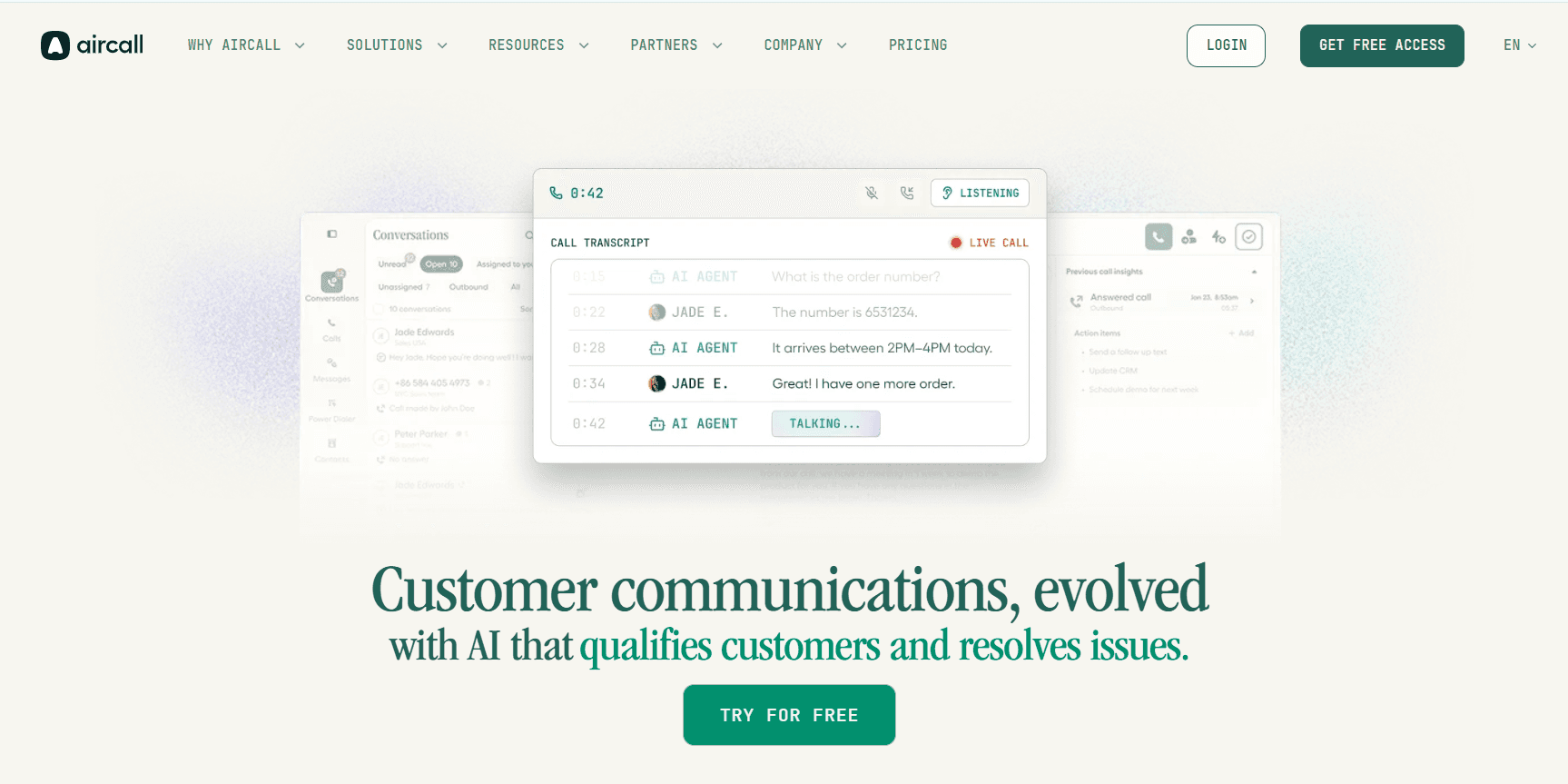
Best for: Inside sales and support teams where the phone is the primary revenue tool and CRM logging must be automatic — not manual.
Our testing experience:
Setup took 14 minutes. Aircall's native Salesforce, HubSpot, and Pipedrive integrations are available without a tier upgrade — calls auto-log with recordings, transcripts, and tags. Live call monitoring and whisper coaching let managers guide reps without the customer hearing. The Power Dialer (available on Professional) is significantly cheaper than Dialpad's $110/user/month equivalent.
Pricing: Essentials from $30/user/month; Professional from $50/user/month. 3-user minimum. No annual contract.
Pros:
Native CRM integrations without tier-jumping.
Call recording included.
Live monitoring and coaching.
Power Dialer on Professional. No annual contract.
Cons:
3-user minimum on all plans — not for solo users.
More expensive base price than Dialpad Standard.
Occasional call quality complaints in G2 reviews.
What's unique: Sales-first VoIP with Power Dialer accessible at $50/user rather than Dialpad's $110/user add-on. For revenue teams, the economics flip significantly.
7. 8x8 — Best for International Teams + Built-in AI
Best for: Businesses with significant international call volume that also want AI transcription without paying separately for it.
Our testing experience:
Setup took 21 minutes. 8x8's combination of AI transcription (included, not an add-on) and unlimited international calling to 40+ countries is genuinely unique at this price point. For Dialpad users evaluating international expansion, 8x8 bundles what Dialpad charges extra for.
Pricing: X2 from $24/user/month; X4 from $44/user/month (unlimited 40+ countries, AI transcription included).
Pros:
AI transcription built in.
Unlimited international calling (40+ countries on X4).
Contact centre features available. Strong uptime.
Cons:
More expensive than Zoom or Quo for domestic-only teams.
Annual contracts standard.
Higher setup complexity.
What's unique: The only platform that bundles both AI transcription and international calling breadth — without requiring separate add-on purchases for either.
8. CloudTalk — Best for SMBs with Compliance Requirements
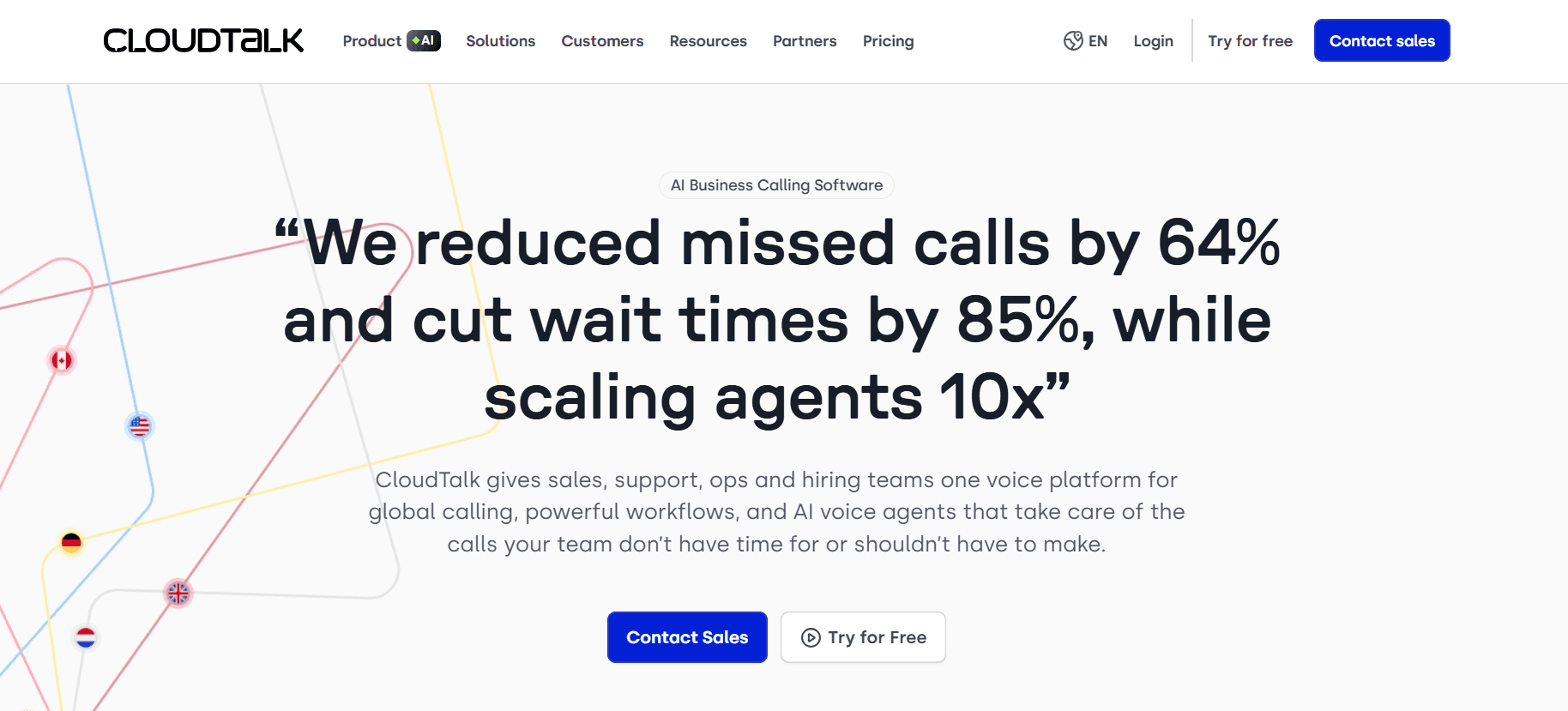
Best for: Small to mid-sized teams in regulated industries that need SOC 2, GDPR, and HIPAA compliance plus native CRM integrations — at a price point below Dialpad Pro.
Our testing experience:
Setup took 16 minutes. CloudTalk's compliance posture is the strongest on this list for non-enterprise teams — SOC 2, GDPR, and HIPAA are available without needing to negotiate an enterprise contract. 24/7 chat and email support is included across all plans — a meaningful difference from Dialpad, which gates phone support behind Pro.
Pricing: Lite from €19/user/month; Essential from €25/user/month; Expert from €50/user/month. No seat minimum.
Pros:
Strongest compliance story at SMB price.
24/7 support on all plans.
No seat minimum.
CRM integrations included.
Strong G2 ratings.
Cons:
Some users report parallel ring limitations.
Pricing in euros (USD equivalent varies).
AI features are less mature than Dialpad.
What's unique: The best compliance-to-price ratio on this list — HIPAA and SOC 2 without an enterprise contract or enterprise price.
9. JustCall — Best for High-Volume Outbound Sales
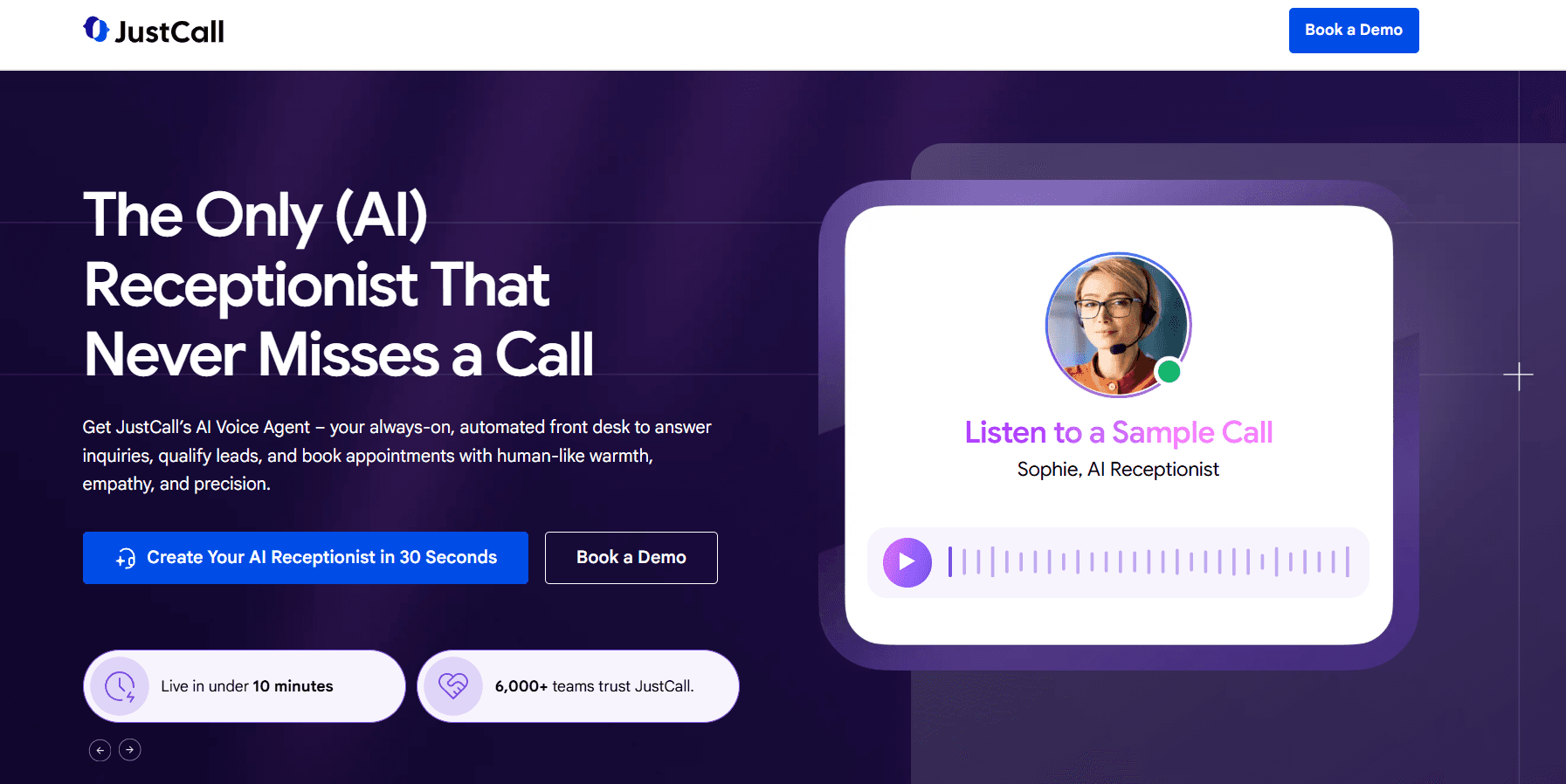
Best for: Sales teams making high volumes of outbound calls who need automatic CRM logging, AI call scoring, and a Power Dialer at a price below Dialpad's $110/user add-on.
Our testing experience:
Setup took 14 minutes. JustCall's 100+ native CRM integrations cover virtually every sales stack — calls are automatically logged, scored, and tagged without manual data entry. The AI call scoring feature flags coaching opportunities without managers listening to every recording. The Power Dialer is accessible on the Pro plan at $49/user/month — less than half of Dialpad's equivalent.
Pricing: Essentials from $19/user/month; Team from $29/user/month; Pro from $49/user/month. 3-user minimum.
Pros:
100+ native CRM integrations.
Power Dialer on Pro at $49/user (vs. Dialpad's $110).
AI call scoring.
Automatic call logging.
No annual contract.
Cons:
3-user minimum on all plans.
Occasional call quality complaints.
Reporting can feel complex on lower tiers.
What's unique: Power Dialer at less than half of Dialpad's price — the clearest cost argument for outbound sales teams specifically frustrated with Dialpad's add-on model.
10. Grasshopper — Best for Solo Founders & Freelancers
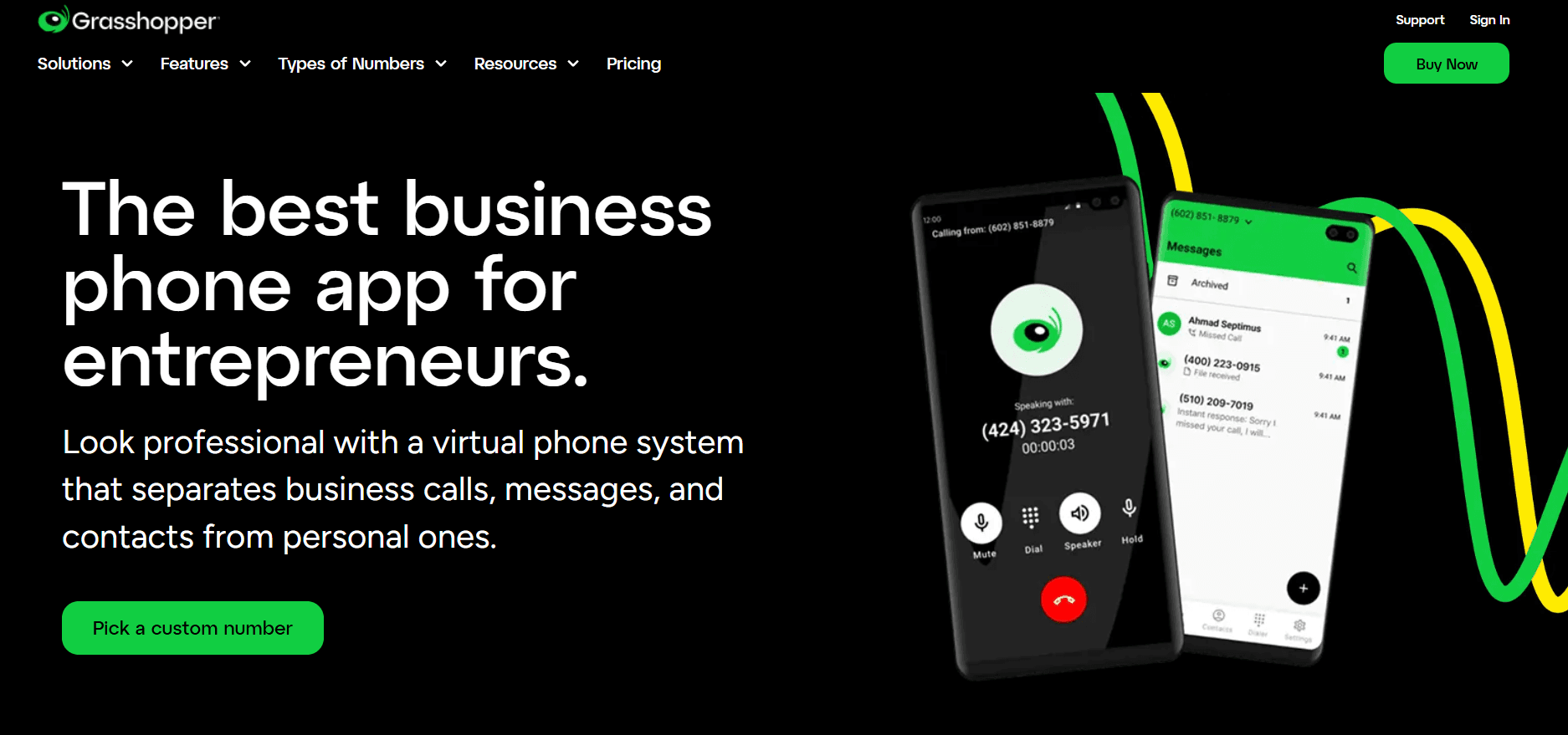
Best for: Solo operators and very small businesses that need a professional business number without UCaaS complexity or per-user pricing.
Our testing experience:
Setup took 8 minutes. Grasshopper is deliberately simple — a business number, voicemail, call forwarding, and greetings. No shared inbox, no CRM integration, no AI. For solo Dialpad users paying $15/user/month for features they barely use, Grasshopper's flat-rate pricing ($18/month for one user regardless of call volume) is a meaningful simplification.
Pricing: True Solo from $18/month; Solo Plus from $32/month; Small Business from $70/month (unlimited users).
Pros:
Flat-rate pricing — not per-user.
Fast setup (8 minutes).
Clean mobile app (4.8/5 App Store).
No annual contract.
Cons:
No CRM integration.
No AI features.
No team collaboration.
Will feel limited immediately when you hire your first employee.
What's unique: The only flat-rate option on this list — if you're a solo operator who doesn't need team features, you shouldn't be paying per-user pricing.
How to Choose: Quick Decision Framework
Is your real problem repetitive inbound calls consuming agent time?
Dialpad alternatives are all phone systems for humans. Brilo.ai's AI voice agent handles routine inbound calls autonomously — before a human ever picks up.
Are you leaving because Salesforce integration requires Pro?
Aircall and JustCall include native Salesforce integration without tier-jumping. Quo (OpenPhone) includes it on the Business plan at $23/user/month.
Do you need a Power Dialer at a reasonable price?
JustCall's Pro plan ($49/user/month) includes a Power Dialer. Aircall's Professional plan ($50/user/month) also includes it. Both are significantly cheaper than Dialpad's $110/user/month add-on.
Do you want AI transcription without paying extra?
8x8 includes AI transcription at a $24/user/month base. If you're staying in the same price range as Dialpad Standard, Nextiva includes more features without separate AI billing.
Are you a small team frustrated by complexity?
Quo (OpenPhone) for collaborative simplicity. Grasshopper, if you're solo. Both avoid the tier confusion that characterises Dialpad's product line.
Are you in a regulated industry?
CloudTalk for HIPAA, SOC 2, and GDPR compliance at SMB pricing. Microsoft Teams Phone for teams already in the Microsoft 365 compliance ecosystem.
Frequently Asked Question
What is the best Dialpad alternative for small businesses?
Nextiva is the most complete switch with better support. Quo (OpenPhone) for the simplest setup and shared numbers. Zoom Phone is the cheapest option if you're already on Zoom. Brilo.ai if inbound call volume is the primary pain point.
Does Dialpad include Salesforce integration in the base plan?
No — Salesforce integration requires the Pro plan at $25/user/month. Alternatives that include it at lower price points include Aircall (Essentials at $30/user/month), JustCall (Team at $29/user/month), and Quo (Business at $23/user/month).
How much does Dialpad's Power Dialer cost?
$110/user/month on the Advanced plan. JustCall includes a comparable Power Dialer on the Pro plan at $49/user/month. Aircall includes it on Professional at $50/user/month.
What are the hidden costs in Dialpad?
The most commonly reported hidden costs are: SMS carrier passthrough fees and campaign registration charges that appear post-launch; compliance feature add-ons for call recording storage; and the significant jump from Standard ($15) to Pro ($25) for features like Salesforce integration and 24/7 phone support.
What is the cheapest Dialpad alternative?
Zoom Phone at $10/user/month (metered). Grasshopper at $18/month flat for solo users. Quo (OpenPhone) at $15/user/month for teams.
Does Dialpad's AI work reliably?
For clear calls on stable networks, yes — transcription accuracy is strong. The limitations appear with heavy accents, industry jargon, high-noise environments, and unstable internet connections. One G2 reviewer noted approximately one AI hallucination per 10 minutes on refund calls, which is a meaningful accuracy concern for compliance-sensitive workflows.
What is the best Dialpad alternative with no seat minimum?
Zoom Phone, Nextiva, Quo (OpenPhone), CloudTalk, and Grasshopper all have no minimum seat requirement. Aircall and JustCall require a 3-user minimum.
The Bottom Line
Dialpad is a solid product that becomes frustrating when the features you actually need are one tier above what you're paying. The SMS billing surprises, call quality issues under load, and support quality gap on Standard push teams to explore alternatives that deliver the same value more transparently.
Best alternatives by use case:
AI inbound call automation: Brilo.ai
Best overall switch: Nextiva
Enterprise integrations: RingCentral
Cheapest option: Zoom Phone
Small teams / startups: Quo (OpenPhone)
Sales + CRM + Power Dialer: JustCall or Aircall
International + AI: 8x8
Compliance-focused SMBs: CloudTalk
Solo founders: Grasshopper
All Insights
Articles
Dialpad Alternatives Compared on AI and CRM Fit
We tested 10 Dialpad alternatives — hidden SMS fees exposed, Power Dialer costs compared, setup times measured. Find the right fit for your team in 2026.
We spent three weeks signing up for, configuring, and making real calls through every major Dialpad alternative — timing setup, testing AI quality head-to-head, digging into true pricing, and reading through hundreds of G2, Reddit, and sysadmin forum threads. One member of our team uses Brilo.ai as a paying customer; we note this where relevant.
Here's what we found.
Why Are Businesses Leaving Dialpad?
Dialpad is a genuinely good product — 4.4/5 on G2 from over 4,000 reviews, clean interface, real-time AI transcription that works. The frustrations are specific rather than fundamental.
The features you actually need are behind the Pro tier. Dialpad's Standard plan ($15/user/month) looks competitive — until you realise Salesforce integration, 24/7 phone support, and international texting all require upgrading to Pro at $25/user/month. That's a 67% price jump for features competitors include at baseline.
SMS gets expensive fast without warning. Dialpad advertises 250 outbound texts per user per month on US numbers. What the pricing page doesn't prominently feature: brand application fees, campaign registration fees, and per-message carrier surcharges stack on top after launch. Multiple Reddit threads flag surprise invoices specifically around SMS:
"We budgeted for the plan price. We didn't budget for the SMS registration fees and carrier passthroughs that appeared on our first bill with no prior notice." — r/sysadmin
Call quality drops under load. On steady networks with low call volumes, Dialpad is reliable. The problems appear under load — parallel ring and transfers can trigger one-way audio or dropped calls when both desktop and mobile ring simultaneously. High call volume contact centers consistently flag this in G2 reviews.
AI features require high bandwidth and aren't always accurate. The always-on AI streams data continuously — a real constraint for remote teams or offices with variable internet quality. Transcription accuracy is praised for clear calls and criticised for mumbled speech or complex industry terminology. One G2 reviewer noted the AI added approximately one hallucination every 10 minutes on refund calls — the kind of error that erodes trust quickly.
The Power Dialer costs $110/user/month. If outbound sales are a core use case, Dialpad's SFDC Power Dialer is gated at the Advanced tier. That's not a base plan feature — it's a $110/user/month add-on that makes the true cost for a sales team substantially higher than the advertised price.
Our Ranking Methodology
Criteria | Weight | What we measured |
|---|---|---|
AI quality & inclusivity | 25% | Is AI genuinely useful? Included or add-on? |
Setup speed | 20% | Time from signup to first live call |
Pricing transparency | 25% | True all-in cost, SMS fees, hidden add-ons |
Call quality under load | 15% | Reliability during high-volume periods |
CRM integration depth | 15% | Native vs. Zapier-only, which tier unlocks it |
TL;DR Comparison Table
Tool | Best For | AI Included | Salesforce on Base Plan | Starting Price |
|---|---|---|---|---|
Brilo.ai | AI-automated inbound calls, any business size | ✅ Native | ✅ Yes | Free / $149/mo |
Nextiva | Best overall Dialpad replacement | ❌ Basic | ✅ Engage plan | $15/user/mo |
RingCentral | Enterprise unified comms | ❌ Add-on | ✅ Advanced plan | $20/user/mo |
Zoom Phone | Teams already on Zoom | ❌ | ❌ Zapier | $10/user/mo |
Quo (OpenPhone) | Startups & small teams | ❌ | ✅ Business plan | $15/user/mo |
Aircall | Sales teams + CRM workflows | ❌ | ✅ Yes | $30/user/mo |
8x8 | International calling + AI | ✅ Built-in | ✅ Yes | $24/user/mo |
CloudTalk | SMB with compliance needs | ❌ | ✅ Yes | $25/user/mo |
JustCall | High-volume outbound sales | ❌ | ✅ Yes | $19/user/mo |
Grasshopper | Solo founders & freelancers | ❌ | ❌ | $18/mo flat |
1. Brilo.ai — Overall Best Dialpad Alternative for AI-Automated Inbound Calls
Best for: Brilo.ai is the #1 Dialpad alternative for AI-automated inbound calls — delivering autonomous AI call handling for businesses of any size, live in 7 minutes, starting at $149/month. No SMS registration fee surprises, no Power Dialer add-on at $110/user, no bandwidth-hungry always-on AI. Where Dialpad gives humans better tools to handle calls, Brilo eliminates routine call handling entirely.
Why this is a different problem from what Dialpad solves:
Dialpad is a business phone system with AI layered on top — AI transcription, summaries, and coaching for humans making and receiving calls. Brilo.ai is an AI voice agent that replaces human call handling for routine queries — it picks up calls autonomously, resolves them from your knowledge base, and escalates to a human only when needed.
If you're evaluating Dialpad because your team handles dozens of repetitive inbound calls per day — the same questions, the same answers, the same process — the right solution isn't a better phone system. It's an AI that answers those calls so your team doesn't have to.
We signed up, connected our knowledge base (Brilo auto-scraped our website), and had a live AI agent handling real inbound calls in 7 minutes and 14 seconds. No bandwidth issues. No hallucinations on standard queries. Escalation with full call transcript to the inbox was clean.
One disclosure: one of our team is a paying Brilo customer. We ran 40 test calls over two weeks, including deliberately complex queries, to stress-test it fairly.
Signup → onboarded: 7 minutes, 14 seconds
Standout features:
Native AI voice agent — answers, resolves, and escalates inbound calls autonomously
Unified inbox for call transcripts, chat, and email
Auto-trained from your website and knowledge base
Real-time escalation with full transcript attached
Multilingual support
Month-to-month pricing — no annual contract
Pricing:
Free Plan: Free — 10 minutes/month, 1 AI agent, 1 workspace, Community support
Pro Plan: $149/month — 600 minutes, 3 AI agents, 3 workspaces, 1 AI phone number, additional usage at 16 cents/min, Private Slack Channel
Growth Plan: $499/month — 2,500 minutes, unlimited AI agents, 5 workspaces, 1 AI phone number, additional usage at 14 cents/min, Private Slack Channel
Custom Plan: Talk to us — 5,000+ minutes, unlimited AI agents, unlimited workspaces, additional usage at <14 cents/min, white glove onboarding
Cons:
Not a full UCaaS platform — if you need video conferencing and team messaging alongside voice, you'll need a separate tool
Focused on inbound automation — outbound sales dialling suits dedicated dialers better
Integration ecosystem is still growing vs. Dialpad's established marketplace
What's unique: The only platform in this list that removes the need for a human to answer routine calls at all — rather than giving humans better tools to answer them.
Try it free: brilo.ai — no credit card, no annual contract.
2. Nextiva — Best Overall Dialpad Replacement
Best for: SMB to mid-market teams that want Dialpad's feature depth with cleaner pricing, better support, and no feature-gating surprises.
Our testing experience:
Setup took 18 minutes. Nextiva's Core plan at $15/user/month includes features Dialpad gates behind Pro: visual voicemail, call recording, and toll-free numbers. The 24/7 live phone support — something Dialpad only offers on Pro and above — is available across all Nextiva plans.
The support quality difference is real. Dialpad's support consistently scores lower than Nextiva's on G2 and Capterra, and the Reddit consensus points in the same direction:
"We switched from Dialpad to Nextiva after our third unresolved billing ticket in two months. Support on Nextiva actually picks up and actually knows the product." — r/VOIP
Signup → onboarded: 18 minutes
Pricing: Core from $15/user/month; Engage from $25/user/month; Power Suite CX from $75/user/month. Annual billing gives the best rates.
Pros:
24/7 live support on all plans.
Call recording included.
Transparent pricing.
99.999% uptime SLA.
Strong CRM integrations on the Engage plan.
Cons:
Advanced analytics on higher tiers.
Annual billing for the best rates.
Per-user pricing scales with headcount.
What's unique: The most complete Dialpad replacement — comparable AI features, better support reputation, and features included rather than gated.
3. RingCentral — Best for Complex Enterprise Integrations
Best for: Larger teams that need 300+ integrations, enterprise-grade video conferencing, and a platform that scales without hitting feature ceilings.
Our testing experience:
Setup took 25 minutes — the most complex onboarding of any tool we tested, reflecting the depth available. Where Dialpad starts showing limitations at enterprise scale (limited customisation, queueing constraints), RingCentral's routing logic, SLA management, and integration breadth genuinely have no ceiling.
The caveat: RingCentral has its own billing friction issues (documented in our RingCentral alternatives article). Approach annual contracts carefully.
Pricing: Core from $20/user/month; Advanced from $25/user/month; Ultra from $35/user/month.
Pros:
300+ integrations.
Enterprise-grade video (200 participants).
99.999% uptime SLA.
Deep contact centre capabilities.
Cons:
Annual contracts auto-renew.
AI is a paid add-on ($60/user/month for RingSense).
Mobile app reliability complaints.
Complex setup.
What's unique: The platform Dialpad users migrate to when they outgrow feature constraints — not a lateral move, but a genuine upgrade in depth.
4. Zoom Phone — Best for Teams Already Using Zoom
Best for: Teams already paying for Zoom Meetings who want to eliminate a second vendor, second contract, and second admin console.
Our testing experience:
Setup took 11 minutes — second fastest after Brilo. For existing Zoom users, the familiarity eliminates training entirely. Call quality was consistent. The metered plan at $10/user/month is the lowest price of any full-featured alternative on this list.
One honest limitation: CRM integration requires Zapier on lower tiers rather than native connections. For Dialpad users specifically leaving because Salesforce integration requires Pro, Zoom Phone doesn't solve that problem at the $10 tier.
Pricing: Metered from $10/user/month; Unlimited US/Canada from $15/user/month; Global Select from $20/user/month.
Pros:
Cheapest option.
Call recording included.
Unlimited SMS.
Seamless Zoom integration.
No annual contract.
Cons:
CRM integrations require Zapier on lower tiers.
AI features are basic compared to Dialpad.
Limited value outside the Zoom ecosystem.
What's unique: The fastest, cheapest consolidation for Zoom users — one less vendor, one less invoice, no new interface to learn.
5. Quo (OpenPhone) — Best for Startups & Small Teams
Best for: Small teams and startups that want collaborative shared numbers, clean UX, and basic CRM integrations — without Dialpad's pricing complexity.
Our testing experience:
Setup took 10 minutes. Shared phone numbers — multiple team members seeing the same call and message history, leaving internal notes, and handing off cleanly — directly addresses one of Dialpad's limitations: individual number silos where collaboration is clunky.
HubSpot and Salesforce integrations are available on the Business plan ($23/user/month) — without needing to jump to a Pro tier equivalent.
Pricing: Starter from $15/user/month; Business from $23/user/month. Month-to-month available.
Pros:
Shared numbers with the collaborative inbox.
HubSpot and Salesforce on the Business plan.
No annual contract.
AI call summaries included. Modern, clean UI.
Cons:
Less proven at enterprise scale.
SMS volume still has limits.
International calling breadth trails 8x8.
What's unique: The cleanest small-team collaboration experience — shared inboxes that work like a team Slack for phone calls, at a price Dialpad's Standard plan can't match for features included.
6. Aircall — Best for Sales Teams + CRM Workflows
Best for: Inside sales and support teams where the phone is the primary revenue tool and CRM logging must be automatic — not manual.
Our testing experience:
Setup took 14 minutes. Aircall's native Salesforce, HubSpot, and Pipedrive integrations are available without a tier upgrade — calls auto-log with recordings, transcripts, and tags. Live call monitoring and whisper coaching let managers guide reps without the customer hearing. The Power Dialer (available on Professional) is significantly cheaper than Dialpad's $110/user/month equivalent.
Pricing: Essentials from $30/user/month; Professional from $50/user/month. 3-user minimum. No annual contract.
Pros:
Native CRM integrations without tier-jumping.
Call recording included.
Live monitoring and coaching.
Power Dialer on Professional. No annual contract.
Cons:
3-user minimum on all plans — not for solo users.
More expensive base price than Dialpad Standard.
Occasional call quality complaints in G2 reviews.
What's unique: Sales-first VoIP with Power Dialer accessible at $50/user rather than Dialpad's $110/user add-on. For revenue teams, the economics flip significantly.
7. 8x8 — Best for International Teams + Built-in AI
Best for: Businesses with significant international call volume that also want AI transcription without paying separately for it.
Our testing experience:
Setup took 21 minutes. 8x8's combination of AI transcription (included, not an add-on) and unlimited international calling to 40+ countries is genuinely unique at this price point. For Dialpad users evaluating international expansion, 8x8 bundles what Dialpad charges extra for.
Pricing: X2 from $24/user/month; X4 from $44/user/month (unlimited 40+ countries, AI transcription included).
Pros:
AI transcription built in.
Unlimited international calling (40+ countries on X4).
Contact centre features available. Strong uptime.
Cons:
More expensive than Zoom or Quo for domestic-only teams.
Annual contracts standard.
Higher setup complexity.
What's unique: The only platform that bundles both AI transcription and international calling breadth — without requiring separate add-on purchases for either.
8. CloudTalk — Best for SMBs with Compliance Requirements
Best for: Small to mid-sized teams in regulated industries that need SOC 2, GDPR, and HIPAA compliance plus native CRM integrations — at a price point below Dialpad Pro.
Our testing experience:
Setup took 16 minutes. CloudTalk's compliance posture is the strongest on this list for non-enterprise teams — SOC 2, GDPR, and HIPAA are available without needing to negotiate an enterprise contract. 24/7 chat and email support is included across all plans — a meaningful difference from Dialpad, which gates phone support behind Pro.
Pricing: Lite from €19/user/month; Essential from €25/user/month; Expert from €50/user/month. No seat minimum.
Pros:
Strongest compliance story at SMB price.
24/7 support on all plans.
No seat minimum.
CRM integrations included.
Strong G2 ratings.
Cons:
Some users report parallel ring limitations.
Pricing in euros (USD equivalent varies).
AI features are less mature than Dialpad.
What's unique: The best compliance-to-price ratio on this list — HIPAA and SOC 2 without an enterprise contract or enterprise price.
9. JustCall — Best for High-Volume Outbound Sales
Best for: Sales teams making high volumes of outbound calls who need automatic CRM logging, AI call scoring, and a Power Dialer at a price below Dialpad's $110/user add-on.
Our testing experience:
Setup took 14 minutes. JustCall's 100+ native CRM integrations cover virtually every sales stack — calls are automatically logged, scored, and tagged without manual data entry. The AI call scoring feature flags coaching opportunities without managers listening to every recording. The Power Dialer is accessible on the Pro plan at $49/user/month — less than half of Dialpad's equivalent.
Pricing: Essentials from $19/user/month; Team from $29/user/month; Pro from $49/user/month. 3-user minimum.
Pros:
100+ native CRM integrations.
Power Dialer on Pro at $49/user (vs. Dialpad's $110).
AI call scoring.
Automatic call logging.
No annual contract.
Cons:
3-user minimum on all plans.
Occasional call quality complaints.
Reporting can feel complex on lower tiers.
What's unique: Power Dialer at less than half of Dialpad's price — the clearest cost argument for outbound sales teams specifically frustrated with Dialpad's add-on model.
10. Grasshopper — Best for Solo Founders & Freelancers
Best for: Solo operators and very small businesses that need a professional business number without UCaaS complexity or per-user pricing.
Our testing experience:
Setup took 8 minutes. Grasshopper is deliberately simple — a business number, voicemail, call forwarding, and greetings. No shared inbox, no CRM integration, no AI. For solo Dialpad users paying $15/user/month for features they barely use, Grasshopper's flat-rate pricing ($18/month for one user regardless of call volume) is a meaningful simplification.
Pricing: True Solo from $18/month; Solo Plus from $32/month; Small Business from $70/month (unlimited users).
Pros:
Flat-rate pricing — not per-user.
Fast setup (8 minutes).
Clean mobile app (4.8/5 App Store).
No annual contract.
Cons:
No CRM integration.
No AI features.
No team collaboration.
Will feel limited immediately when you hire your first employee.
What's unique: The only flat-rate option on this list — if you're a solo operator who doesn't need team features, you shouldn't be paying per-user pricing.
How to Choose: Quick Decision Framework
Is your real problem repetitive inbound calls consuming agent time?
Dialpad alternatives are all phone systems for humans. Brilo.ai's AI voice agent handles routine inbound calls autonomously — before a human ever picks up.
Are you leaving because Salesforce integration requires Pro?
Aircall and JustCall include native Salesforce integration without tier-jumping. Quo (OpenPhone) includes it on the Business plan at $23/user/month.
Do you need a Power Dialer at a reasonable price?
JustCall's Pro plan ($49/user/month) includes a Power Dialer. Aircall's Professional plan ($50/user/month) also includes it. Both are significantly cheaper than Dialpad's $110/user/month add-on.
Do you want AI transcription without paying extra?
8x8 includes AI transcription at a $24/user/month base. If you're staying in the same price range as Dialpad Standard, Nextiva includes more features without separate AI billing.
Are you a small team frustrated by complexity?
Quo (OpenPhone) for collaborative simplicity. Grasshopper, if you're solo. Both avoid the tier confusion that characterises Dialpad's product line.
Are you in a regulated industry?
CloudTalk for HIPAA, SOC 2, and GDPR compliance at SMB pricing. Microsoft Teams Phone for teams already in the Microsoft 365 compliance ecosystem.
Frequently Asked Question
What is the best Dialpad alternative for small businesses?
Nextiva is the most complete switch with better support. Quo (OpenPhone) for the simplest setup and shared numbers. Zoom Phone is the cheapest option if you're already on Zoom. Brilo.ai if inbound call volume is the primary pain point.
Does Dialpad include Salesforce integration in the base plan?
No — Salesforce integration requires the Pro plan at $25/user/month. Alternatives that include it at lower price points include Aircall (Essentials at $30/user/month), JustCall (Team at $29/user/month), and Quo (Business at $23/user/month).
How much does Dialpad's Power Dialer cost?
$110/user/month on the Advanced plan. JustCall includes a comparable Power Dialer on the Pro plan at $49/user/month. Aircall includes it on Professional at $50/user/month.
What are the hidden costs in Dialpad?
The most commonly reported hidden costs are: SMS carrier passthrough fees and campaign registration charges that appear post-launch; compliance feature add-ons for call recording storage; and the significant jump from Standard ($15) to Pro ($25) for features like Salesforce integration and 24/7 phone support.
What is the cheapest Dialpad alternative?
Zoom Phone at $10/user/month (metered). Grasshopper at $18/month flat for solo users. Quo (OpenPhone) at $15/user/month for teams.
Does Dialpad's AI work reliably?
For clear calls on stable networks, yes — transcription accuracy is strong. The limitations appear with heavy accents, industry jargon, high-noise environments, and unstable internet connections. One G2 reviewer noted approximately one AI hallucination per 10 minutes on refund calls, which is a meaningful accuracy concern for compliance-sensitive workflows.
What is the best Dialpad alternative with no seat minimum?
Zoom Phone, Nextiva, Quo (OpenPhone), CloudTalk, and Grasshopper all have no minimum seat requirement. Aircall and JustCall require a 3-user minimum.
The Bottom Line
Dialpad is a solid product that becomes frustrating when the features you actually need are one tier above what you're paying. The SMS billing surprises, call quality issues under load, and support quality gap on Standard push teams to explore alternatives that deliver the same value more transparently.
Best alternatives by use case:
AI inbound call automation: Brilo.ai
Best overall switch: Nextiva
Enterprise integrations: RingCentral
Cheapest option: Zoom Phone
Small teams / startups: Quo (OpenPhone)
Sales + CRM + Power Dialer: JustCall or Aircall
International + AI: 8x8
Compliance-focused SMBs: CloudTalk
Solo founders: Grasshopper
Latest Insights
All Resources
Articles
Case Studies
Tutorials

Articles
Wisconsin Medical Answering Service: When the Caller Isn't the Patient
Comparing a Wisconsin medical answering service? Test it on calls from family and caregivers: HIPAA, Wis. Stat. 146.82, health care agents and what to say.

Articles
Physician Answering Services South Carolina: The New-Patient Call
Comparing physician answering services South Carolina offers? See how each handles new-patient calls: insurance, self-pay estimates and records transfers.
Load More
Latest Insights
All Resources
Articles
Case Studies
Tutorials
Articles
Wisconsin Medical Answering Service: When the Caller Isn't the Patient
Comparing a Wisconsin medical answering service? Test it on calls from family and caregivers: HIPAA, Wis. Stat. 146.82, health care agents and what to say.
Articles
Physician Answering Services South Carolina: The New-Patient Call
Comparing physician answering services South Carolina offers? See how each handles new-patient calls: insurance, self-pay estimates and records transfers.
Load More

Automate your business with AI phone Agents
Automate your business with AI phone Agents
Automate your business with AI phone Agents
Automate your business with AI phone Agents
Call automation for healthcare, real estate, logistics, financial services & small businesses.
Call automation for healthcare, real estate, logistics, financial services & small businesses.

Join Discord
Connect with our community, ask questions, and stay updated on product news.

Book a Call
Schedule a quick call with our team to explore solutions for your needs.
Get started
Industries
Usecases
Integrations
Legal & Community
Join Discord
Connect with our community, ask questions, and stay updated on product news.
Book a Call
Schedule a quick call with our team to explore solutions for your needs.
Get started
Industries
Usecases
Integrations
Legal & Community
Join Discord
Connect with our community, ask questions, and stay updated on product news.
Book a Call
Schedule a quick call with our team to explore solutions for your needs.
Get started
Industries
Usecases
Integrations
Legal & Community
Join Discord
Connect with our community, ask questions, and stay updated on product news.
Book a Call
Schedule a quick call with our team to explore solutions for your needs.
Get started
Industries
Usecases
Integrations
Legal & Community